

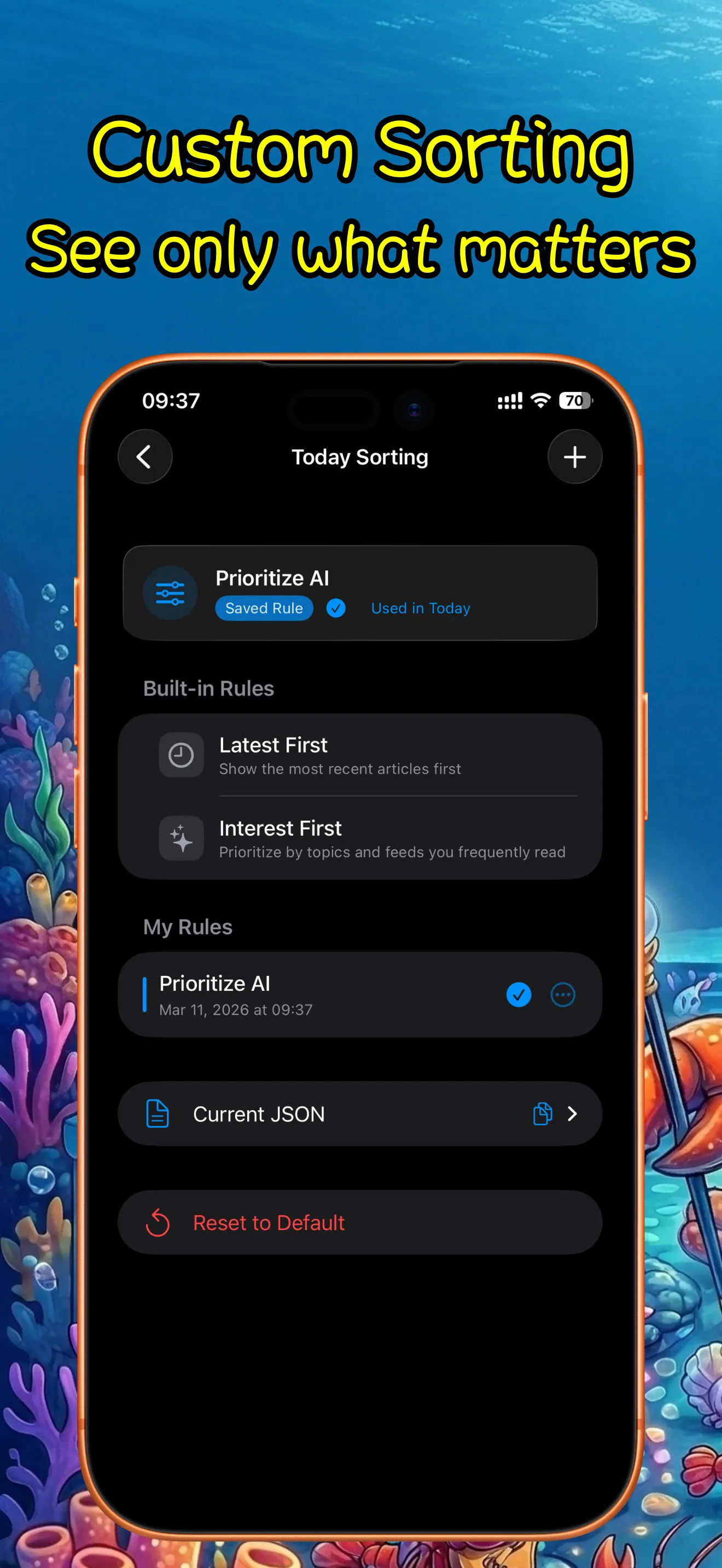
Smarter Today feed sorting
Back to apps

iPhone iPad
ClawRSS: OpenClaw RSS Feed Reader
ClawRSS is a modern RSS feed reader for iPhone and iPad with a smarter Today feed, AI summaries, built-in translation, bookmarks, Apple Push alerts, and optional OpenClaw workflows.
First published · 2026-03-12
Last updated · 2026-03-12
SCREENSHOTS
SCREENSHOTS
FEATURES
FEATURES
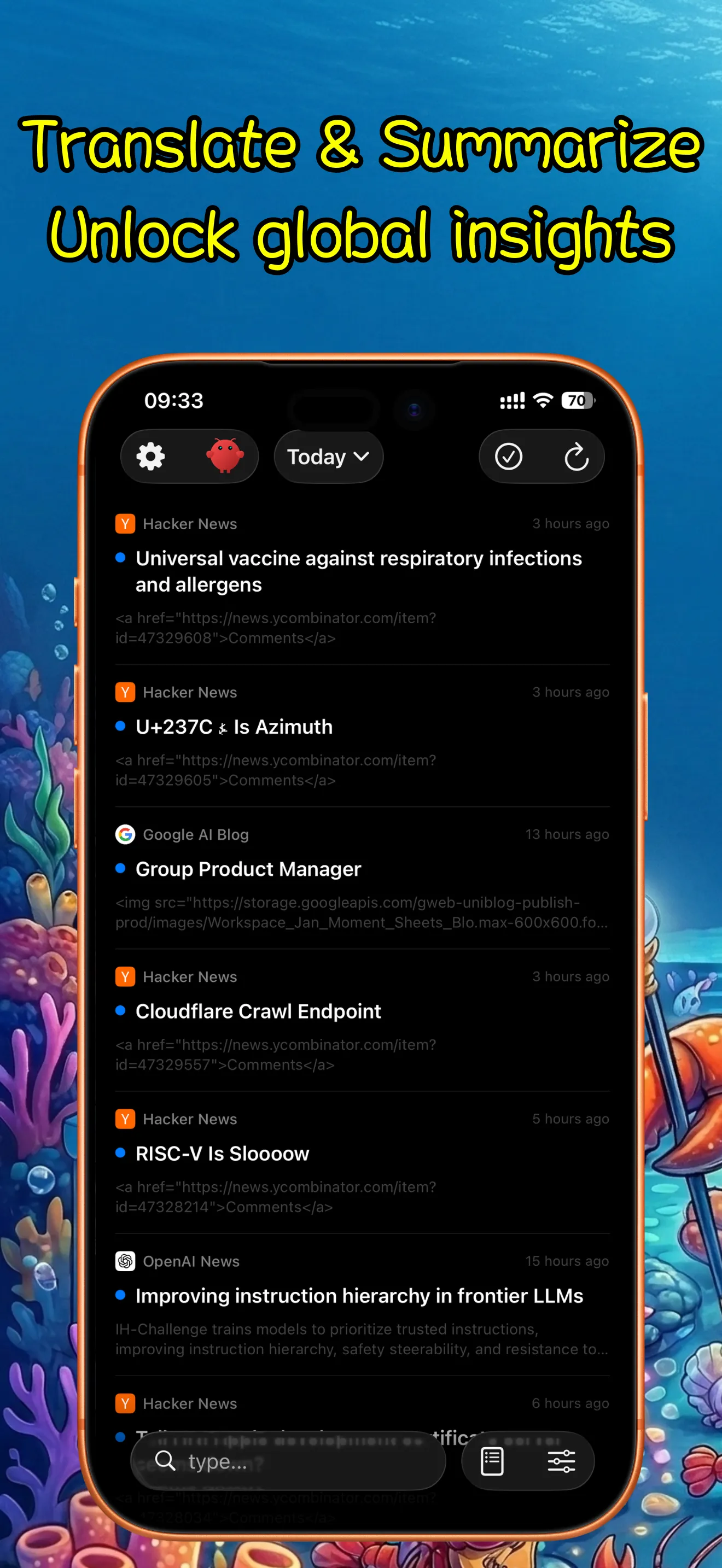
AI summaries for faster reading
Built-in translation for articles
RSS subscriptions, bookmarks, and read-later flow
Apple Push alerts
Optional OpenClaw sync and advanced workflows
FAQ
FAQ
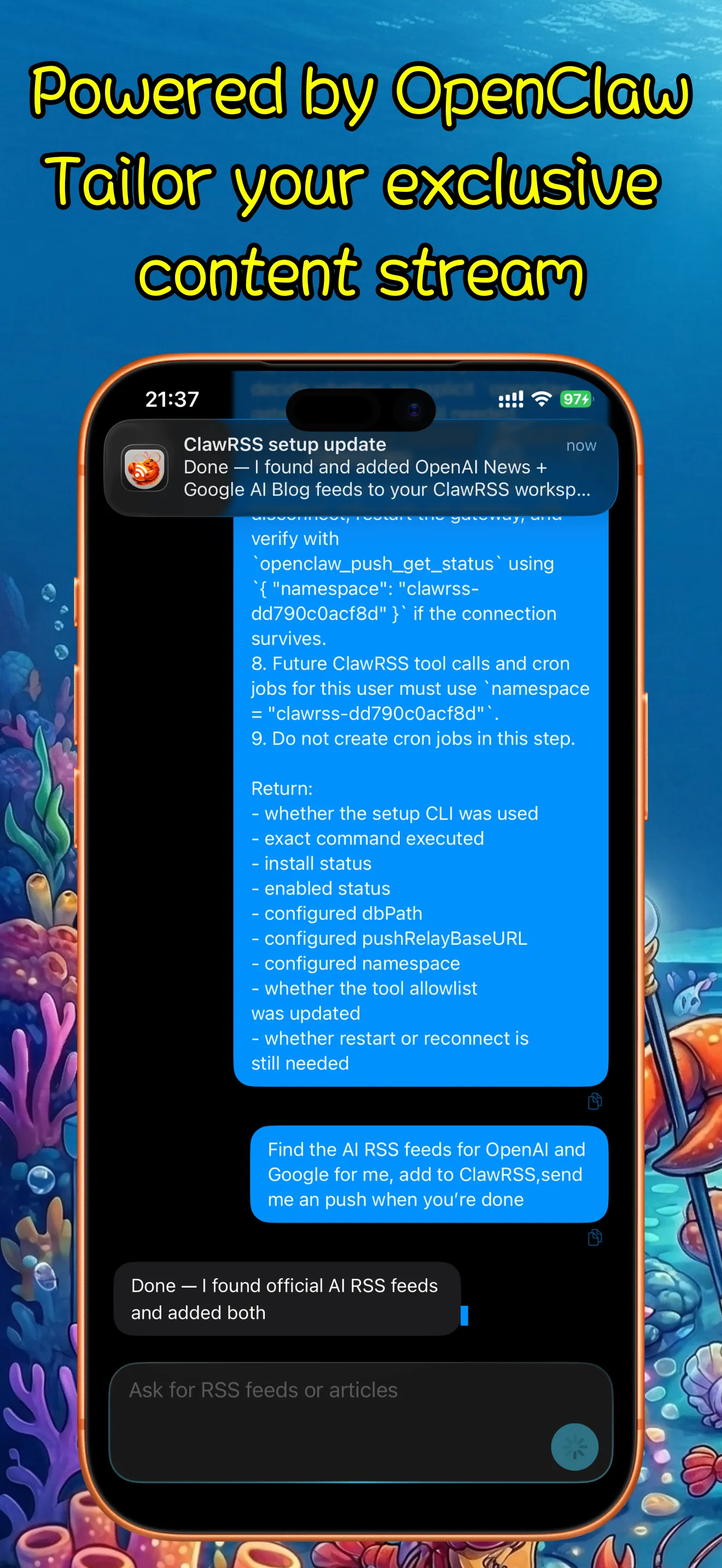
How can I use OpenClaw to sync ClawRSS?
First, you need to install the OpenClaw plugin for ClawRSS. You can copy the installation prompt from the app's settings > OpenClaw and paste it into the OpenClaw chat window to send it to OpenClaw. After that, you can use OpenClaw to collect articles and RSS feeds, and then tap sync on your phone. The npm package address can be found at https://www.npmjs.com/package/@ipocket/clawrss?activeTab=readme
How can I add feeds in ClawRSS?
You can paste direct RSS, Atom, or JSON Feed URLs, and also import OPML, XML, or JSON feed files. If you connect OpenClaw, you can also bring search results back into the app for reading.
How do AI summaries work?
From the article detail view, you can generate a summary first, scan the key points quickly, and then decide whether to open the full article. The current project also supports importing OpenClaw digest articles into a dedicated virtual feed.
Does ClawRSS support article translation?
Yes. ClawRSS includes built-in translation for reading across languages without leaving the current reading flow.
What is included in the free version and Premium?
The free version already supports reading, summaries, translation, and push-related features. Premium mainly removes the 5-feed limit and unlocks custom Today sorting rules.
Can I sync across multiple devices?
Yes, if your devices use the same OpenClaw workspace ID. In that setup, they can share OpenClaw sync data, digests, and push routing. Without OpenClaw, the app remains primarily local-first.
What kind of content is ClawRSS best for?
It works well for following news, blogs, tech updates, research, and niche sources, especially when you want to skim first and decide what deserves deeper reading.