

Record new files from the folders you choose, including Downloads, Desktop, and project folders
Back to apps
Mac
FileTrail
FileTrail is a macOS file-tracking utility that records newly added files in the folders you choose, keeps a searchable local history, and gives you fast ways to reveal the latest file from the menu bar or Finder.
First published · 2026-05-18
Last updated · 2026-05-19
SCREENSHOTS
SCREENSHOTS
FEATURES
FEATURES
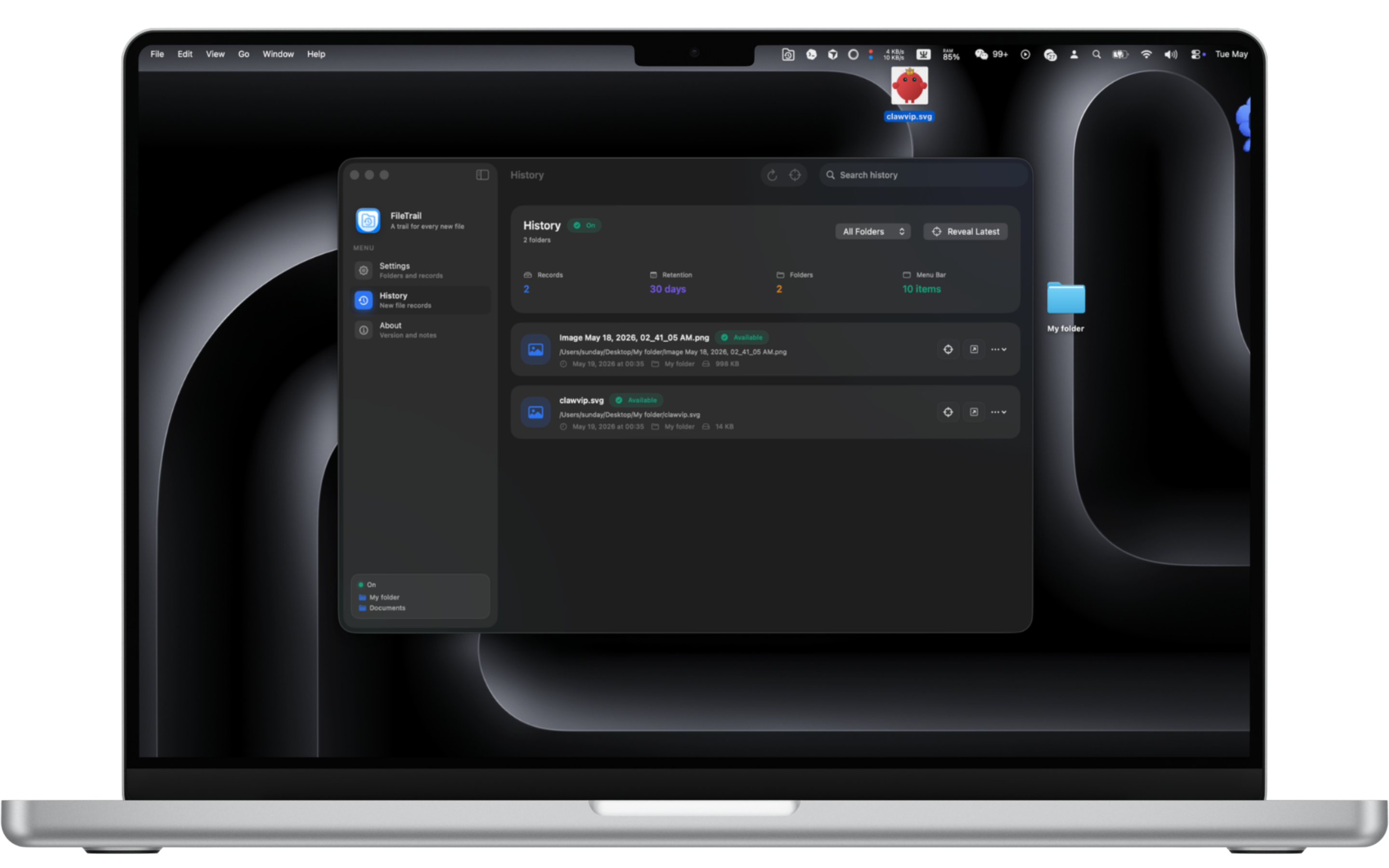
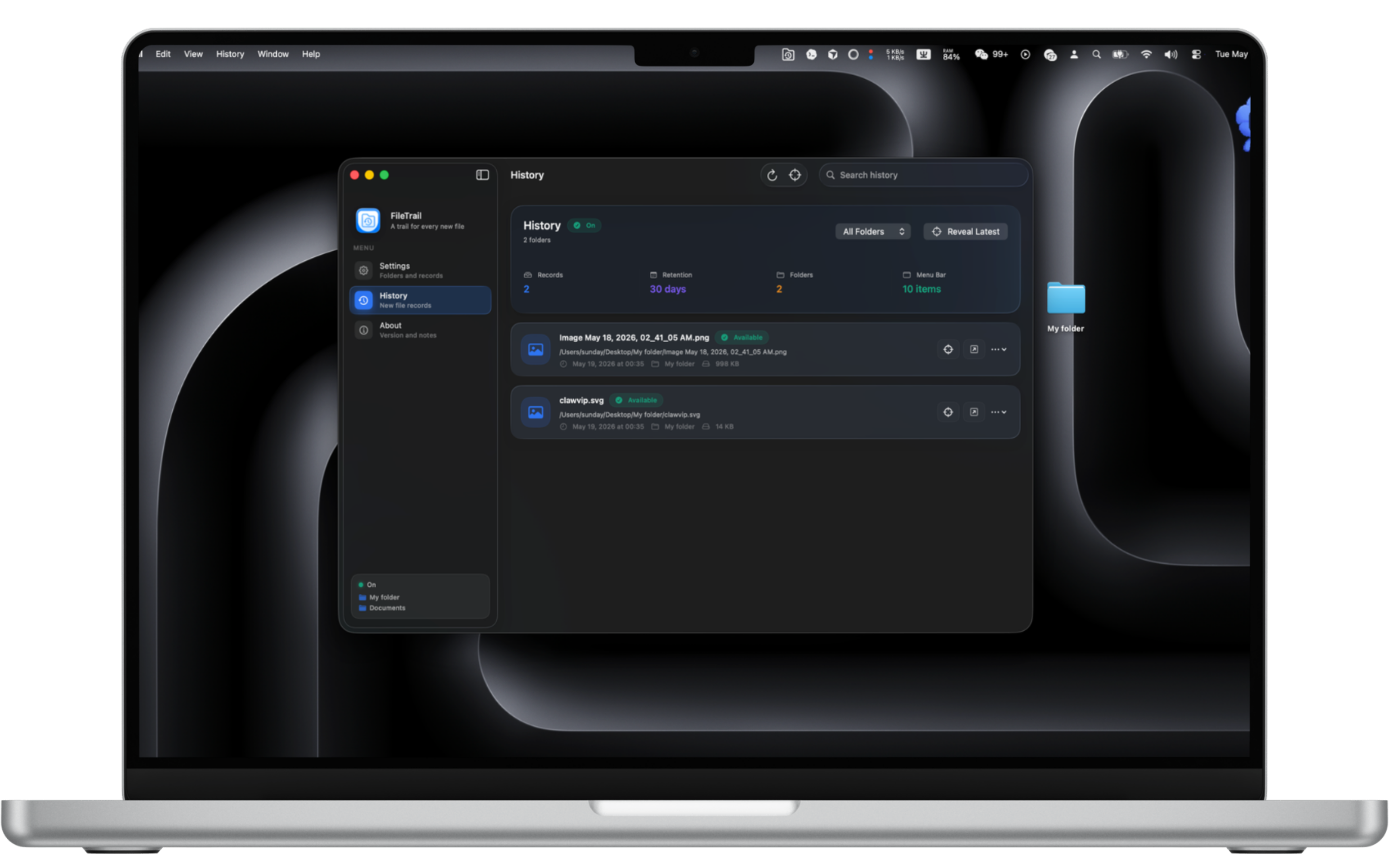
Keep a searchable local history with detected time, file name, folder, size, and availability
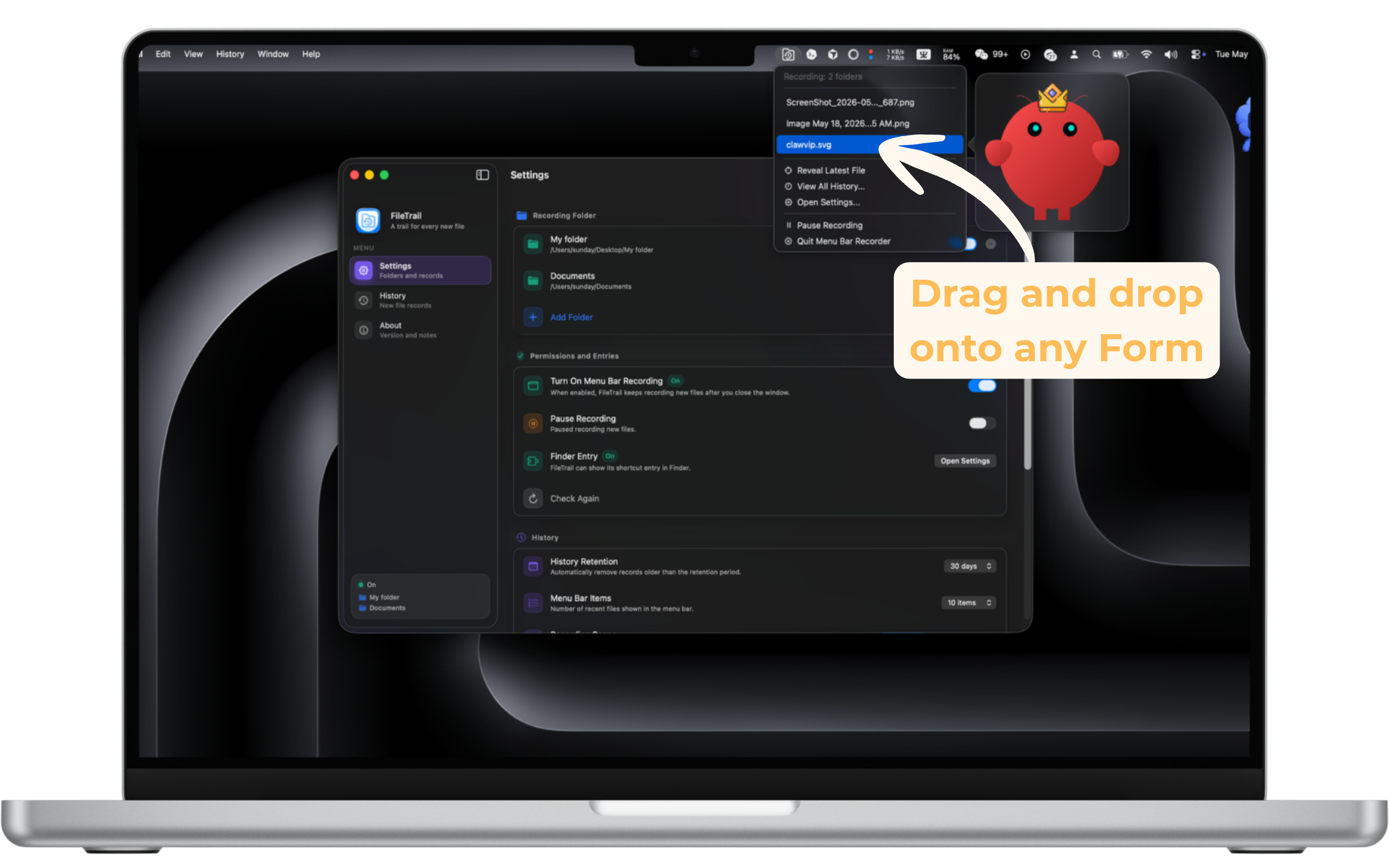
Use the menu bar helper to keep recording after the main window is closed
Reveal the newest recorded file from Finder or the menu bar when you need to jump back quickly
Filter by common or custom file suffixes, and keep history only as long as you want
FAQ
FAQ
What does FileTrail do?
FileTrail watches the folders you choose and records files that appear there after setup. It is built for everyday places like Downloads, Desktop, work folders, and project directories where new files tend to pile up.
Does FileTrail need to stay open?
No. The main app is for settings and history. When menu bar recording is enabled, a helper stays in the menu bar and continues recording new files in the background.
How does the Finder entry work?
FileTrail includes a Finder Sync entry so you can quickly reveal the latest recorded file from Finder. The Finder extension is system-managed, so it may need to be enabled in System Settings. If the shortcut button does not appear in the top-right toolbar, open a Finder window, choose View > Customize Toolbar…, then drag FileTrail into the toolbar.
Where is the history stored?
History is stored locally on your Mac. FileTrail keeps settings and file history in its app group container so the main app, menu bar helper, and Finder entry can read the same data.
Can I monitor more than one folder?
The free version records one folder. FileTrail Pro unlocks multiple recording folders with a one-time purchase, so you can track Downloads, Desktop, and work folders together.
Can I limit which file types are recorded?
Yes. FileTrail can record all files, or only selected suffixes. You can use the common built-in suffixes or add custom ones such as pdf, png, zip, or tar.gz.