

Turn your phone into a remote in seconds
MAC
iPocketDock
iPocketRemote for Mac - Support any Bluetooth device, lock Mac when away (pause media), unlock Mac when close (resume media)
First published: 11-04-2025
Last updated: 12-06-2025
SCREENSHOTS
FEATURES
System‑level control
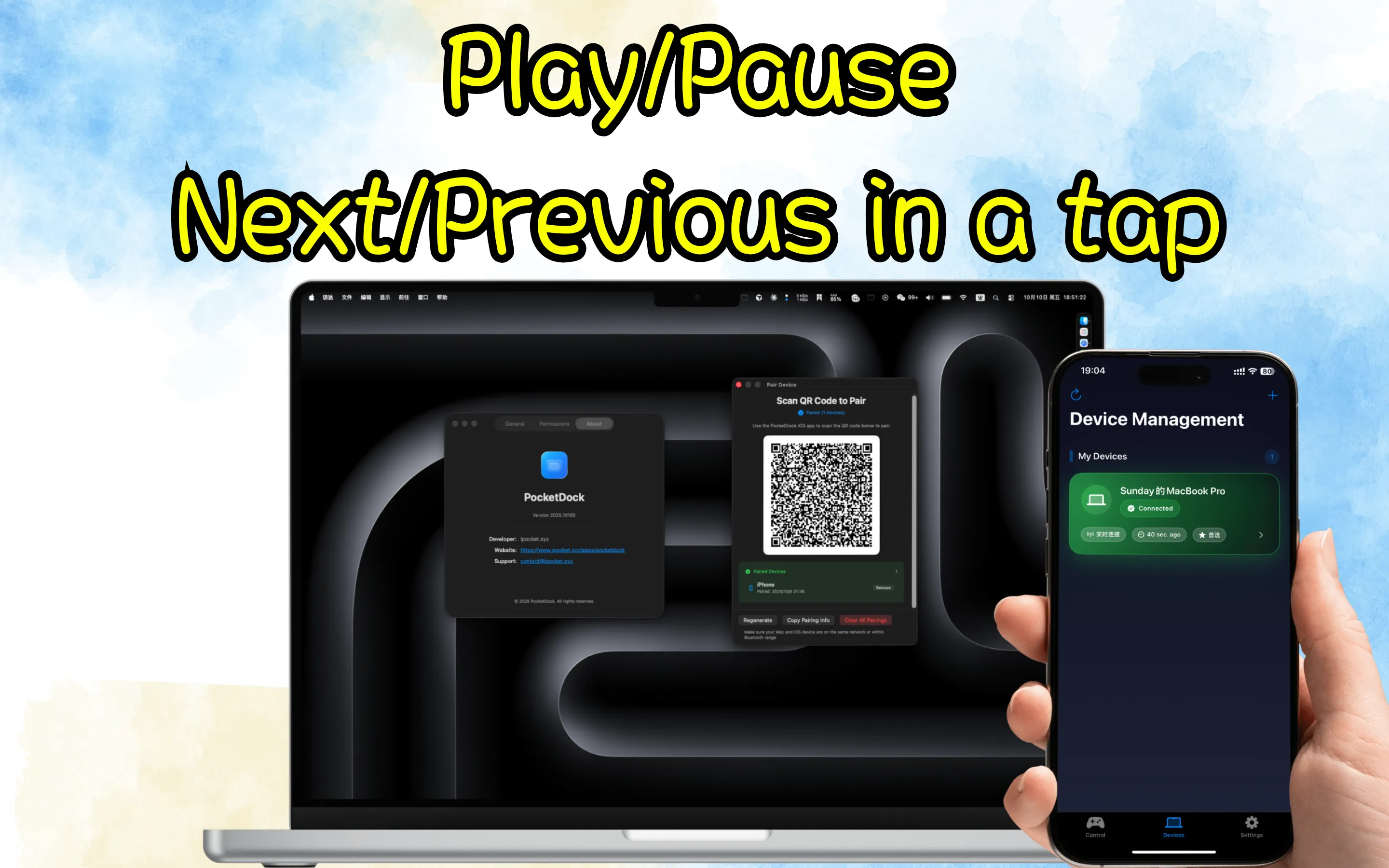
Connect instantly with a scan
Local, direct connection for peace of mind
FAQ
What is iPocketDock?
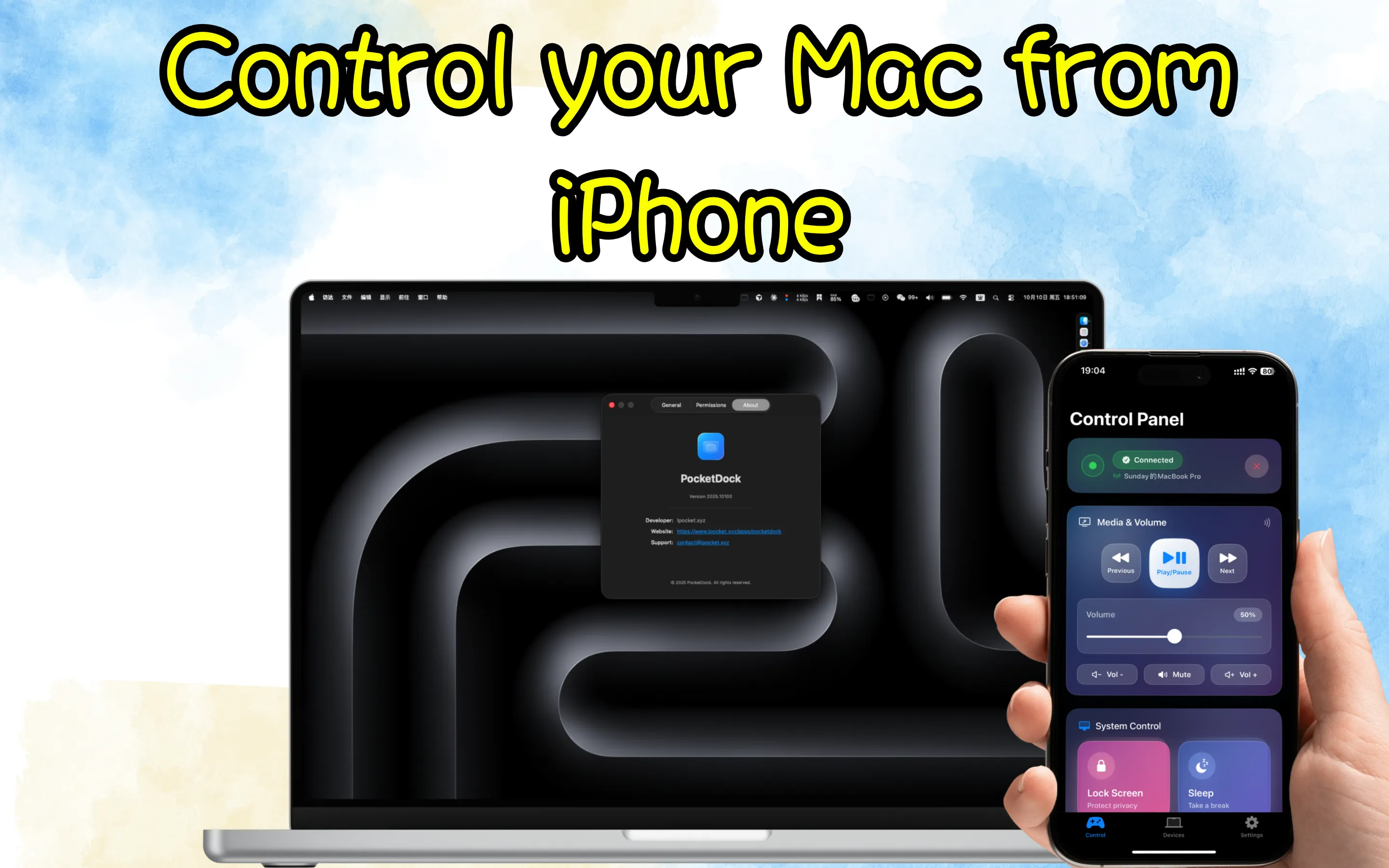
iPocketDock is a macOS background app that connects to iPhone/iPad via MultipeerConnectivity to control media playback, volume, lock screen, and more.
How do I pair my device?
Click the menu bar icon → “Show Pairing QR Code”, then scan with the iOS app. Important: after connecting, the iOS app must send a pairing request to complete the handshake. The QR code is valid for 1 hour.
What permissions are required and why?
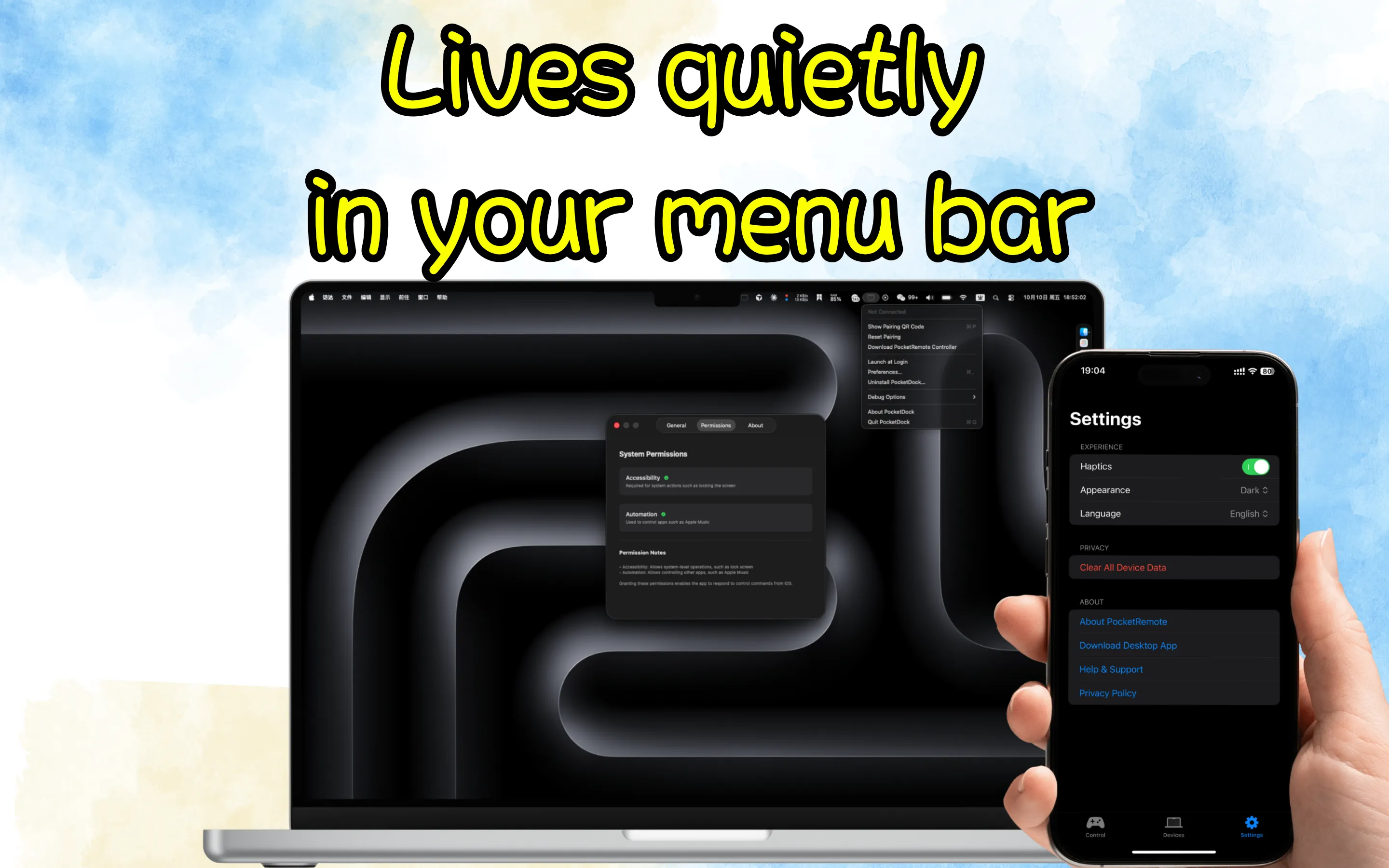
Accessibility (lock screen, keystrokes), Automation (control Music/Spotify), Local Network (connectivity). Use “Preferences → Permissions” to jump to the corresponding System Settings pages.
Where can I get the iOS app?
Use “Preferences → General → Download PocketRemote”, or visit https://www.ipocket.xyz/apps/pocketremote.