

Keep active and completed todos in one calm list, with a bottom control bar instead of a busy tab interface
Back to apps
iPhone iPad
Real Todo
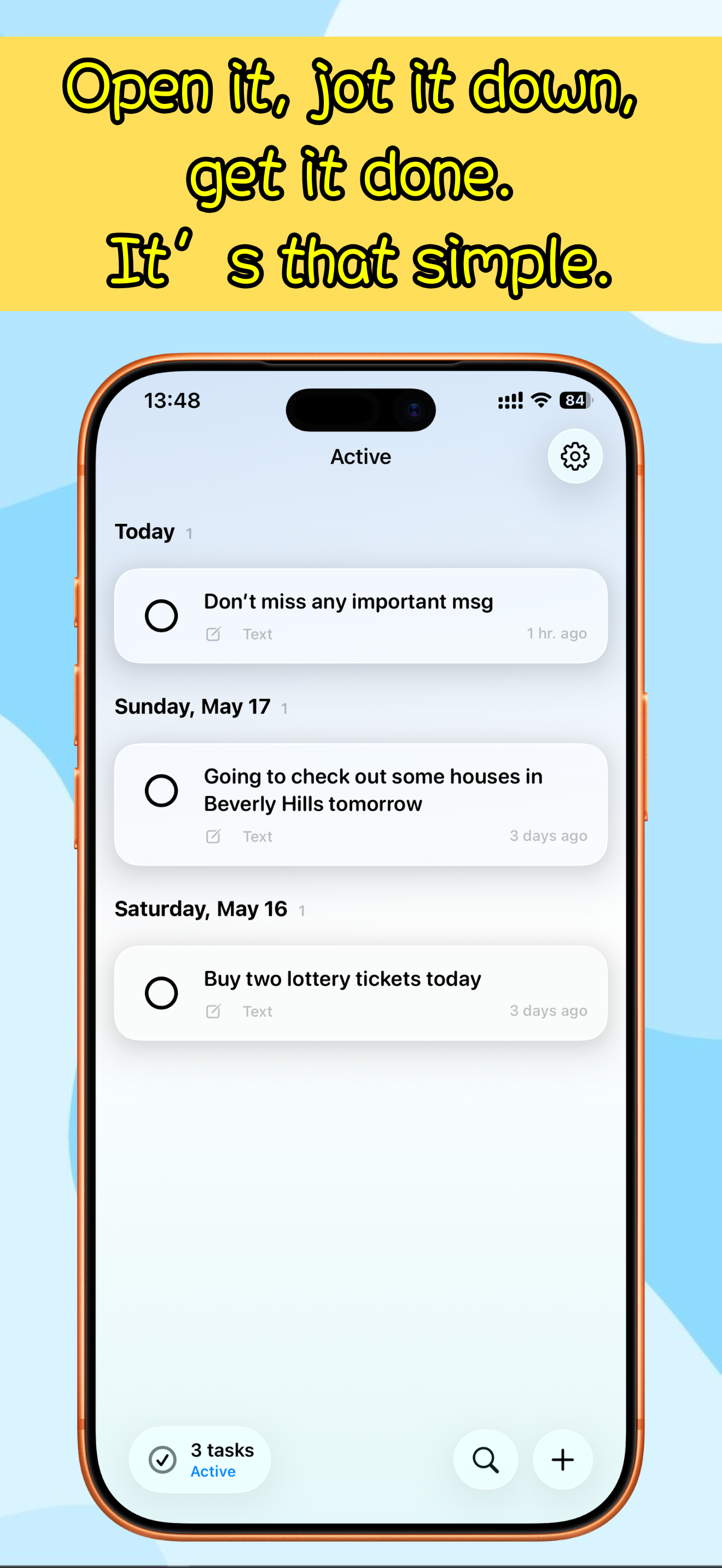
Real Todo is a minimal iPhone todo app built around one focused list, a native bottom command bar, instant search, and fast capture from text, voice, or photos.
First published · 2026-05-20
Last updated · 2026-05-20
SCREENSHOTS
SCREENSHOTS
FEATURES
FEATURES
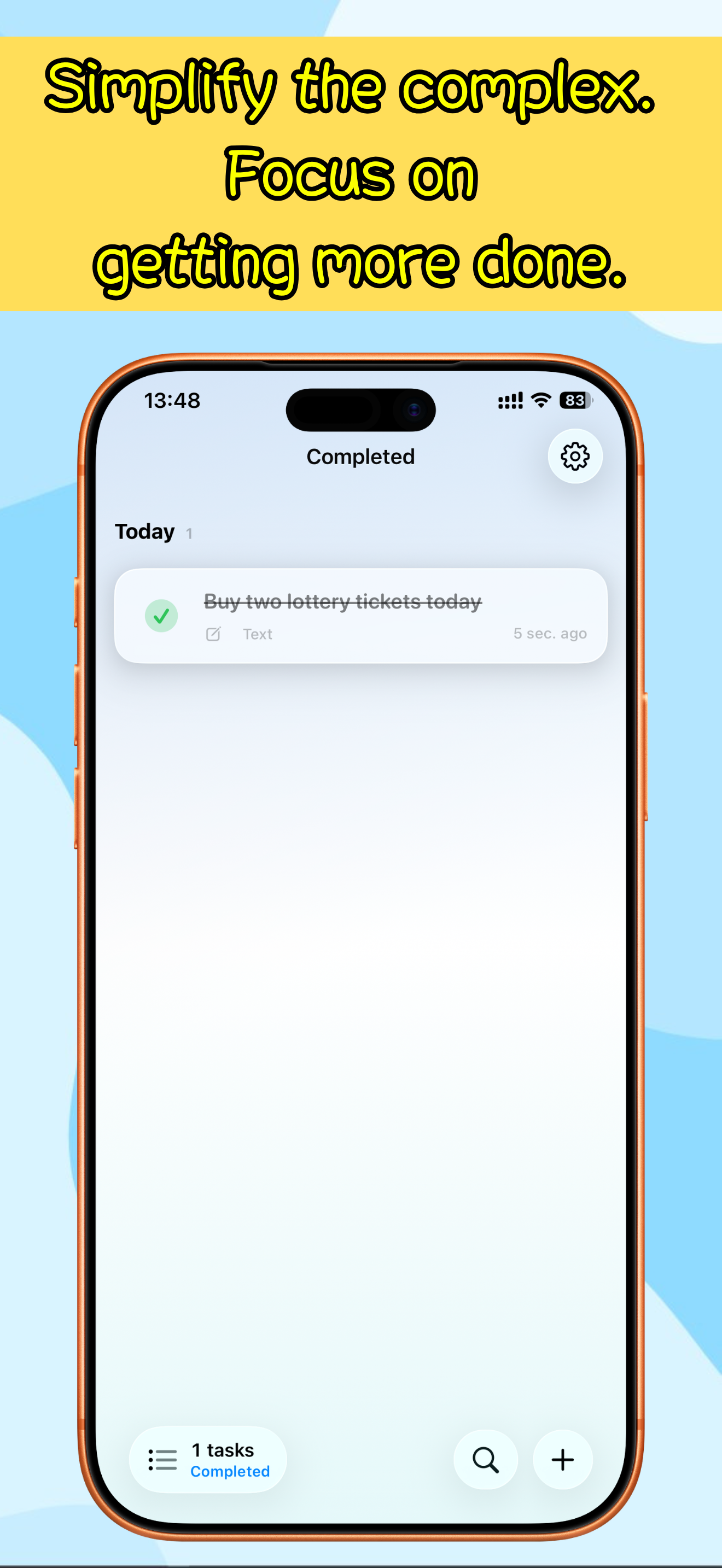
Search only the current page, so active tasks and completed history stay easy to scan
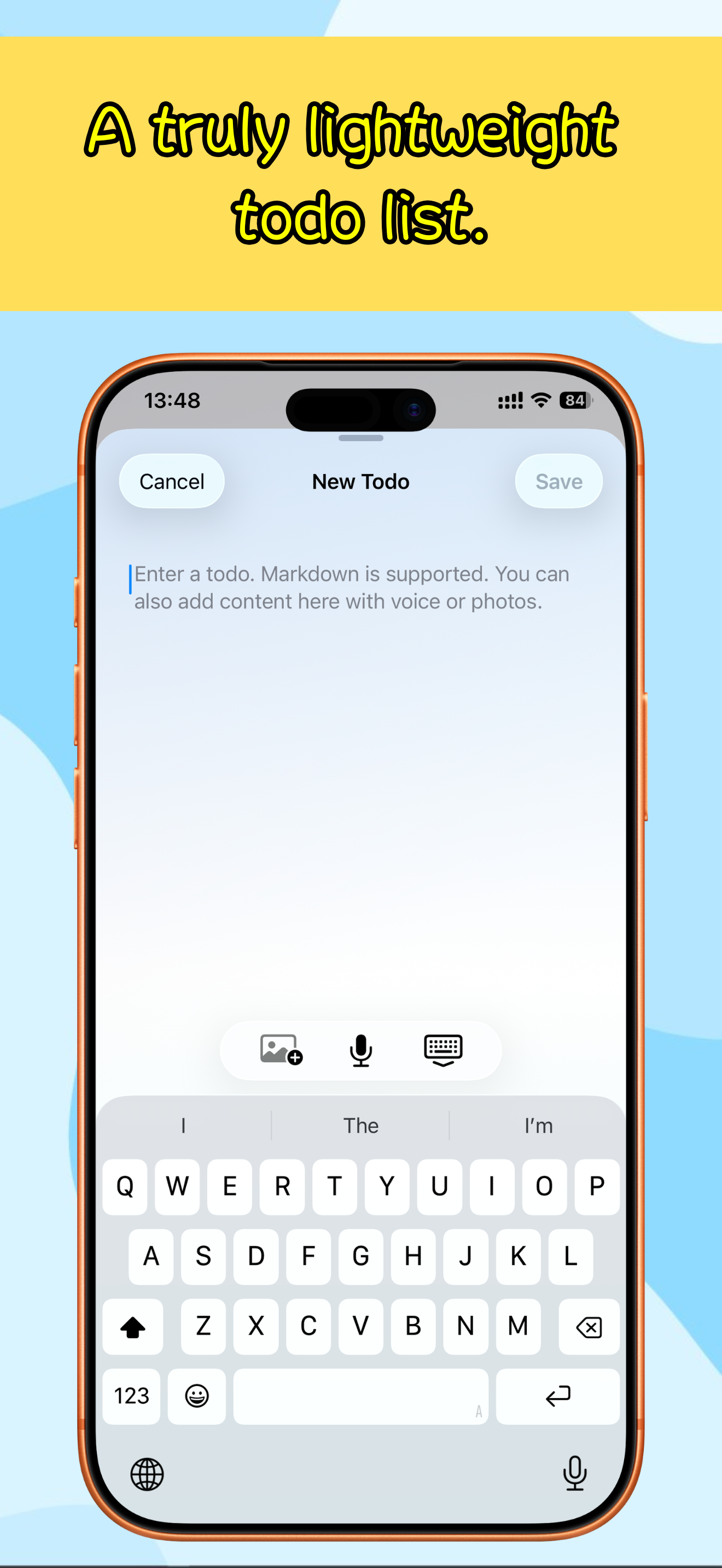
Create tasks from typed notes, voice dictation, or photos with OCR-assisted text extraction
Write richer todos with Markdown-friendly notes and attach images when a task needs visual context
Stay local-first with SwiftData storage on the device, no account requirement, and a one-time Pro unlock for unlimited todos
FAQ
FAQ
What makes Real Todo different from a full task manager?
Real Todo keeps the main experience intentionally small: one list, active or completed mode, bottom search, and a dedicated plus button. It avoids projects, tabs, and heavy planning layers so capture and review stay fast.
Can I add todos without typing?
Yes. The create sheet supports text, voice, and photo input. Voice can turn speech into a task, and photo input can extract text from an image before you save or edit it.
Does search look through all todos at once?
Search filters the page you are currently viewing. When you are on active tasks it searches active todos; when you switch to completed tasks it searches completed todos.
Where is my todo data stored?
Real Todo is designed as a local-first app. Todos and attachments are stored on the device, and the app does not require an account for the core workflow.
What does Pro unlock?
The free version is designed for everyday use with a todo count limit. Real Todo Pro is a one-time App Store purchase that removes the limit so you can keep creating tasks over time.
Does it support the latest iOS visual style?
Real Todo targets iOS 17 and later. On iOS 26, the command bar and controls adopt Liquid Glass; on earlier supported versions, the app falls back to native material styling.