




Track subscriptions, recurring bills, trials, and lifetime purchases in one place
Back to apps


- iPhone
- iPad
- Mac
PocketSubs
PocketSubs is a local-first subscription tracker: track recurring bills, set renewal reminders, and see upcoming charges and ongoing spending.
First published · 2025-09-23
Last updated · 2026-08-08
App Store rating · 5.0 / 5 from 12 ratings
Screenshots

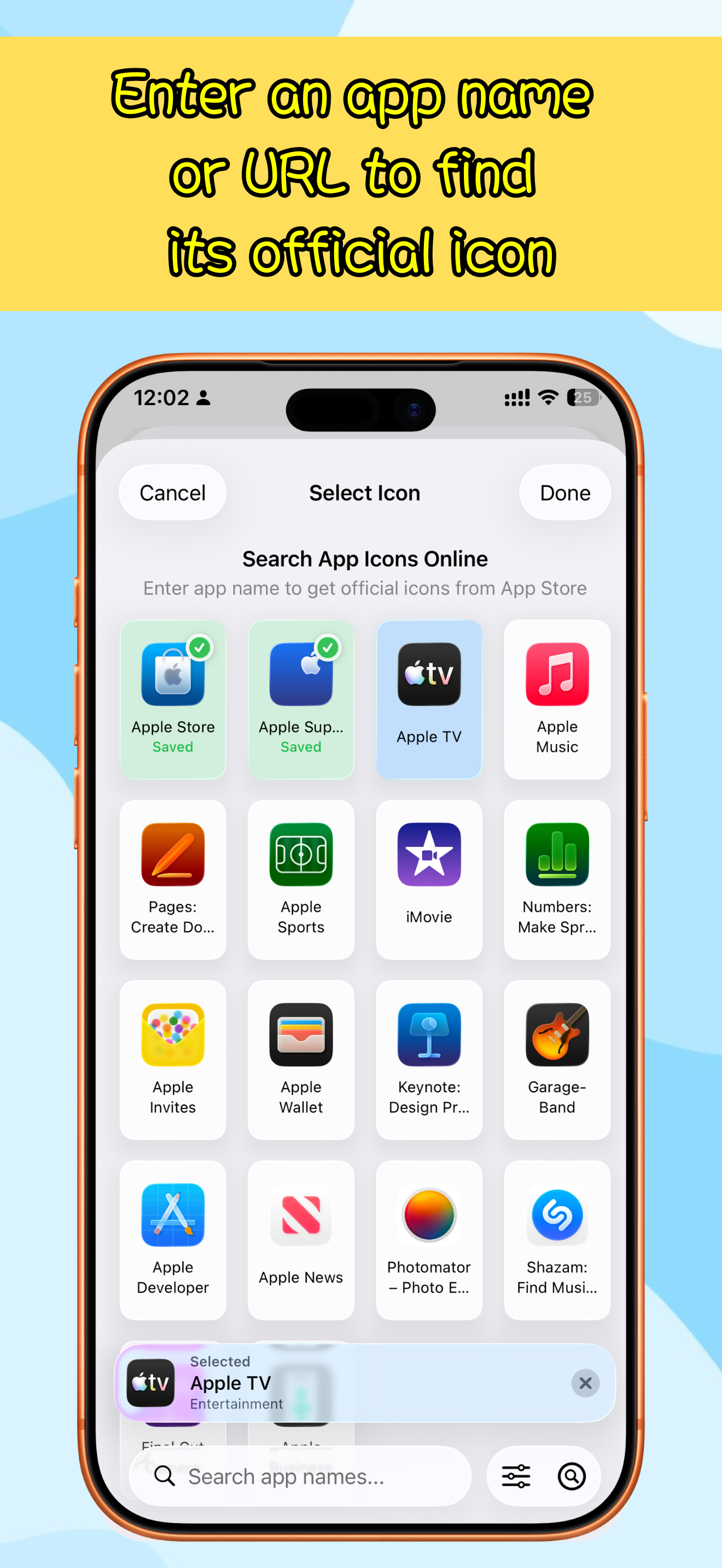
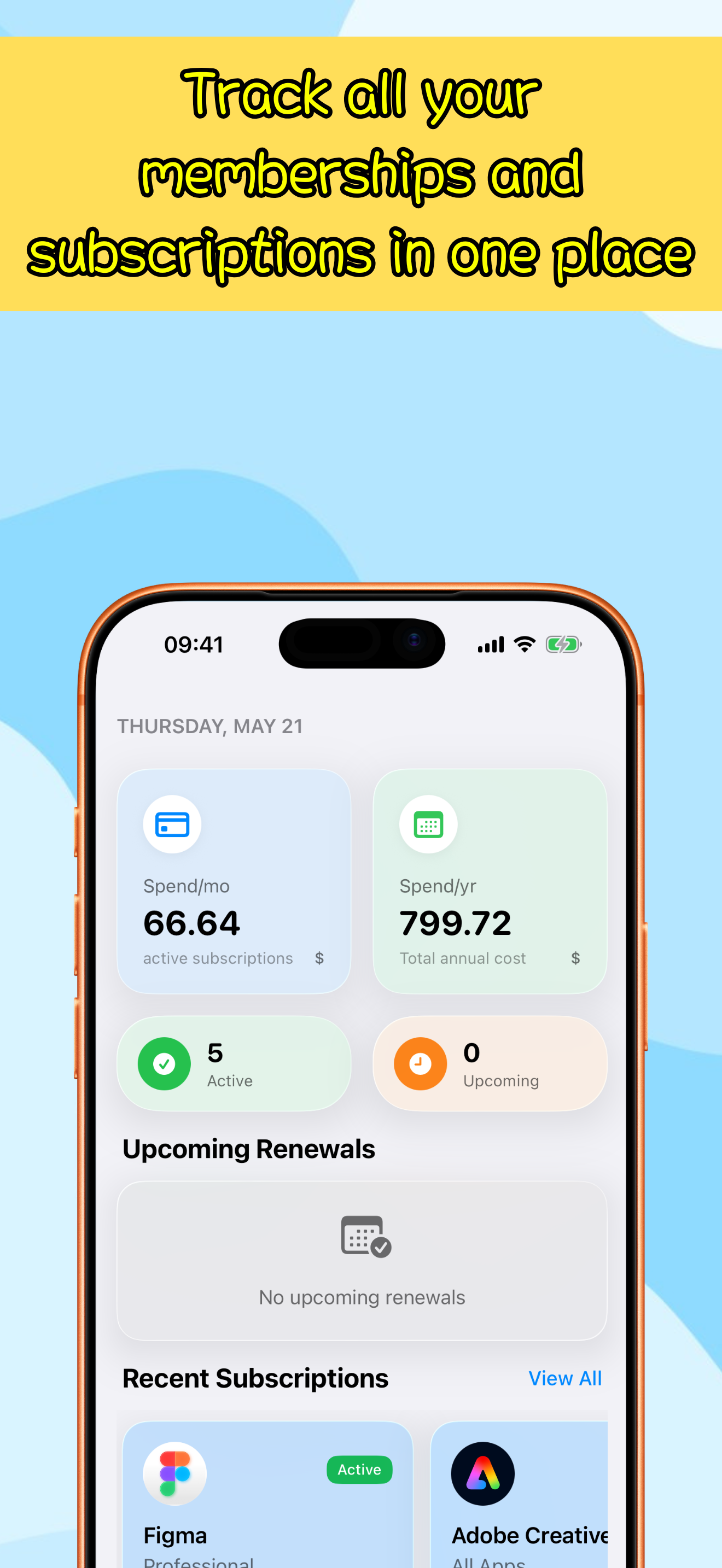
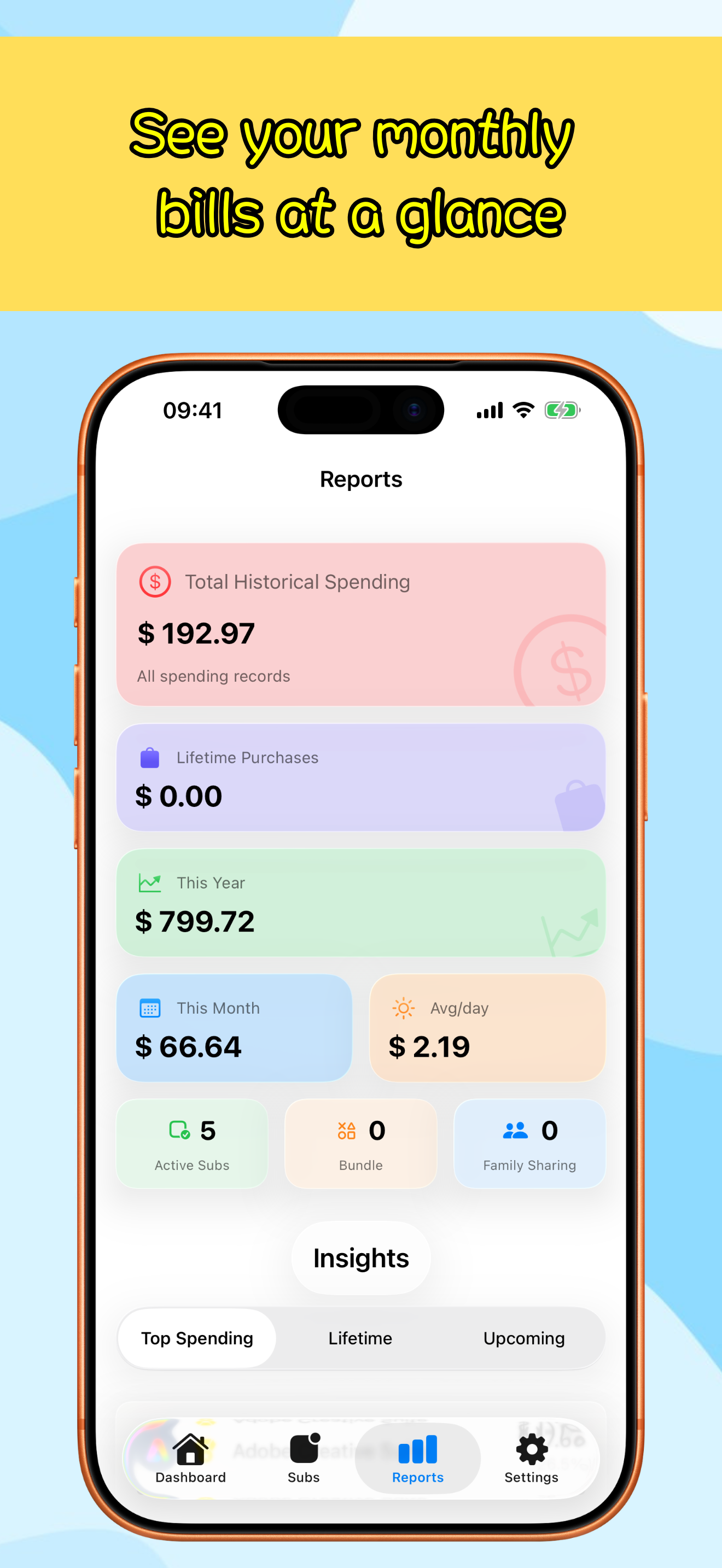
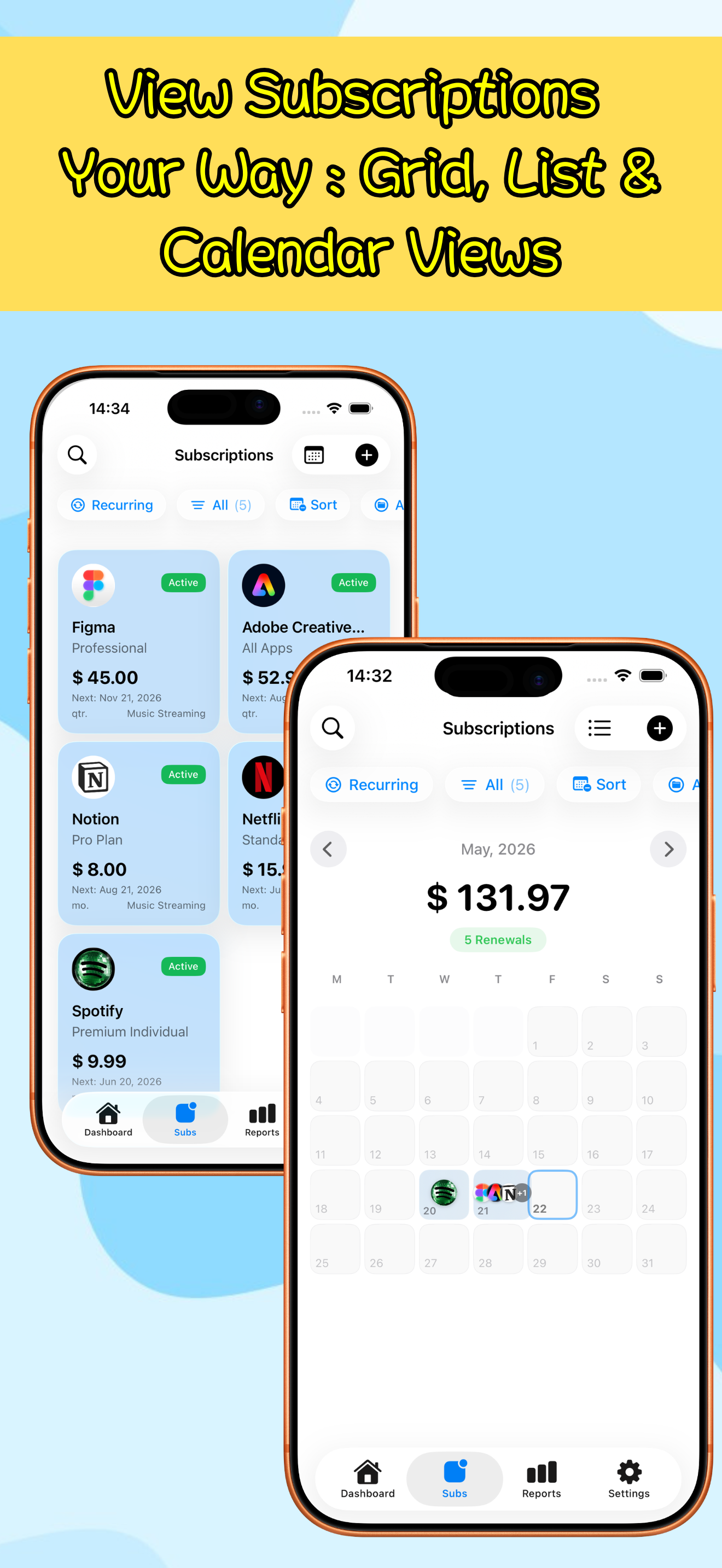
Features
Get bill and renewal reminders before the next charge
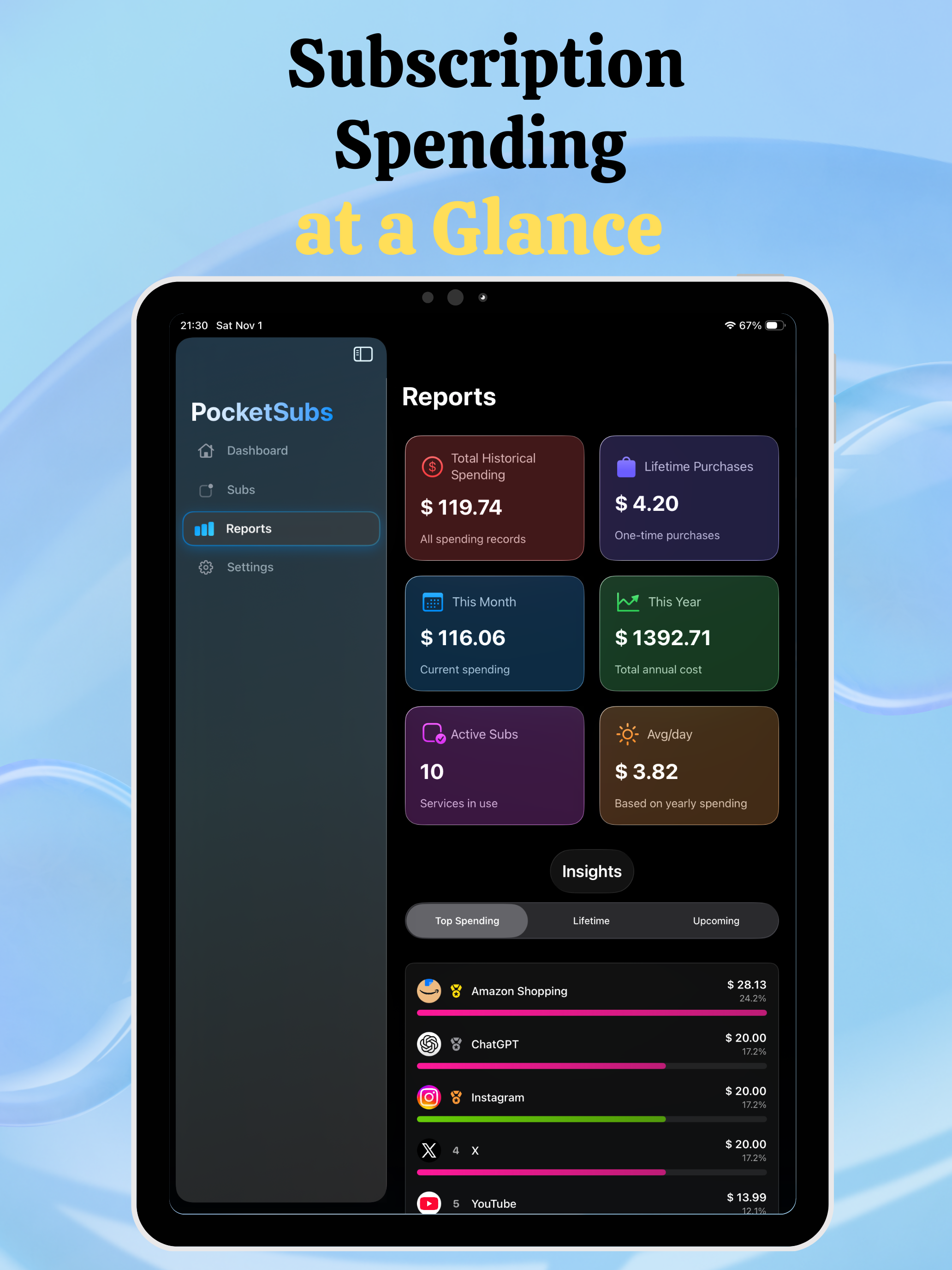
Review monthly spending reports by category, currency, and payment method
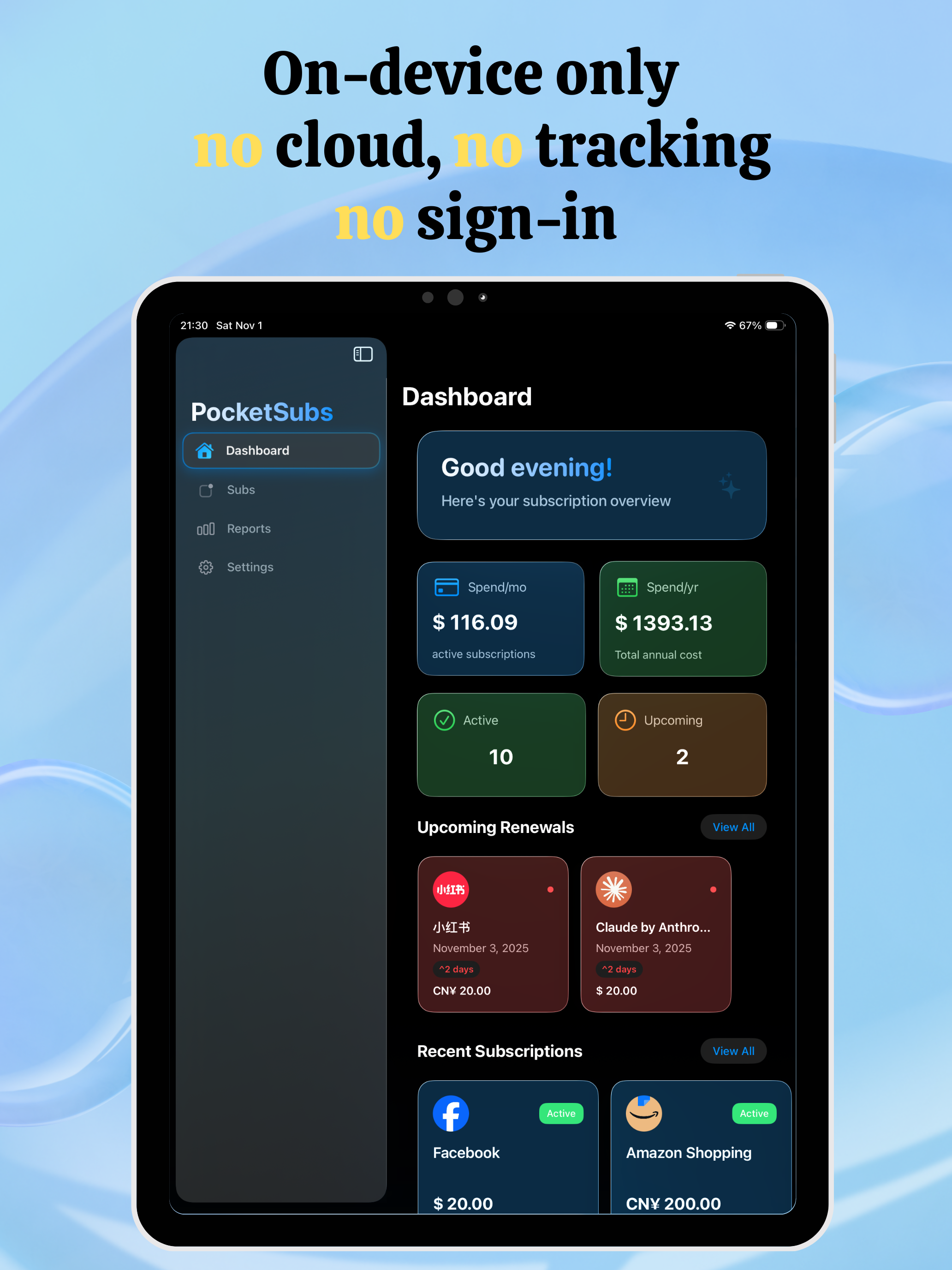
Keep the core workflow local-first and private, with no account required
Overview
What is PocketSubs?
PocketSubs is a local-first subscription tracker and bill reminder app for iPhone and iPad. Keep memberships, trials, lifetime purchases, and recurring bills in one private place—then see what renews next and what it costs before the charge arrives.
Who it is for
- People juggling streaming, cloud, software, and memberships
- Anyone who wants time to review a bill before it renews
- Users who want subscription details to stay on their device
Track recurring bills and stay ahead of each renewal
- Add the price, billing cycle, and next renewal date.
- Set a reminder early enough to decide whether to keep, cancel, or change the plan.
- Group plans with categories, icons, and payment methods so the list stays easy to scan.
- Review recurring spending reports by period, category, and currency.
- Use iCloud sync or export a backup only when you choose to.
A private subscription manager by default
Subscription lists can reveal account emails, services you use, and spending habits. PocketSubs does not require an account for the core workflow, so you do not need another cloud budgeting login just to manage subscriptions and bill reminders.
Mac compatibility and native preview
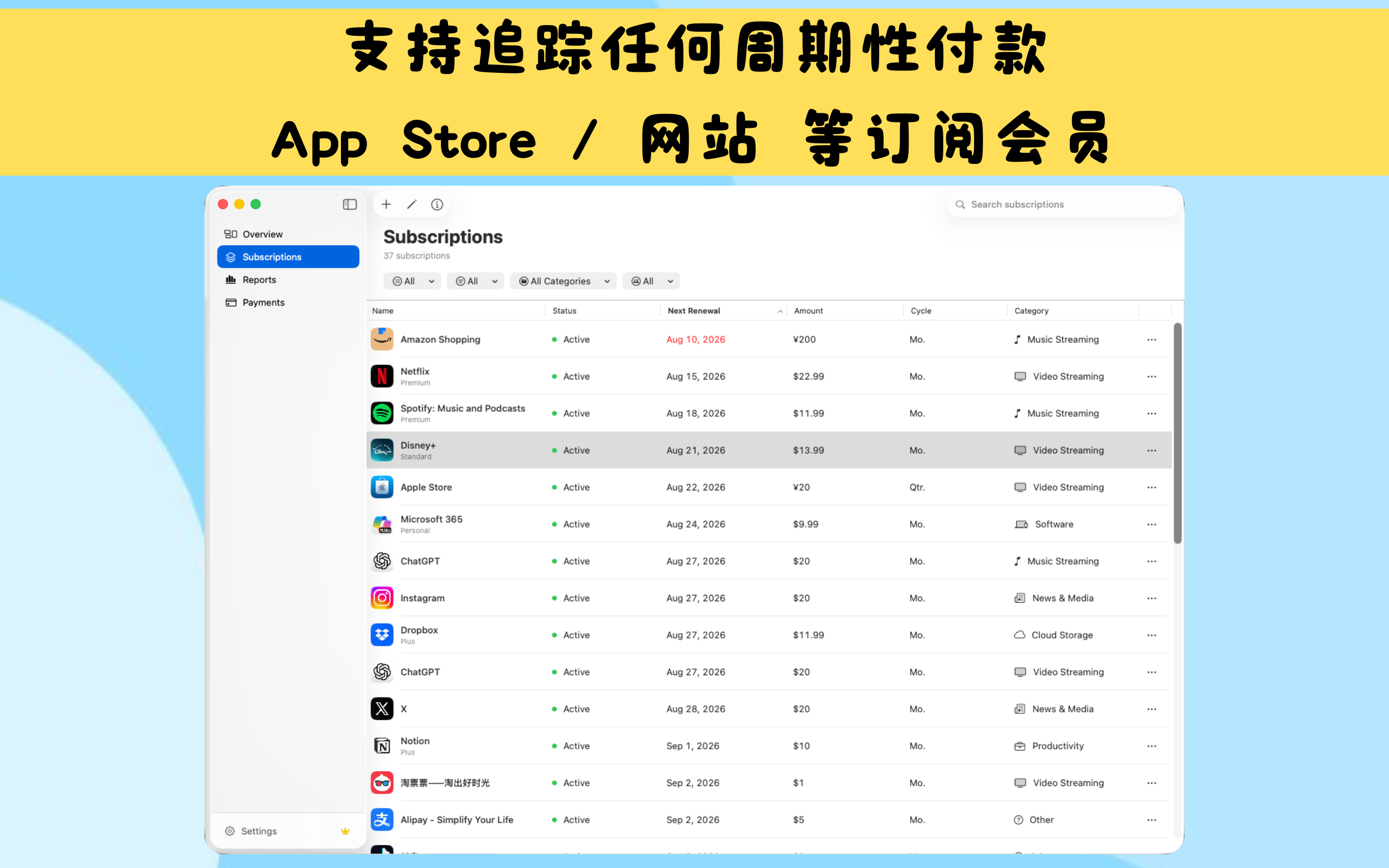
The same App Store listing can run PocketSubs on compatible Apple silicon Macs, iPhone, and iPad. On Mac, it is currently the iPad app; the native Mac workspace shown in these preview screenshots brings subscriptions, payment history, and spending reports into a focused desktop workspace and is still in development.
FAQ
Is it free to use?
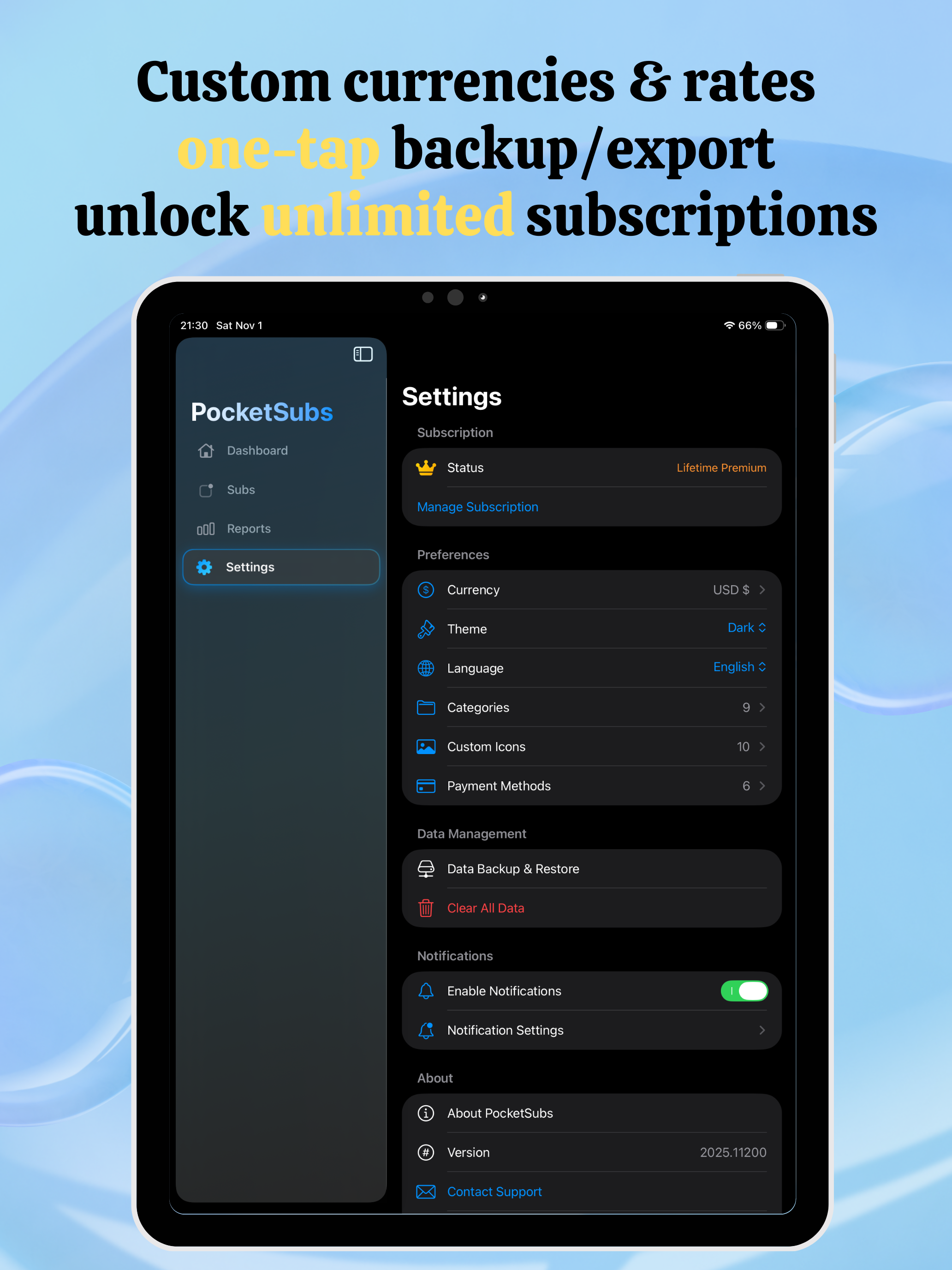
The Free plan lets you track up to 5 subscriptions. Premium unlocks unlimited subscription tracking; available plans and prices are shown in the App Store.
Where is PocketSubs data stored?
PocketSubs is local-first: the core workflow keeps subscription details on your device and does not require an account. If you choose iCloud sync or export a backup, data uses that service only when you enable it.
What currencies and exchange rates are supported?
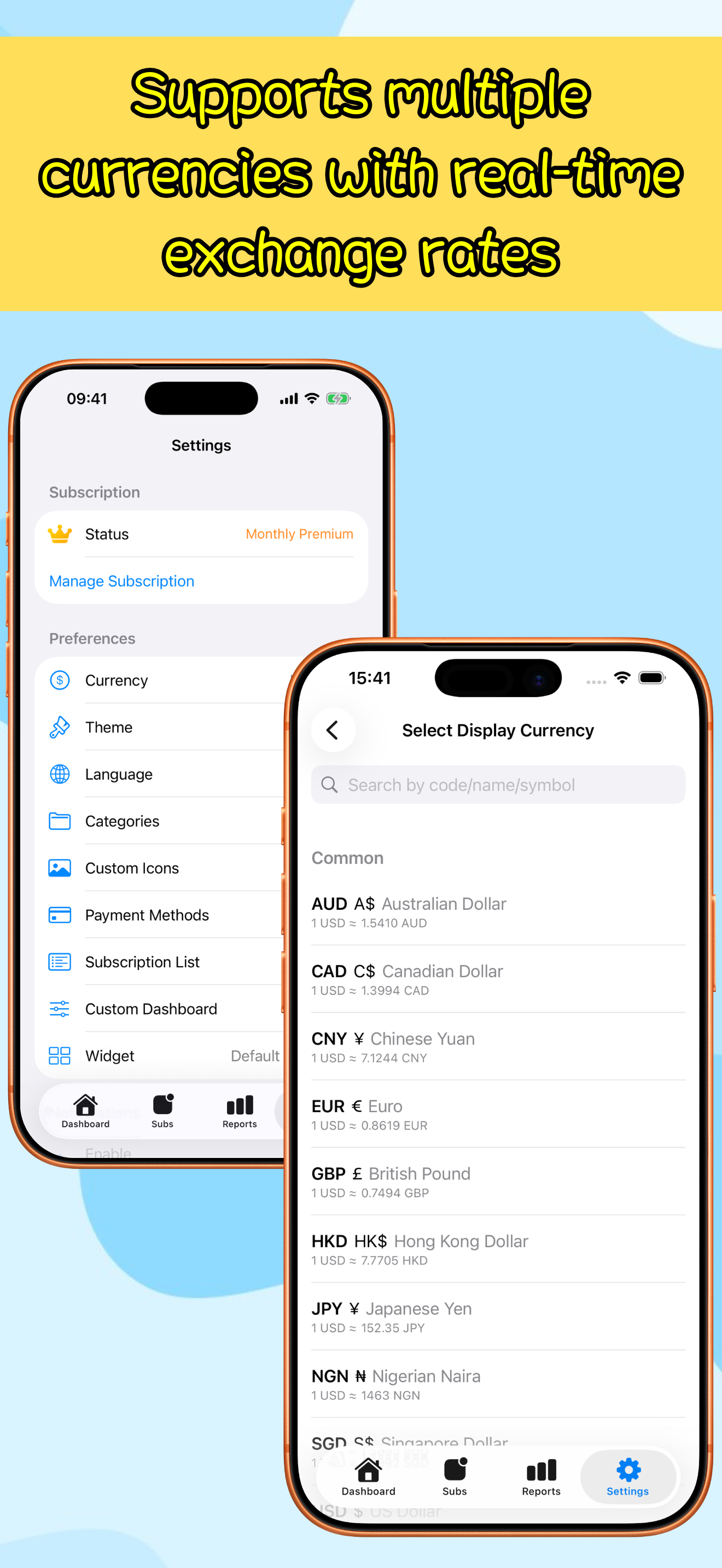
Use custom currencies and a display currency that fit your subscriptions, then review original and converted amounts when exchange-rate data is available.
How to set up subscription reminder notifications?
Set a bill or renewal reminder before each charge so you have time to review, cancel, or change the plan. Choose the lead time and reminder schedule that works for you.
Does it support data import and export?
Yes, PocketSubs supports JSON format data import/export. You can migrate data from other subscription management tools or export data for backup. Supports field mapping, data preview and batch import features.
Is PocketSubs available on Mac?
PocketSubs can run on compatible Apple silicon Macs from the same App Store listing as iPhone and iPad. Apple currently lists it as Designed for iPad and not verified for macOS; the native Mac workspace shown below remains a preview.
MORE FROM IPOCKET
Related apps
-
 Real TodoiPhoneiPadMac
Capture and finish tasks in one calm list on iPhone, iPad, and Mac. On your Mac, a desktop companion keeps quick add, complete, and postpone close without interrupting your work.
View app -
 ClawRSS: OpenClaw RSS Feed ReaderiPhoneiPad
ClawRSS is a modern RSS feed reader for iPhone and iPad with a smarter Today feed, AI summaries, built-in translation, bookmarks, Apple Push alerts, and optional OpenClaw workflows.
View app -
 PuzzleWalliPhoneiPad
Turn your photos into tile swap, sliding, and jigsaw puzzles, then create, send, and play them with friends directly inside Apple Messages.
View app