

Organize people with relationship types, groups, tags, companies, roles, notes, birthdays, anniversaries, and custom context
Back to apps

- iPhone
- iPad
TieLoop — Private Personal CRM & Digital Card
TieLoop is a private personal CRM and digital business card for iPhone that connects contacts, shared moments, anniversaries, money records, places, and personal cards into one relationship map.
First published · 2026-06-16
Last updated · 2026-10-10
Screenshots
IPHONE
 Image could not be loaded
 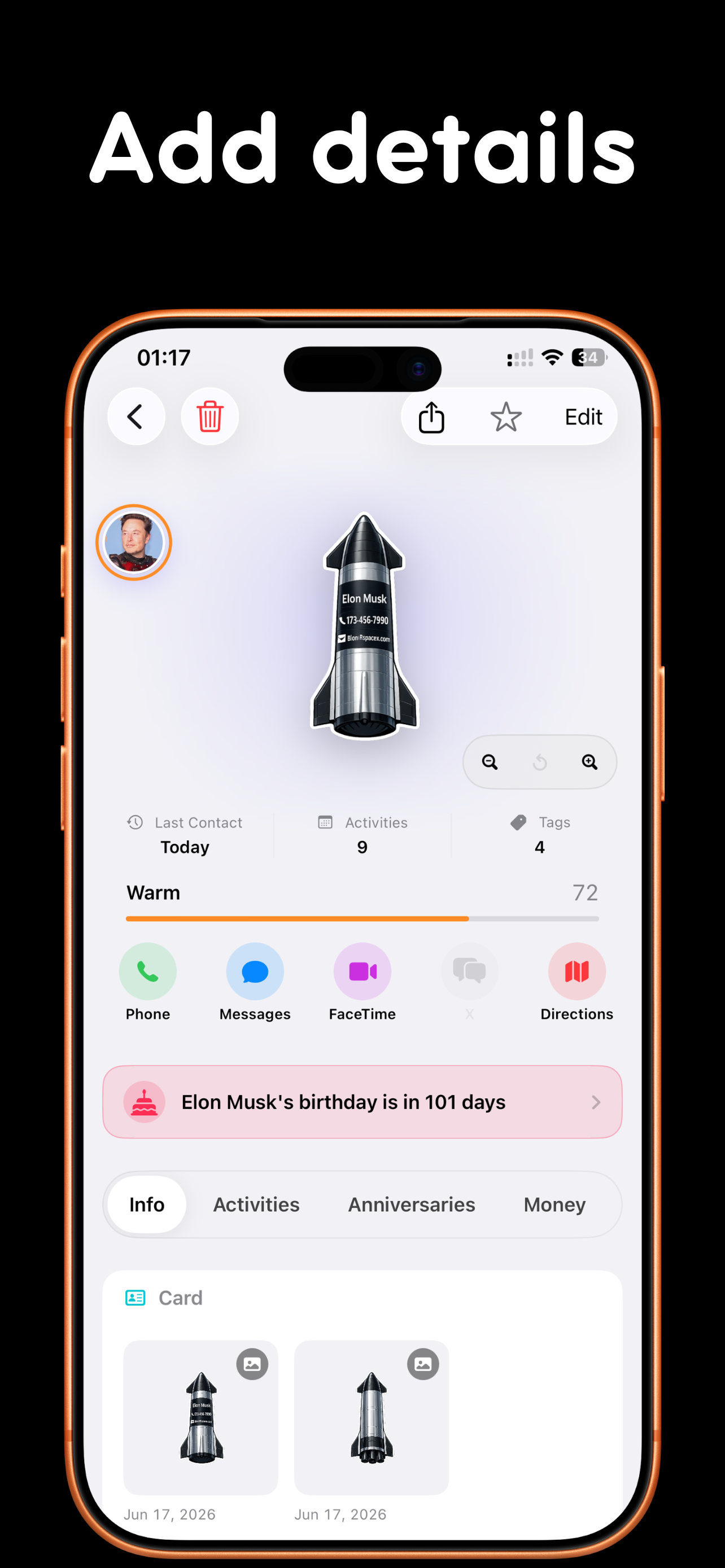 Image could not be loaded
  Image could not be loaded
 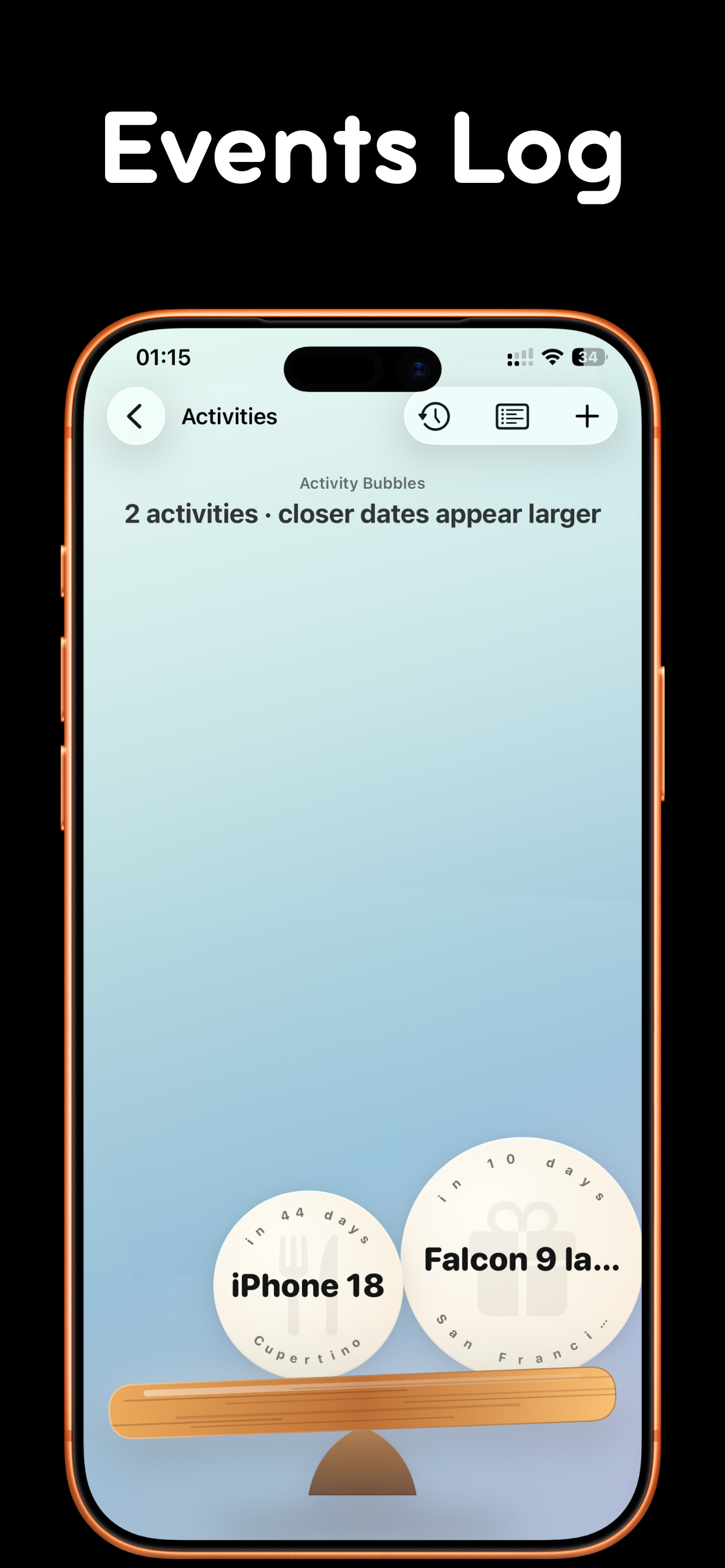 Image could not be loaded
  Image could not be loaded
 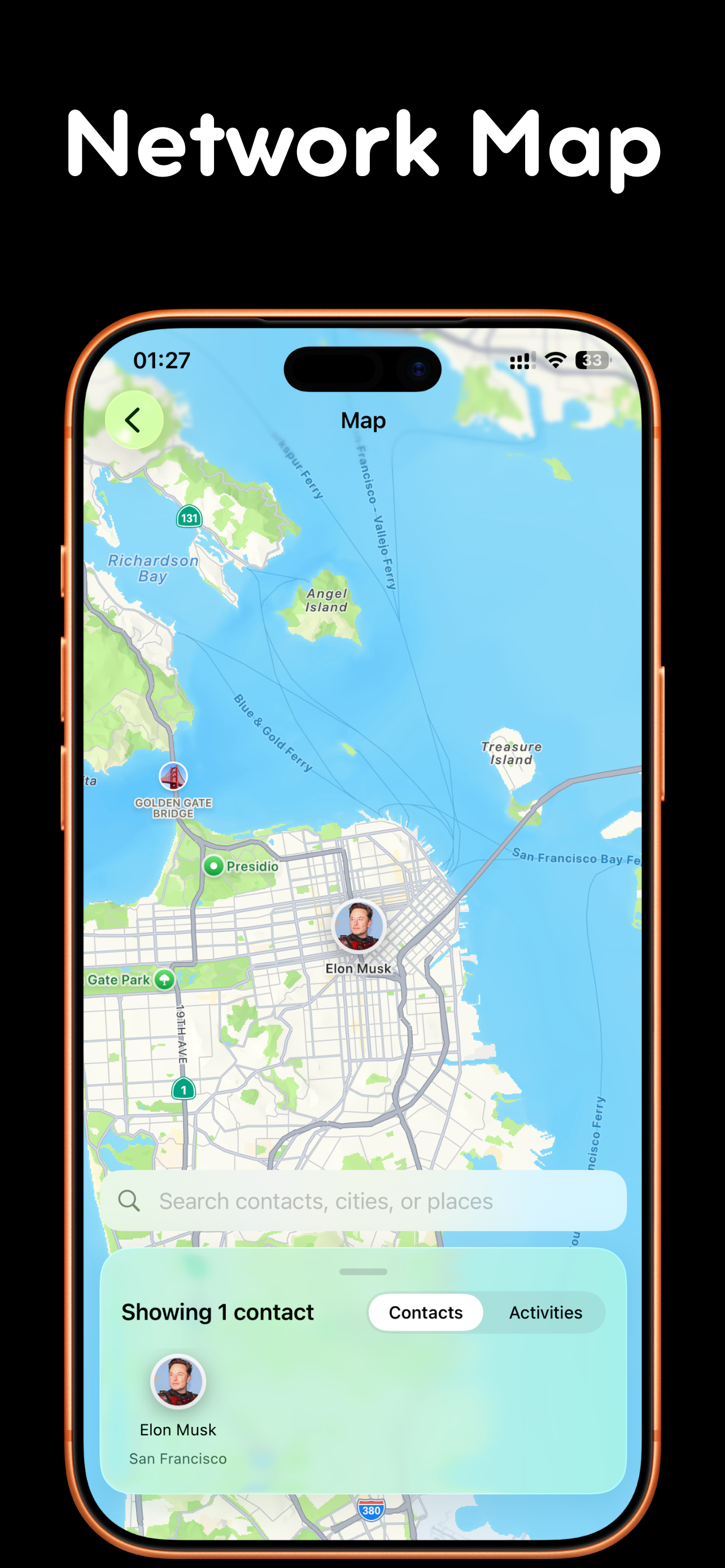 Image could not be loaded
 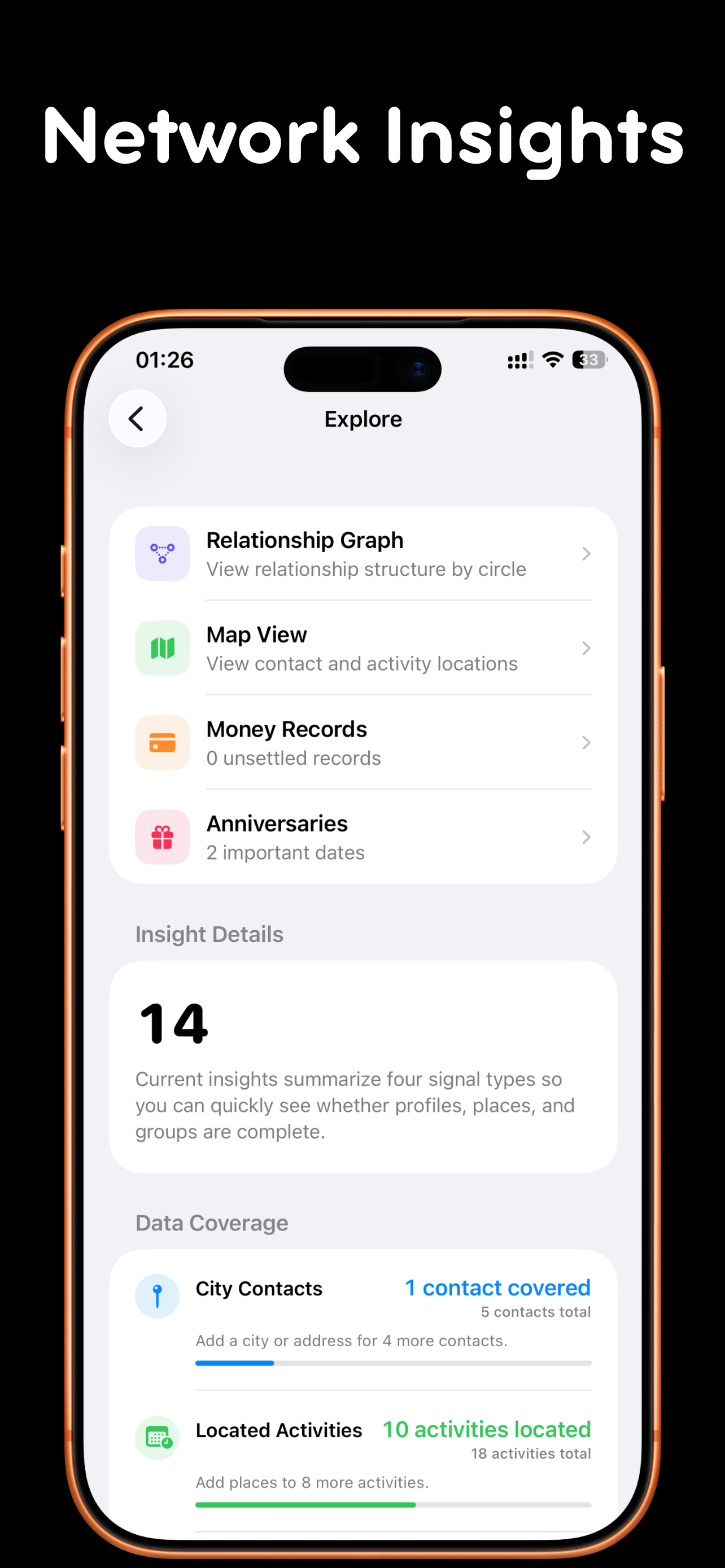 Image could not be loaded
  Image could not be loaded
 IPAD
 Image could not be loaded
 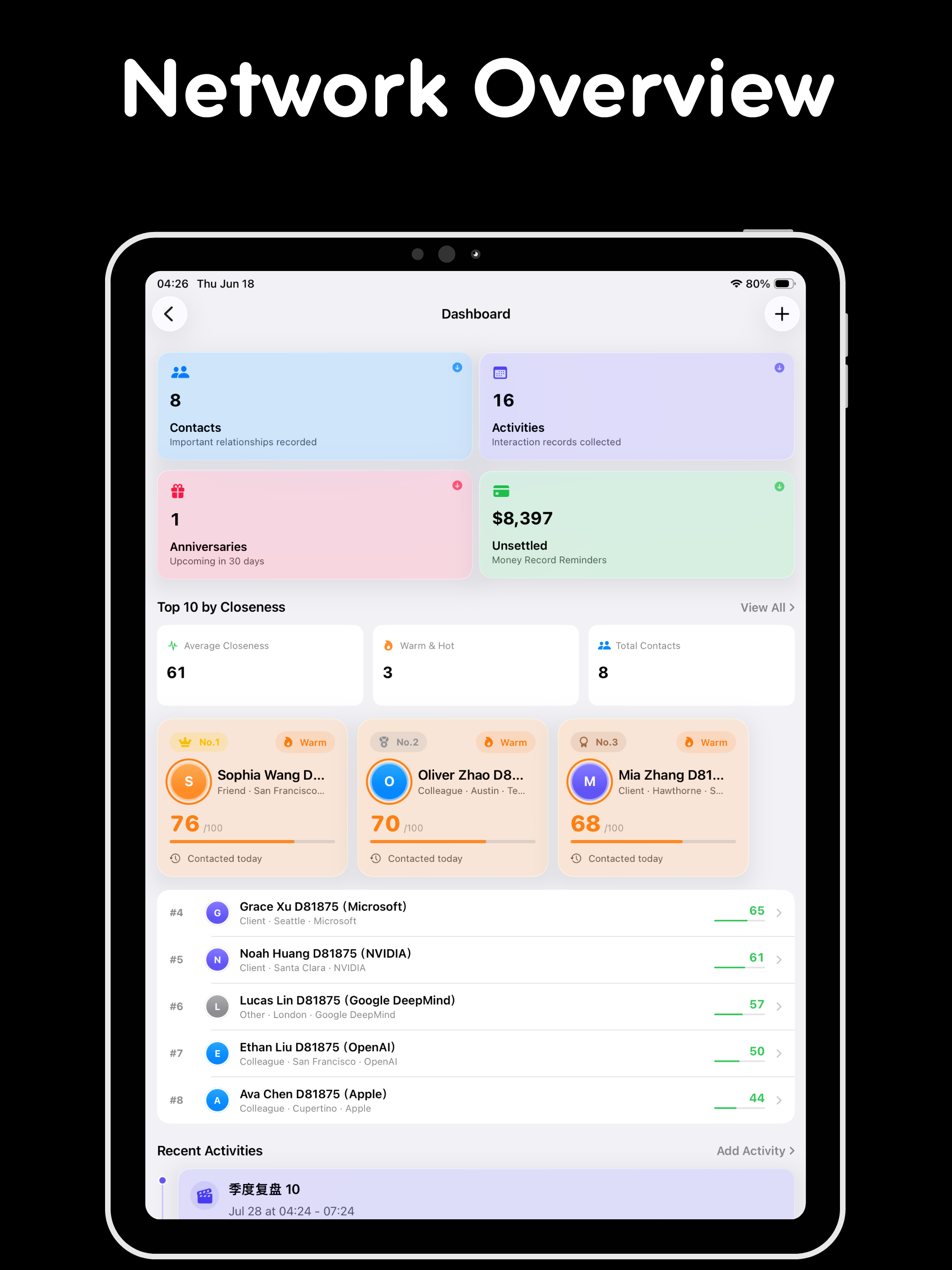 Image could not be loaded
 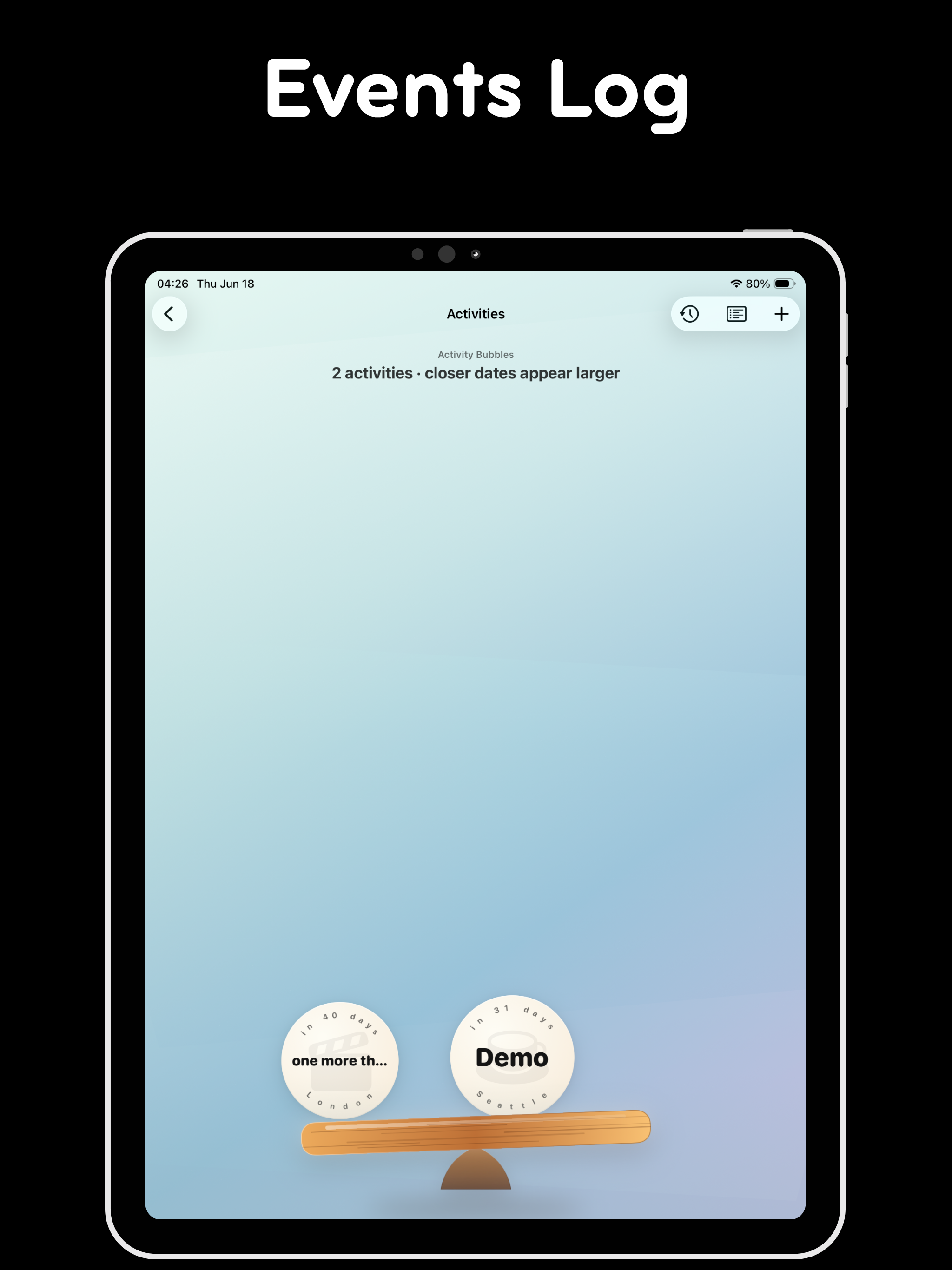 Image could not be loaded
  Image could not be loaded
  Image could not be loaded
 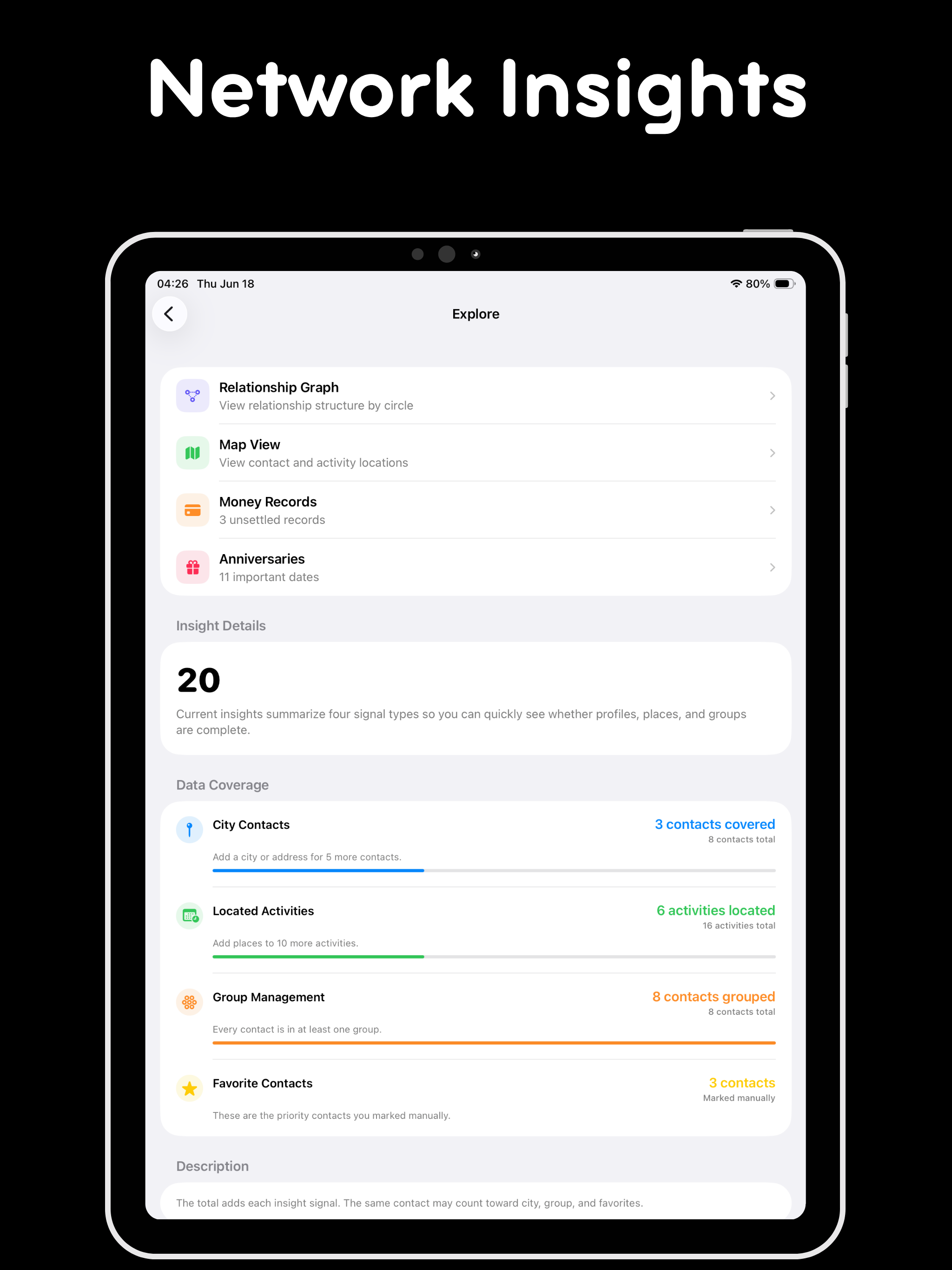 Image could not be loaded
  Image could not be loaded
 Features
Create a polished digital business card and share it by QR code, nearby transfer, exported card file, or iCloud link
Record shared activities like meals, meetings, trips, coffee chats, and gatherings so every contact has a living history
Explore your personal network through a relationship graph, map view, reminders, and money records
Stay local-first by default, with Face ID protection and optional iCloud sync through your own Apple account
Overview
At a glance
- Also known as
- 往来
- Developer
- iPocket
- Platforms
- iPhone, iPad
- Availability
- App Store
- Price
- Free · In-app purchases
- Requires
- iOS / iPadOS 17.0 or later
- Latest version
- 2026.10100 (2026-10-10)
- Size
- 21 MB
- Languages
- English, Chinese
- Category
- Lifestyle
What is TieLoop?
TieLoop is a private personal CRM and digital card for iPhone. It connects contacts with shared moments, anniversaries, reminders, money records, places, tags, and a relationship graph—context the built-in Contacts app does not try to hold.
Who it is for
- People who want a relationship memory beyond names and phone numbers
- Professionals who share a digital card via QR, nearby transfer, or link
- Users who prefer local-first storage with optional iCloud and Face ID
How to start
- Add people and relationship context (notes, activities, anniversaries).
- Create a personal card and share by QR, nearby, export, or iCloud link.
- Use the graph and map views when your network grows past a flat list.
- Keep data on-device by default; enable iCloud sync only if you want multi-device via your Apple account.
- Unlock Pro for unlimited contacts and optional iCloud sync when the free tier is too small.
Privacy stance
TieLoop is local-first by default. Permissions (Contacts, Location, Camera, etc.) are requested when a feature needs them. Shared App Clip / web fallbacks exist so recipients can open a card even without the full app installed.
FAQ
How is TieLoop different from the built-in Contacts app?
Contacts keeps names and phone numbers. TieLoop adds relationship context: activities, anniversaries, reminders, money records, places, tags, groups, and a graph that helps you understand how people and circles connect.
Do I need an account to use TieLoop?
No. TieLoop is designed to work locally on your iPhone without account registration. Optional iCloud sync uses your own Apple account when you decide to enable it.
What does Pro unlock?
The free version is designed for starting with a smaller relationship list. Pro unlocks unlimited contacts and optional iCloud sync for long-term relationship organization.
Can I use TieLoop as a digital business card?
Yes. TieLoop lets you create a personal card and share it by QR code, nearby transfer, exported card file, or iCloud link, so it works for in-person introductions, cross-device handoff, and fallback web sharing.
Can I share my contact card with someone who does not have TieLoop?
Yes. TieLoop keeps supported share links and App Clip entry points available as fallback paths, so people can open or import a shared card even when the full app is not already installed.
Where is my relationship data stored?
TieLoop is local-first by default. Your relationship data stays on the device unless you turn on iCloud sync. The app privacy manifest declares no developer-collected data and no tracking.
Which permissions does TieLoop request?
TieLoop requests permissions such as Contacts, Location, Photos, Camera, Local Network, Motion, Notifications, and Face ID only when you use features that need them.
MORE FROM IPOCKET
Related apps
-
 SunLightiPhoneiPad
SunLight is an iPhone and iPad sun tracker that helps you read sun direction, daylight phases, sunrise, sunset, golden hour, blue hour, and room sunlight from one calm compass.
View app -
 Do not GuessiPhoneiPad
Do not Guess is a casual restroom-sign recognition game for iPhone and iPad. Practice reading men’s and women’s restroom symbols quickly across 70 icon sets, timed rounds, achievements, and game statistics.
View app -
 ClawRSS: OpenClaw RSS Feed ReaderiPhoneiPad
ClawRSS is a modern RSS feed reader for iPhone and iPad with a smarter Today feed, AI summaries, built-in translation, bookmarks, Apple Push alerts, and optional OpenClaw workflows.
View app