

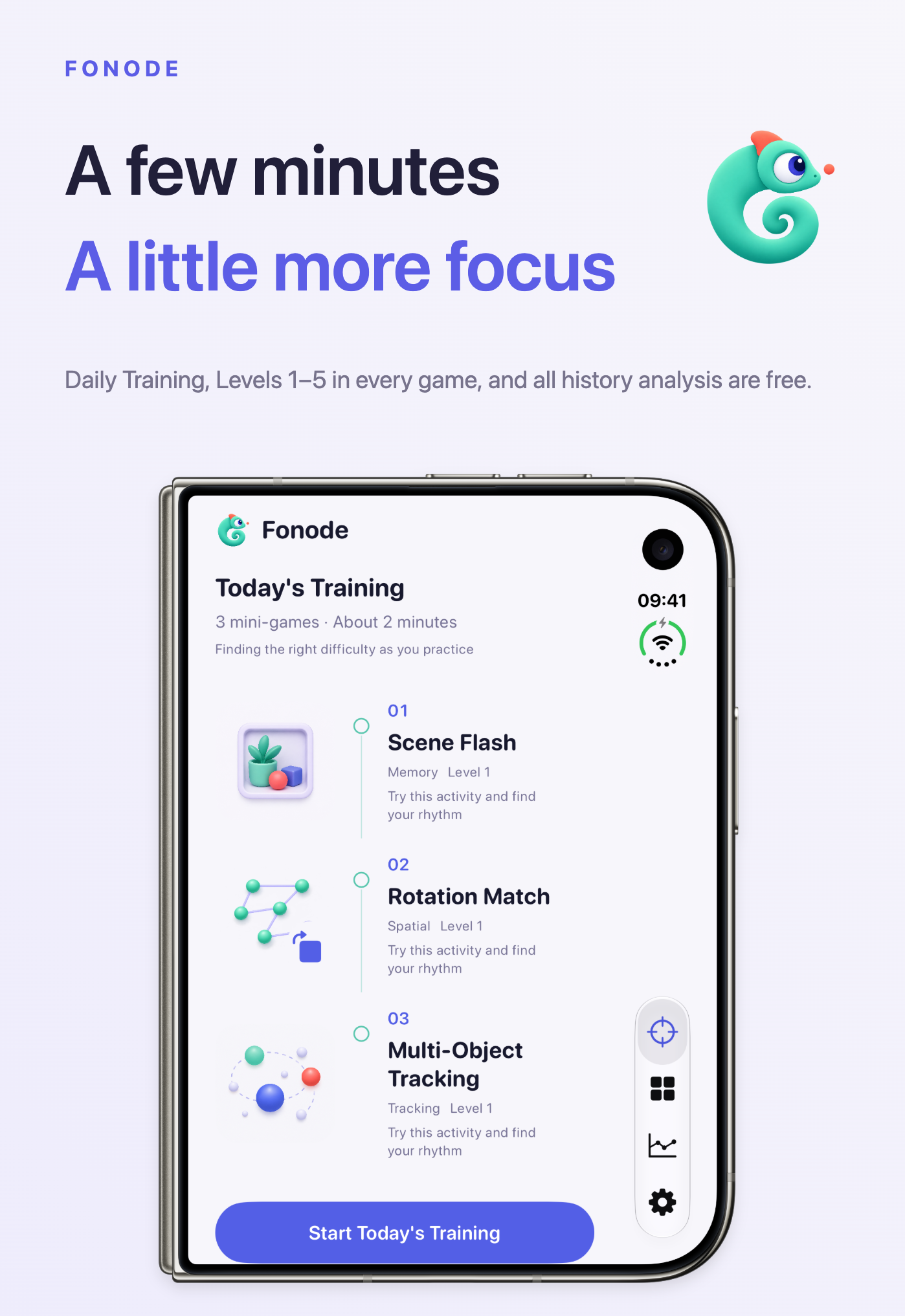
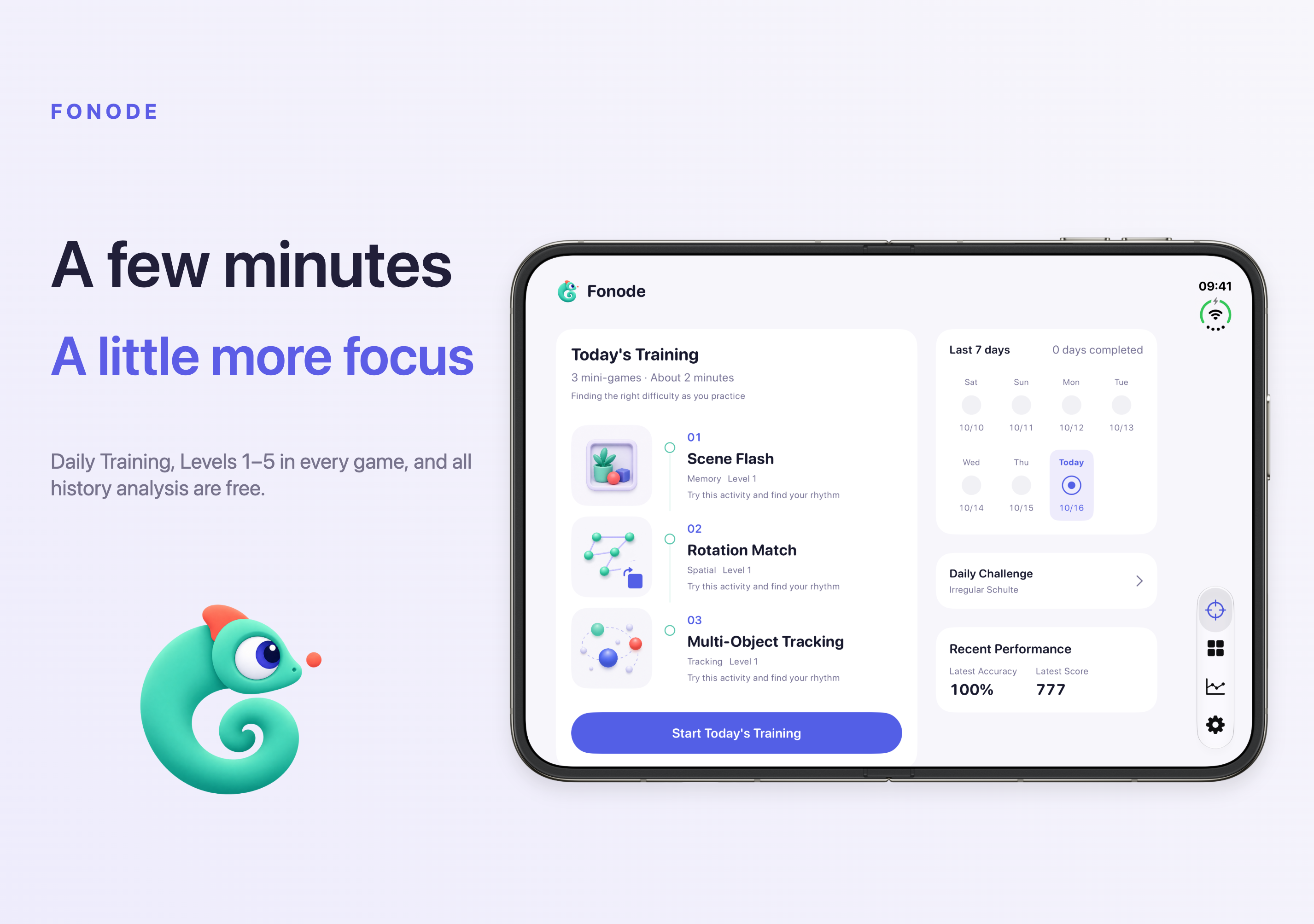
Three short games, about three minutes. A daily plan draws on your recent practice so a small break is enough to get started.
Back to apps

- iPhone
- iPad
Fonode
Make a little time to focus with three short games. Practice visual search, memory, tracking, reactions and spatial judgment at your own pace.
Coming soon
Download will show here once available.
Screenshots
IPHONE
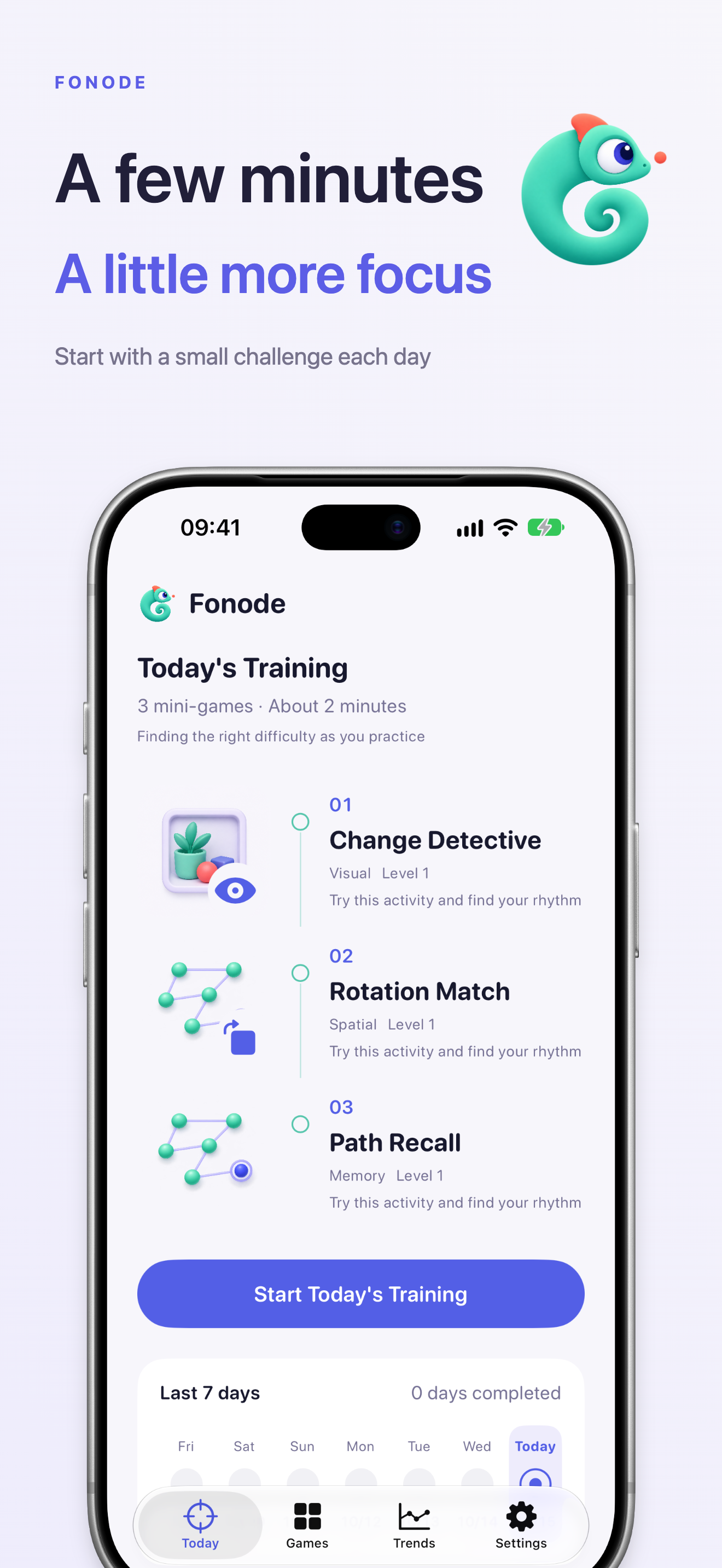 Image could not be loaded
 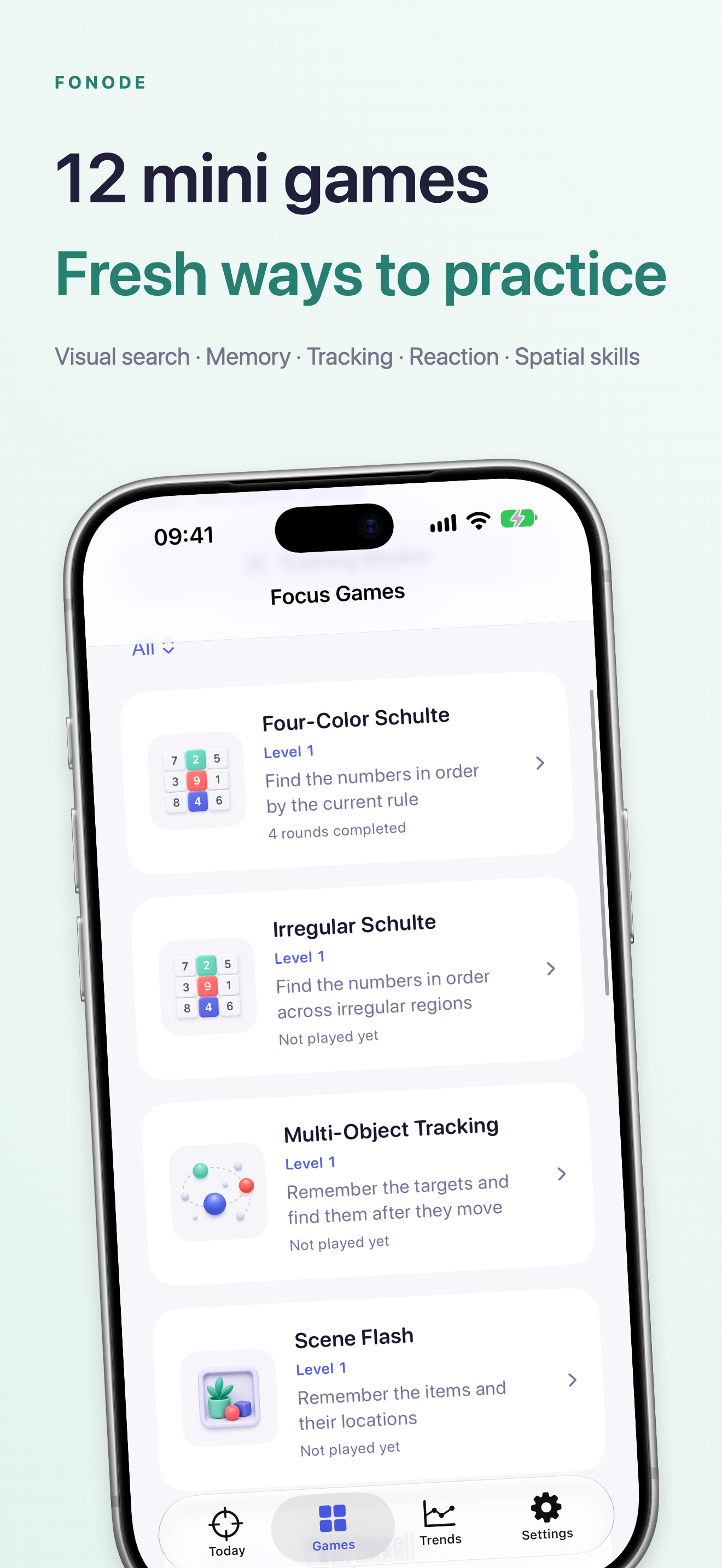 Image could not be loaded
 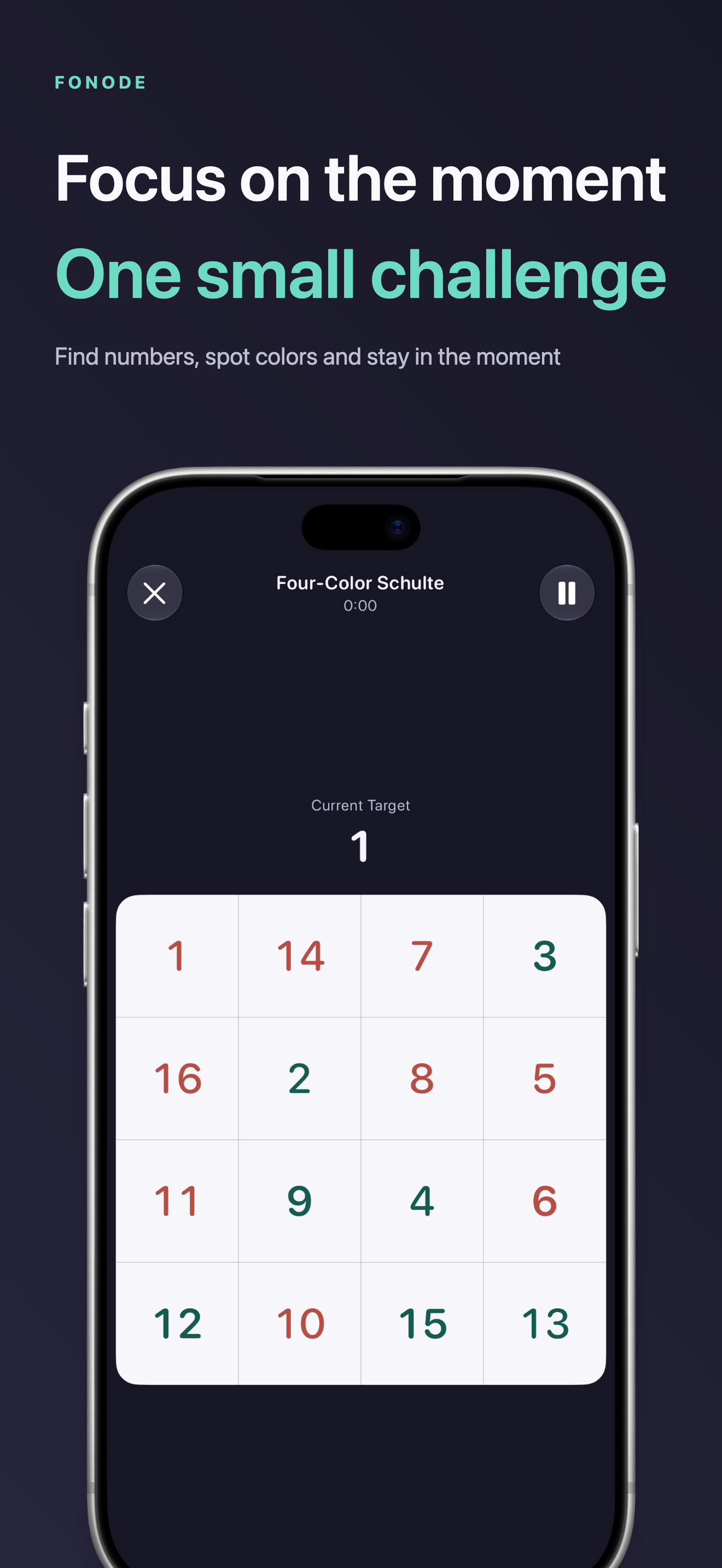 Image could not be loaded
 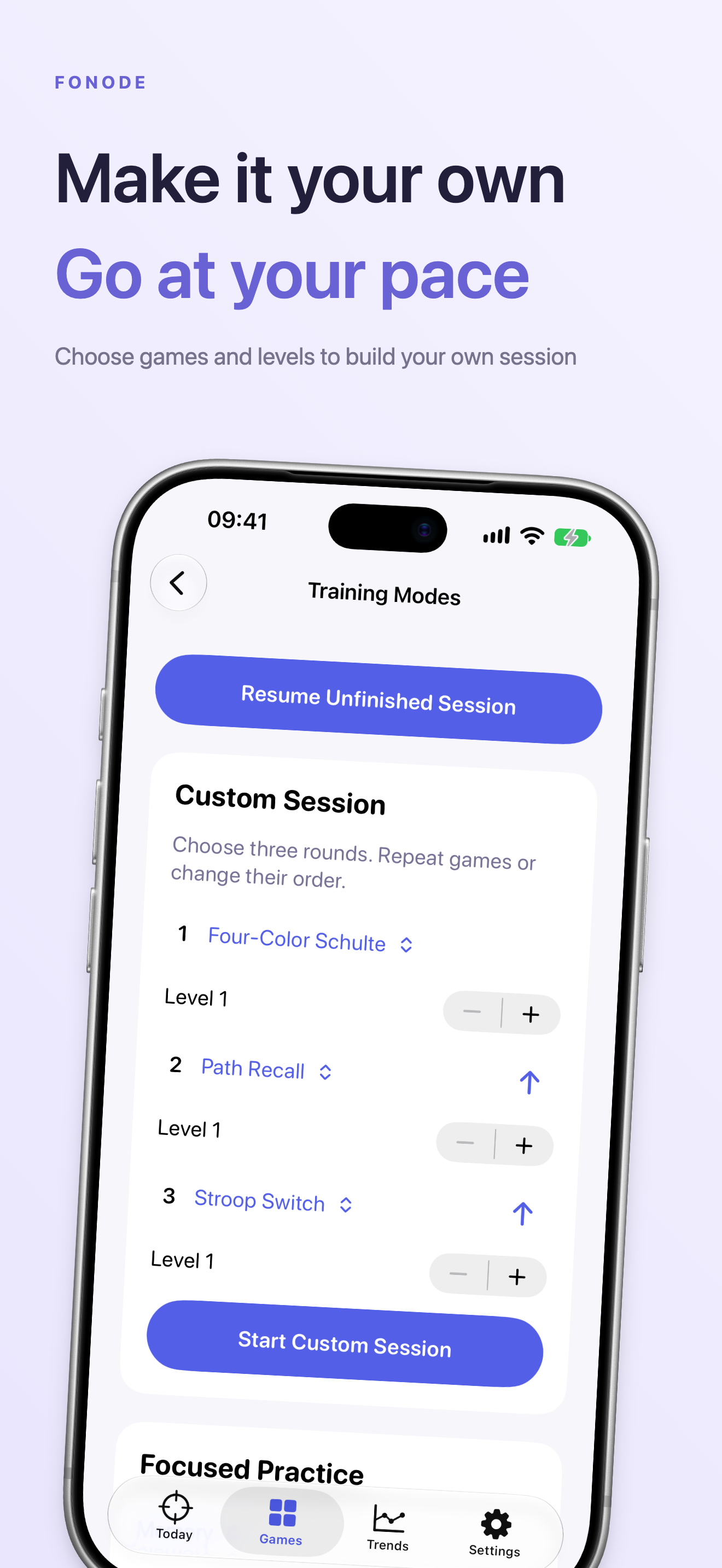 Image could not be loaded
 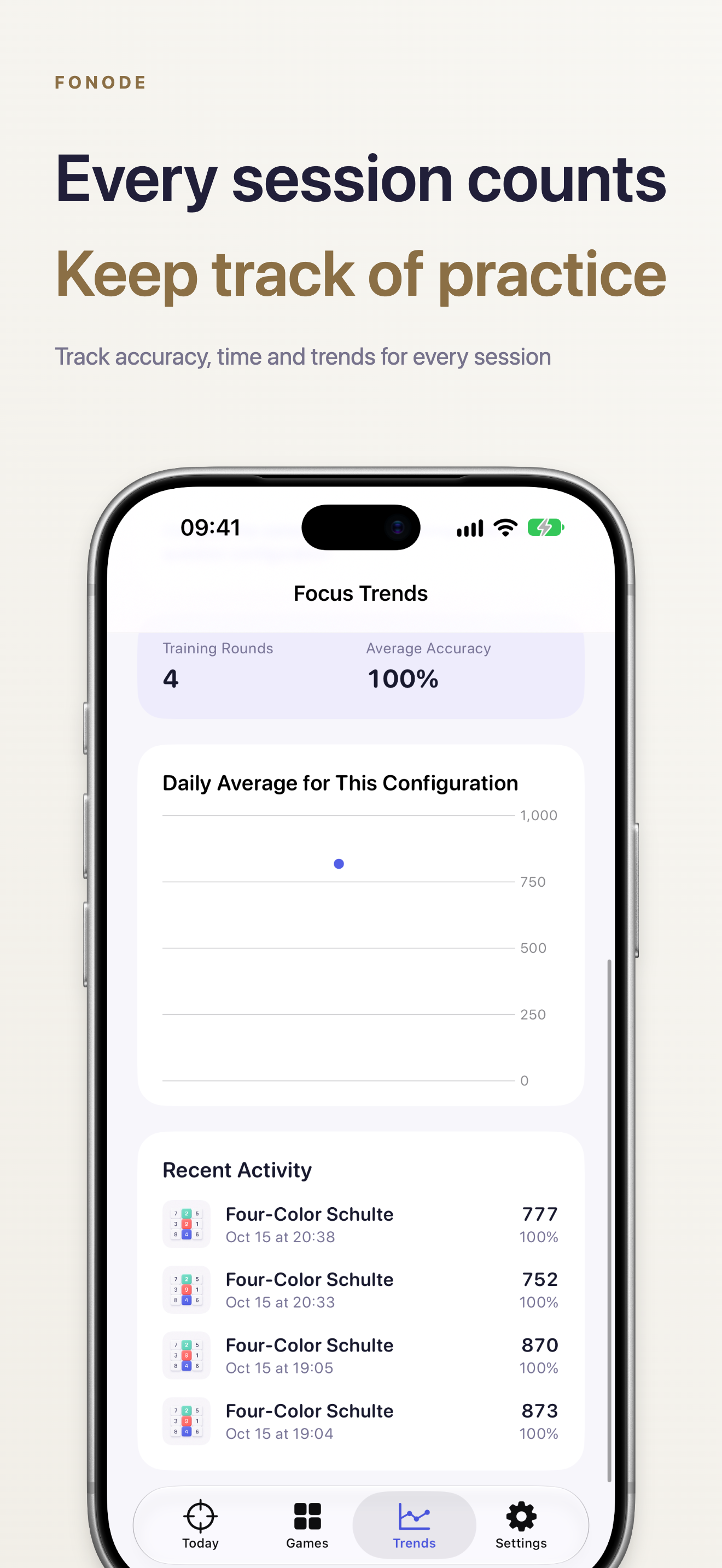 Image could not be loaded
 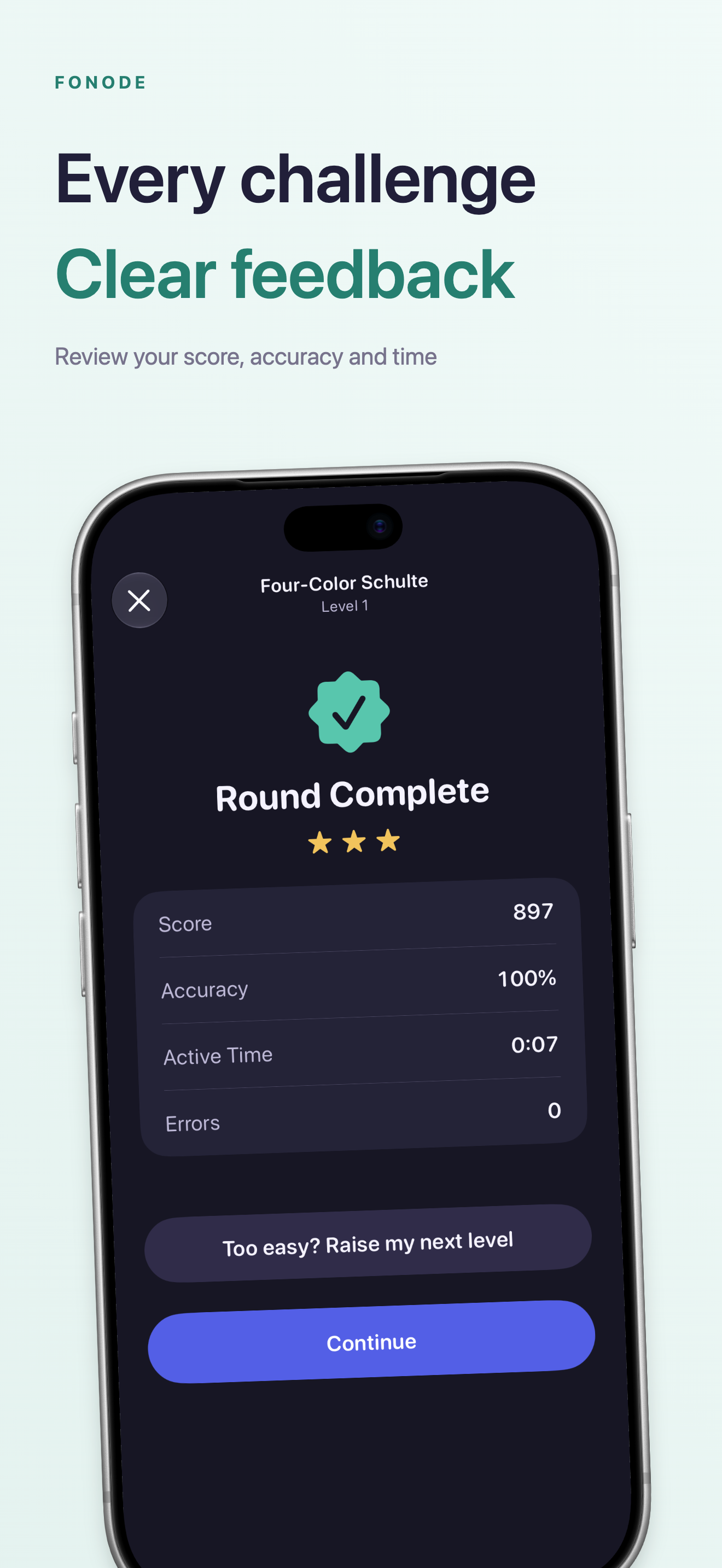 Image could not be loaded
 iPhone Duo
IPAD
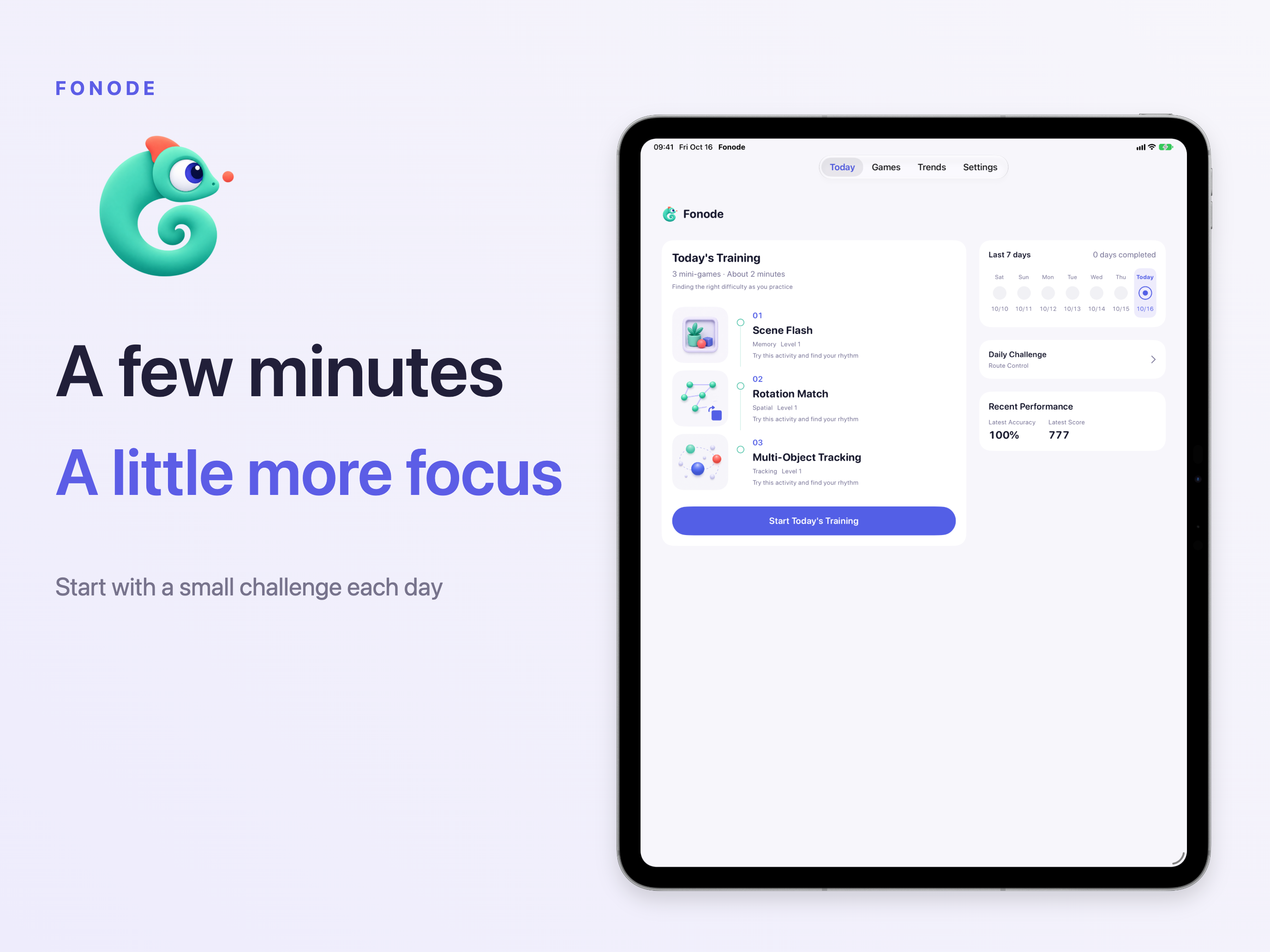 Image could not be loaded
 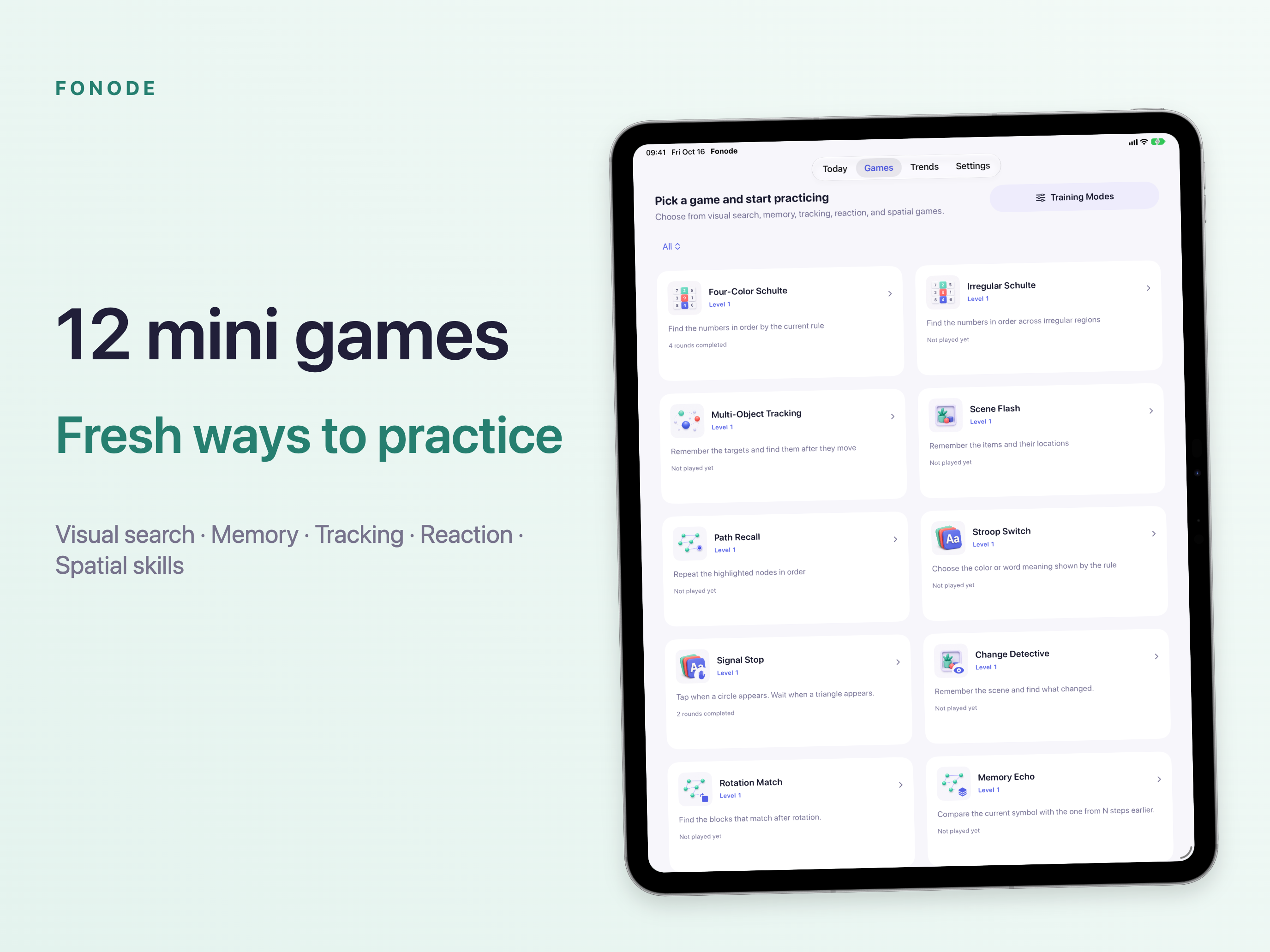 Image could not be loaded
 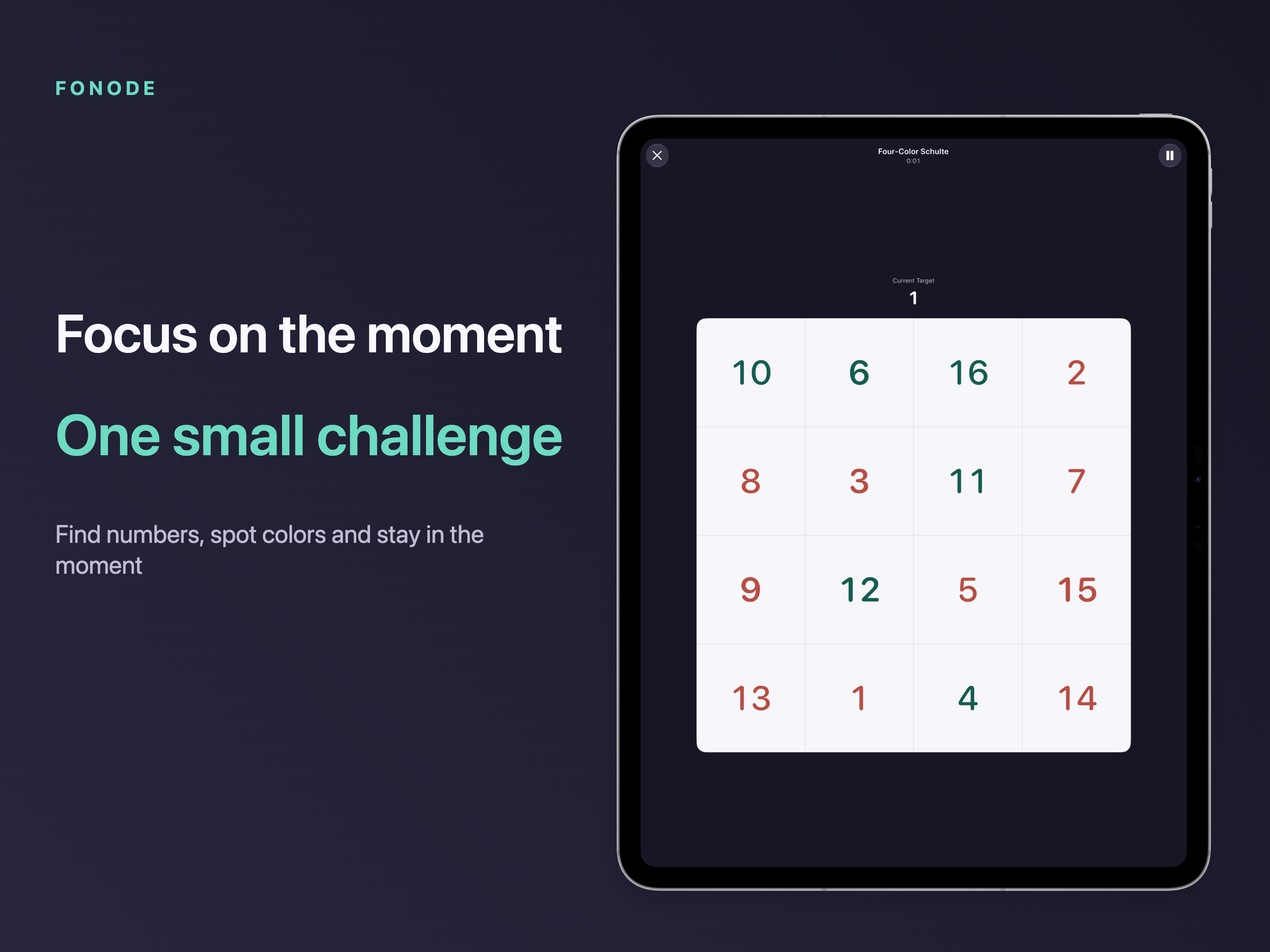 Image could not be loaded
 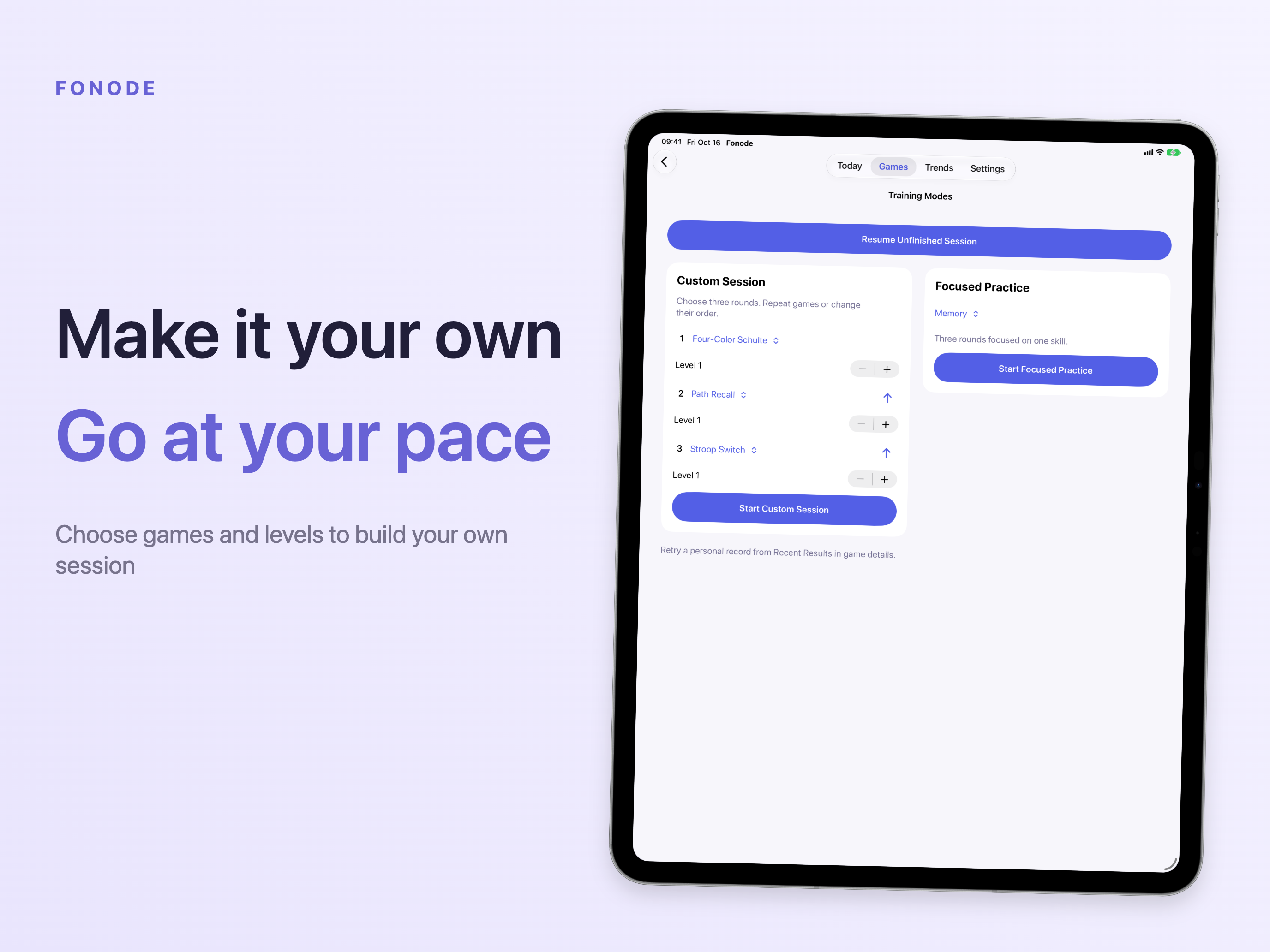 Image could not be loaded
 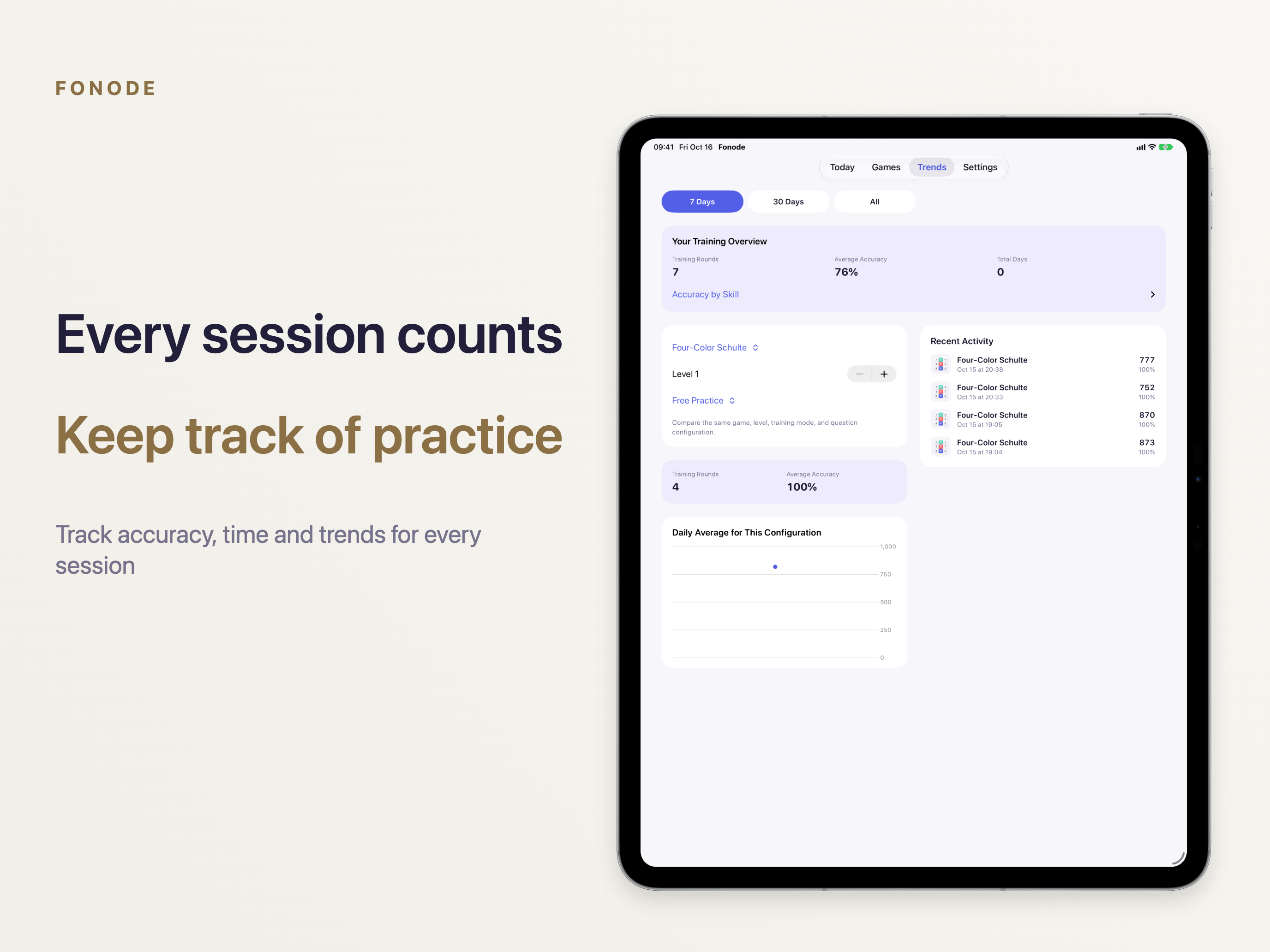 Image could not be loaded
 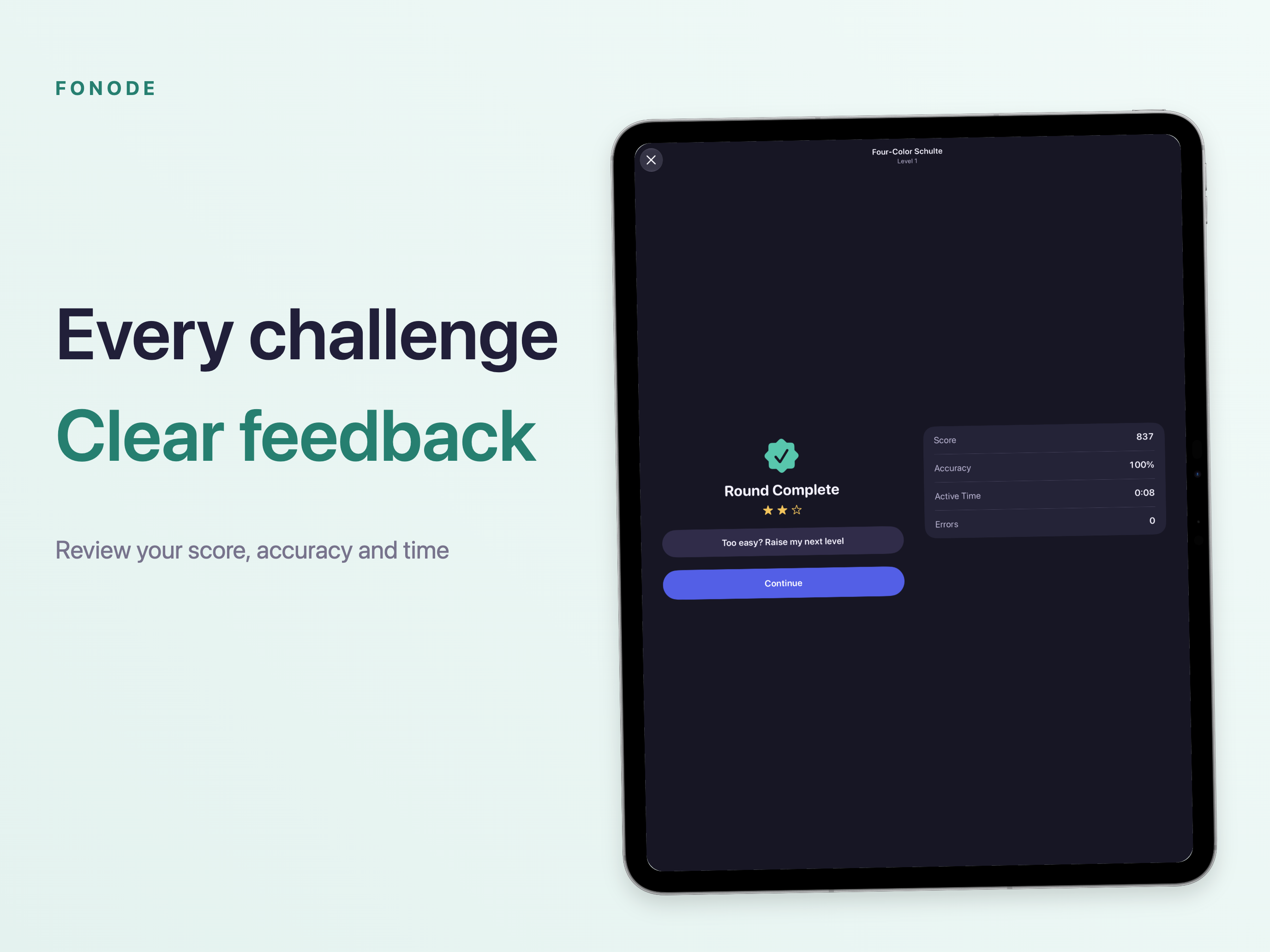 Image could not be loaded
 Features
Explore 12 games across visual search, memory, tracking, reactions and spatial judgment, with 20 levels in each game.
Each game adjusts its own difficulty using several valid practice rounds, gradually adding a challenge or easing the pace.
Review personal trends by game, level and practice mode, comparing rounds with matching task configurations.
No account, ads or analytics SDKs. Core practice works offline; records stay on your device by default, with optional iCloud sync.
Choose optional local reminders in smart or fixed daily mode. Completing today's routine cancels the remaining reminder for that day.
Overview
Start with today’s three games
Open Today, follow the three-game plan and review your time and accuracy when you finish. The daily plan considers recent games, time since your last practice and current levels to make room for different kinds of practice.
Pause when you need a break, or hide the timer for a quieter session. Sound cues, haptic feedback, color assistance and the practice streak display can also be adjusted in Settings.
Twelve ways to practice
| Practice category | Games |
|---|---|
| Visual search | Color Schulte, irregular Schulte, change detection |
| Memory | Scene memory, path recall, N-back |
| Target tracking | Multiple object tracking, routing |
| Reactions and rules | Color-word conflict, go/no-go signals, rule sorting |
| Spatial judgment | Rotation matching |
Each game has its own progress and a guide to its rules. Difficulty responds to several valid practice rounds, adding a challenge when performance is steady and easing a level when the task is too demanding.
Follow your own practice
Choose a game, level and practice mode to review comparable records in your trends. After a session, you can make a results summary card and save or send it through the system share sheet. Sharing starts only when you choose it.
Free daily practice, more options with Pro
Core daily practice is free. Fonode Pro is a one-time purchase for permanent access to unlimited practice, all levels, custom practice combinations and a fuller history. Purchases can be restored with the same Apple Account.
Keep control of your records
Practice is saved on your device by default, without a Fonode account. Choose whether to sync through your own iCloud, or delete training data in Settings. Reminders are scheduled on the device. Smart mode can also suggest a time based on local practice habits, and you decide whether to accept it.
FAQ
Which games are included?
The 12 games cover color and irregular Schulte tables, multiple object tracking, scene memory, path recall, color-word conflict, go/no-go signals, change detection, rotation matching, N-back memory, rule sorting and routing.
How long does daily practice take?
The daily routine contains three short games and usually takes about three minutes. Actual time depends on the games, levels and your pace. You can pause and fit practice around the time you have.
What is free, and what does Fonode Pro unlock?
Core daily practice stays free. A one-time Pro purchase unlocks unlimited practice across all 12 games and 20 levels, custom sessions, targeted practice, personal record challenges, 30-day and full training history, and the easy and expert daily challenge tiers. The local price is shown by the App Store in the app.
Do I need an account or an internet connection?
No Fonode account is required, and core practice works offline. Optional iCloud sync uses your own Apple Account. Purchases, restoring purchases and cloud synchronization require an internet connection.
What do the trends represent?
Trends describe your practice in a particular game. Fonode compares records only when the game, level, practice mode and task configuration match, so you can review changes in your own accuracy and completion time.
Does turning off iCloud delete cloud records?
No. Switching sync on or off first merges local and cloud snapshots. Use Delete Training Data in Settings to delete the active store or both local and iCloud copies. Cloud deletion requires synchronization to complete.
Can I turn reminders off?
Yes. Reminders require you to enable them and allow system notification permission. You can turn them off in the app or system settings. Fixed daily mode schedules the next 60 days whenever you open the app; after 60 days without opening it, open the app again to continue reminders.
MORE FROM IPOCKET
Related apps
-
 PuzzleWalliPhoneiPad
Turn your photos into tile swap, sliding, and jigsaw puzzles, then create, send, and play them with friends directly inside Apple Messages.
View app -
 ClawRSS: OpenClaw RSS Feed ReaderiPhoneiPad
ClawRSS is a modern RSS feed reader for iPhone and iPad with a smarter Today feed, AI summaries, built-in translation, bookmarks, Apple Push alerts, and optional OpenClaw workflows.
View app -
 YesBoxiPhoneiPad
A 3D keepsake for the words that matter.
View app