





Immersive Retro Experience
Back to apps


- iPhone
- iPad
iPocketPrint
iPocketPrint is an iOS app simulating a retro pocket printer that lets users type messages, generate virtual paper notes with timestamps, and save them to a 'Memory Wall' or share them with friends.
First published · 2025-11-27
Last updated · 2025-12-17
App Store rating · 5.0 / 5 from 1 rating
Features
Playful Printing Interaction
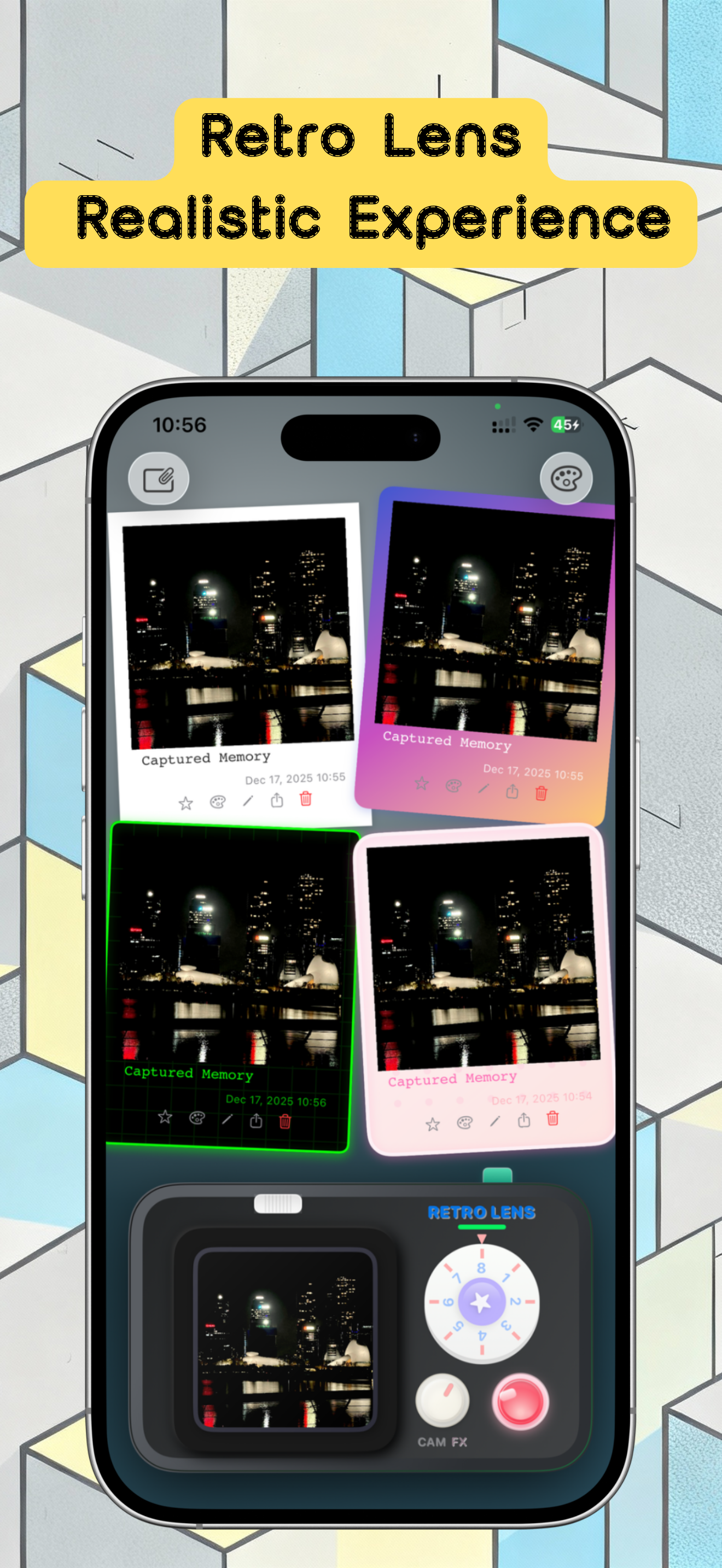
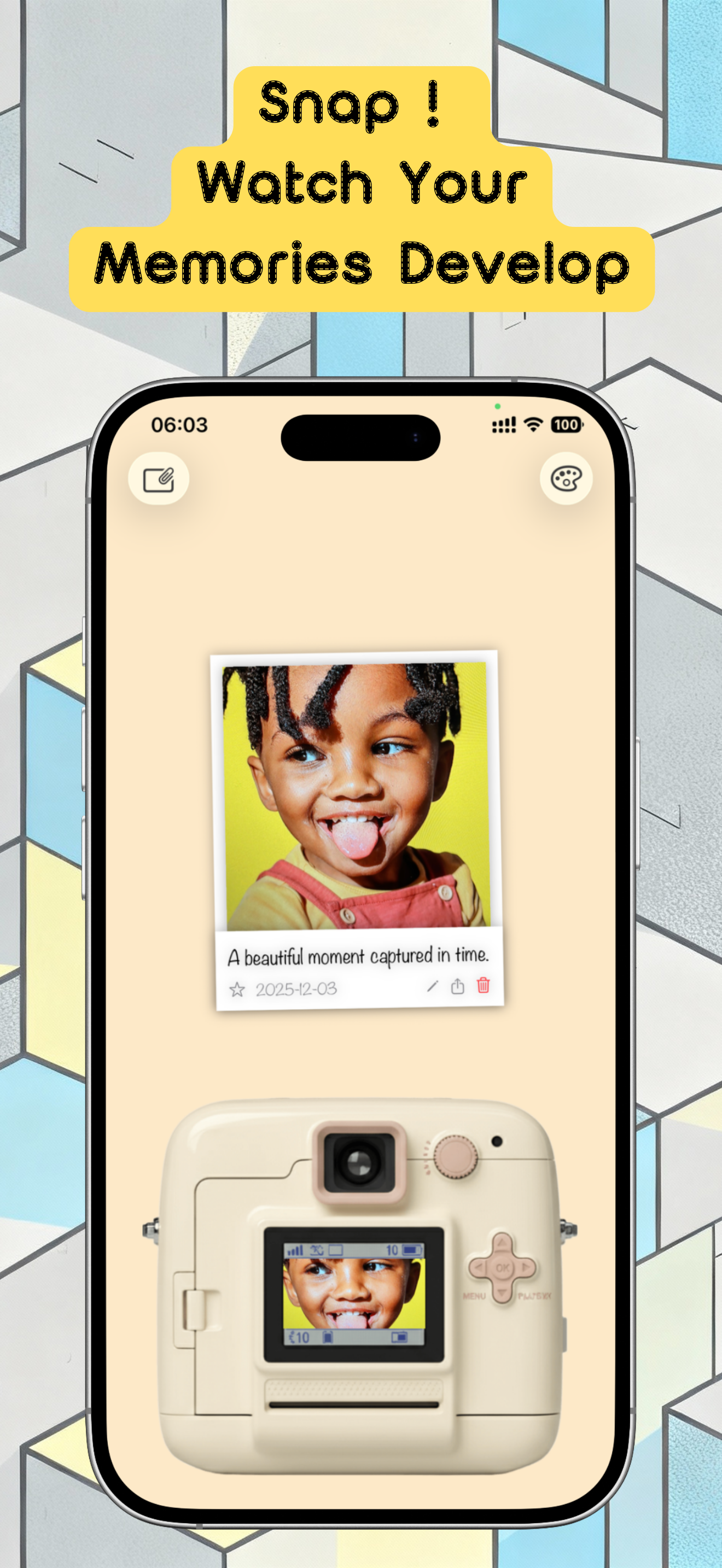
Memory Wall
Share with Friends
Overview
What is iPocketPrint?
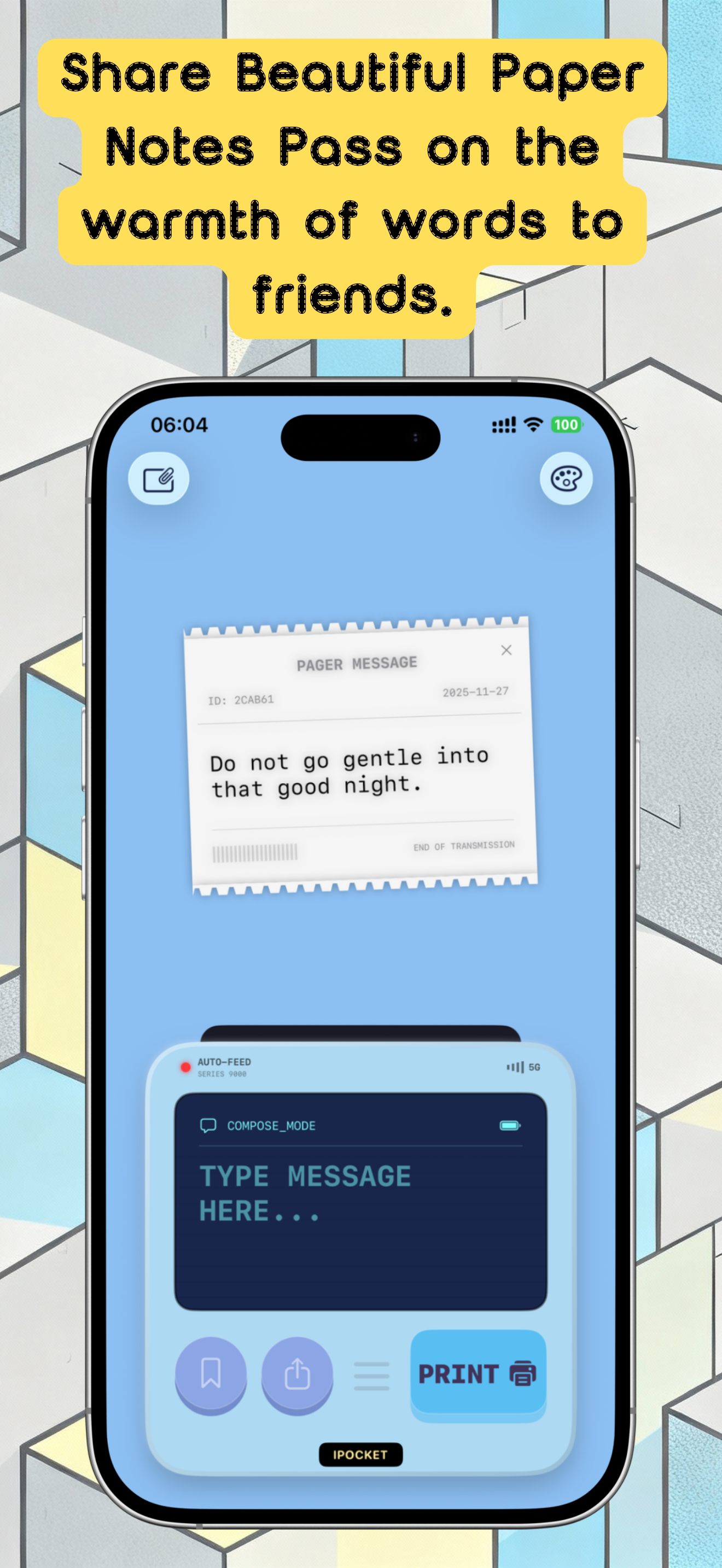
iPocketPrint is a retro pocket printer simulator for iPhone and iPad. Type a short note, generate a timestamped virtual paper slip, save it to a Memory Wall, and share the print aesthetic with friends—without a physical thermal printer.
Who it is for
- People who like tactile, paper-like journaling vibes on phone
- Friends who trade short notes and “receipt” style memories
- Users who want a playful capture tool, not a full notes suite
How to capture a memory
- Type a short message or note.
- Generate the virtual print with timestamp styling.
- Pin it to the Memory Wall or share the image.
- Browse past slips when you want a timeline of small moments.
What it is not
PocketPrint is not a driver for every hardware pocket printer brand. It focuses on the feel of paper notes as a digital keepsake.
FAQ
How do I print a new note?
Type your message in the text box on the printer screen, then tap the orange 'PRINT' button on the right. The printer will eject your note with an animation.
Is there a limit to how many papers I can save?
The free version allows you to save up to 100 notes. For unlimited storage, you can upgrade to Premium in the Settings page.
How do I delete unwanted notes?
On the 'Memory Wall' page, long-press the note you want to remove and select 'Delete' from the menu that appears.
Can I change the color of the printer?
Yes! Tap the settings button on the top right of the home page to choose different retro themes (like Pink or Blue) and change the printer's appearance.
Can I share my printed notes with friends?
Absolutely. Tap the share button on the printer or long-press a note on the Memory Wall to select 'Share'. The app will generate a realistic image with paper texture and shadows for you to send.
MORE FROM IPOCKET
Related apps
-
 PuzzleWalliPhoneiPad
Turn your photos into tile swap, sliding, and jigsaw puzzles, then create, send, and play them with friends directly inside Apple Messages.
View app -
 ImageSealiPhoneiPad
ImageSeal is an on-device watermarking app for iPhone and iPad. Add invisible source marks, create text and logo watermarks, process photos in batches, and verify an ImageSeal mark without uploading your images.
View app -
 ClawRSS: OpenClaw RSS Feed ReaderiPhoneiPad
ClawRSS is a modern RSS feed reader for iPhone and iPad with a smarter Today feed, AI summaries, built-in translation, bookmarks, Apple Push alerts, and optional OpenClaw workflows.
View app