







Manage active and completed todos in one focused list on iPhone, iPad, and Mac
Back to apps

- iPhone
- iPad
- Mac
Real Todo
Capture and finish tasks in one calm list on iPhone, iPad, and Mac. On your Mac, a desktop companion keeps quick add, complete, and postpone close without interrupting your work.
First published · 2026-05-20
Last updated · 2026-08-10
Features
Capture with text, voice, or photos, with OCR to pull task text from an image
See tasks on your Mac desktop and quick-add, complete, or postpone without switching windows
Choose Nori, Tiko, or Mumo as a desktop companion that keeps todos gently in view
Stay local-first with no Real Todo account required, then unlock unlimited creation with a one-time Pro purchase
Overview
What is Real Todo?
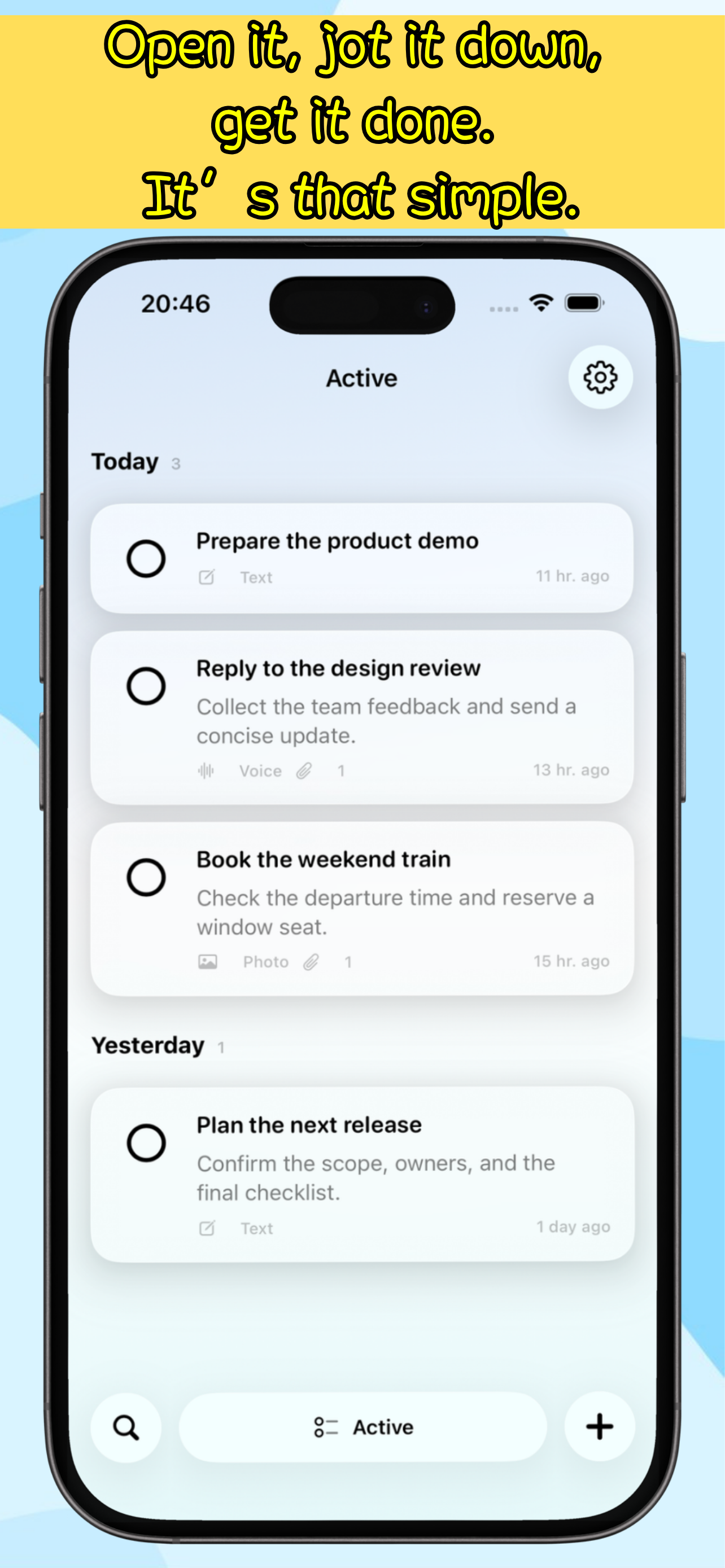
Real Todo is a minimal todo app for iPhone, iPad, and Mac. It gives everyday tasks one focused list, keeps active and completed items clear, and captures new todos from text, voice, or photos with OCR. There are no heavy project hierarchies to maintain: open it, record what matters, and find it again quickly.
On Mac, Real Todo adds a native desktop workspace and a companion that can stay nearby. Nori, Tiko, or Mumo can keep selected todos in view, while quick add, complete, and postpone remain available without pulling you away from the app you are using.
Who it is for
- People who want to track everyday todos without maintaining a complex project system
- Anyone who wants the same lightweight workflow on iPhone, iPad, and Mac
- Users who prefer voice or photo capture without opening a separate notes app first
- People who want tasks visible on the desktop without constantly switching windows
How to use it day to day
- Create a todo on iPhone, iPad, or Mac with typing, voice, or photo text extraction.
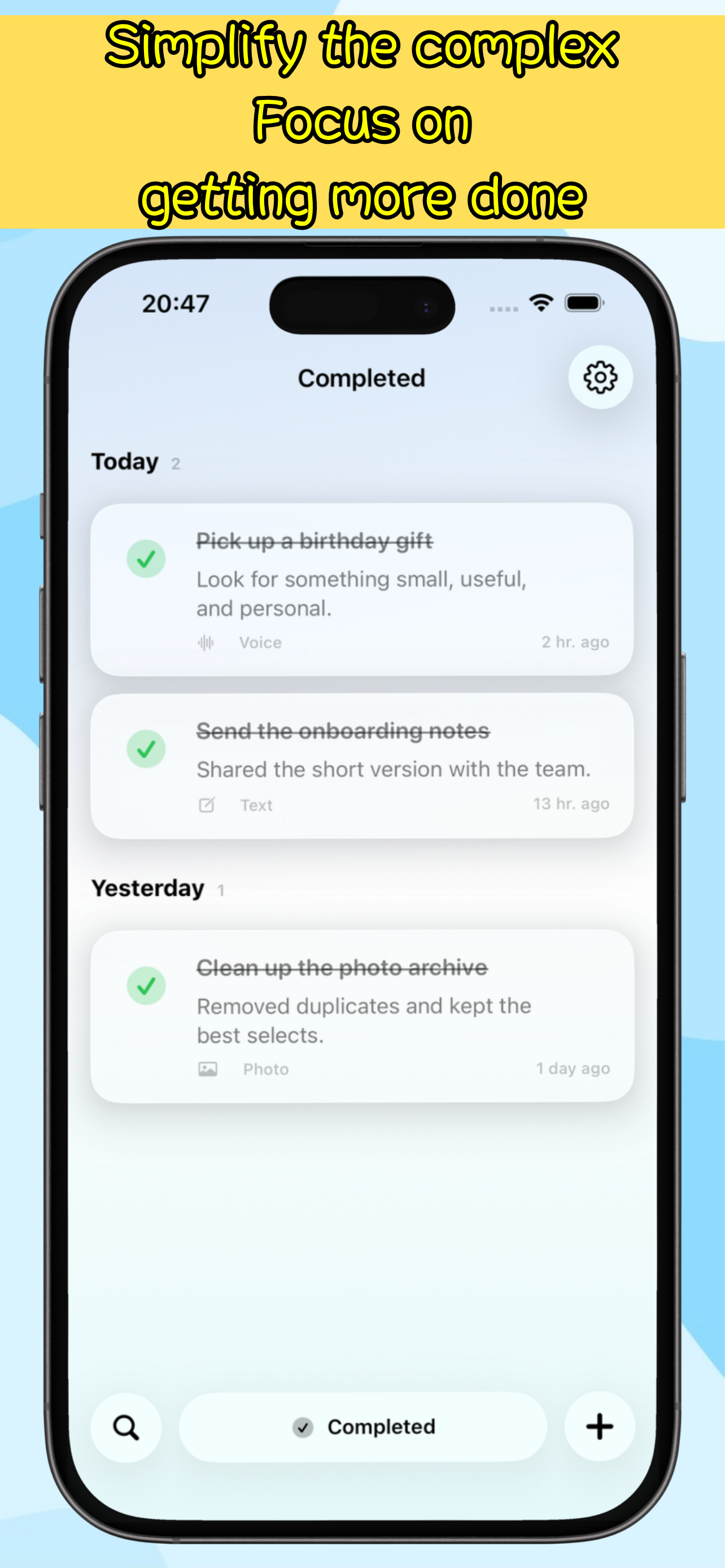
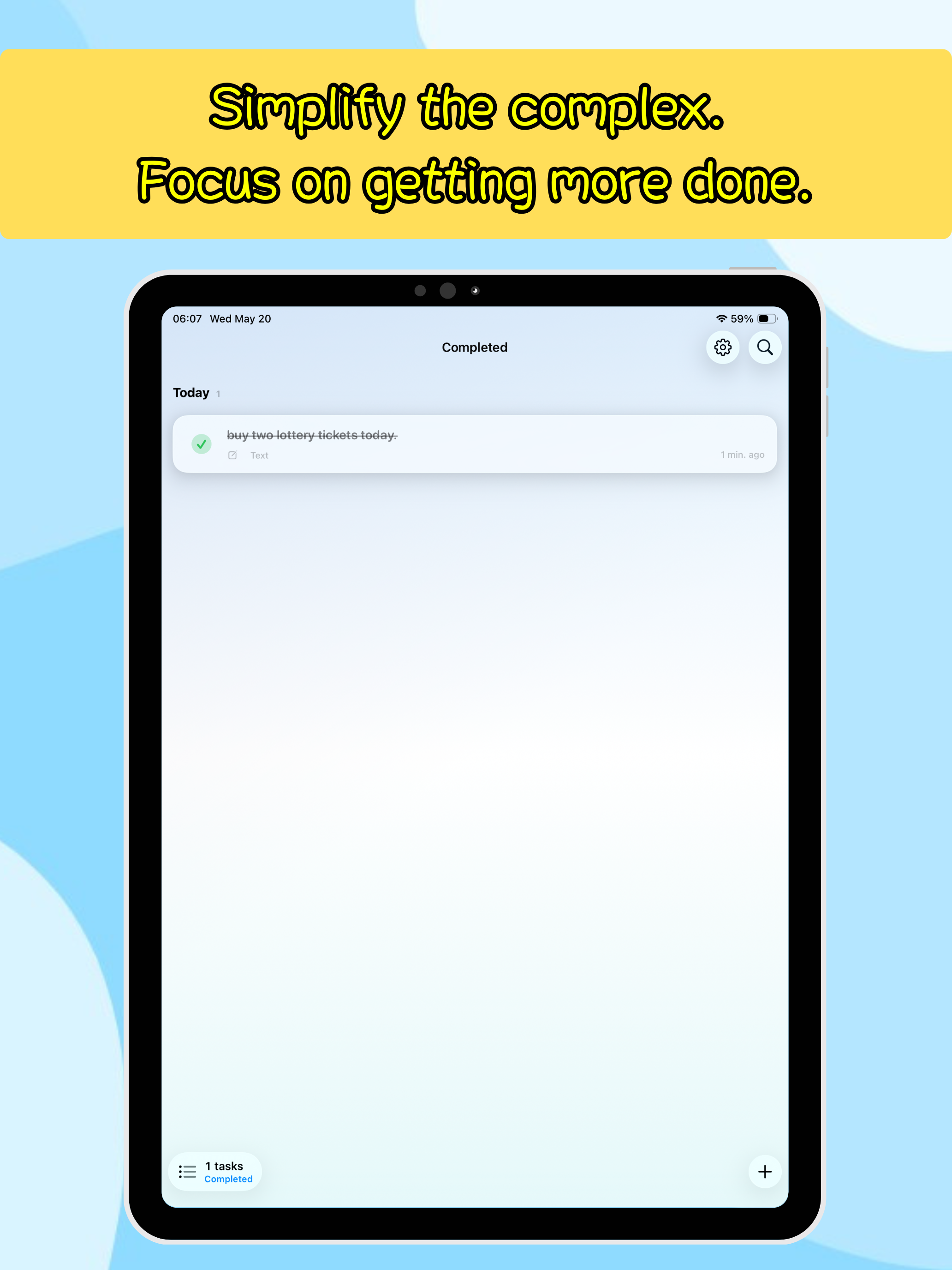
- Keep the list on active tasks, then switch to completed when reviewing your work.
- Add useful todos to the Mac desktop companion and complete or postpone them there.
- Attach images or Markdown-friendly notes when a task needs more context.
- If you reach the free creation limit, purchase Pro once to unlock unlimited todos.
Meet your desktop companions
The Mac app includes three companions with distinct personalities: Nori the otter, Tiko the tortoise, and Mumo the lop-eared rabbit. Choose one, adjust its size and animation, keep it across desktop Spaces, or hide it automatically in full screen. Its job is simple: keep an important todo gently in sight without becoming another system to manage.
FAQ
What makes Real Todo different from a full task manager?
Real Todo keeps the main experience intentionally small: one list, active and completed views, instant search, and fast capture. It leaves projects and heavy planning layers out of the main interface, so recording and reviewing tasks stays quick on iPhone, iPad, and Mac.
What is different about the Mac version?
The Mac version provides a native desktop workspace for organizing titles, notes, dates, and attachments with a list and inspector. Its desktop companion also handles common actions without making you switch away from the app you are using.
What can the desktop companion do?
Once enabled, the companion appears as a lightweight floating panel for selected todos. You can quick-add, complete, or postpone a task directly. It does not open the main window or take focus from the app you are using.
Which desktop companions are included?
The Mac app includes Nori the otter, Tiko the tortoise, and Mumo the lop-eared rabbit. You can choose a companion and adjust its size, animation, Spaces behavior, and edge snapping.
Can I add todos without typing?
Yes. The create sheet supports text, voice, and photo input. Voice can turn speech into a task, and photo input can extract text from an image before you save or edit it.
Where is my todo data stored?
Real Todo is designed as a local-first app. Todos and attachments are stored on the device, and the core workflow does not require a Real Todo account.
What does Pro unlock?
The free version is designed for everyday use with a todo count limit. Real Todo Pro is a one-time App Store purchase that removes the limit so you can keep creating tasks over time.
MORE FROM IPOCKET
Related apps
-
 PocketSubsiPhoneiPadMac
PocketSubs is a local-first subscription tracker: track recurring bills, set renewal reminders, and see upcoming charges and ongoing spending.
View app -
 ClawRSS: OpenClaw RSS Feed ReaderiPhoneiPad
ClawRSS is a modern RSS feed reader for iPhone and iPad with a smarter Today feed, AI summaries, built-in translation, bookmarks, Apple Push alerts, and optional OpenClaw workflows.
View app -
 Weather IsletiPhoneiPad
Watch the weather come to life on a 3D island.
View app