

Record or import your own voice, or a voice you have permission to use, for local voice cloning
Back to apps
- iPhone
- iPad
FenVoice — Offline voice cloning & text to speech
Give new words a familiar voice. Clone a voice, create narration, and turn longer writing into audio on your iPhone or iPad. Listen, save, and share when you are ready.
Coming soon
Download will show here once available.
Screenshots
IPHONE
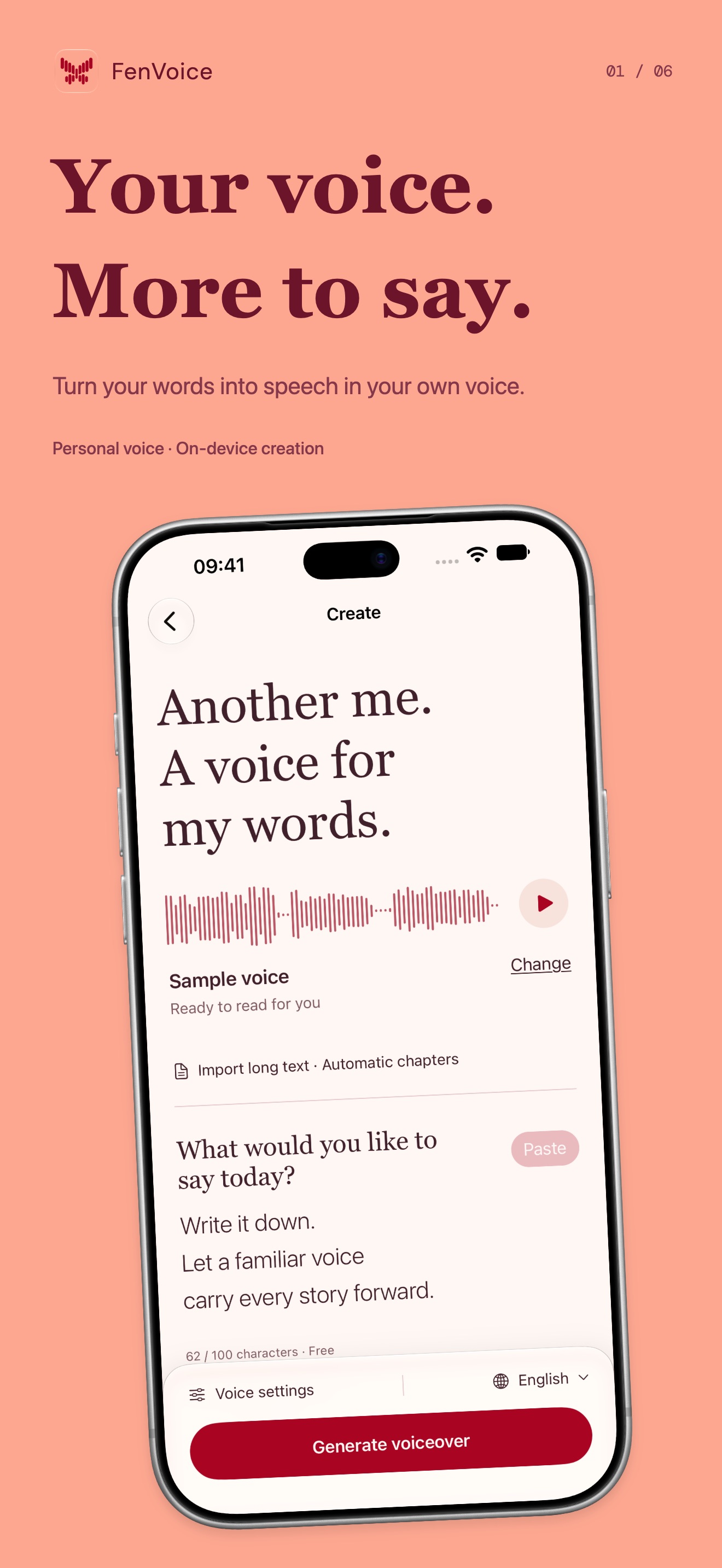 Image could not be loaded
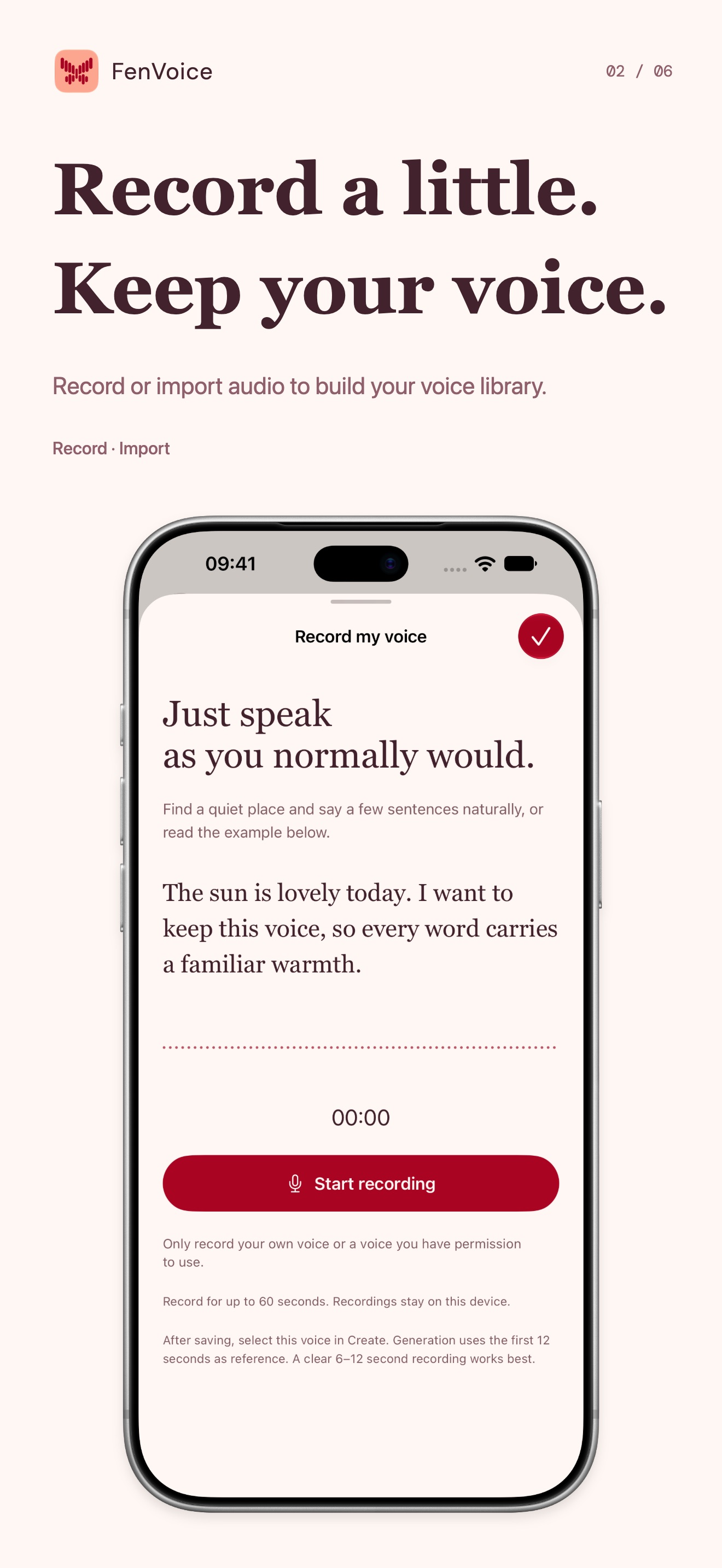 Image could not be loaded
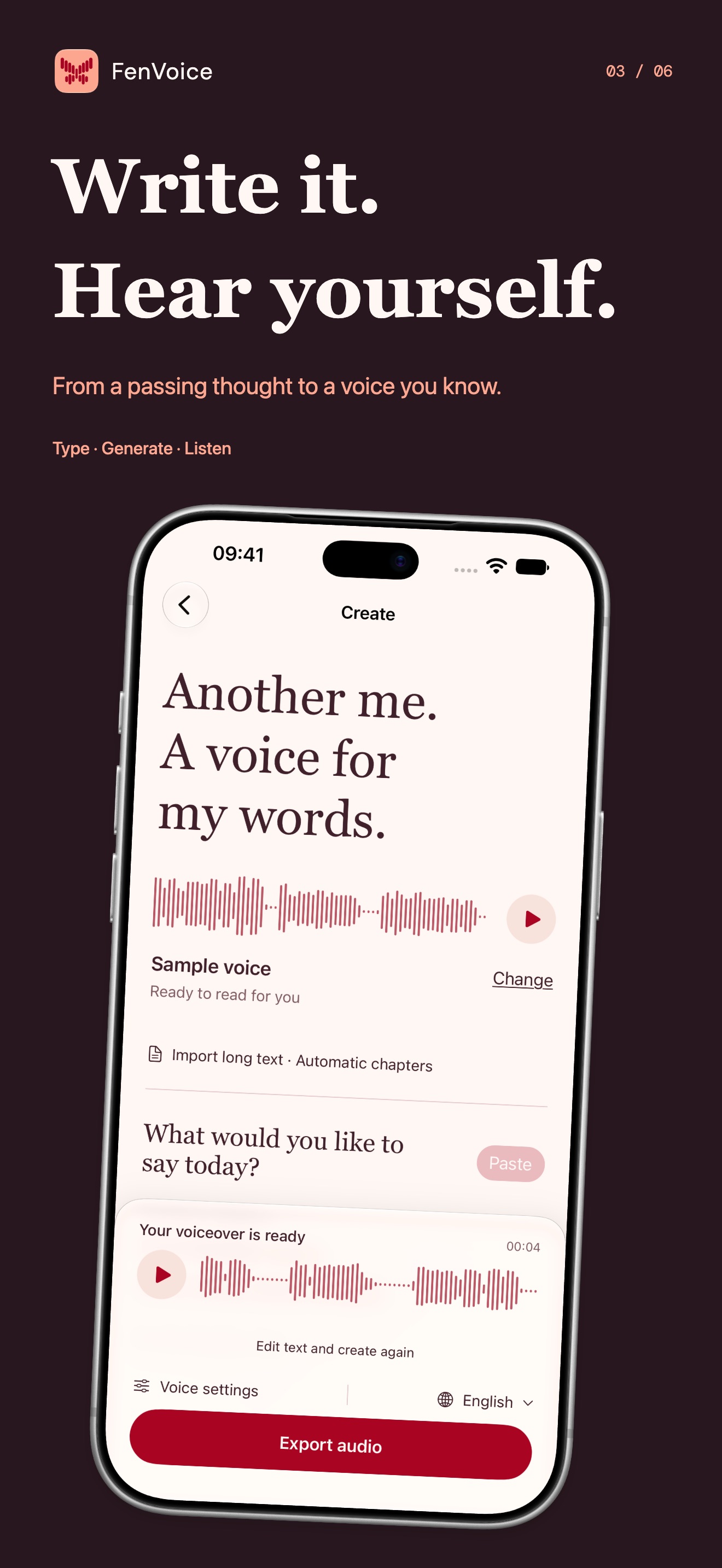 Image could not be loaded
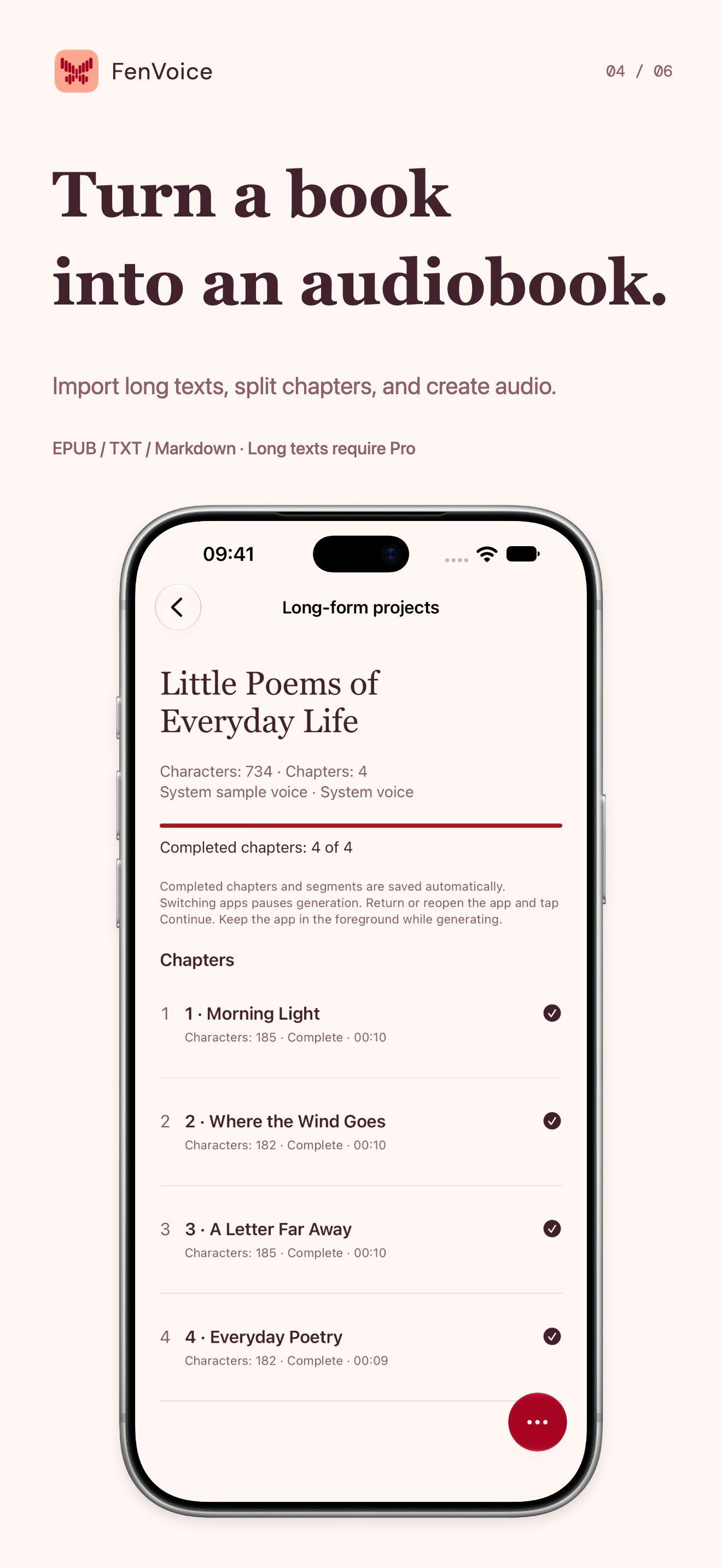 Image could not be loaded
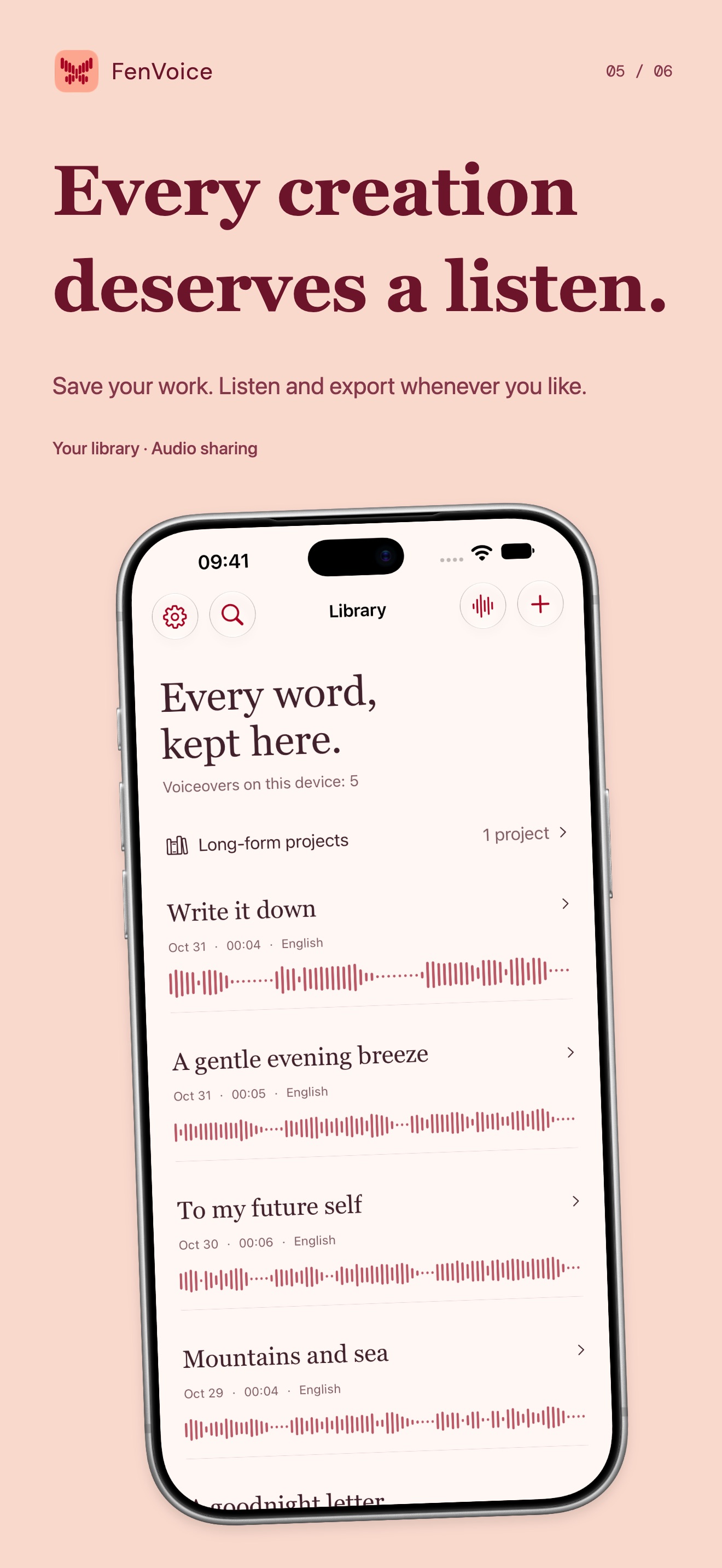 Image could not be loaded
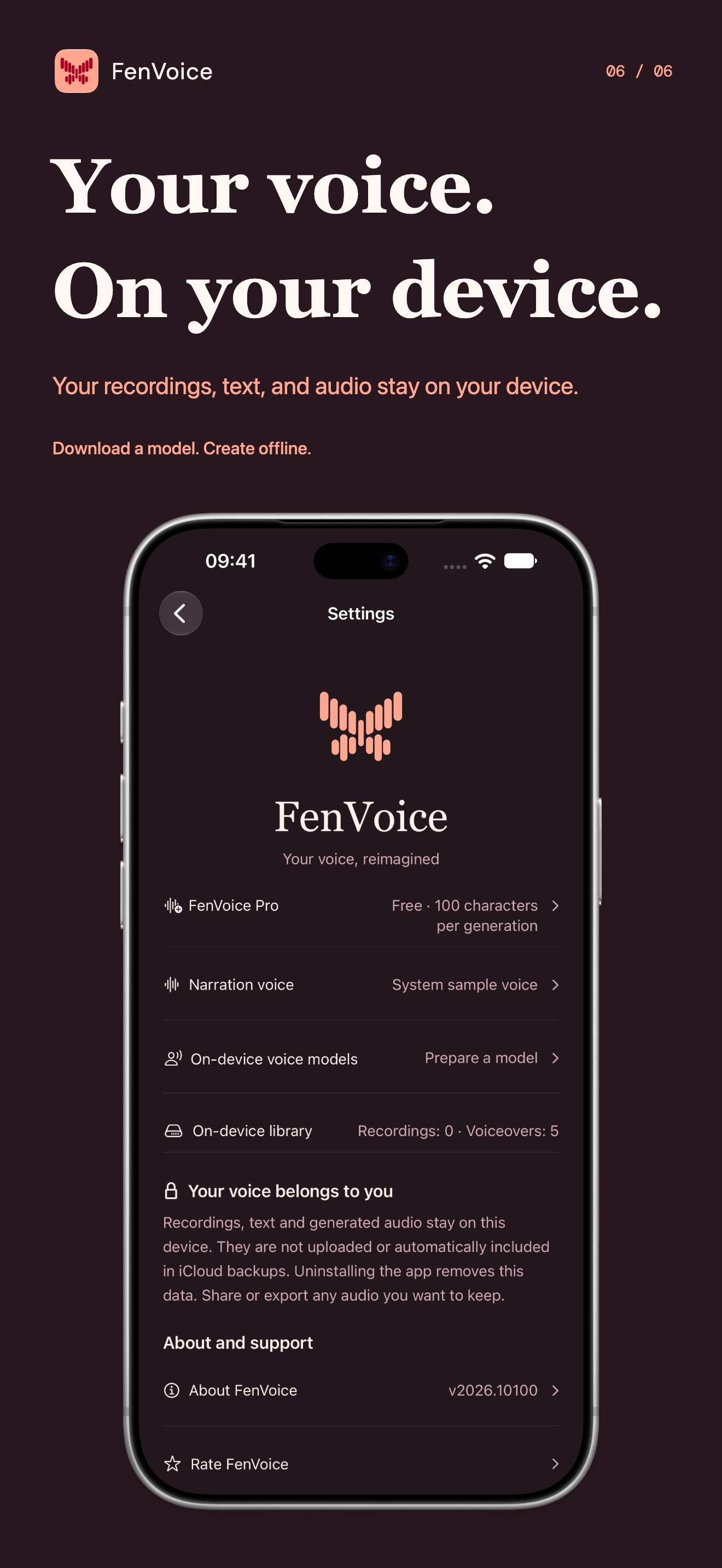 Image could not be loaded
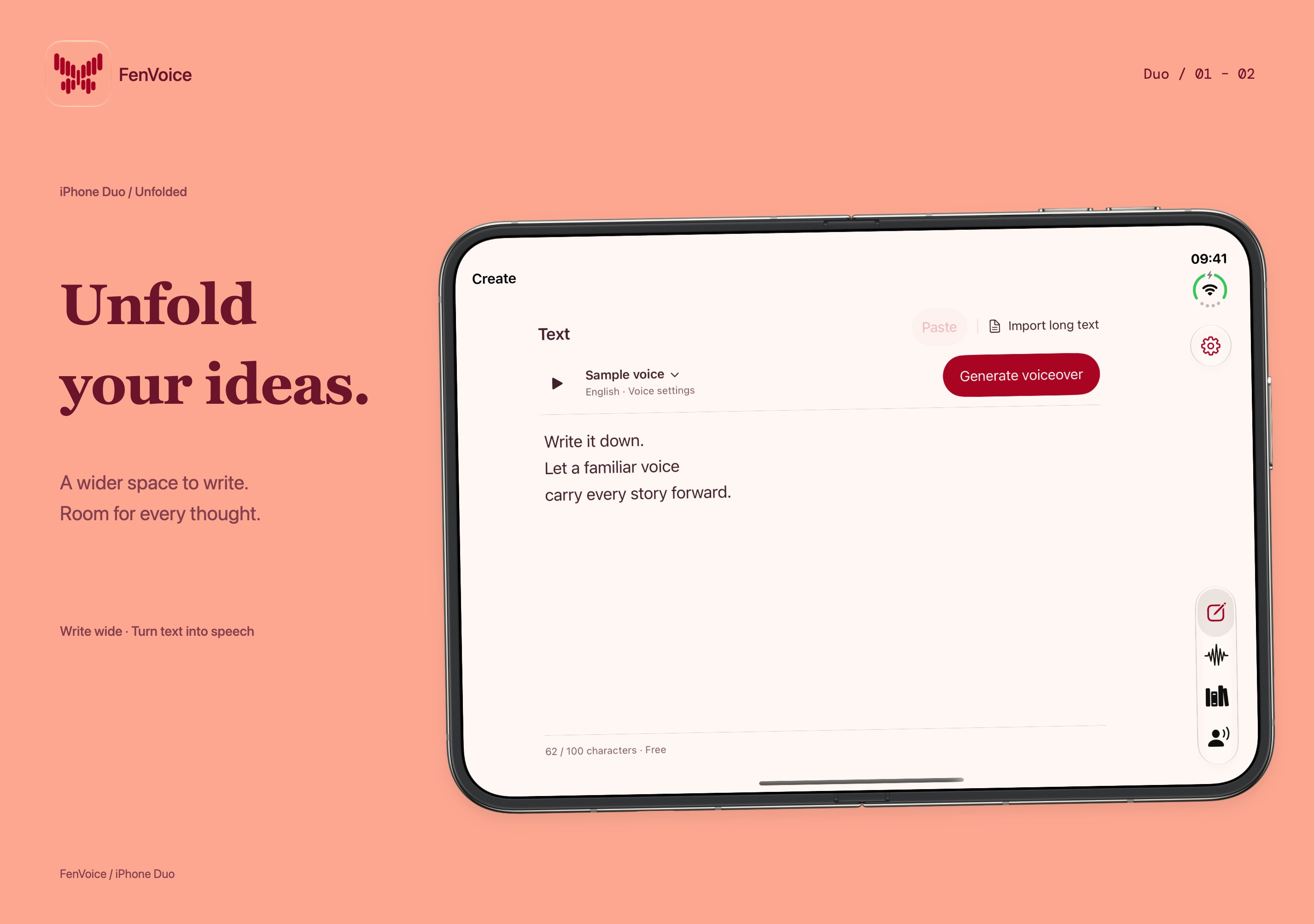
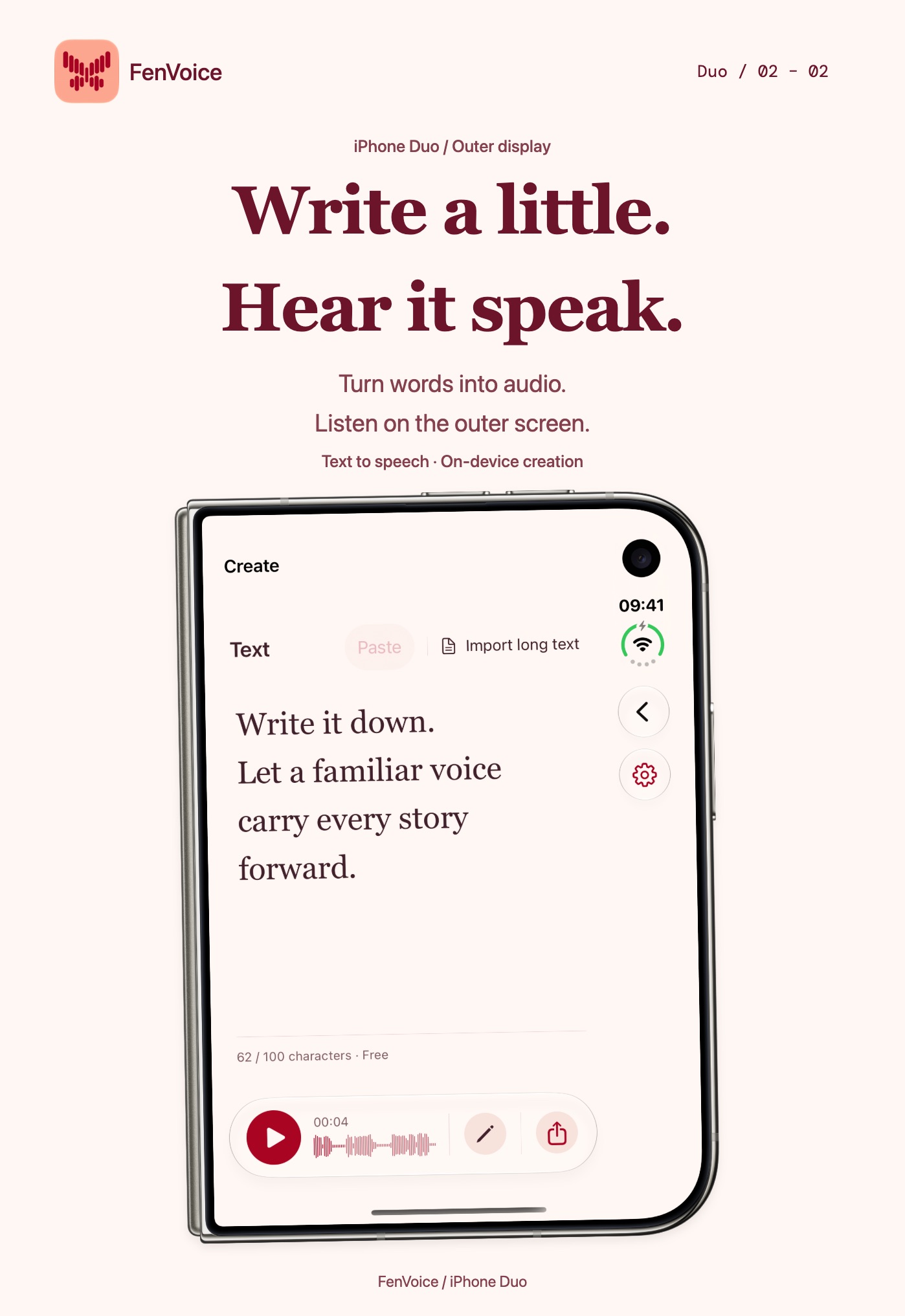
iPhone Duo
IPAD
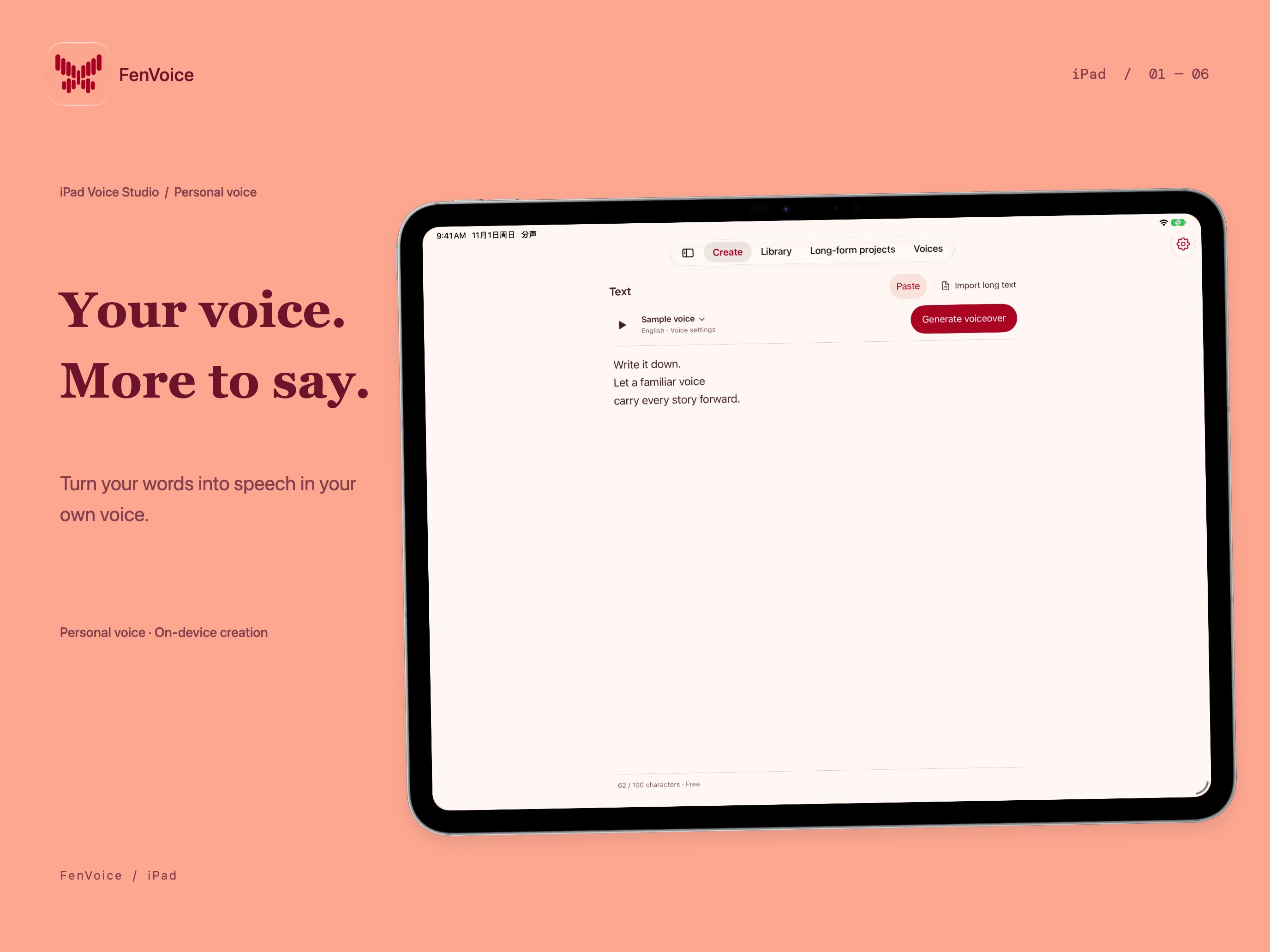 Image could not be loaded
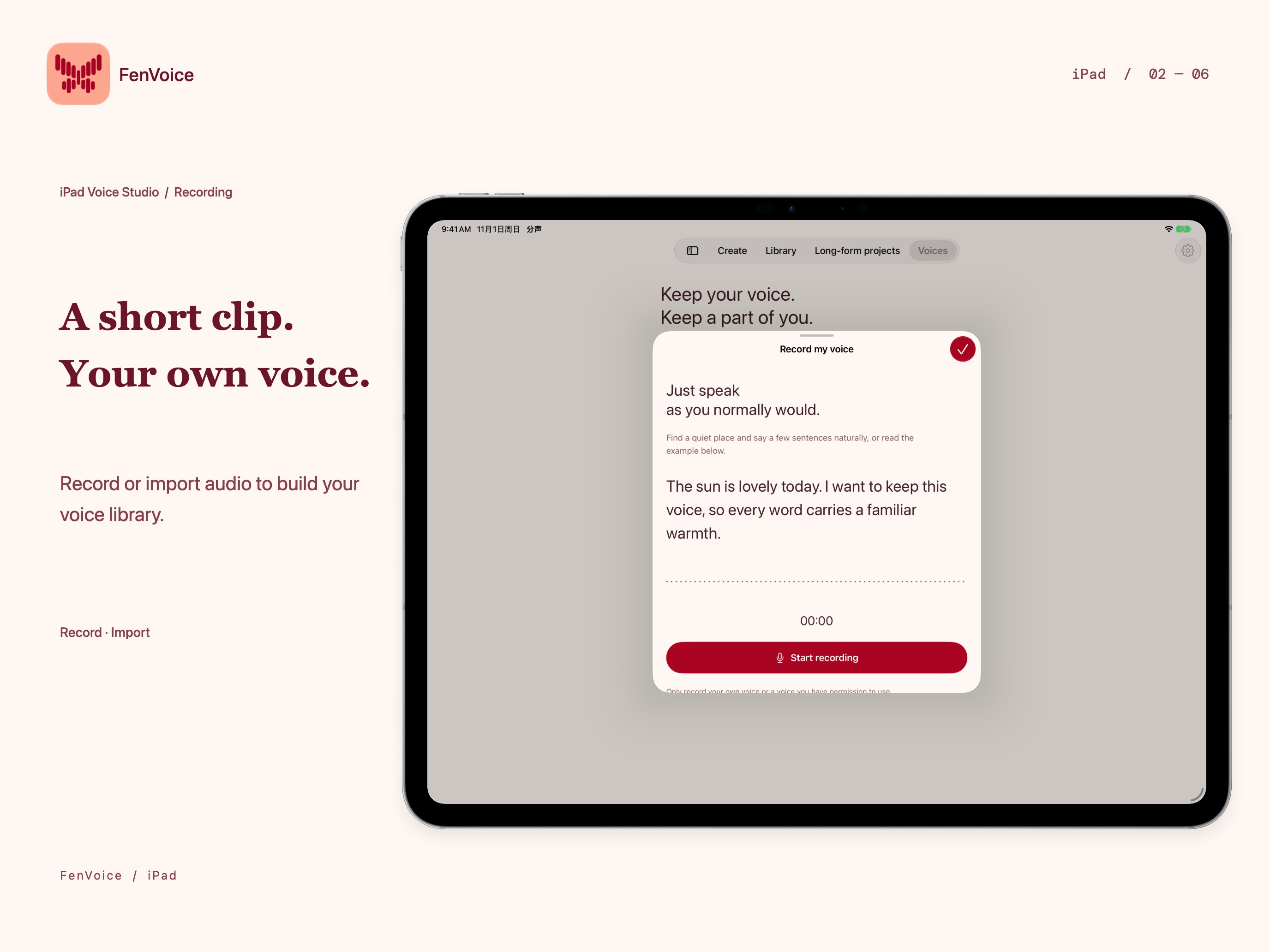 Image could not be loaded
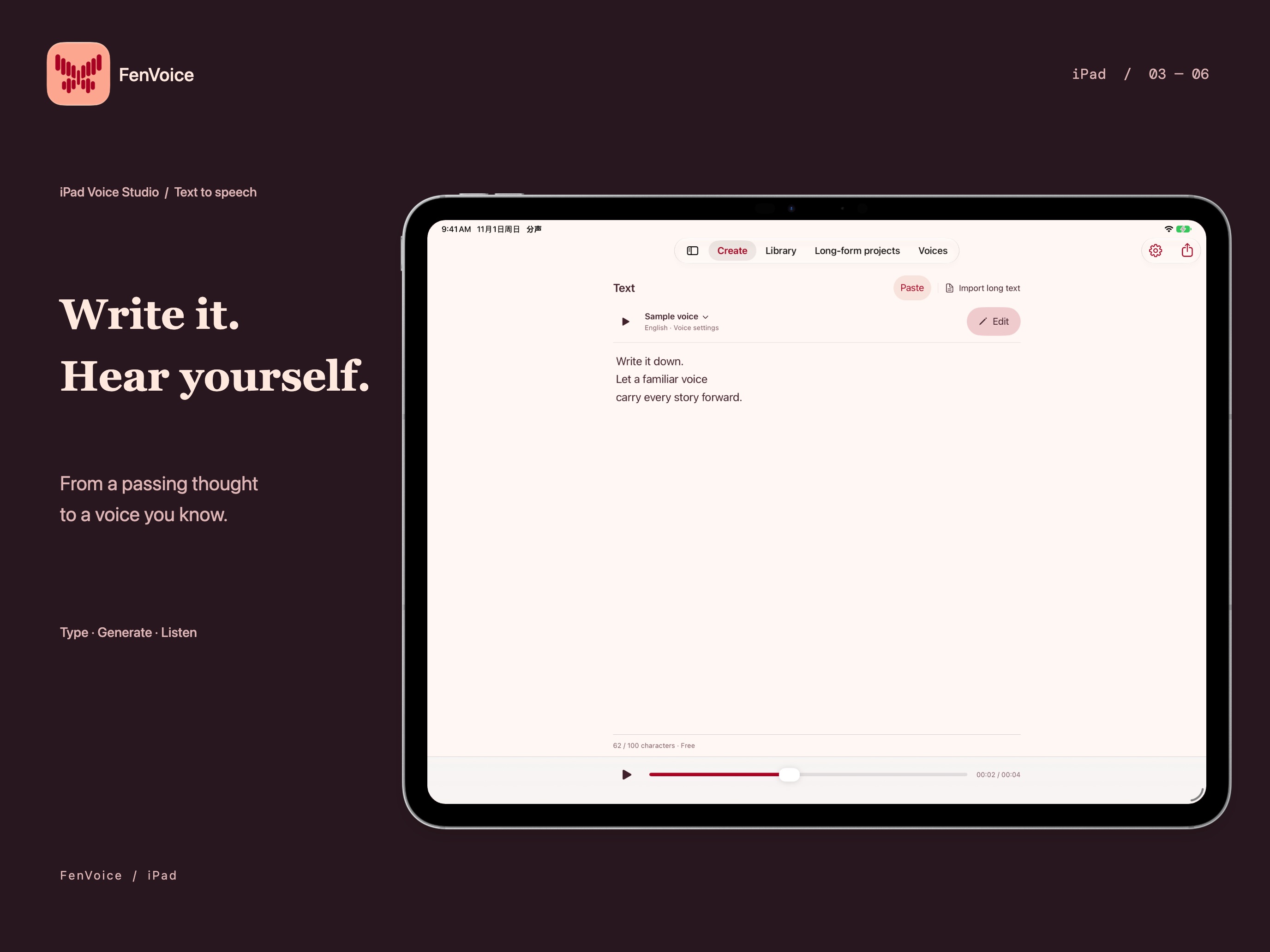 Image could not be loaded
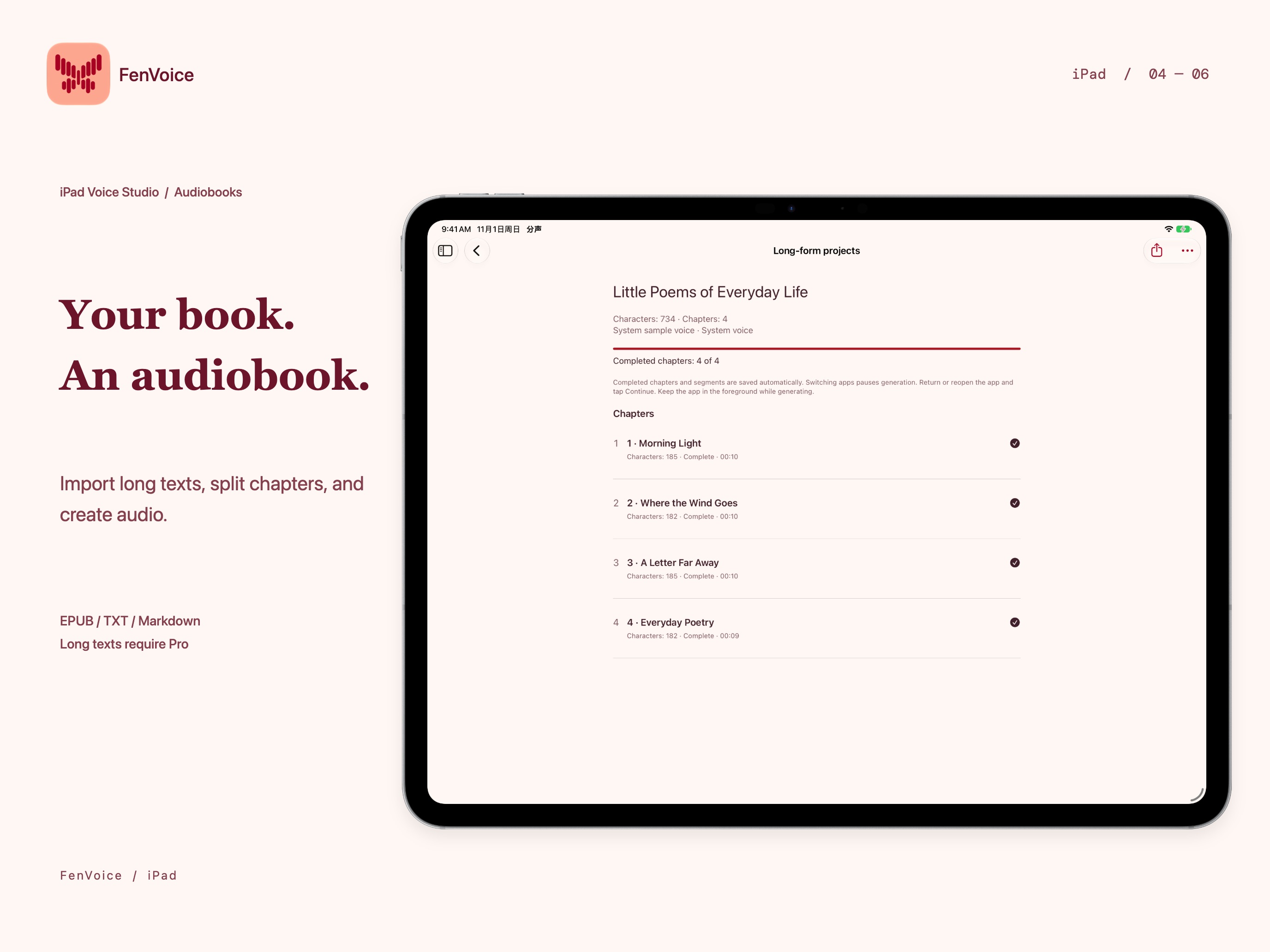 Image could not be loaded
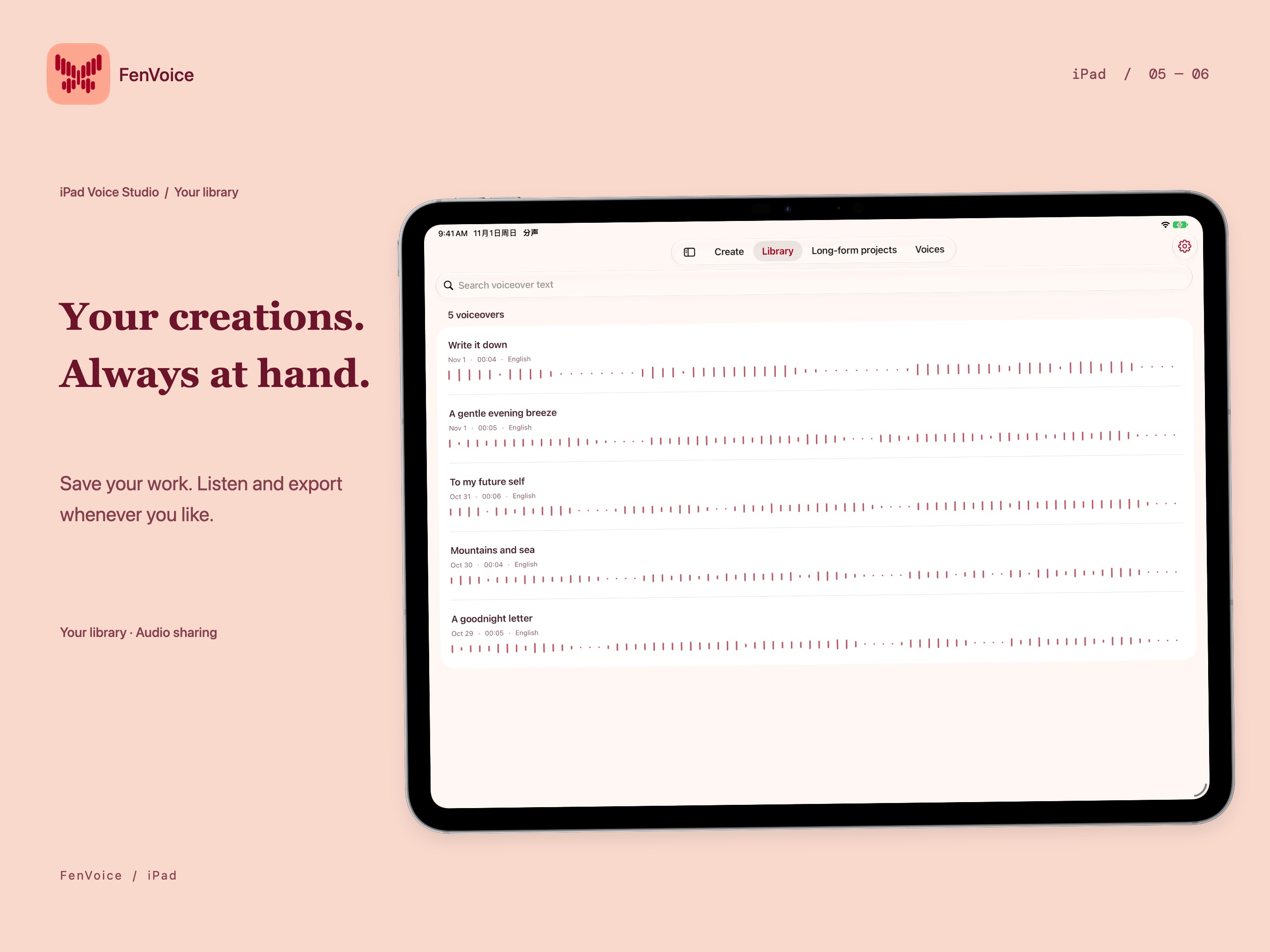 Image could not be loaded
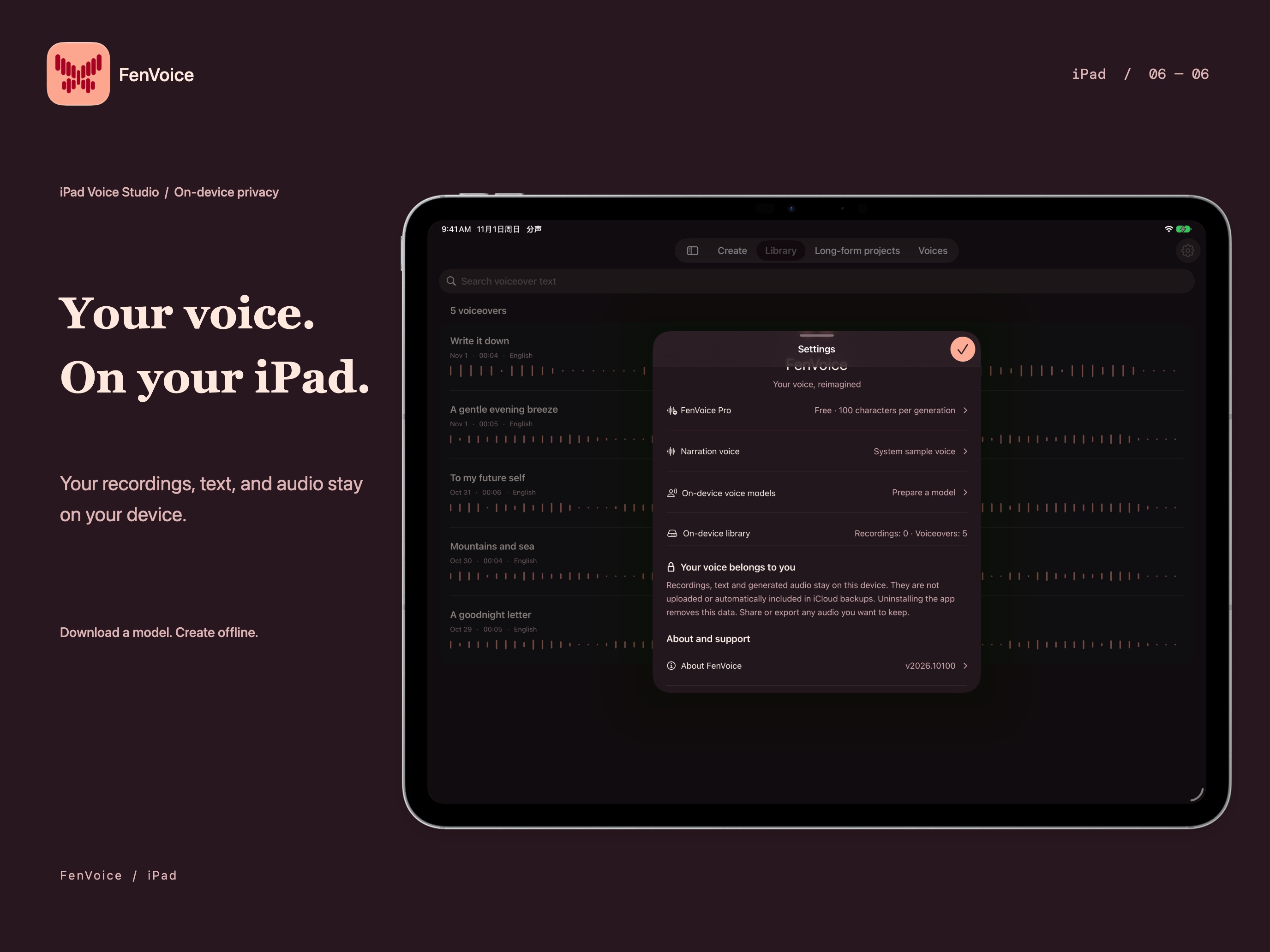 Image could not be loaded
Features
Type or paste a script, choose a voice and speaking speed, then listen, save, and share the audio
Import EPUB, TXT, or Markdown, organize longer writing into chapters, and resume unfinished narration
Choose local speech models for your device and script language; language coverage varies by model
Keep recordings, scripts, and generated audio on your device; create offline after downloading required resources
Try up to 100 characters per generation for free; unlock longer narration with a one-time Pro purchase
Overview
At a glance
- Also known as
- 分声
- Developer
- iPocket
- Platforms
- iPhone, iPad
- Availability
- Coming soon
Give new words your own voice
A video introduction, a narrated scene, or an article you want to hear can start with a familiar voice. Record or import a clear voice sample, prepare a script, and choose a supported local speech model to generate the narration.
Keep voice samples and finished work in one place. Edit the words, adjust the speaking speed, and listen before saving or sharing. Voice similarity and delivery vary with the recording, language, and model. Start with a short passage to find a combination that works for you.
Turn an EPUB or a long script into chapter audio
Type or paste short scripts directly. For longer writing, save a project or import an EPUB book, TXT file, or Markdown document. Organize the text into chapters and generate the audio in sections.
Resume unfinished work instead of starting the entire project again. Export a chapter on its own or merge and export book audio for personal listening or further editing. Long-document narration and generation beyond the free allowance require Pro. Check that you have the rights to process the book or other source material.
Create locally, with your content close at hand
Voice cloning and speech generation run on your device. Recordings, imported audio, scripts, and generated work are stored there too. You may need a connection to download speech models or Apple speech resources before getting started; generation can work offline once the required resources are ready.
Local generation uses device memory, storage, and battery. Models differ in device requirements, languages, and background capabilities. Check availability in the app and preview a short result first. Read the FenVoice privacy policy for details about data handling.
Start with 100 characters
The free version lets you generate up to 100 characters at a time to try a voice and hear the result. When you want longer narration or chapter projects, a one-time Pro purchase unlocks the generation character limit and long-document features. Pro does not renew automatically. Apple shows the current price before you buy.
- Record or import your own voice, or one you have permission to use.
- Write a short script, download a supported model, and choose the voice and language.
- Generate and listen, then save or export through the system share sheet.
For questions about features or using the app, contact iPocket.
FAQ
What is FenVoice?
FenVoice, also called 分声, is a local AI voice app for iPhone and iPad. It combines voice cloning, text to speech, and chapter-based narration. Record or import your own voice, or an authorized voice, to read new scripts, then listen, save, or share the audio.
How is voice cloning different from text to speech?
Text to speech turns written words into audio. Voice cloning uses a reference recording to give the generated speech characteristics of that voice. FenVoice brings them into one workflow. Some models provide preset voices only; check the model information in the app.
Does FenVoice work offline, and are recordings uploaded?
Generation can run offline after the required speech models and Apple speech resources are installed. Initial downloads, downloading models again, and purchasing or restoring Pro require the relevant network connection. FenVoice does not upload recordings, scripts, or generated audio to a server. You choose when to export or share.
Can I turn an EPUB book or a text file into audio?
You can import supported EPUB, TXT, and Markdown documents or paste longer writing. Projects preserve chapters and unfinished generation so you can continue later, then export individual chapters or merged book audio. Longer generation and long-document narration require Pro. Only use content you own or have permission to process.
What is free, and is Pro a subscription?
The free version allows up to 100 characters per generation. Pro is a one-time, non-consumable in-app purchase that unlocks the generation character limit and long-document narration. It does not renew automatically. Apple shows the current price before purchase, and you can restore with the same Apple Account after reinstalling or changing devices. Device and model limits still apply.
Which devices and languages are supported?
FenVoice is designed for iPhone with iOS 26.0 or later and iPad with iPadOS 26.0 or later. Individual models have additional system, memory, and storage requirements; some experimental models need iOS 27. Speech language coverage varies by model, and some models are English-only. Choosing a language does not translate your script.
Can I clone someone else's voice?
Use your own voice or a voice you have explicit permission to use. Do not impersonate people, mislead listeners, or infringe their rights. Results depend on recording quality, language, device, and model, so listen before saving or sharing.
Where can I download FenVoice?
This page does not yet provide a download link. An available download link will be added later. You can explore the features and dedicated privacy policy now, or contact iPocket with questions.
MORE FROM IPOCKET
Related apps
-
 ClawRSS: OpenClaw RSS Feed ReaderiPhoneiPad
ClawRSS is a modern RSS feed reader for iPhone and iPad with a smarter Today feed, AI summaries, built-in translation, bookmarks, Apple Push alerts, and optional OpenClaw workflows.
View app -
 YesBoxiPhoneiPad
A 3D keepsake for the words that matter.
View app -
 Weather IsletiPhoneiPad
Watch the weather come to life on a 3D island.
View app