



AI Smart Recognition
Back to apps

- iPhone
- iPad
iPocket Cal
iPocket Cal is an AI-powered calorie tracking assistant that simplifies nutrition logging. Identify food from photos or text, generate personalized meal plans, and track your dietary goals with ease.
First published · 2026-01-07
Last updated · 2026-02-03
App Store rating · 5.0 / 5 from 2 ratings
Features
Personalized Meal Plans
AI Nutrition Assistant
P2P Data Sharing
Overview
What is iPocket Cal?
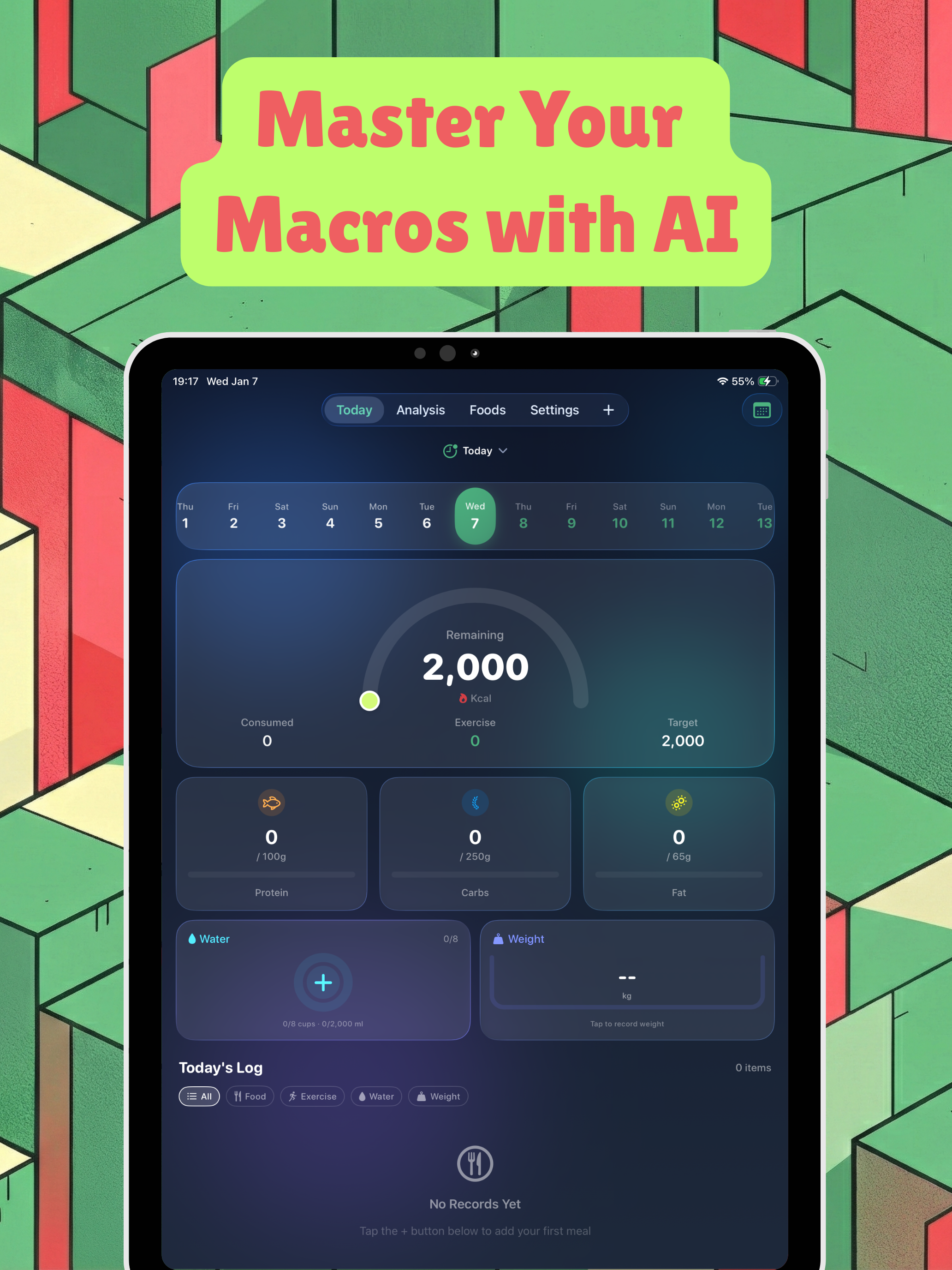
iPocket Cal is an AI calorie tracker for iPhone and iPad. Log meals from a photo or short text description, get estimated calories and macros, follow personalized meal plans, and ask an AI nutrition assistant about your history—without turning food logging into a spreadsheet chore.
Who it is for
- People who want photo food logging instead of searching a huge database every meal
- Anyone tracking calories and macros for weight, training, or general awareness
- Users who want meal plans plus day-to-day logging in one app
- Friends or partners who share records nearby with P2P sharing
How to log a meal with AI
- Tap + and take a photo of the meal, or type a short description.
- Let the AI (Gemini / OpenAI backends as configured) estimate calories and nutrients.
- Adjust the item if needed, then save it to your day.
- Review daily totals and progress toward your goals.
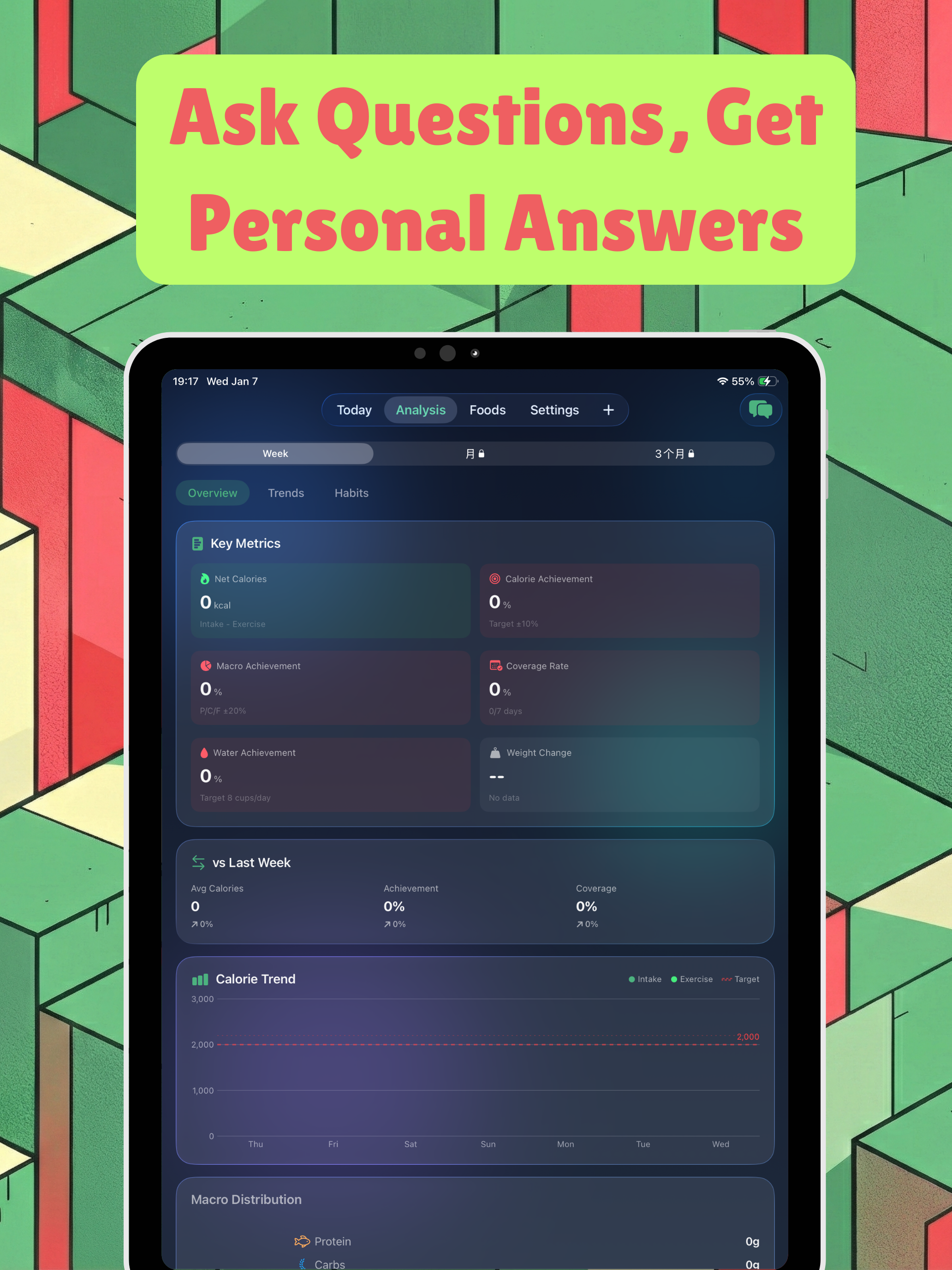
- Use the AI Nutrition Assistant for questions about your history or general diet topics (RAG-assisted answers).
You can also create custom foods in the Food Library with your own nutrition values for repeat logging.
Data on device and nearby sharing
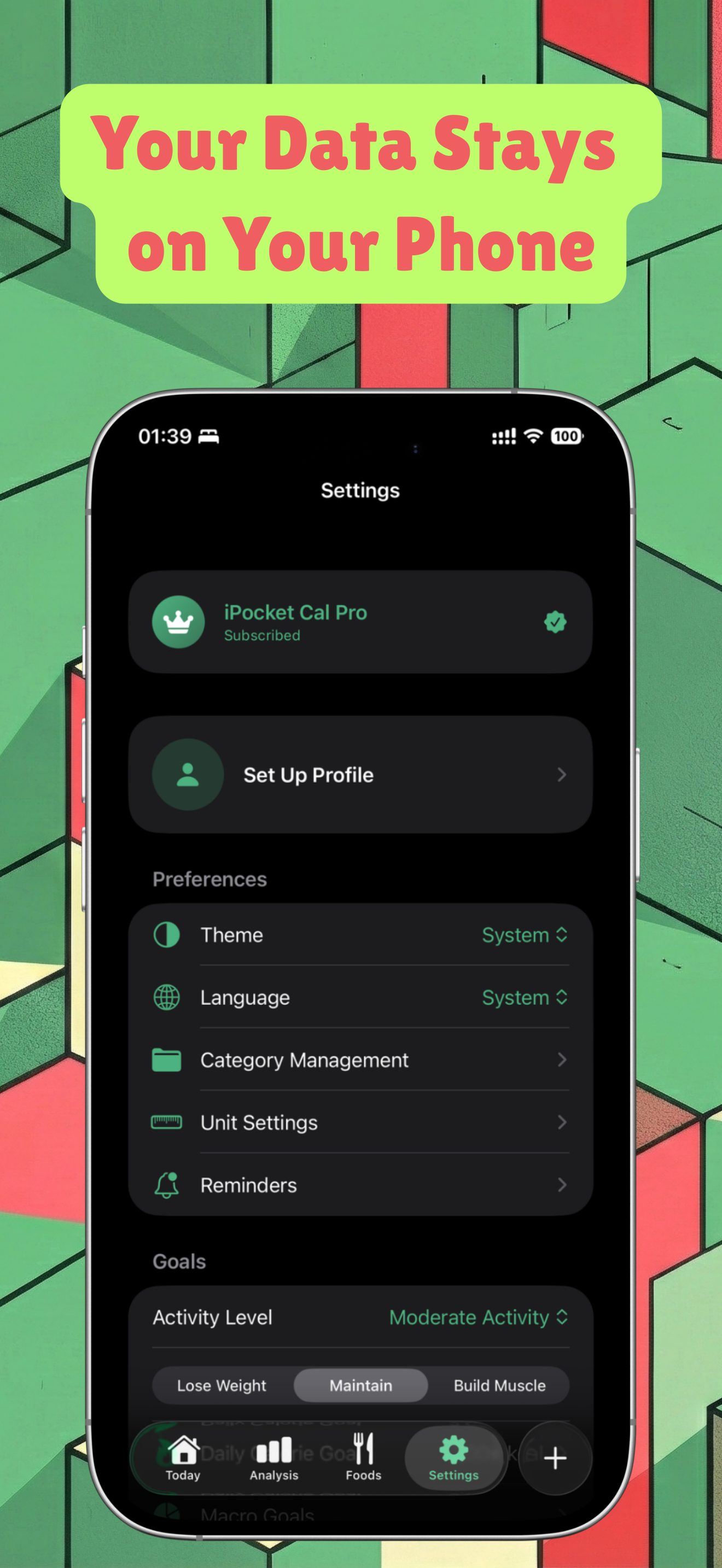
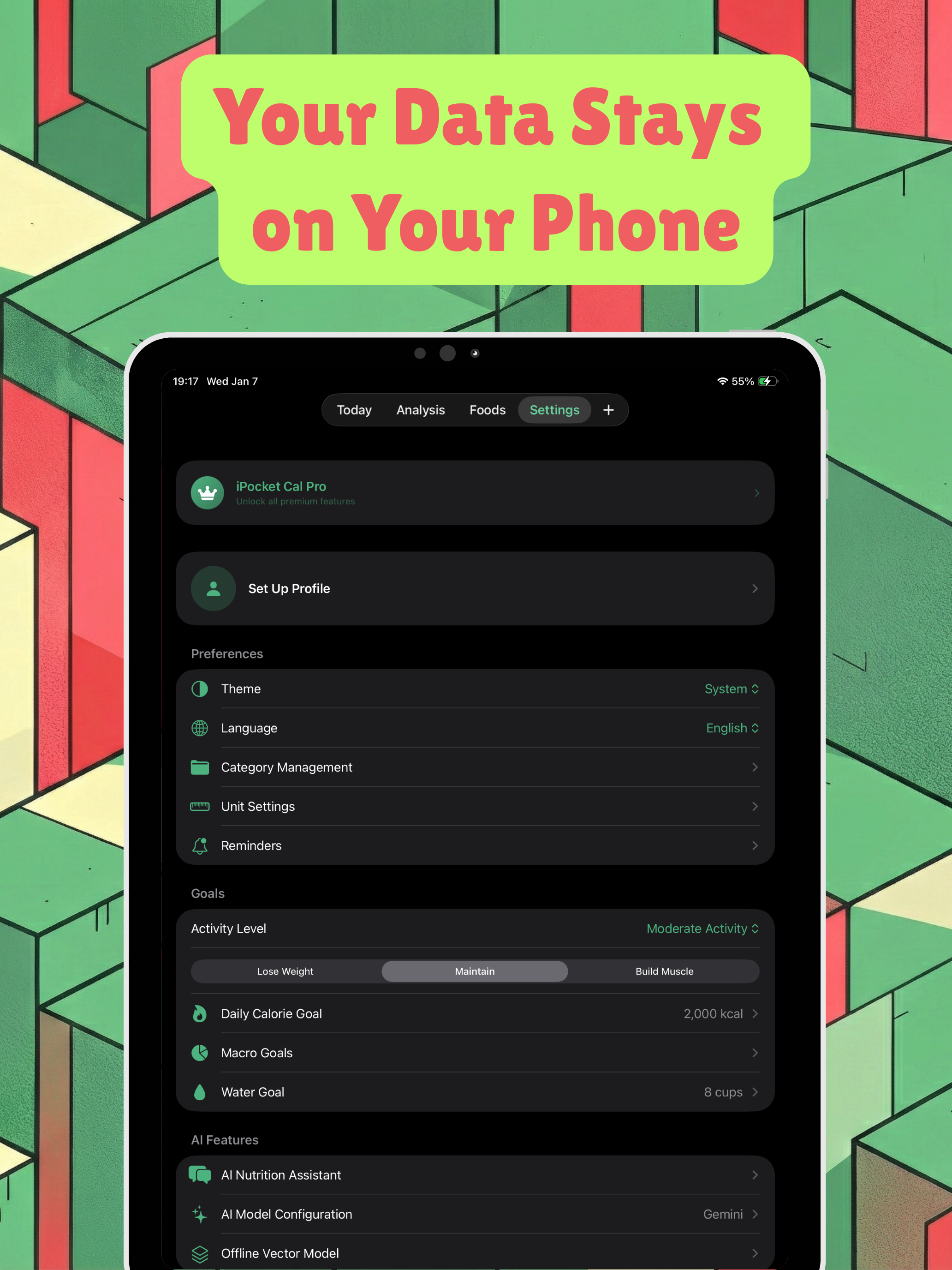
Records are stored locally, with optional peer-to-peer sharing so you can exchange food records, exercises, and meal plans with people nearby. There is no requirement to live inside a heavy cloud-only diary to start tracking.
Free and Pro
Core AI logging and planning flows are available in the free experience. Pro (monthly, yearly, or lifetime from Settings → Premium) unlocks advanced capabilities for users who track every day and want the full assistant toolkit.
FAQ
How do I log a meal using AI?
Tap the '+' button, take a photo or type a description of your meal, and our AI (Gemini/OpenAI) will automatically calculate the calories and nutrients for you.
Is my data synced across devices?
Currently, data is stored locally with P2P sharing capabilities. You can share food records, exercises, and meal plans with friends nearby using our built-in sharing service.
What is the AI Nutrition Assistant?
It's an advanced AI assistant that uses Retrieval-Augmented Generation (RAG) to provide accurate answers about your nutrition history and dietary questions.
How do I upgrade to Pro?
Go to Settings -> Premium and choose a subscription plan (Monthly, Yearly, or Lifetime) to unlock advanced features.
Can I create custom food items?
Yes! In the Food Library, you can create your own food items with custom nutritional information and save them for quick repeat logging.
MORE FROM IPOCKET
Related apps
-
 Health Data ExportiPhoneiPad
Export selected Apple Health metrics to CSV, Excel, PDF, JSON, or Markdown. Choose your dates and keep file generation on your device.
View app -
 ClawRSS: OpenClaw RSS Feed ReaderiPhoneiPad
ClawRSS is a modern RSS feed reader for iPhone and iPad with a smarter Today feed, AI summaries, built-in translation, bookmarks, Apple Push alerts, and optional OpenClaw workflows.
View app -
 Weather IsletiPhoneiPad
Watch the weather come to life on a 3D island.
View app