

Turn any photo from your library into a personal puzzle and keep every creation in a visual, local-first puzzle wall
Back to apps


- iPhone
- iPad
PuzzleWall
Turn your photos into tile swap, sliding, and jigsaw puzzles, then create, send, and play them with friends directly inside Apple Messages.
First published · 2026-08-01
Last updated · 2026-08-15
Screenshots
IPHONE
 Image could not be loaded
  Image could not be loaded
  Image could not be loaded
  Image could not be loaded
  Image could not be loaded
 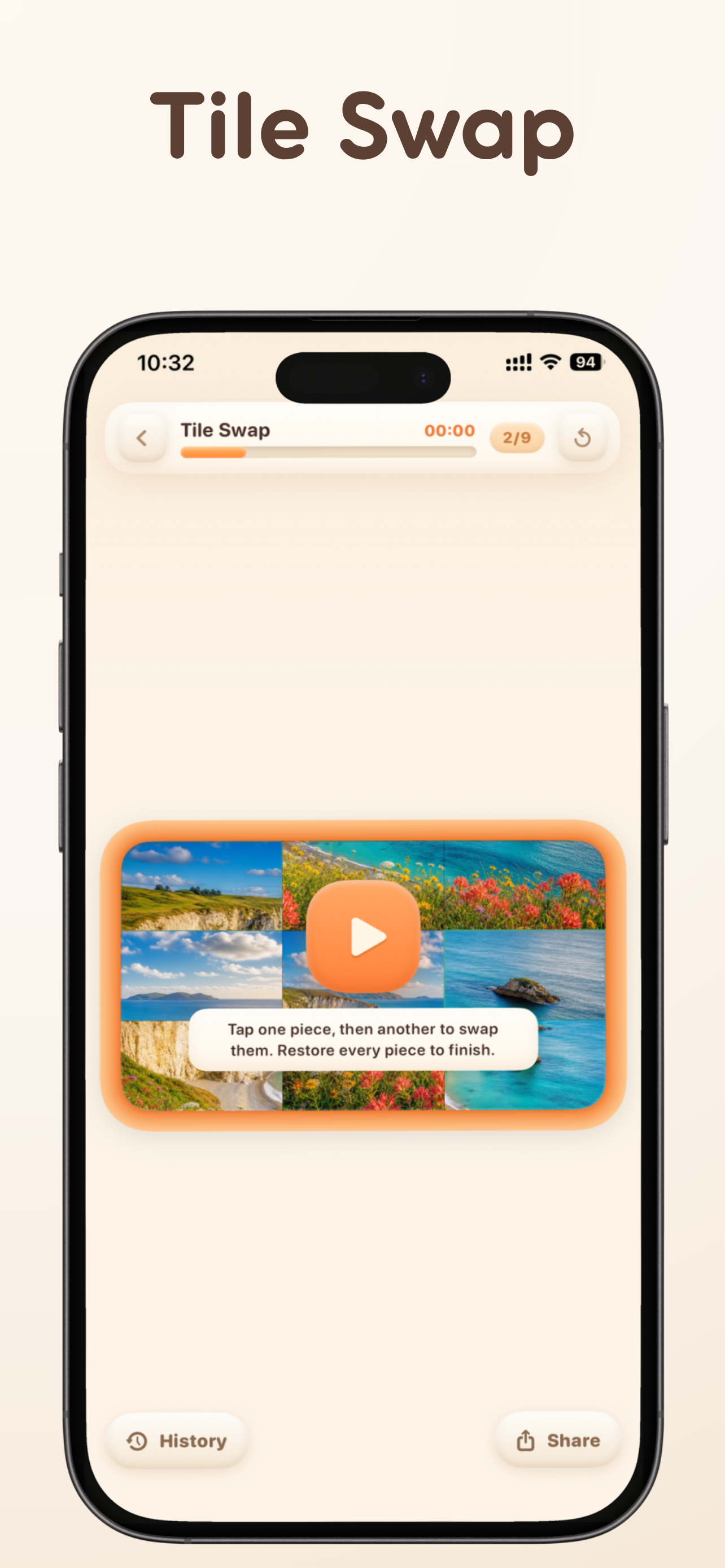 Image could not be loaded
 IPAD
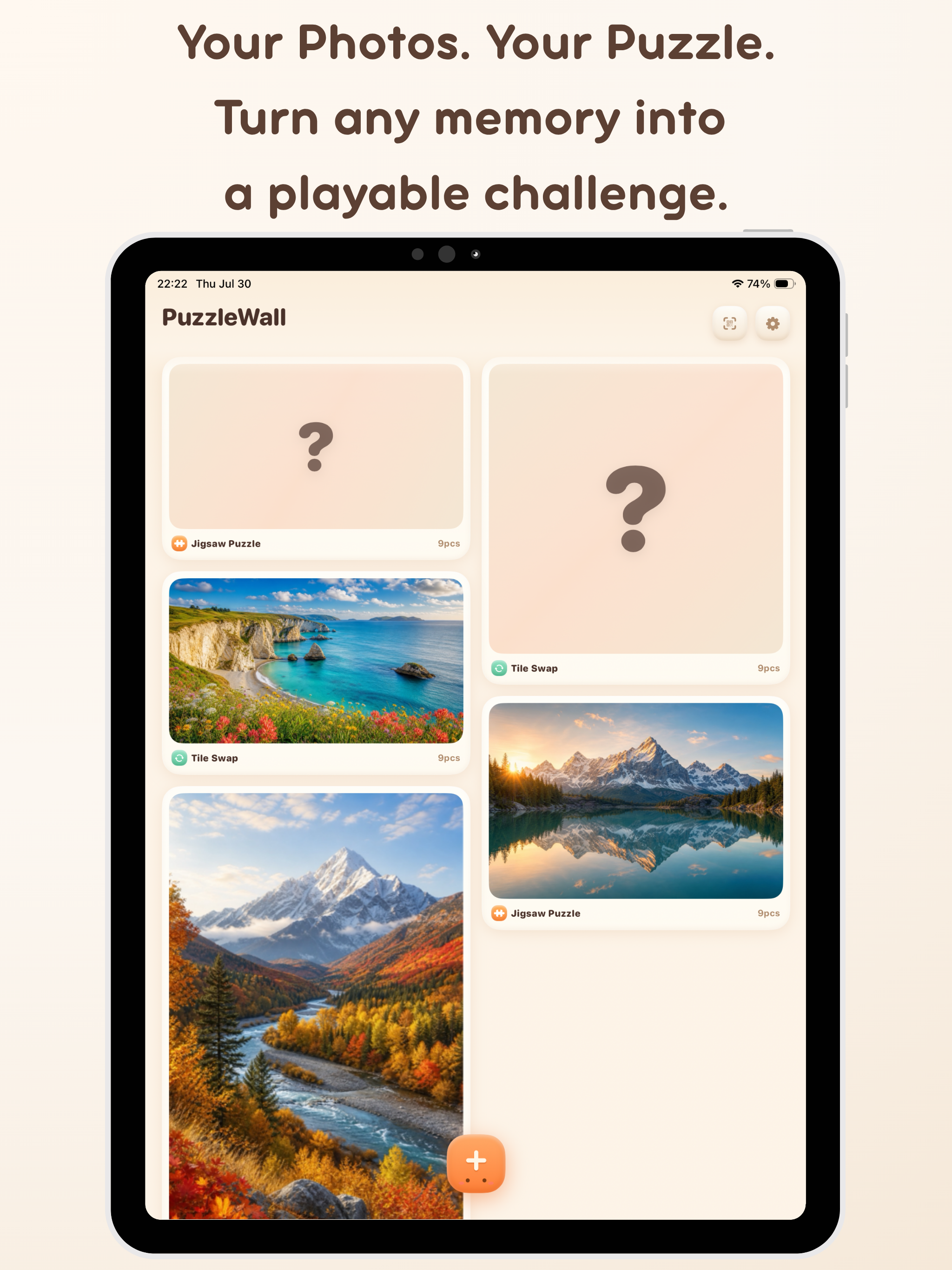 Image could not be loaded
  Image could not be loaded
 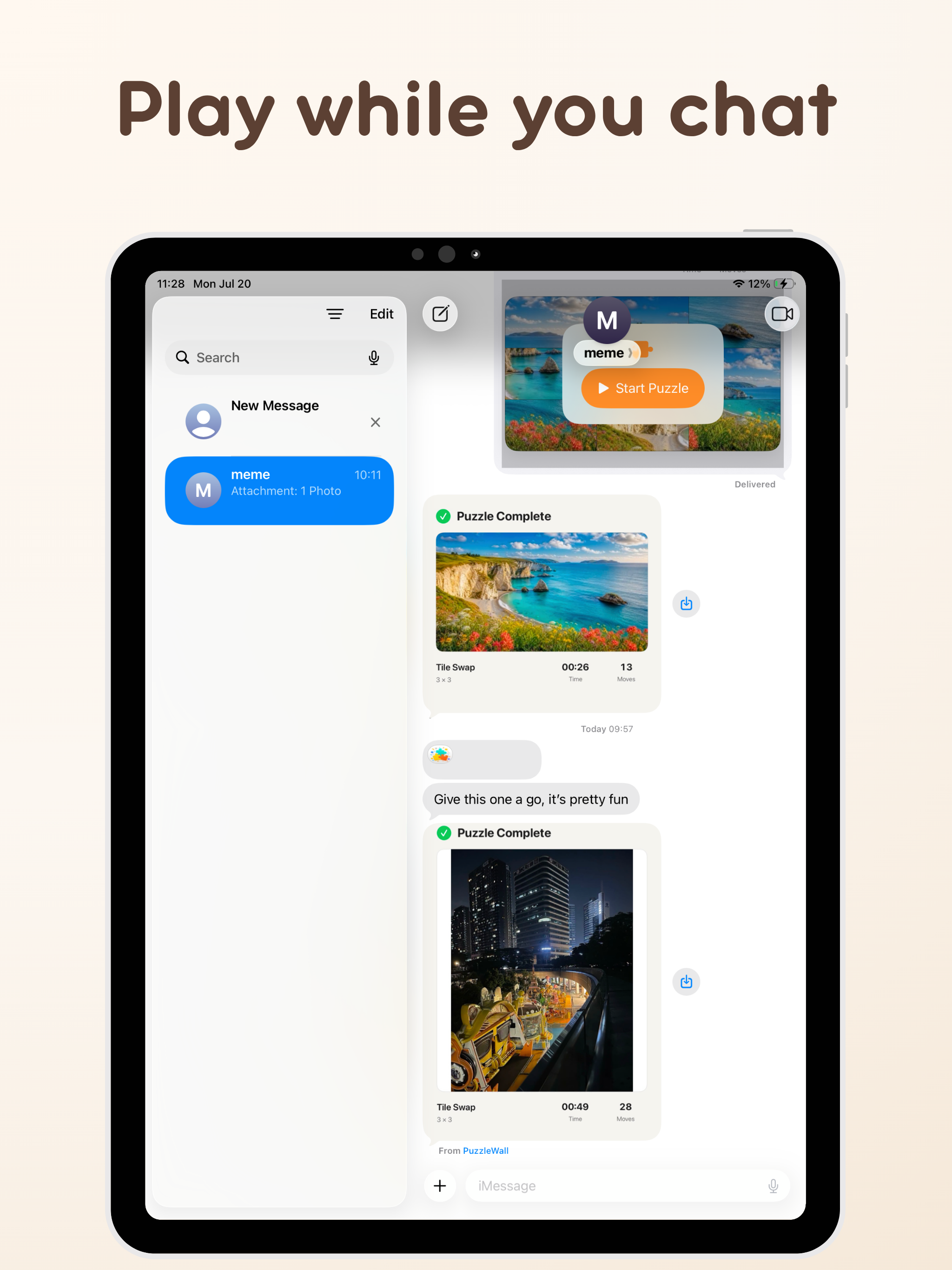 Image could not be loaded
  Image could not be loaded
  Image could not be loaded
  Image could not be loaded
 Features
Choose three distinct ways to solve: swap two tiles, slide pieces into the empty space, or snap shaped jigsaw pieces onto the board
Choose a photo, configure a native interactive puzzle, and send it inside Apple Messages; friends with PuzzleWall installed can tap to play and save it to the main app
Start with quick presets or build a custom 2×2 to 10×10 challenge, with optional borders, position hints, reference images, and snap guidance
Resume saved progress and review completion time, move count, personal best, average time, and the history for each puzzle
Keep sharing through Apple Messages, face-to-face transfer, or iCloud; core play has no ads, and an in-app PuzzleWall Pro upgrade unlocks more modes and customization
Overview
What is PuzzleWall?
PuzzleWall turns your own photos into playable puzzles on iPhone and iPad: Tile Swap, Sliding Puzzle, and Jigsaw Puzzle. Save progress and personal records, or send an interactive puzzle directly to a friend inside Apple Messages.
Who it is for
- Families and friends who prefer puzzles from personal photos
- Casual players who want multiple modes without a huge game catalog
- Friends who want to send playable photo challenges in a conversation
- People who like offline-friendly, on-device play sessions
How to play
- Pick a photo from your library.
- Choose a mode (tile swap, sliding, or jigsaw) and difficulty.
- Play, pause, and resume with saved progress.
- Track personal records and share a challenge when you want a friendly race.
Play together inside Messages
- In an Apple Messages conversation, tap “+” and choose PuzzleWall.
- Pick a photo, mode, and difficulty, then insert the puzzle into the input field.
- After you send it, a friend with PuzzleWall installed can tap the message and play.
- From the expanded play view, the received puzzle and current result can be saved to the main app.
Native Messages puzzles require PuzzleWall on both sides, and Apple Messages carries the puzzle. The current experience is asynchronous rather than real-time multiplayer.
Choose the right sharing method
| Situation | Recommended method | What to expect |
|---|---|---|
| Play directly in a conversation | Apple Messages | With PuzzleWall installed on both sides, the message opens as a native interactive puzzle |
| Both players are nearby | Face-to-face transfer | Scan a QR code and transfer the complete puzzle over an encrypted local-network connection |
| Share through the Apple ecosystem | iCloud | A read-only CloudKit share carries the puzzle |
Status
Check the app page for current release status (including coming soon). Feature details may expand as the product ships.
FAQ
What is PuzzleWall?
PuzzleWall turns photos you already care about into puzzles you can play. Pick an image from Photos, choose a mode and difficulty, and keep the finished or unfinished puzzle in your visual library.
Which puzzle modes are included?
PuzzleWall includes Tile Swap, where you exchange two pieces at a time; Sliding Puzzle, where pieces move into an empty space; and Jigsaw Puzzle, where shaped pieces are dragged from a tray and snapped into place.
Can I choose the difficulty?
Yes. The free experience includes 3×3 through 6×6 Tile Swap. Upgrading to PuzzleWall Pro unlocks all three modes, custom grids from 2×2 to 10×10, and advanced visual guidance options. Available purchase options and prices are shown in the app.
Does PuzzleWall save my progress and scores?
Yes. Puzzle state, elapsed time, moves, best time, average time, and per-puzzle completion history are stored locally so you can continue later and compare your solves.
Can I play directly inside Apple Messages?
Yes. Open a conversation, tap “+”, choose PuzzleWall, then select a photo, mode, and difficulty before inserting the puzzle into the input field. Friends with PuzzleWall installed can tap the message to play and save the puzzle to the main app. It is an asynchronous friend challenge, not real-time multiplayer.
How can I challenge a friend?
Remote friends can receive a challenge through Apple Messages or iCloud. When you are together, a QR code starts an encrypted local-network transfer. Native Messages play requires PuzzleWall on both sides.
Does PuzzleWall require an account or constant internet access?
No account is required, and the core puzzle library and gameplay work on device. Purchases, Apple Messages, and iCloud sharing require a network connection; face-to-face transfer uses the local network. A photo or puzzle payload leaves the device only when you choose the relevant sharing method.
MORE FROM IPOCKET
Related apps
-
 ImageSealiPhoneiPad
ImageSeal is an on-device watermarking app for iPhone and iPad. Add invisible source marks, create text and logo watermarks, process photos in batches, and verify an ImageSeal mark without uploading your images.
View app -
 iPocketPrintiPhoneiPad
iPocketPrint is an iOS app simulating a retro pocket printer that lets users type messages, generate virtual paper notes with timestamps, and save them to a 'Memory Wall' or share them with friends.
View app -
 ClawRSS: OpenClaw RSS Feed ReaderiPhoneiPad
ClawRSS is a modern RSS feed reader for iPhone and iPad with a smarter Today feed, AI summaries, built-in translation, bookmarks, Apple Push alerts, and optional OpenClaw workflows.
View app