



Embed a nearly invisible source mark while keeping the image natural, then import a photo later to check for a verifiable ImageSeal record
Back to apps


- iPhone
- iPad
ImageSeal
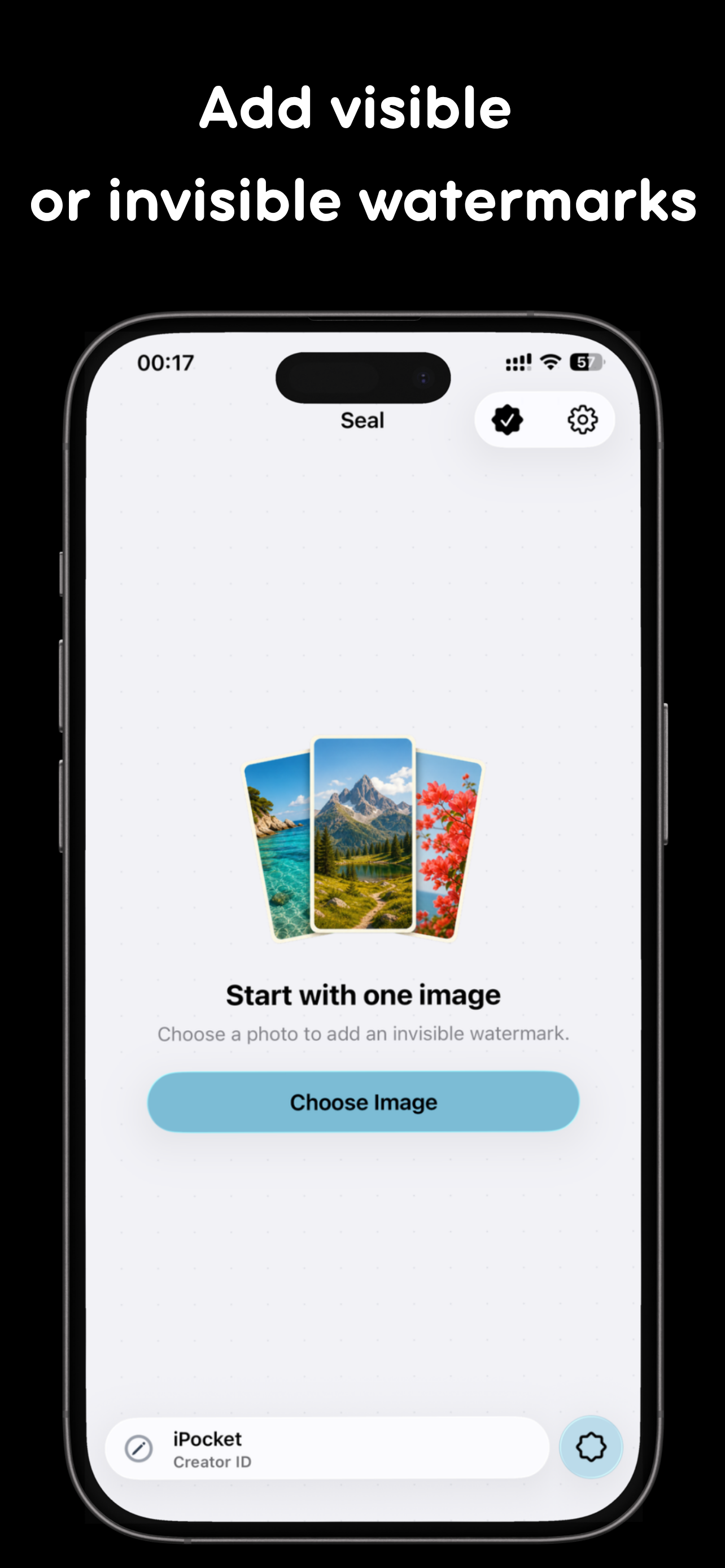
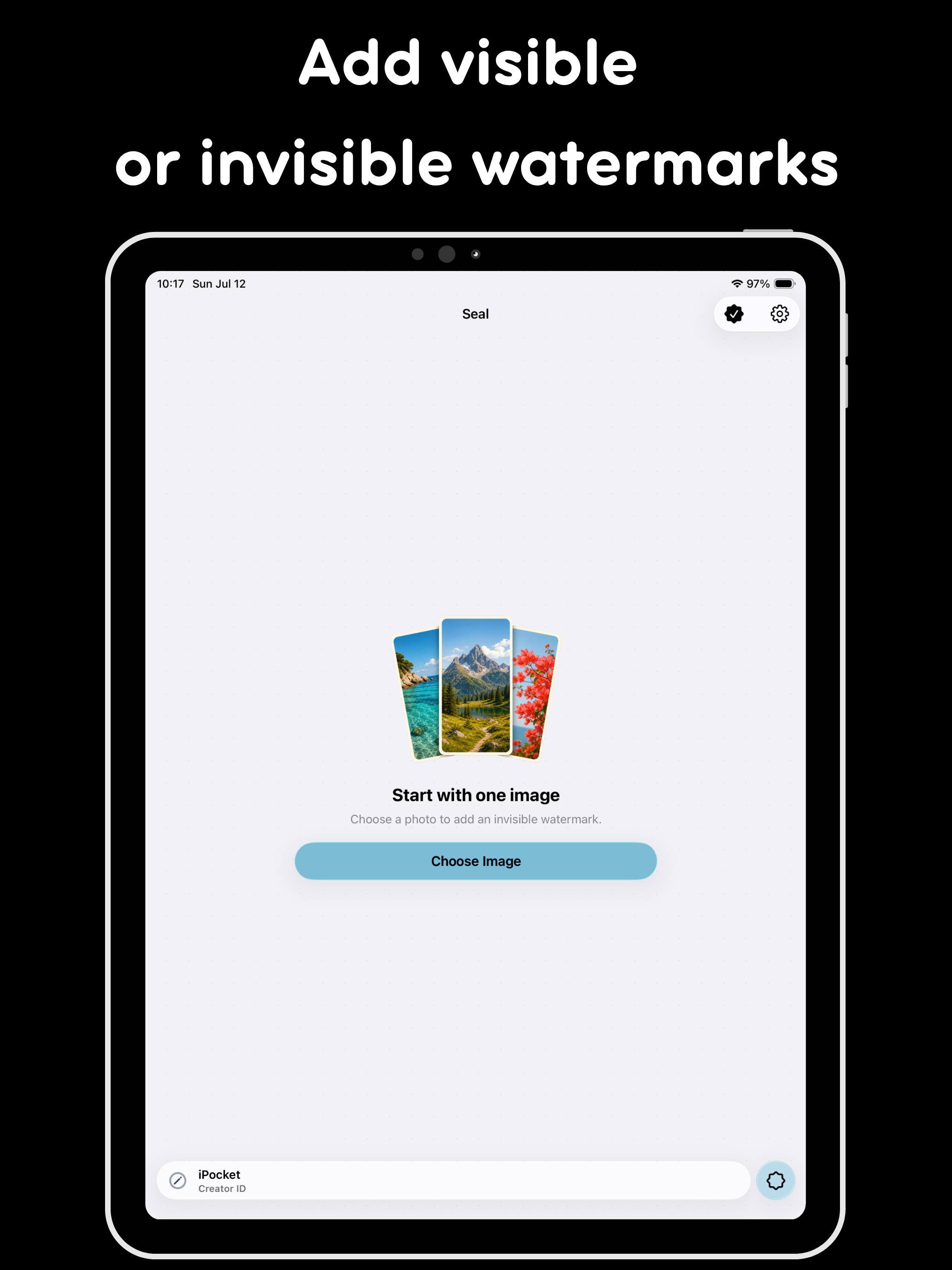
ImageSeal is an on-device watermarking app for iPhone and iPad. Add invisible source marks, create text and logo watermarks, process photos in batches, and verify an ImageSeal mark without uploading your images.
First published · 2026-07-20
Last updated · 2026-08-01
Features
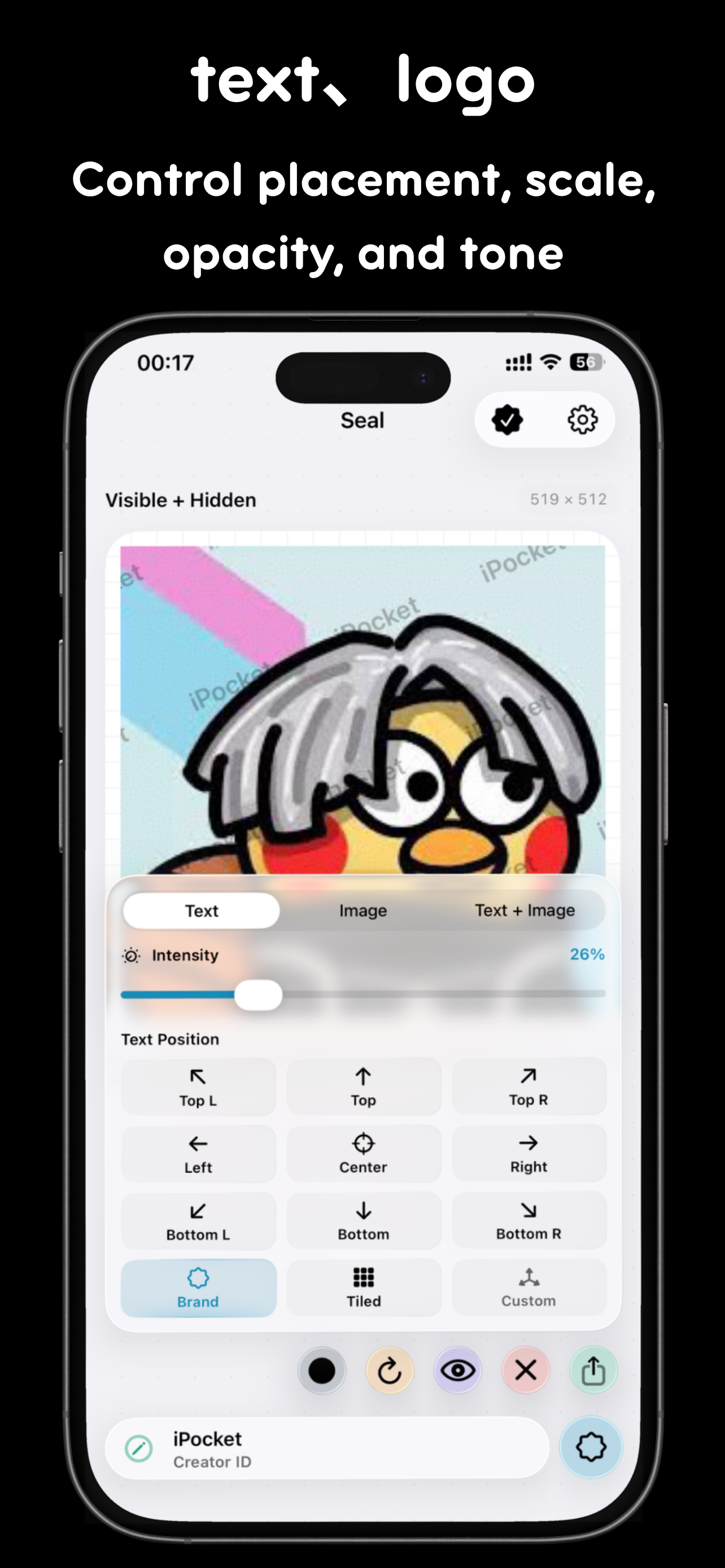
Add custom text, an image, or a brand logo and adjust placement, size, opacity, tone, and layout
Apply one consistent watermark setup to multiple photos and review different image sizes before processing the batch
Compare the original and sealed result with an interactive before-and-after preview before saving or sharing
Create and verify watermarks on device with no account required and no image upload for watermark processing
Overview
What is ImageSeal?
ImageSeal is an on-device watermarking app for iPhone and iPad. Add invisible source marks, visible text / logo watermarks, run batch jobs, and verify an ImageSeal mark locally—without uploading your photos to a server for the core workflow.
Who it is for
- Creators protecting drafts and client previews
- Sellers who watermark product photos before posting
- Anyone who needs verification that a mark came from ImageSeal on-device
How to watermark safely
- Pick photos from the library (batch when you have many).
- Choose invisible seal, text, and/or logo styles that fit the use case.
- Export watermarked copies; keep originals if you need a clean master.
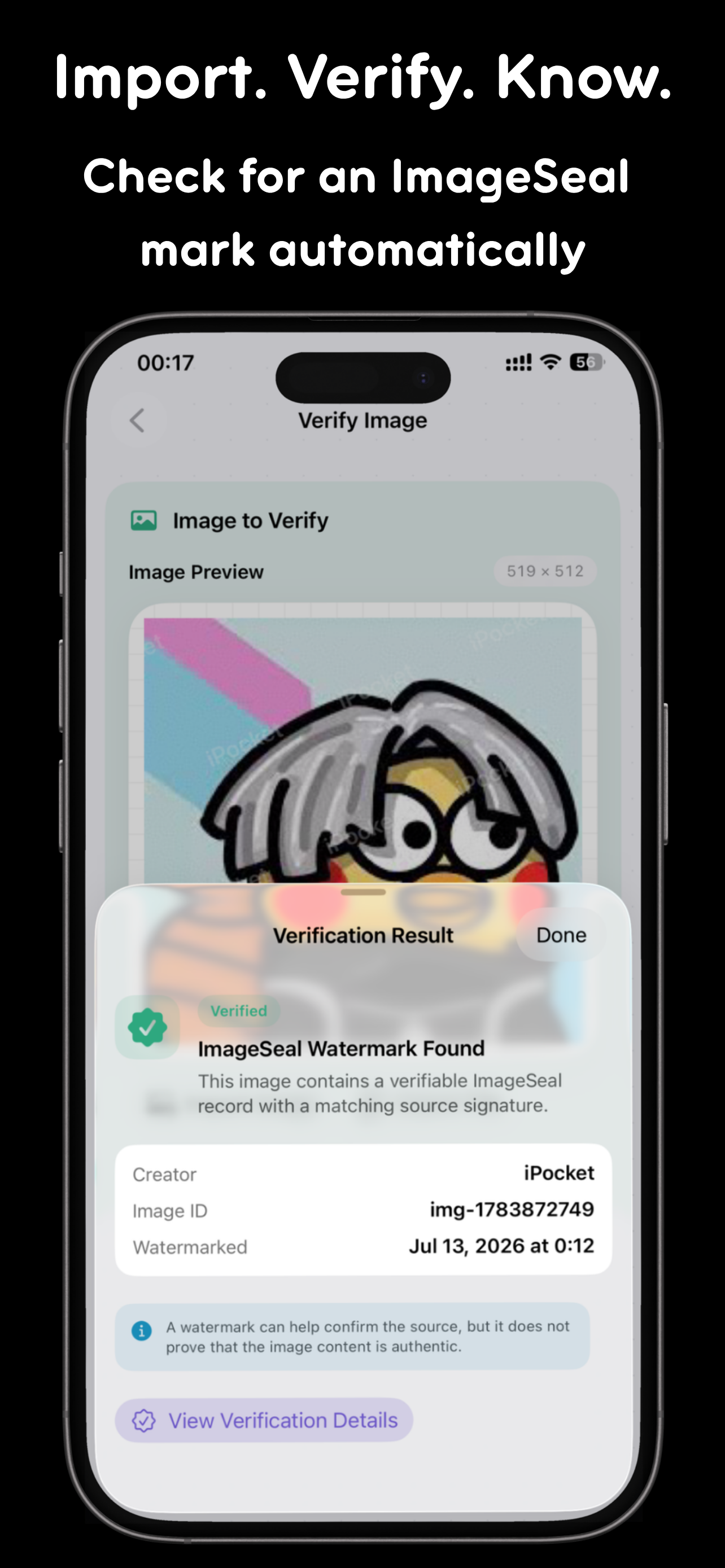
- Use verify on a received image when you need to check for an ImageSeal mark.
Privacy
Processing is designed to stay on-device. That matters when photos are private, unreleased, or under NDA—treat cloud “auto enhance” tools carefully by comparison.
FAQ
What is ImageSeal for?
ImageSeal helps creators, photographers, designers, and online sellers mark images before sharing them. You can add an invisible source mark, place visible text or a logo, process a batch, and check an ImageSeal mark later.
What is an invisible watermark?
It is a source record embedded while keeping the image looking natural. ImageSeal is designed to make that record resilient to common edits such as cropping, compression, and resizing, so it may still be recoverable after an image changes. Actual verification results depend on the crop area, compression strength, resize ratio, screenshots, and any additional processing.
Can I add text and logo watermarks?
Yes. ImageSeal supports text, image, and logo watermarks. You can adjust their position, scale, opacity, tone, and layout, or combine a visible watermark with an invisible source mark.
Does ImageSeal support batch watermarking?
Yes. ImageSeal Pro can apply one watermark setup to multiple images. The position and size are adapted to each image, and you can inspect portrait, landscape, and square previews before processing.
Are my images uploaded?
No account is required, and watermark creation and verification run on your device. Images are not uploaded to a server for watermark processing.
What does ImageSeal Pro unlock?
The free plan includes 10 saves or shares each month. A one-time ImageSeal Pro purchase permanently unlocks unlimited saves and shares, batch processing, and image or logo watermarks. Verification remains available without a Pro purchase.
MORE FROM IPOCKET
Related apps
-
 PuzzleWalliPhoneiPad
Turn your photos into tile swap, sliding, and jigsaw puzzles, then create, send, and play them with friends directly inside Apple Messages.
View app -
 iPocketPrintiPhoneiPad
iPocketPrint is an iOS app simulating a retro pocket printer that lets users type messages, generate virtual paper notes with timestamps, and save them to a 'Memory Wall' or share them with friends.
View app -
 ClawRSS: OpenClaw RSS Feed ReaderiPhoneiPad
ClawRSS is a modern RSS feed reader for iPhone and iPad with a smarter Today feed, AI summaries, built-in translation, bookmarks, Apple Push alerts, and optional OpenClaw workflows.
View app