

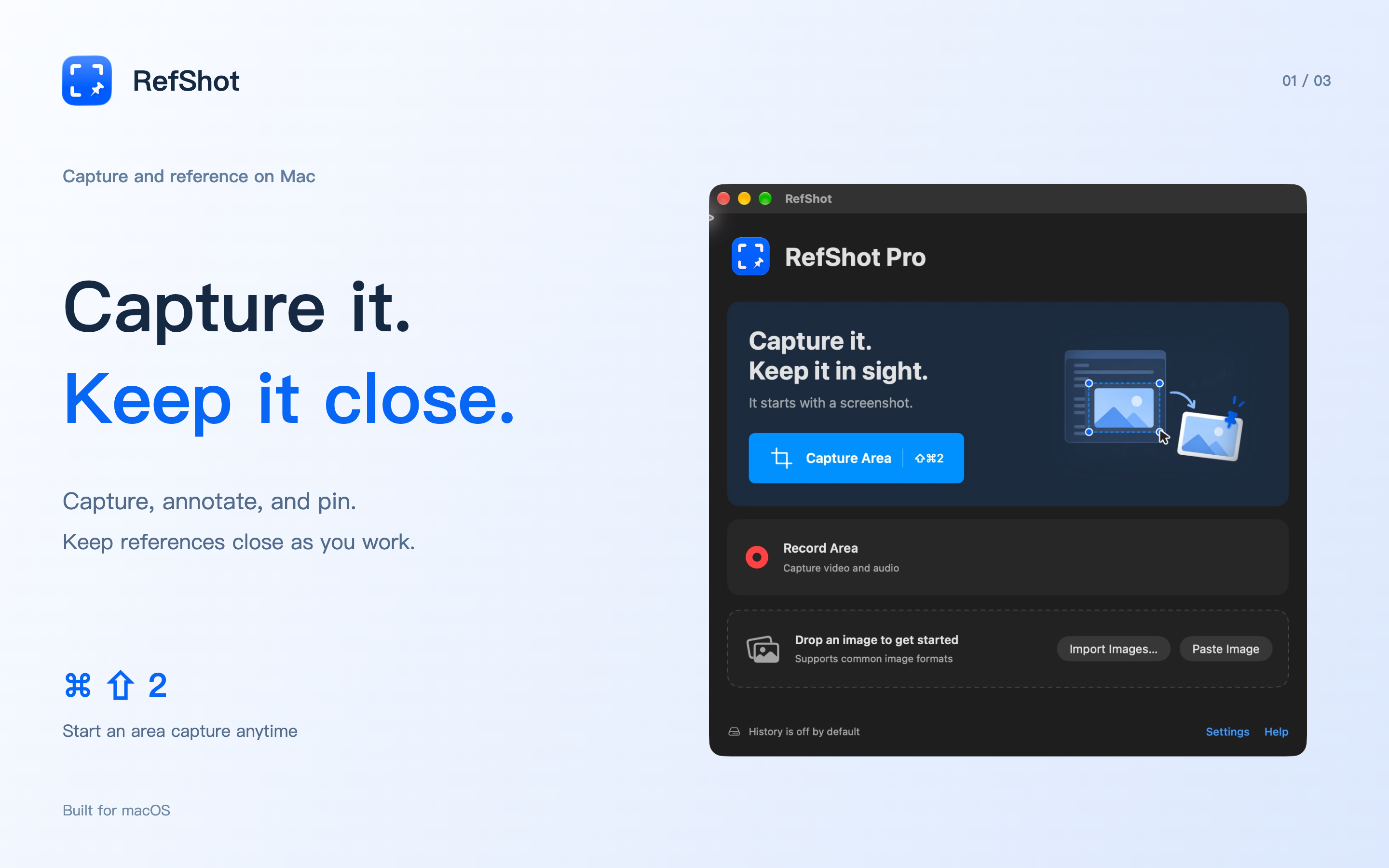
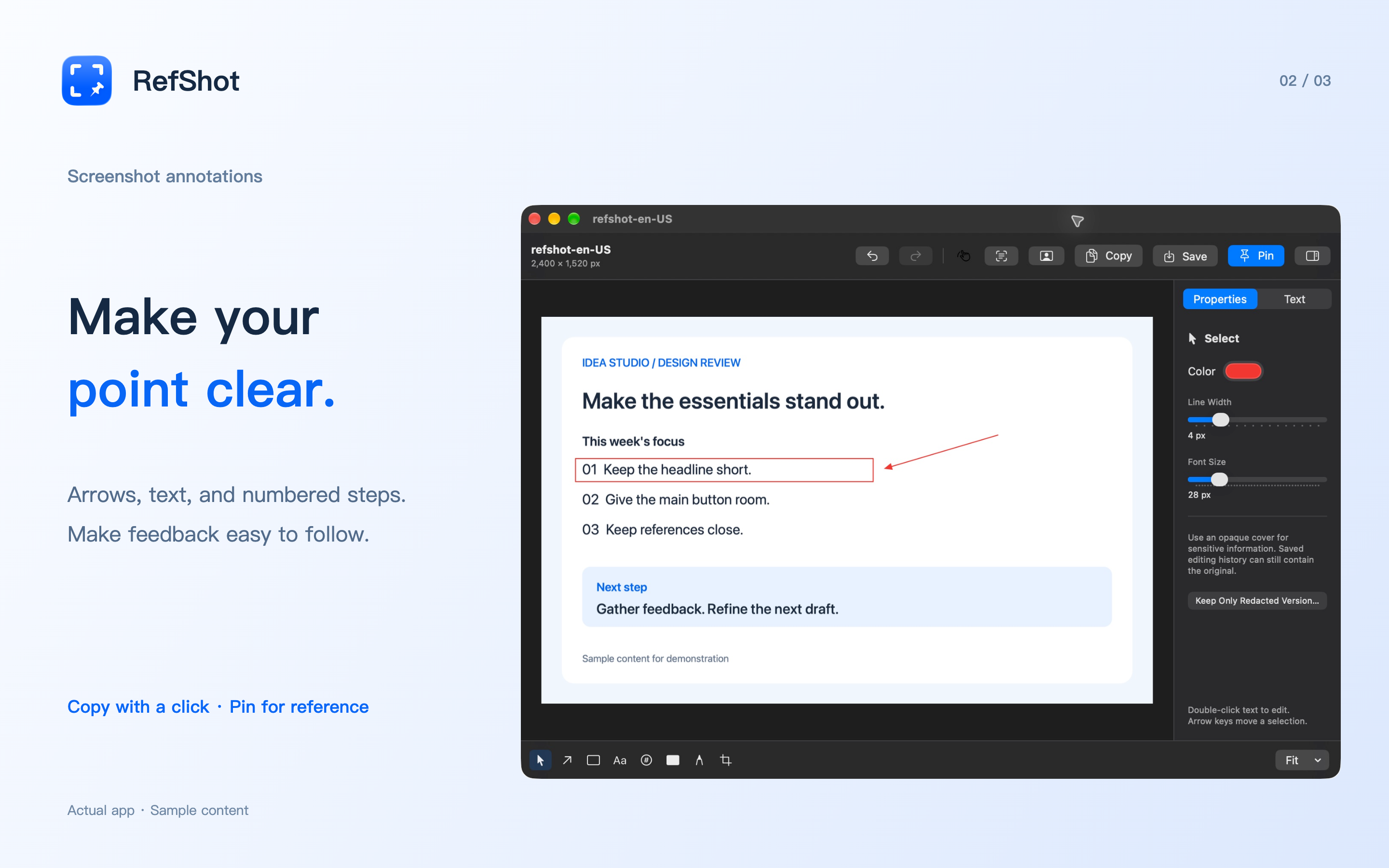
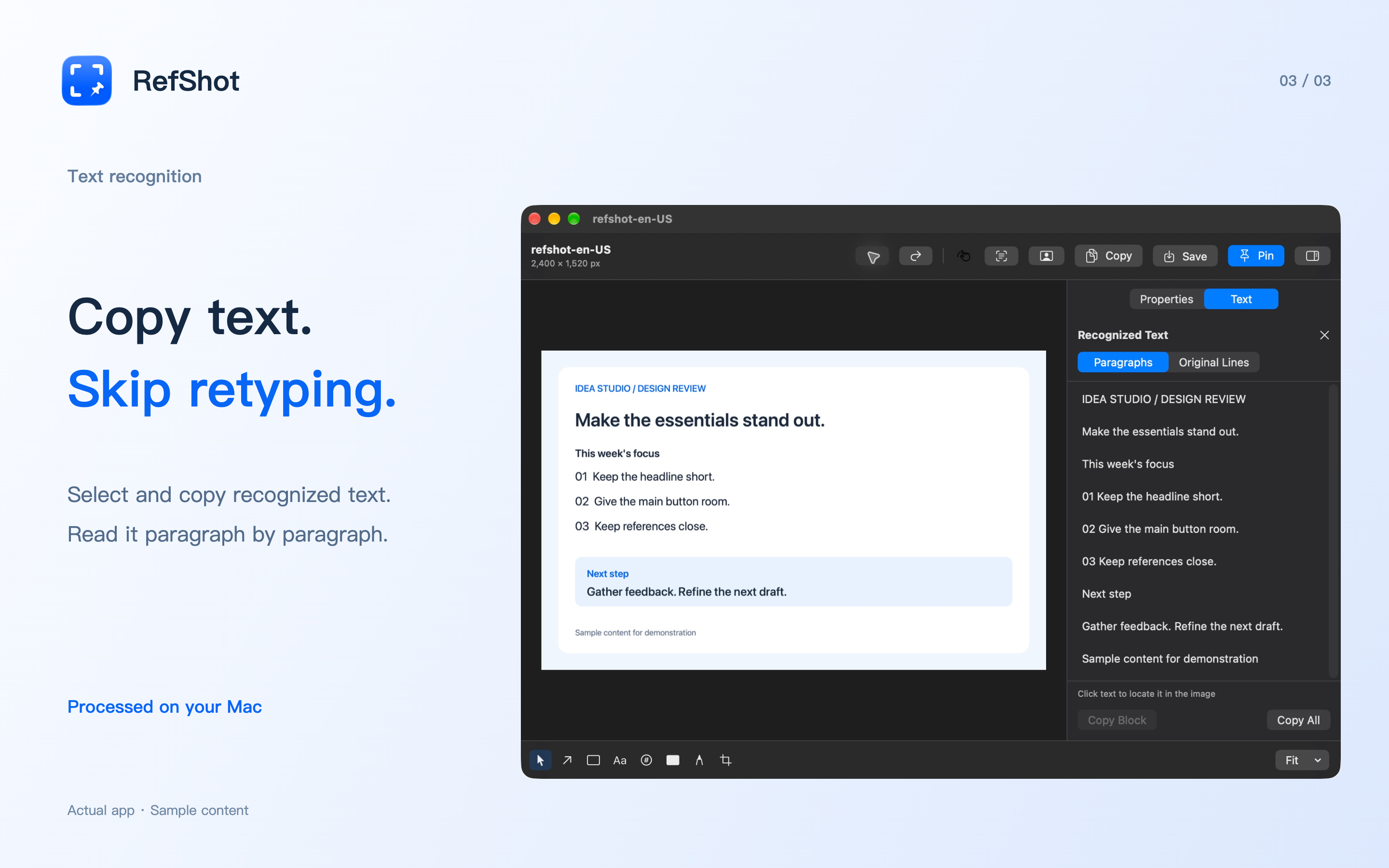
Capture an area, window or display. Add arrows, text, numbered steps and opaque covers directly on the screenshot before copying or saving.
Back to apps

- Mac
RefShot
Capture it. Mark it. Keep it in view. Screenshots, annotations and floating references for your Mac.
Coming soon
Download will show here once available.
Features
Pin an image above your work. Move, resize or lock your reference while you compare a design, follow instructions or write code.
Copy text from screenshots with on-device OCR. Read by paragraph, preserve line breaks or copy recognized tables into a spreadsheet.
Extract a subject and refine its edges locally. Copy the cutout, pin it on screen or save a transparent PNG.
Record a selected screen area with RefShot Pro. Choose optional system audio and microphone input, then preview and save an MP4.
Turn a recording into a looping GIF. Choose a clip up to 30 seconds, adjust its size and frame rate, and keep the original video.
Overview
Annotate a Mac screenshot before you send it
Show exactly where to look with an arrow, a numbered step or a short note. RefShot lets you annotate inside the capture selection and adjust its edges before copying, saving or pinning the result. Use a delayed capture for a menu or tooltip that takes a moment to open.
Save images as PNG, JPEG, HEIC, TIFF or BMP. You can also import, paste or drag in an existing image and edit it without screen-capture permission.
Keep a reference beside your work
Pin a design detail, a checklist or a snippet above other windows. Move and scale the image, lock its position, or hide and restore your pins from the menu bar. Your reference stays visible while you work in another app.
Turn a short recording into a clear explanation
RefShot Pro records a fixed area of one display. Choose 30 or 60 fps, include audio only when needed, and preview the result before saving an MP4. Recording supports up to 3840 × 2160; actual frame rate depends on screen activity and your Mac.
For a bug report or a quick walkthrough, trim a clip of up to 30 seconds into a silent, looping GIF. The original recording stays available while you make and save your GIFs.
Control what stays on your Mac
Screenshot history is optional. Editable history can retain the original image; use Keep Only Redacted Version when you want to replace it with the rendered result and remove that capture’s earlier history version. Exported files, clipboard contents and external backups must be managed separately.
Recordings are written to local recovery storage even when screenshot history is off. Saving the MP4 or explicitly discarding the recording removes its recovery session; exporting a GIF alone keeps the source recording available.
Read the RefShot privacy policy for details about local files, permissions and Apple purchases. For questions, contact iPocket.
FAQ
Is RefShot free, and what does Pro unlock?
Screenshots, annotation and desktop pins are free, including image OCR and subject extraction. RefShot Pro is a one-time purchase that unlocks screen recording; recordings can also be exported as GIFs. There is no subscription. The local price will be shown in the app when the purchase is available.
Which Macs does RefShot support?
RefShot requires macOS 14 or later and supports Apple Silicon and Intel Macs. OCR uses the recognition features available on your macOS version; results depend on the image and text layout.
How do I take and pin a screenshot?
Press Command-Shift-2 to start an area capture, then drag a selection or click a highlighted window. Add annotations and press P to pin, Return to copy or Command-S to save. Shortcuts can be changed in Settings.
Can RefShot copy text or tables from an image offline?
Yes. Choose Recognize Text on a capture or in the image editor to select and copy text. You can also copy recognized tables in tab-separated format for a spreadsheet. Recognition runs on your Mac; review the result, especially for complex layouts.
Are my screenshots or recordings uploaded?
RefShot processes screenshots, OCR, cutouts and recordings on your Mac and does not upload this content to iPocket. Apple handles optional Pro purchases. Files you export to a synced folder and content you paste into another app follow that destination's settings.
Does RefShot keep a screenshot history?
History is off by default. If enabled, the default retention is 7 days with a 1 GB capacity limit; favorites are excluded from automatic cleanup. Turning history off stops new entries but does not immediately erase existing ones. Unsaved recordings use separate local recovery storage.
Can I record system audio and my microphone?
Yes. Pro area recording has separate system-audio and microphone options, both initially off. Microphone recording requires permission. The app remembers your choices; check them before each recording.
Does RefShot support scrolling screenshots or cloud sharing?
RefShot currently captures areas, windows and displays, with optional 3- or 5-second delays. It does not include scrolling screenshots or hosted sharing links. You can copy an image or export a file to share yourself.
MORE FROM IPOCKET
Related apps
-
 PocketSubsiPhoneiPadMac
PocketSubs is a local-first subscription tracker: track recurring bills, set renewal reminders, and see upcoming charges and ongoing spending.
View app -
 iPocketDockMac
Free Mac companion for iPocketRemote. Control a nearby Mac from iPhone or iPad, or set up Bluetooth walk-away locking.
View app -
 Real TodoiPhoneiPadMac
Capture and finish tasks in one calm list on iPhone, iPad, and Mac. On your Mac, a desktop companion keeps quick add, complete, and postpone close without interrupting your work.
View app