

Start a recording or import audio. Turn on live transcription to see draft text while you record.
Back to apps

- iPhone
- iPad
EarJot — Turn recordings into text you can play back
Record a meeting, interview, or class, or import audio you already have. Transcribe it on your iPhone or iPad, follow speaker labels, and tap a passage to hear the recording.
Coming soon
Download will show here once available.
Screenshots
IPHONE
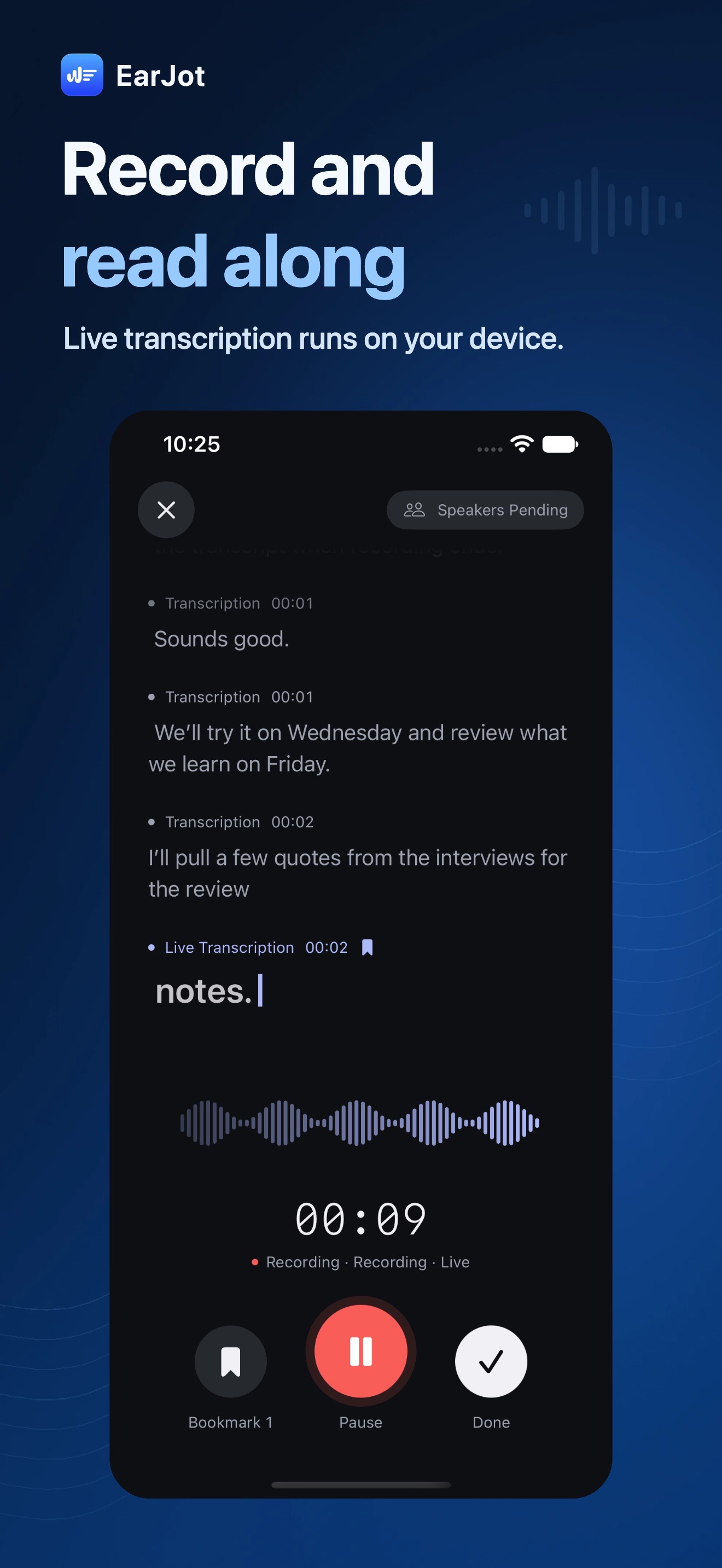 Image could not be loaded
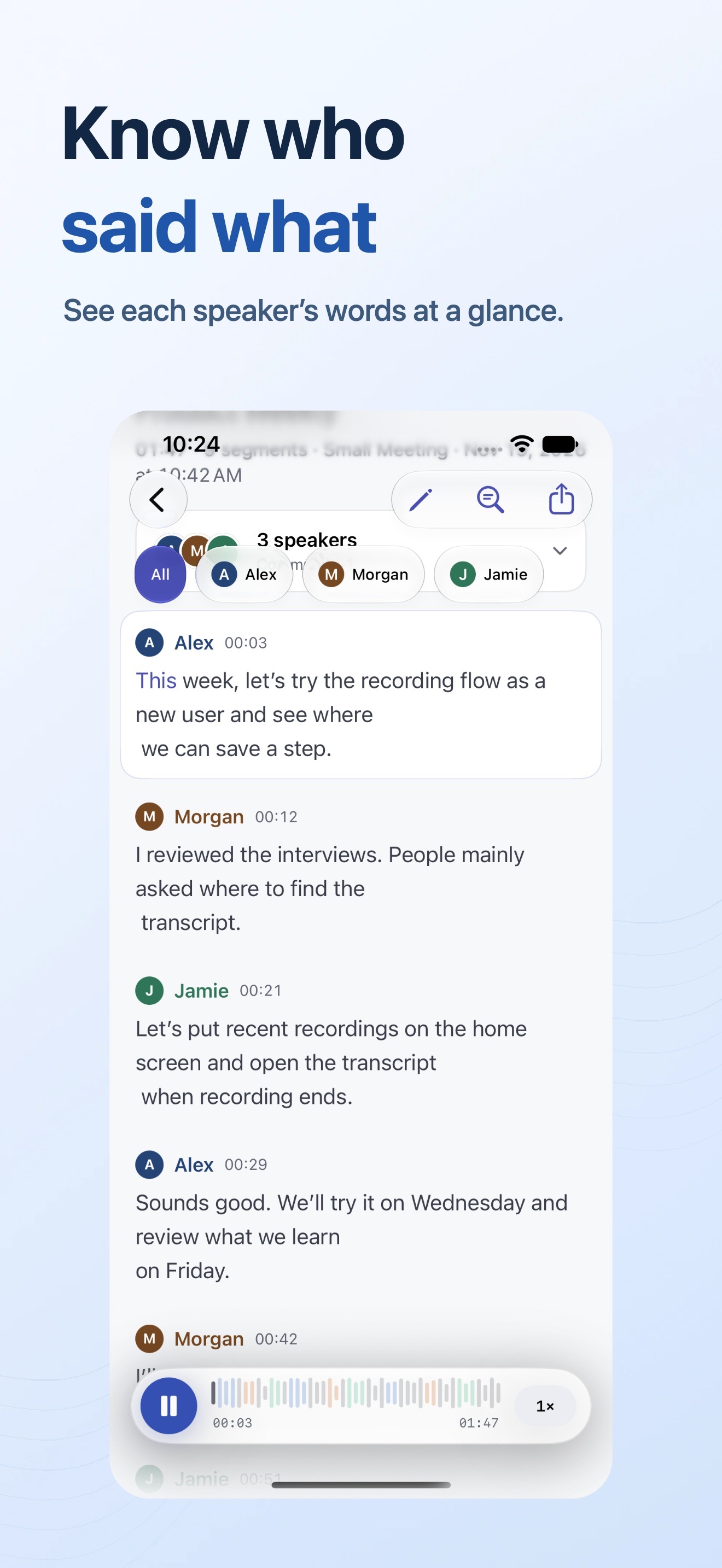 Image could not be loaded
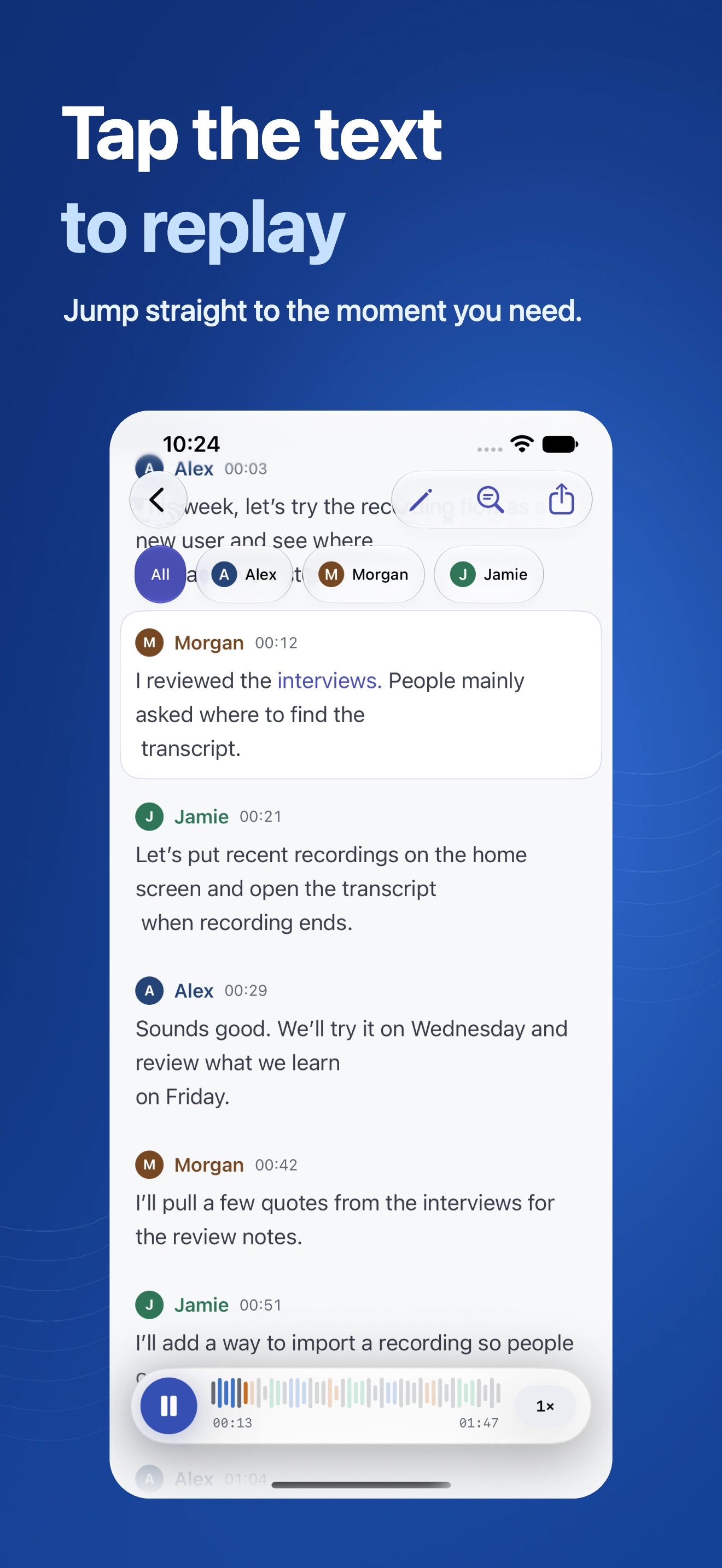 Image could not be loaded
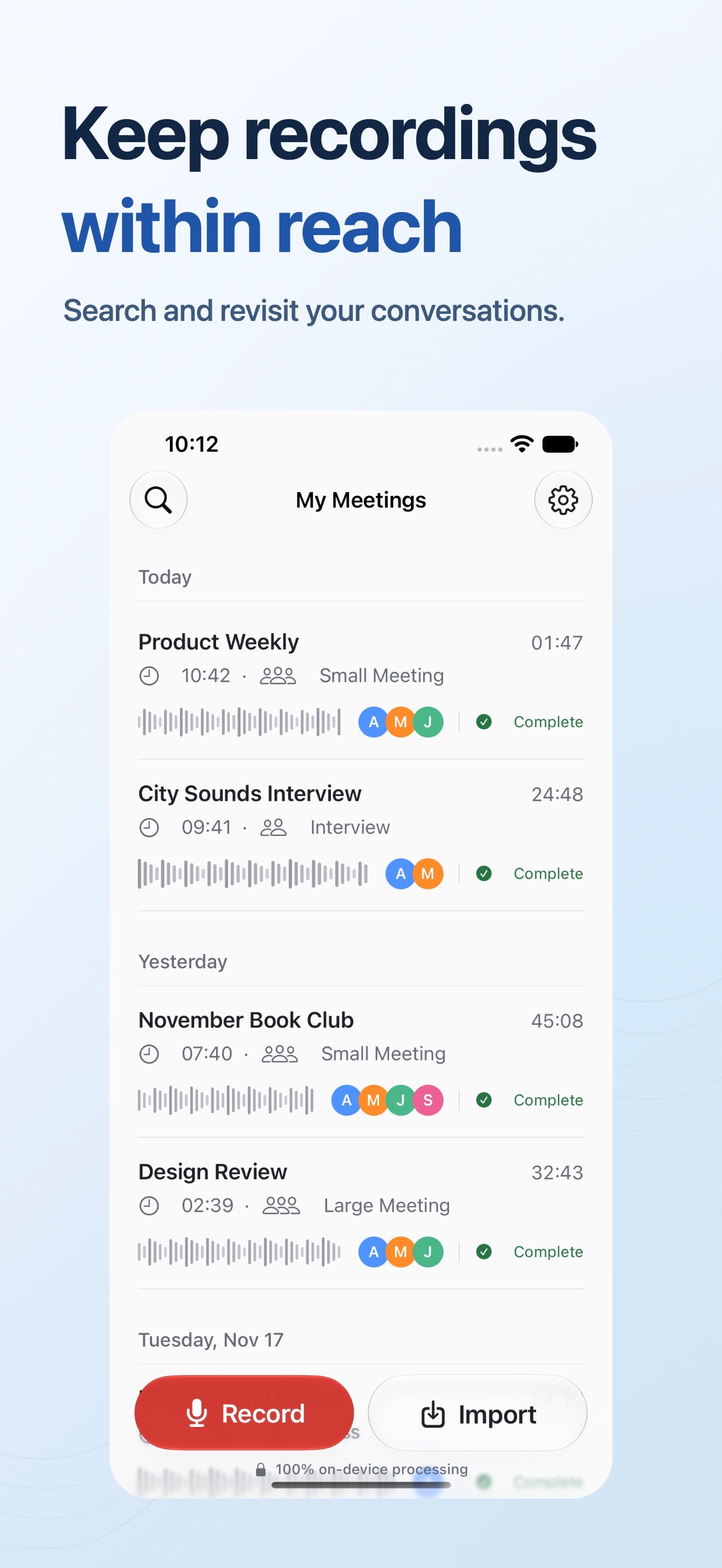 Image could not be loaded
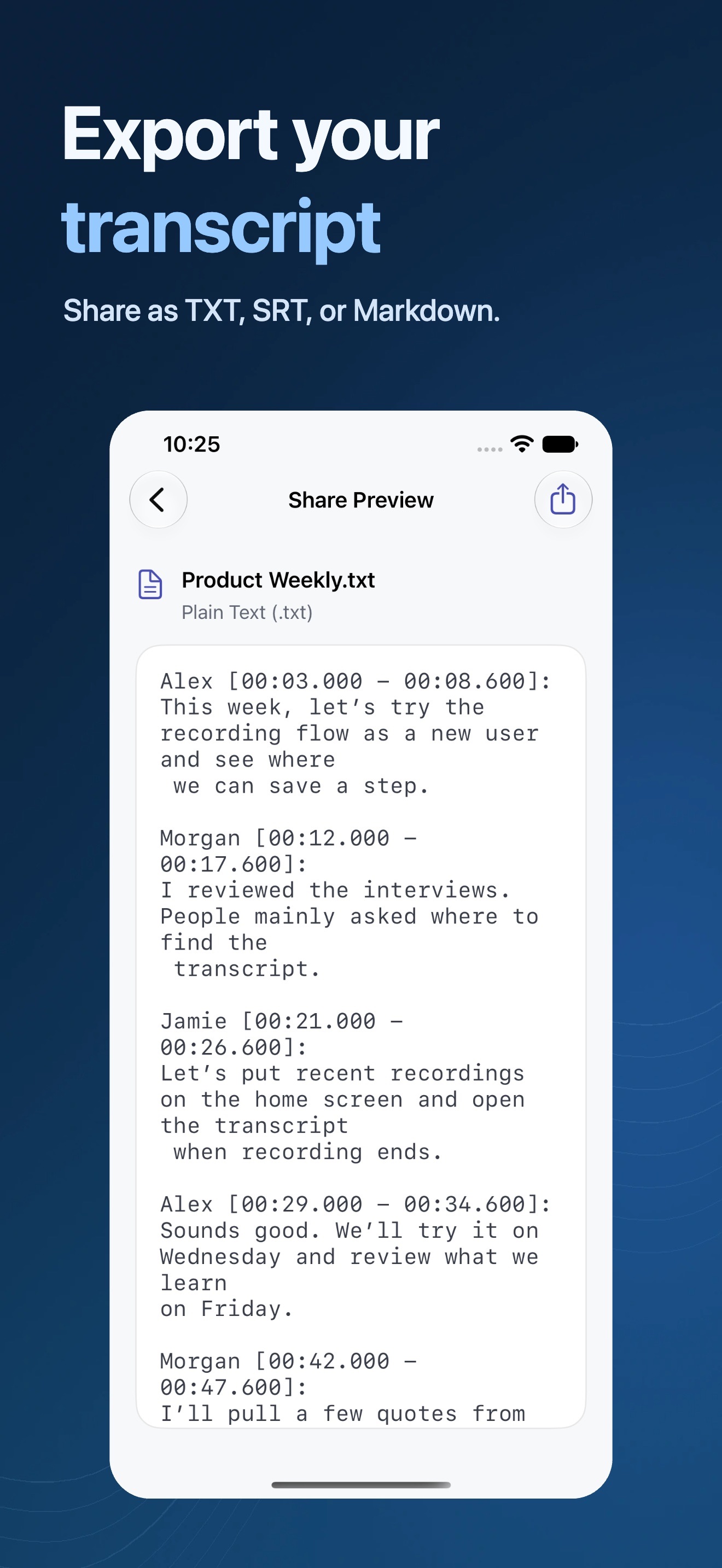 Image could not be loaded
iPhone Duo
 Image could not be loaded
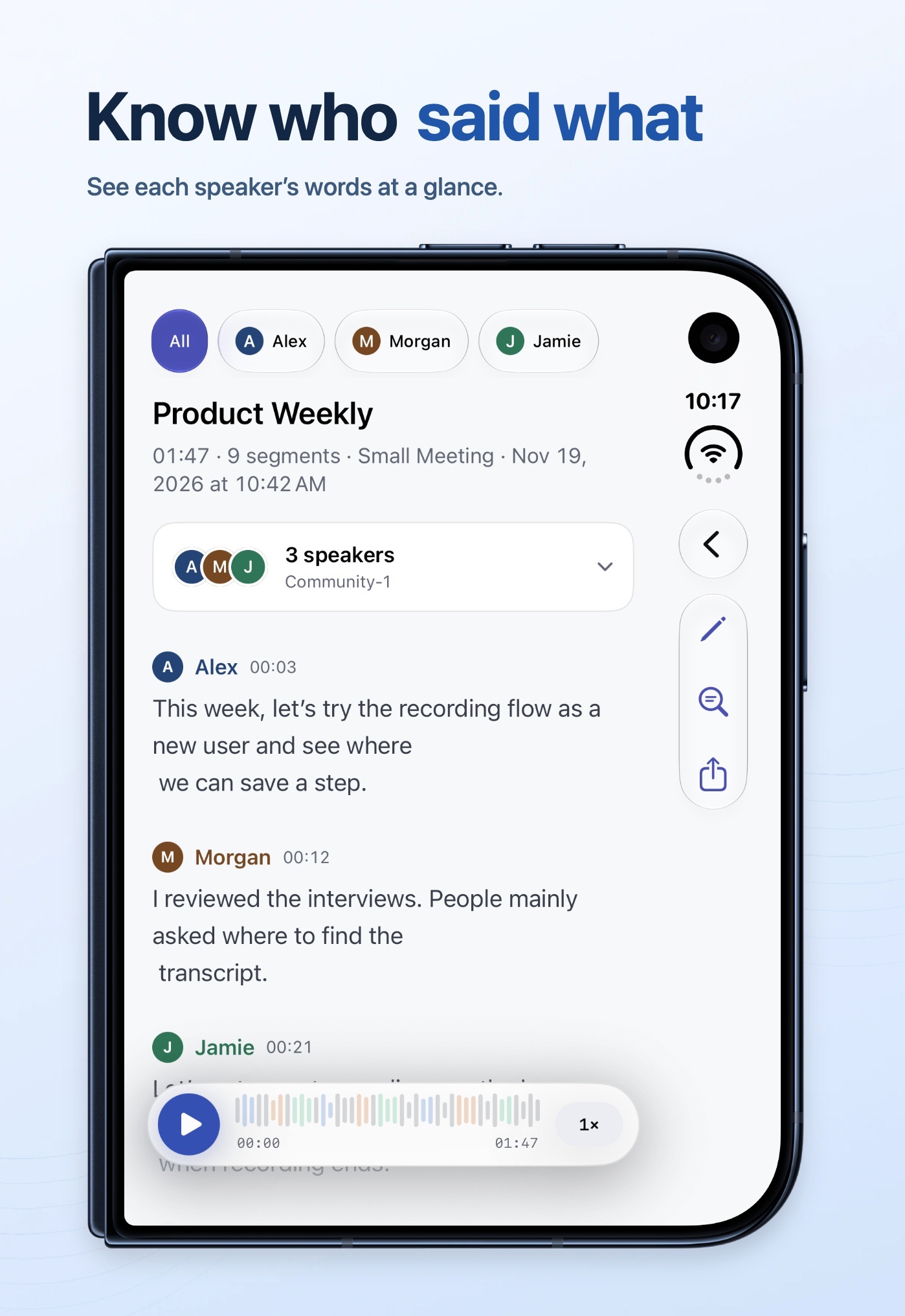 Image could not be loaded
 Image could not be loaded
 Image could not be loaded
 Image could not be loaded
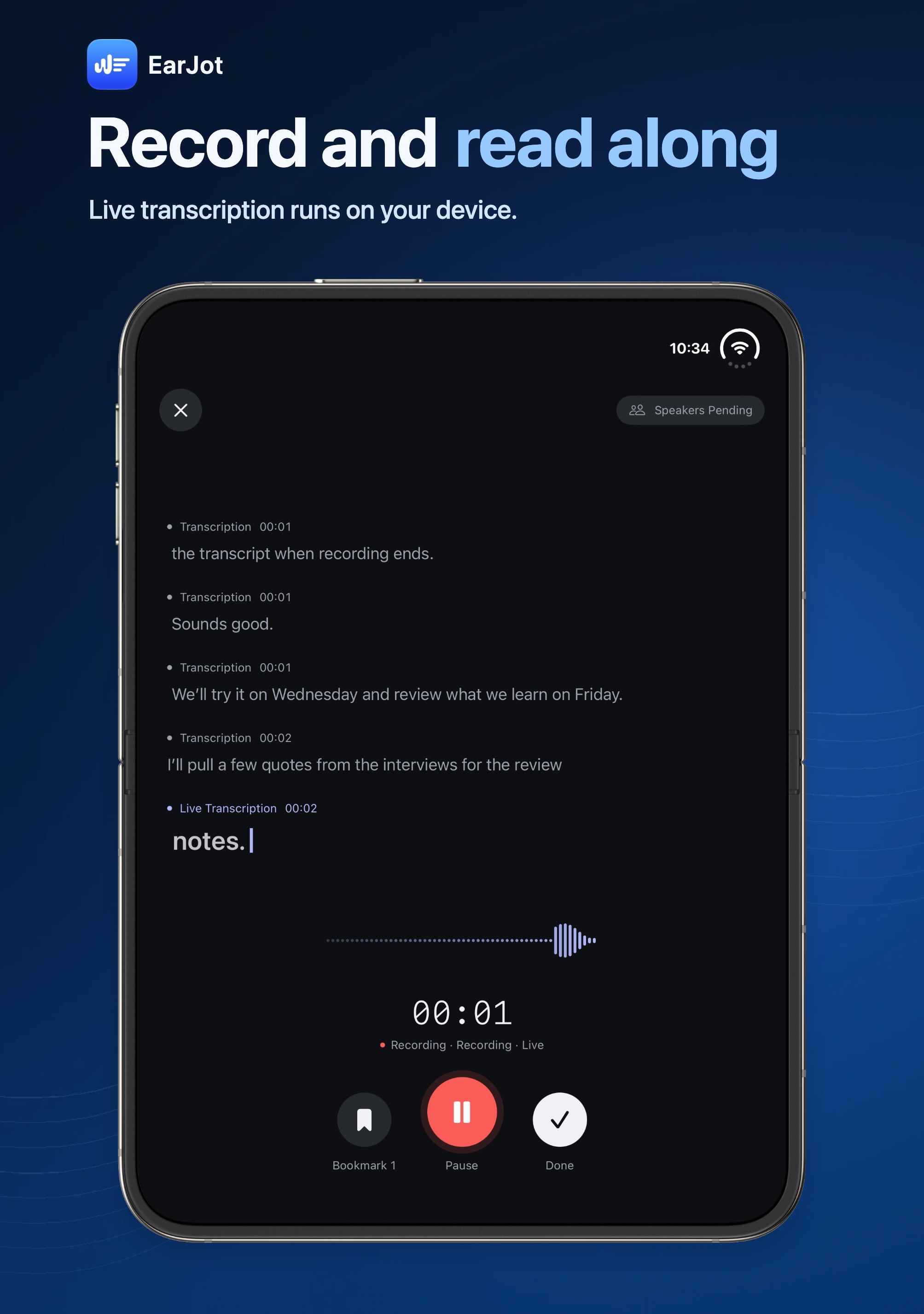 Image could not be loaded
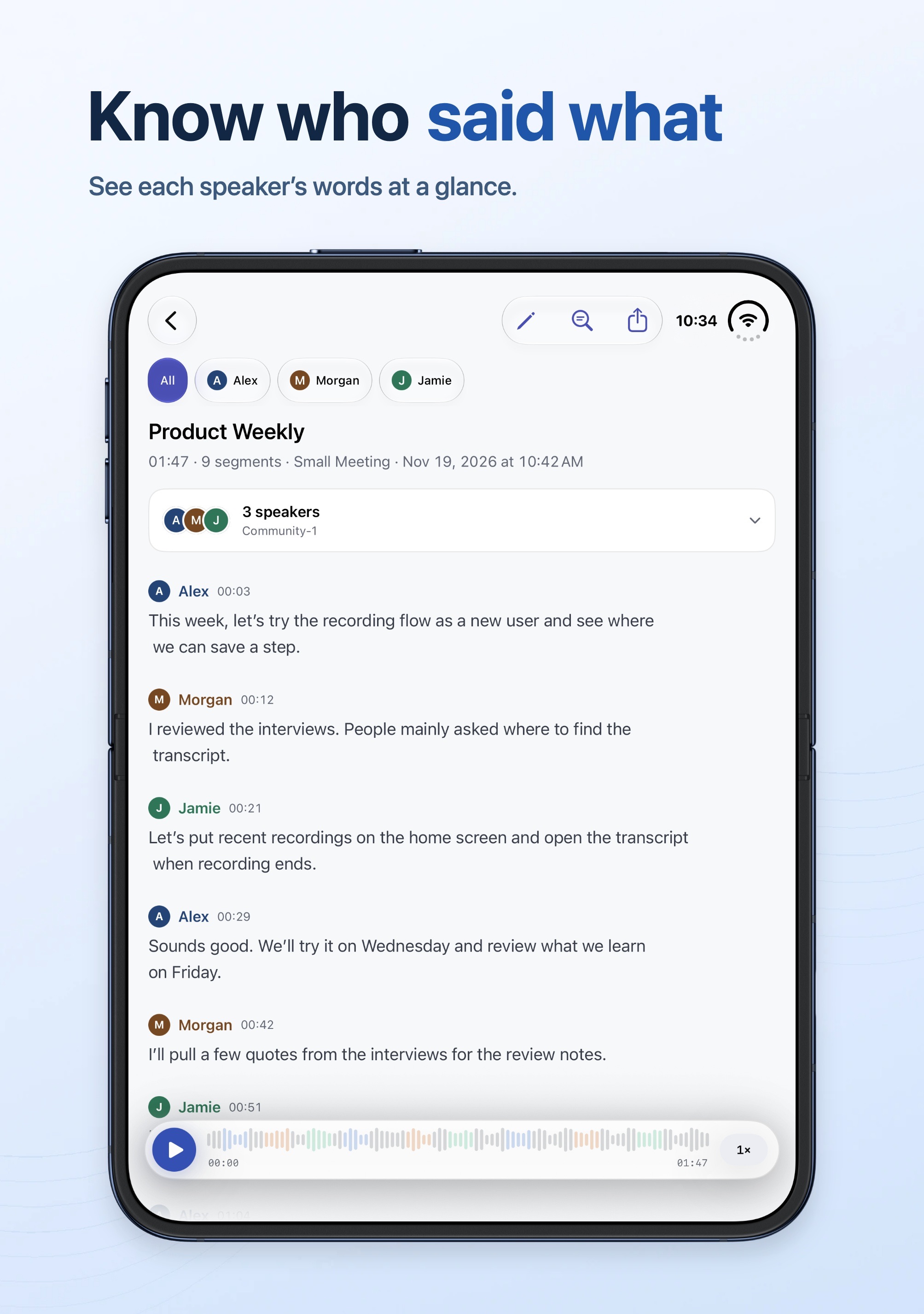 Image could not be loaded
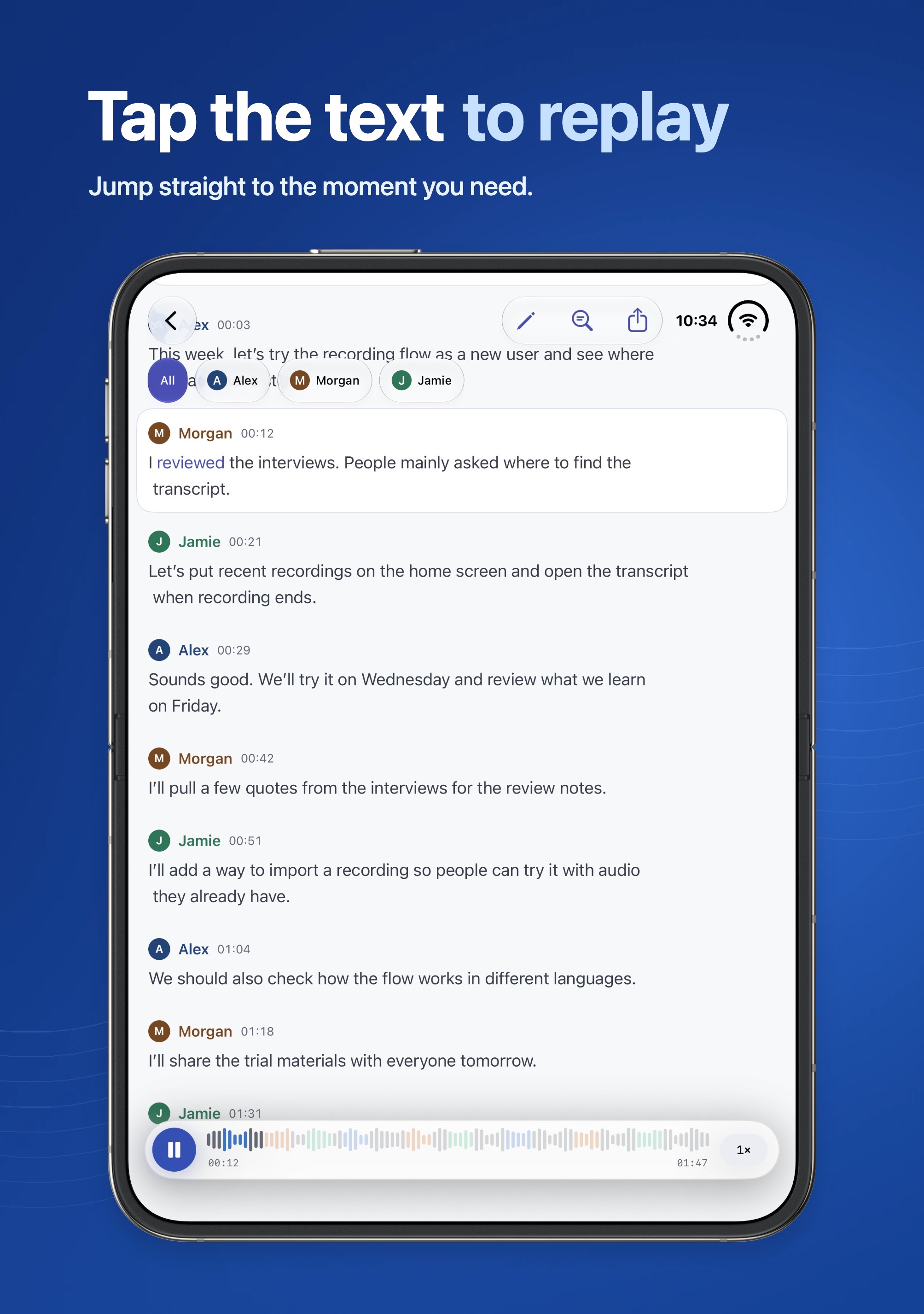 Image could not be loaded
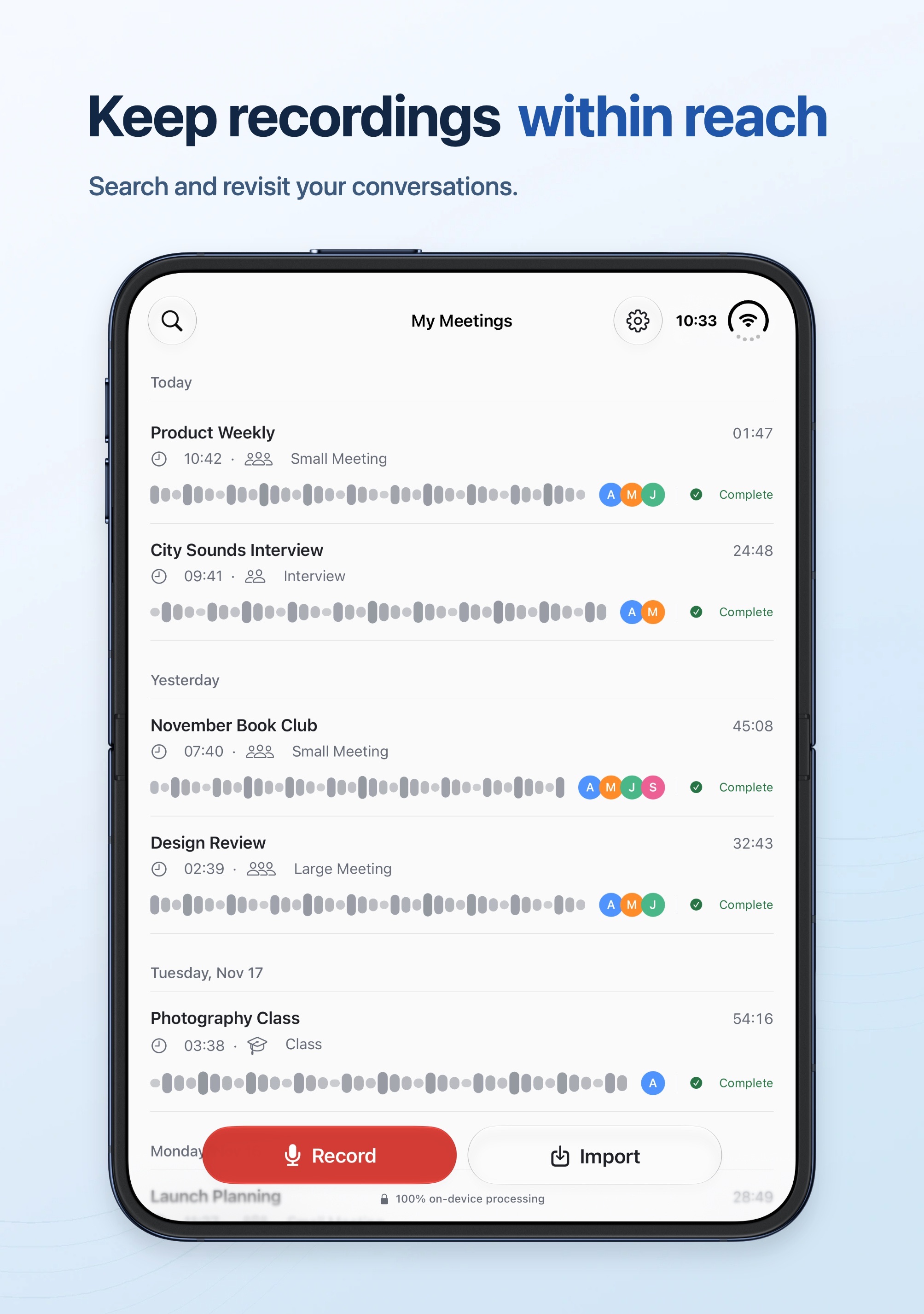 Image could not be loaded
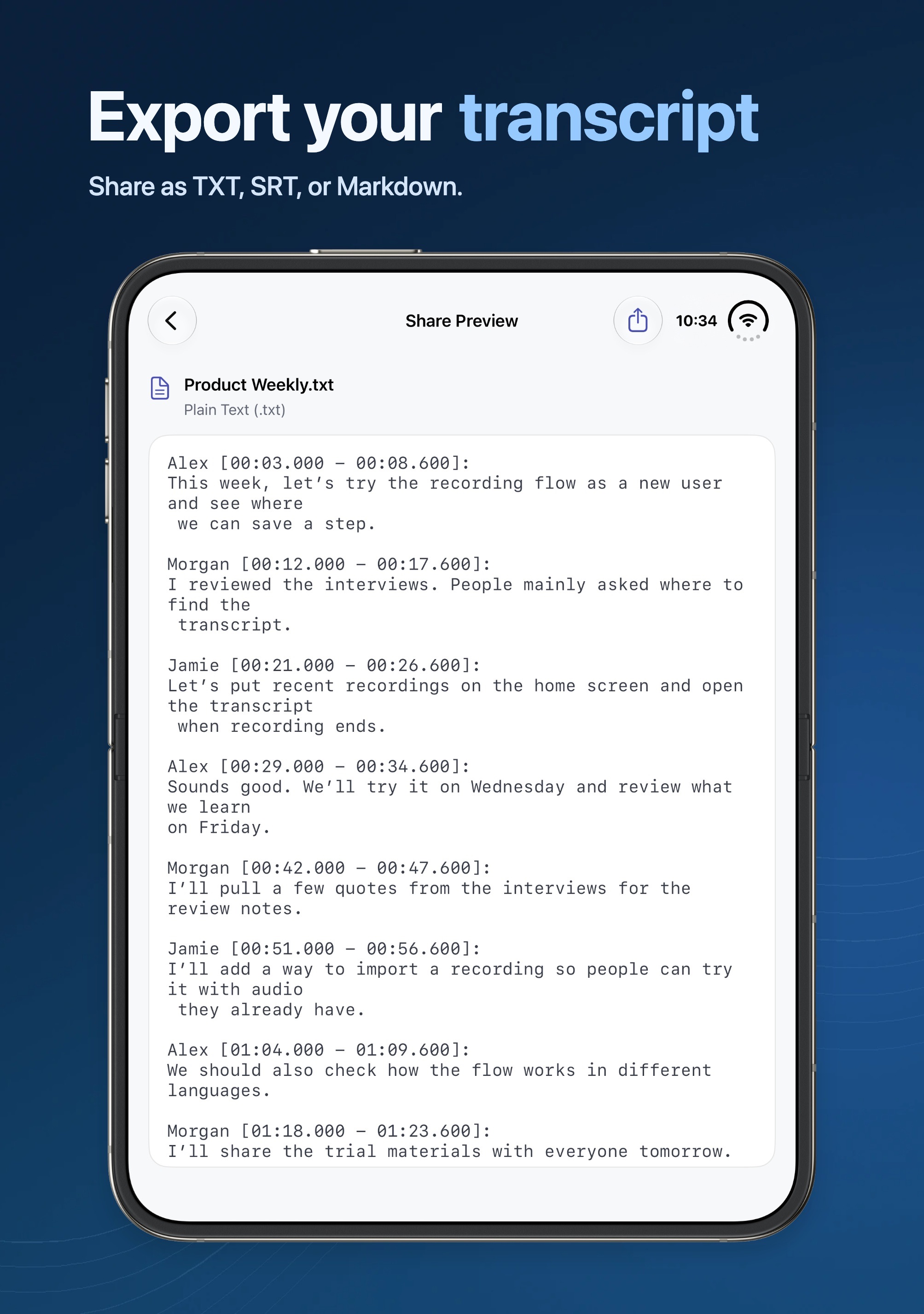 Image could not be loaded
IPAD
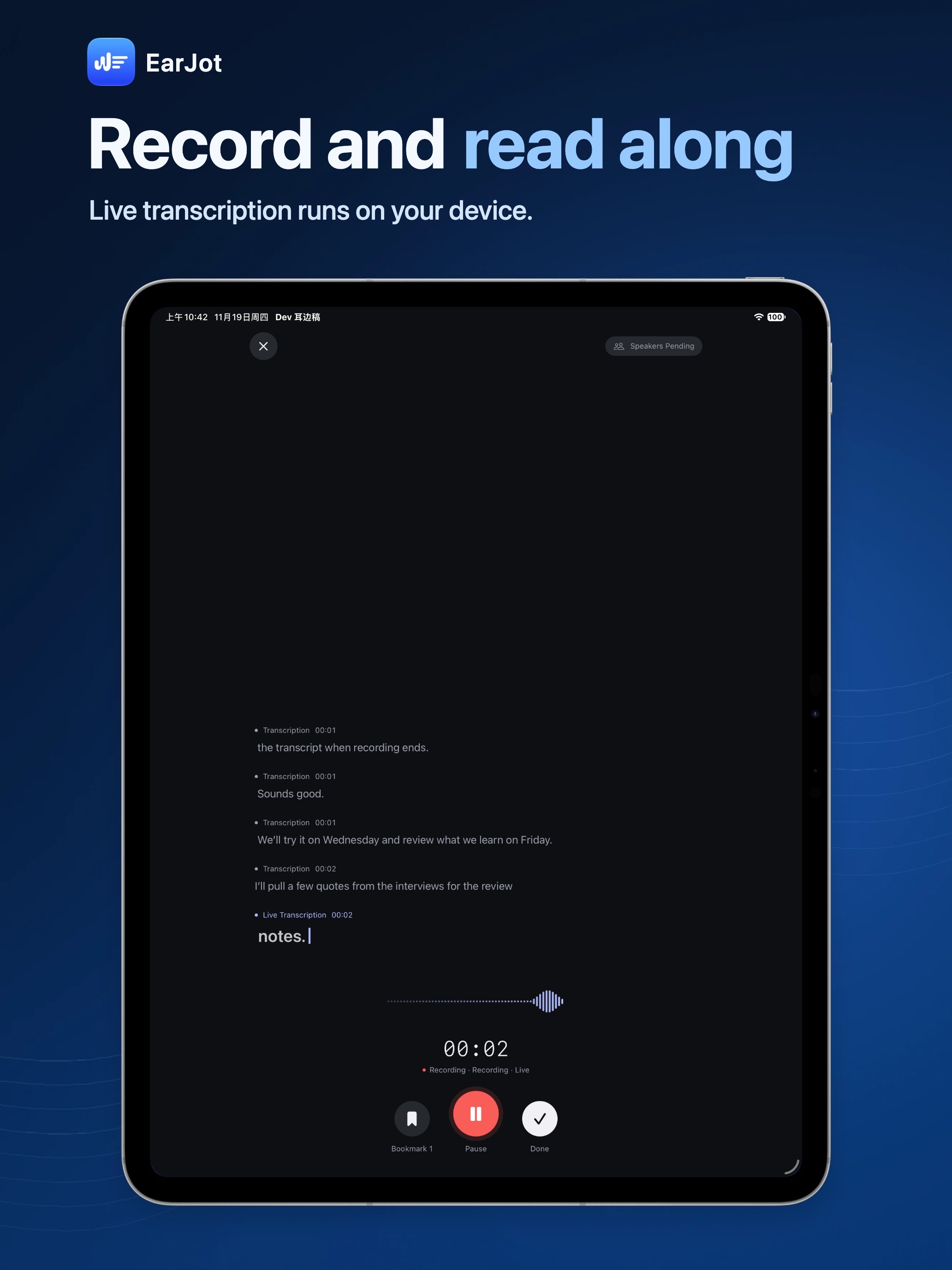 Image could not be loaded
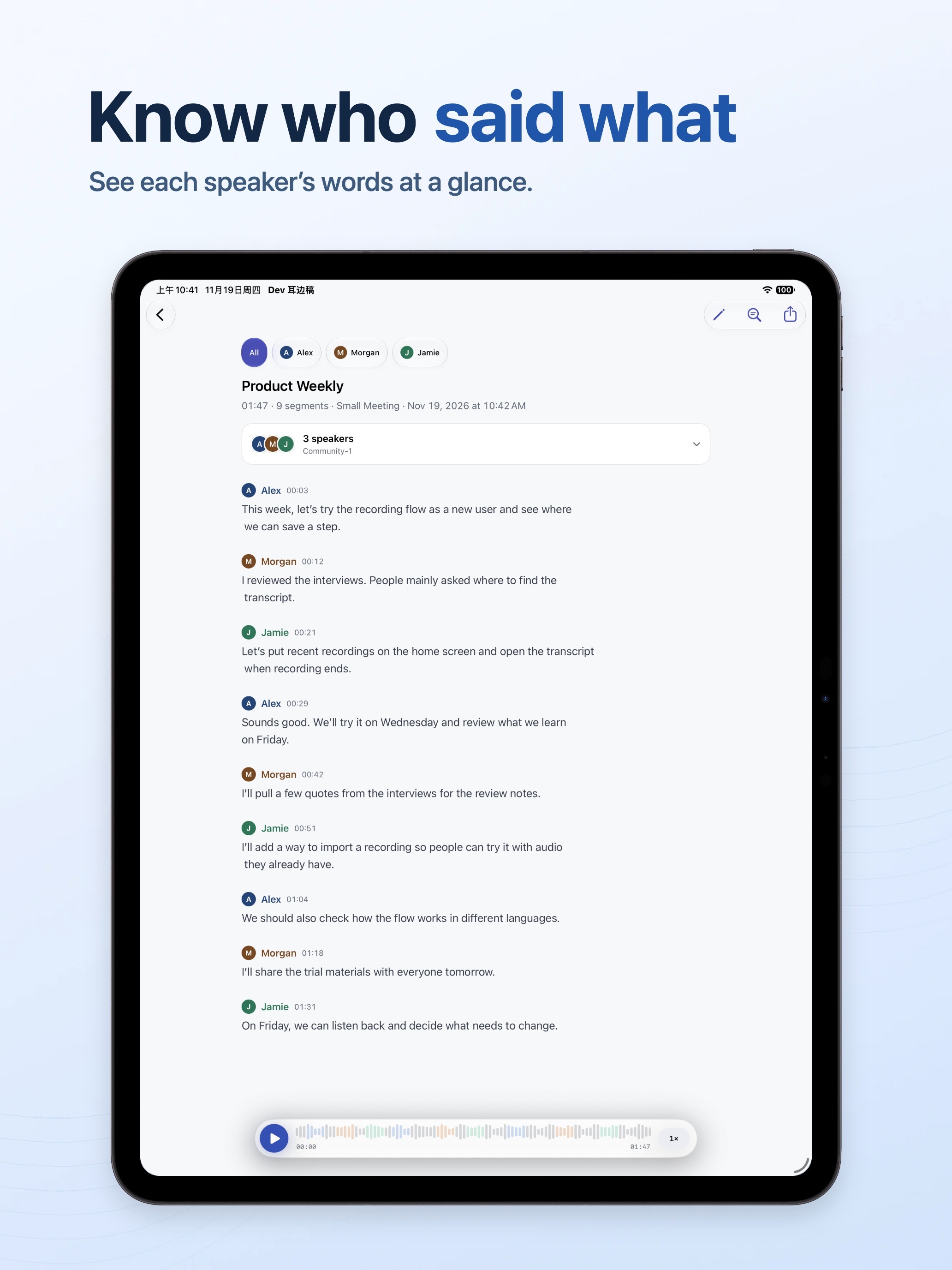 Image could not be loaded
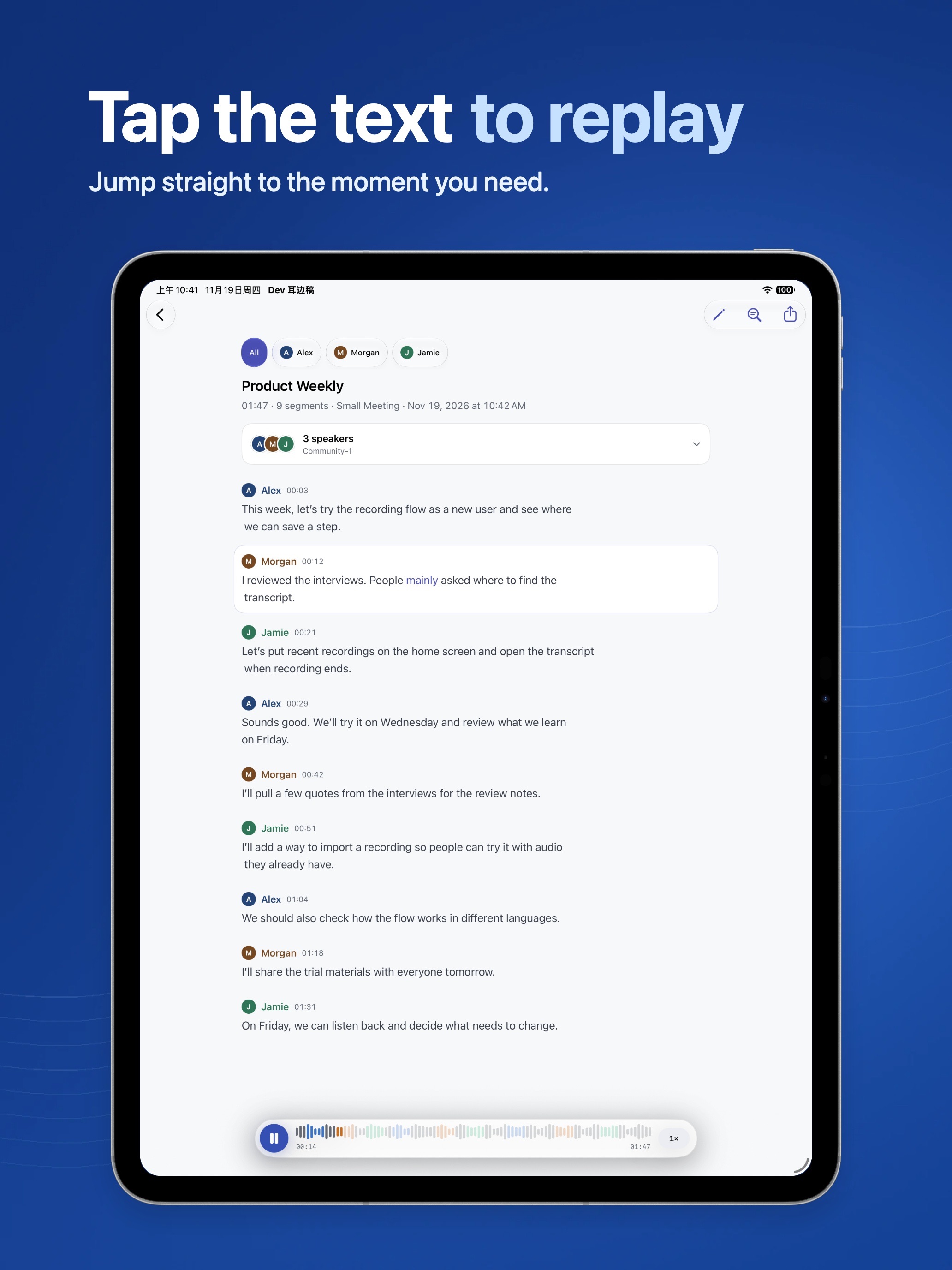 Image could not be loaded
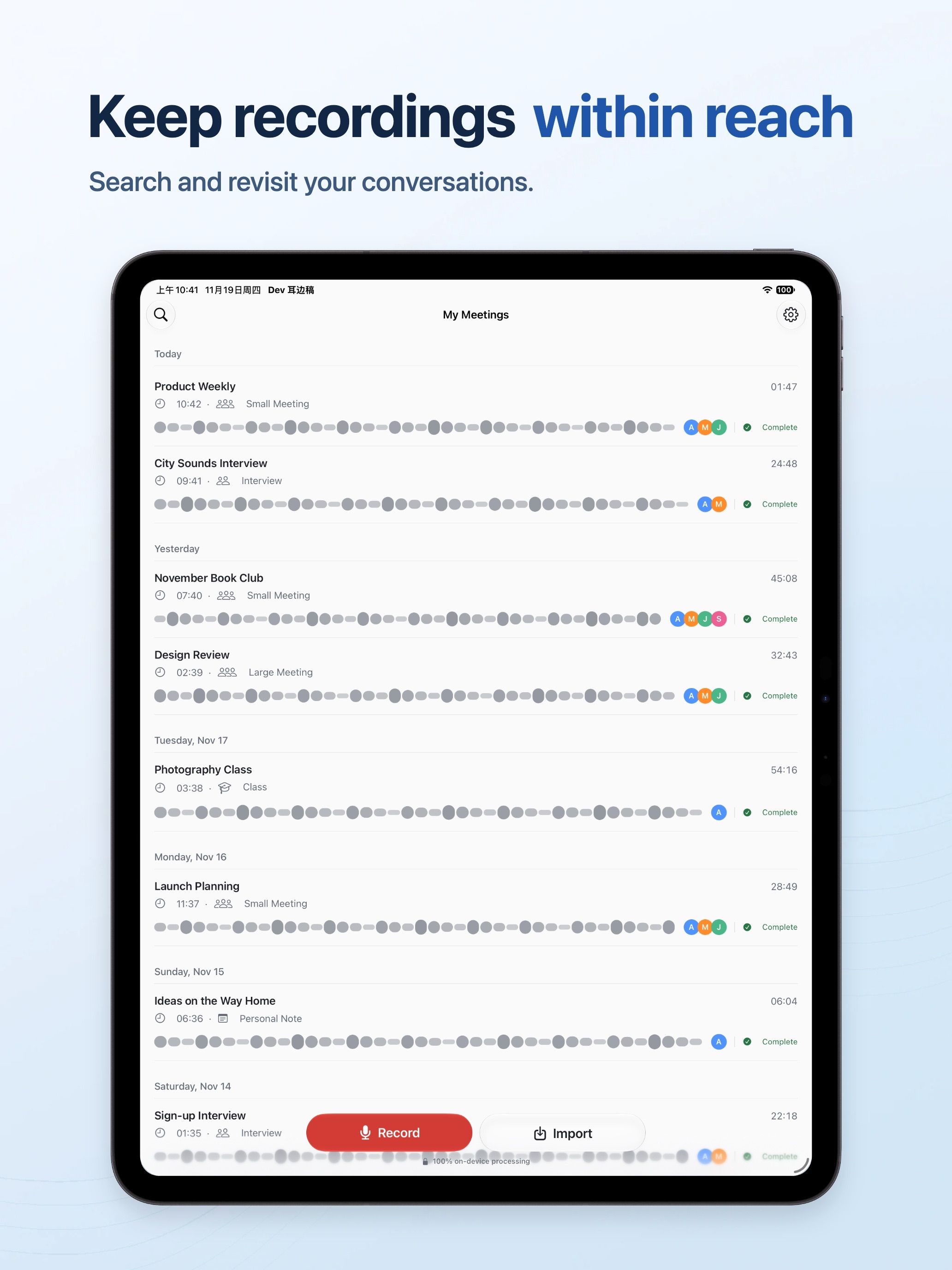 Image could not be loaded
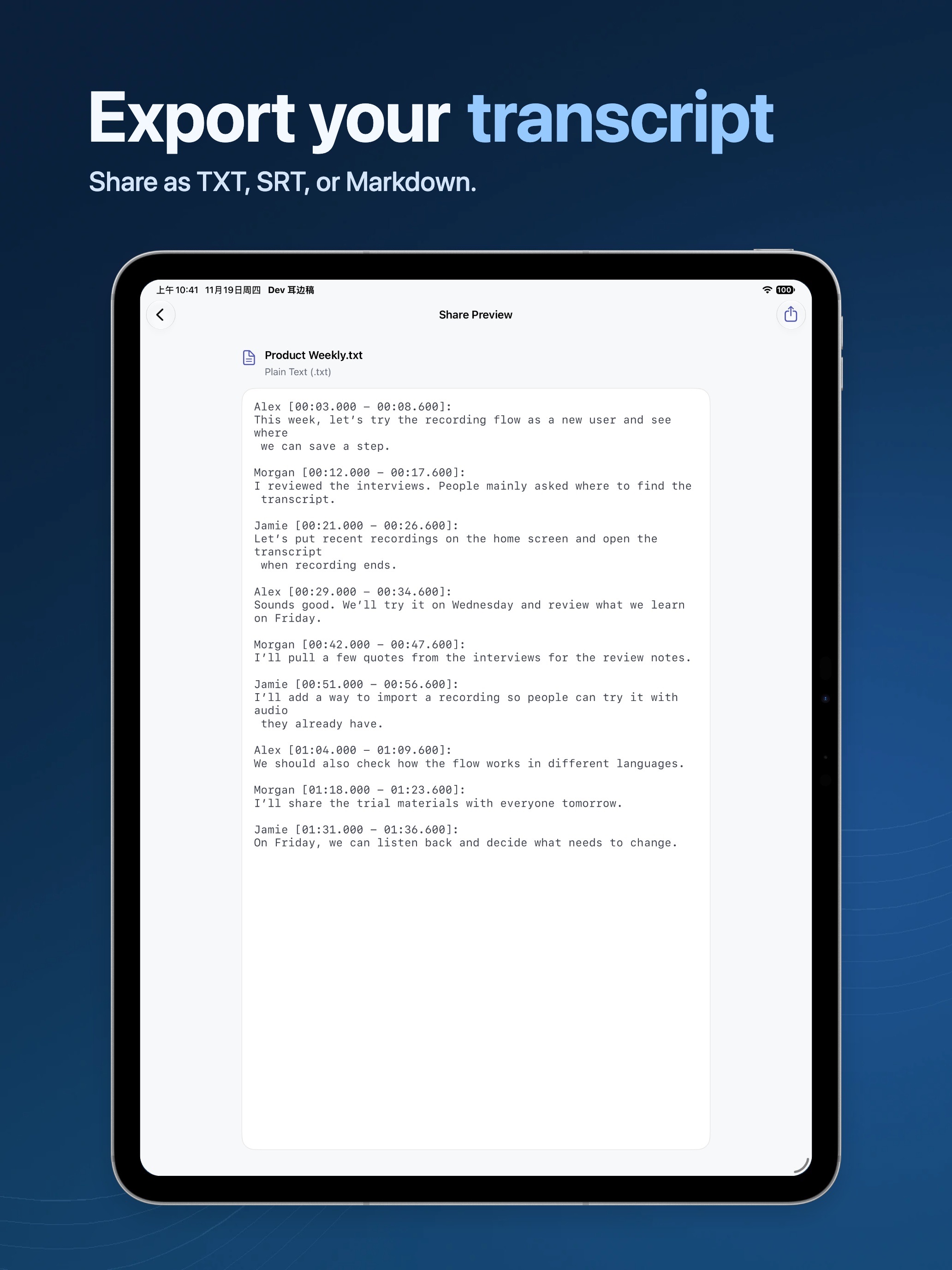 Image could not be loaded
Features
Separate speakers after recording, filter the transcript by speaker, and rename speaker labels.
Tap a passage to play from its timestamp, then edit the transcript as you check it.
Export the recording or save the transcript as plain text, SRT subtitles, or Markdown.
Overview
At a glance
- Also known as
- 耳边稿
- Developer
- iPocket
- Platforms
- iPhone, iPad
- Availability
- Coming soon
Hear the exact moment you need
After a meeting, open the transcript and filter it by speaker. If you need to check a date, name, or decision, tap that passage to start playback at the corresponding point. Edit the text after listening, and add commonly used names, companies, and terms to your vocabulary to help correct recurring recognition errors.
Process recordings on your device
EarJot uses Apple’s on-device speech recognition by default and lets you choose other local models. Recordings, transcripts, and speaker labels are stored on your device. You can listen back in the app or export a copy when you choose to share it. EarJot privacy policy
FAQ
Do transcription and speaker labels require internet access?
You may need an internet connection to install language or model resources. Once the required resources are ready, transcription and speaker separation run offline on your device.
Which languages can I transcribe?
Availability depends on your device and selected transcription engine. Check the transcription language picker in the app for the languages available with your engine.
Can I record a personal note without speaker labels?
Yes. Select Personal Note before recording to get a transcript without automatic speaker separation.
MORE FROM IPOCKET
Related apps
-
 TieLoopiPhoneiPad
TieLoop is a private personal CRM and digital business card for iPhone that connects contacts, shared moments, anniversaries, money records, places, and personal cards into one relationship map.
View app -
 ClawRSS: OpenClaw RSS Feed ReaderiPhoneiPad
ClawRSS is a modern RSS feed reader for iPhone and iPad with a smarter Today feed, AI summaries, built-in translation, bookmarks, Apple Push alerts, and optional OpenClaw workflows.
View app -
 WayMemoiPhoneiPad
WayMemo is a travel journal for the places you visit, the photos you take, and the routes between them. Save each stop on the map, then replay the journey and revisit the moments you kept there.
View app