

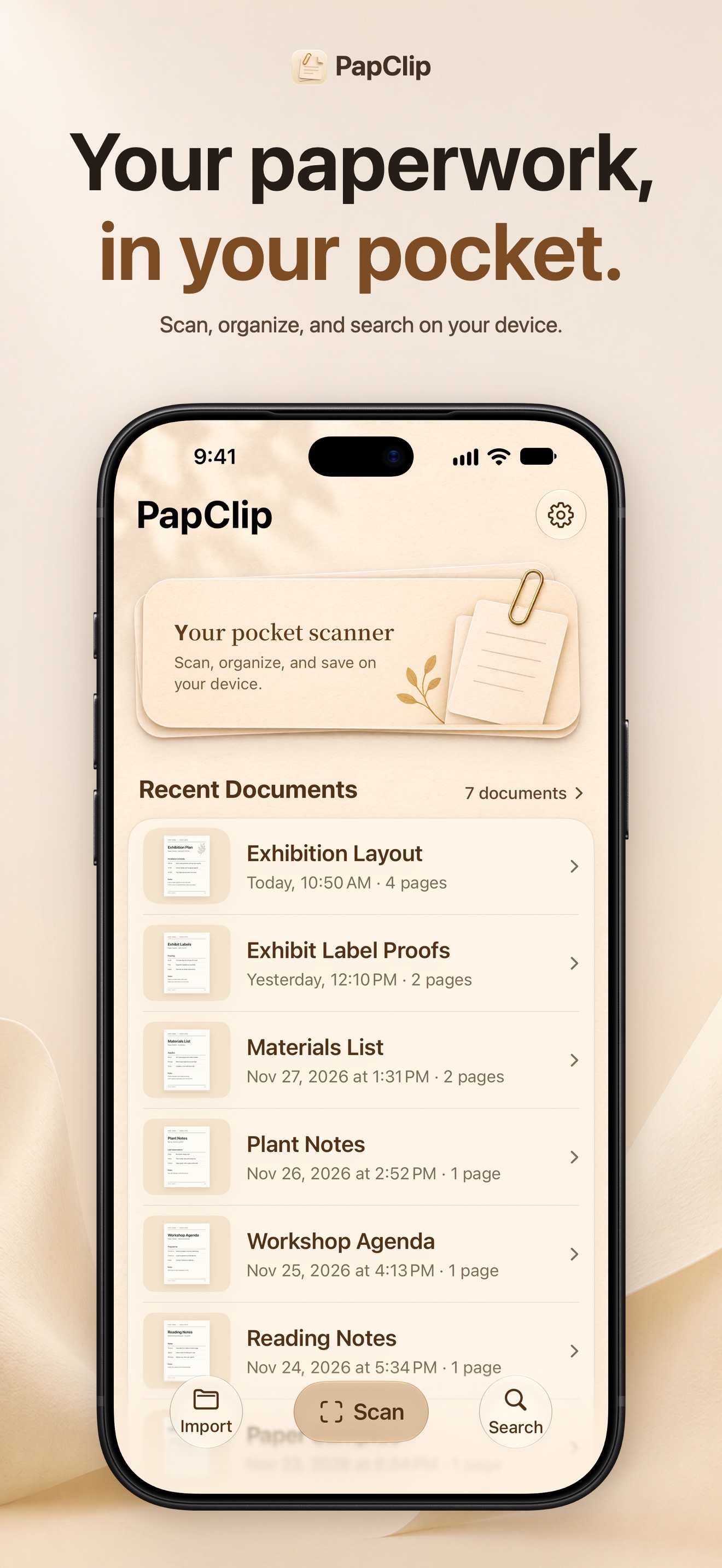
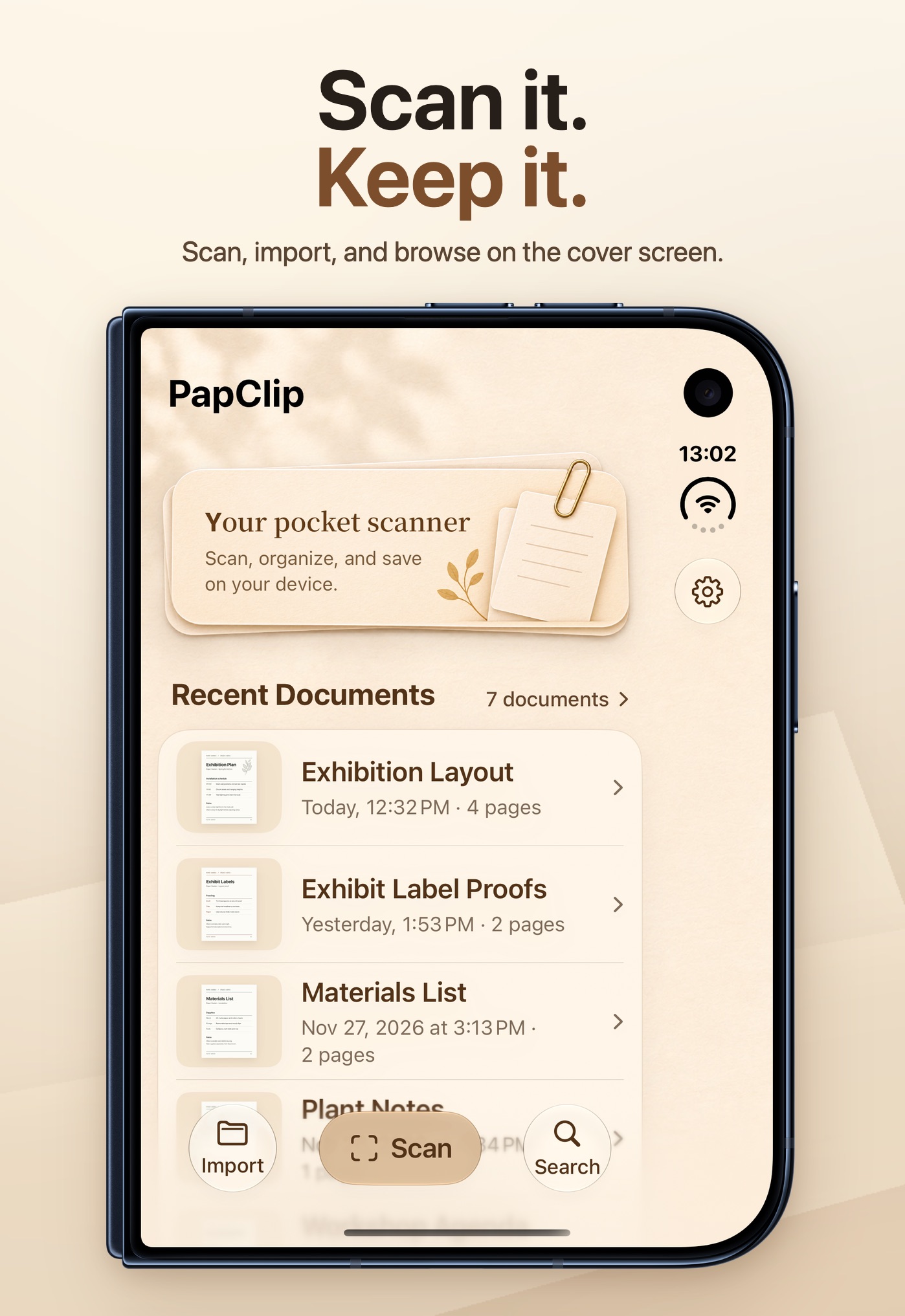
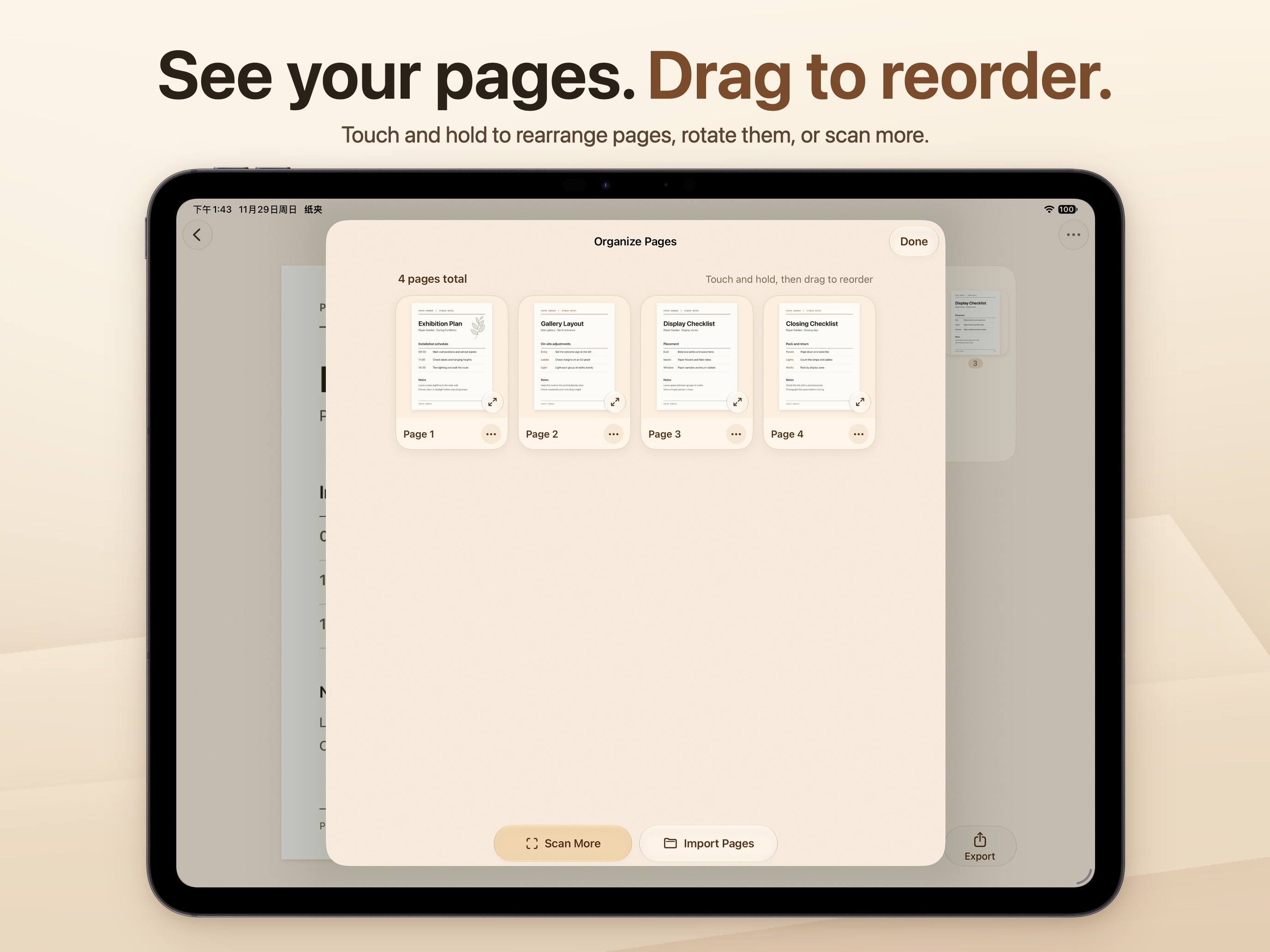
Scan several pages in one pass, or bring existing photos and PDFs into your document library.
Back to apps
- iPhone
- iPad
PapClip — PDF scanner with on-device OCR
Scan paper or import images and PDFs. Recognize text on your device and find documents by title or contents.
Coming soon
Download will show here once available.
Screenshots
IPHONE
iPhone Duo

IPAD


Features
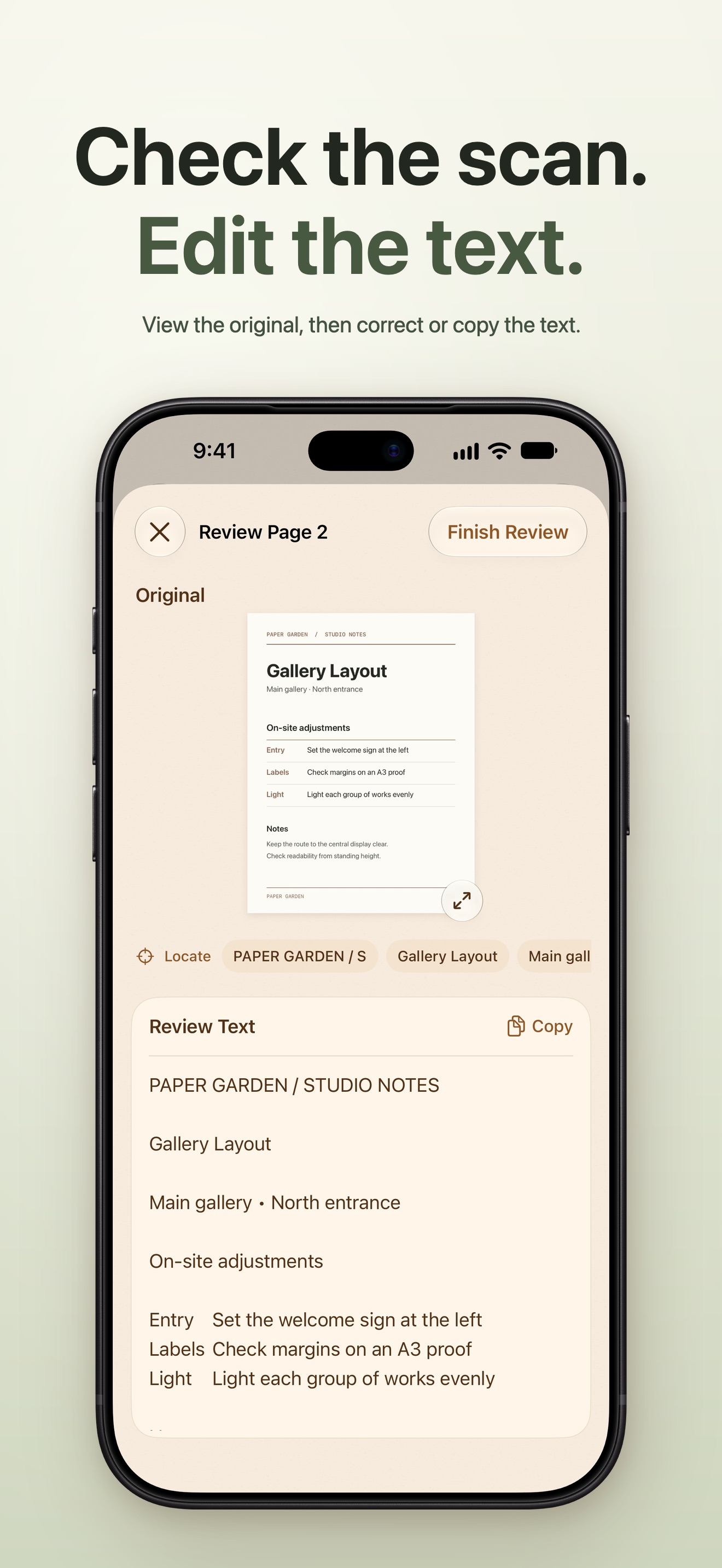
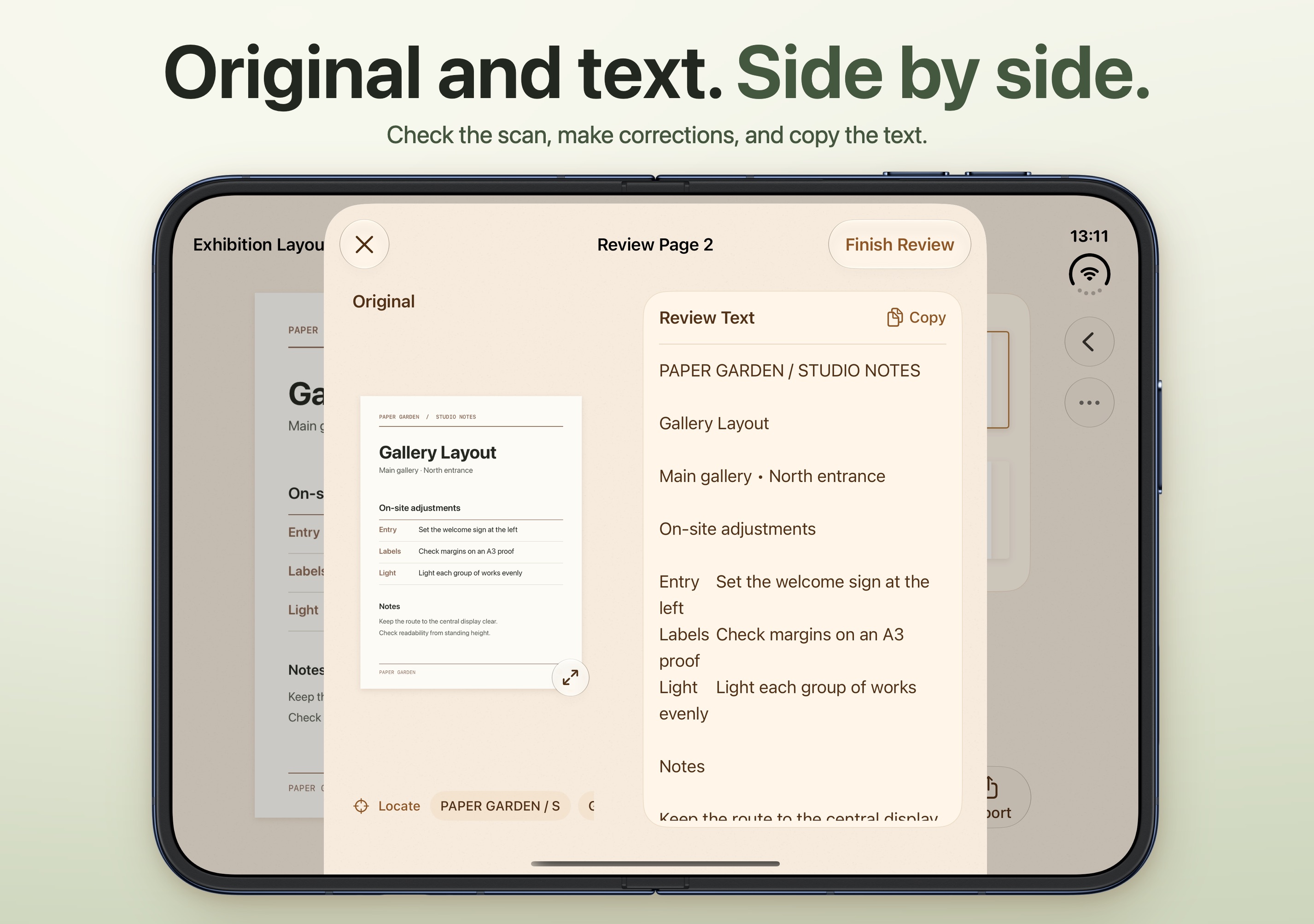
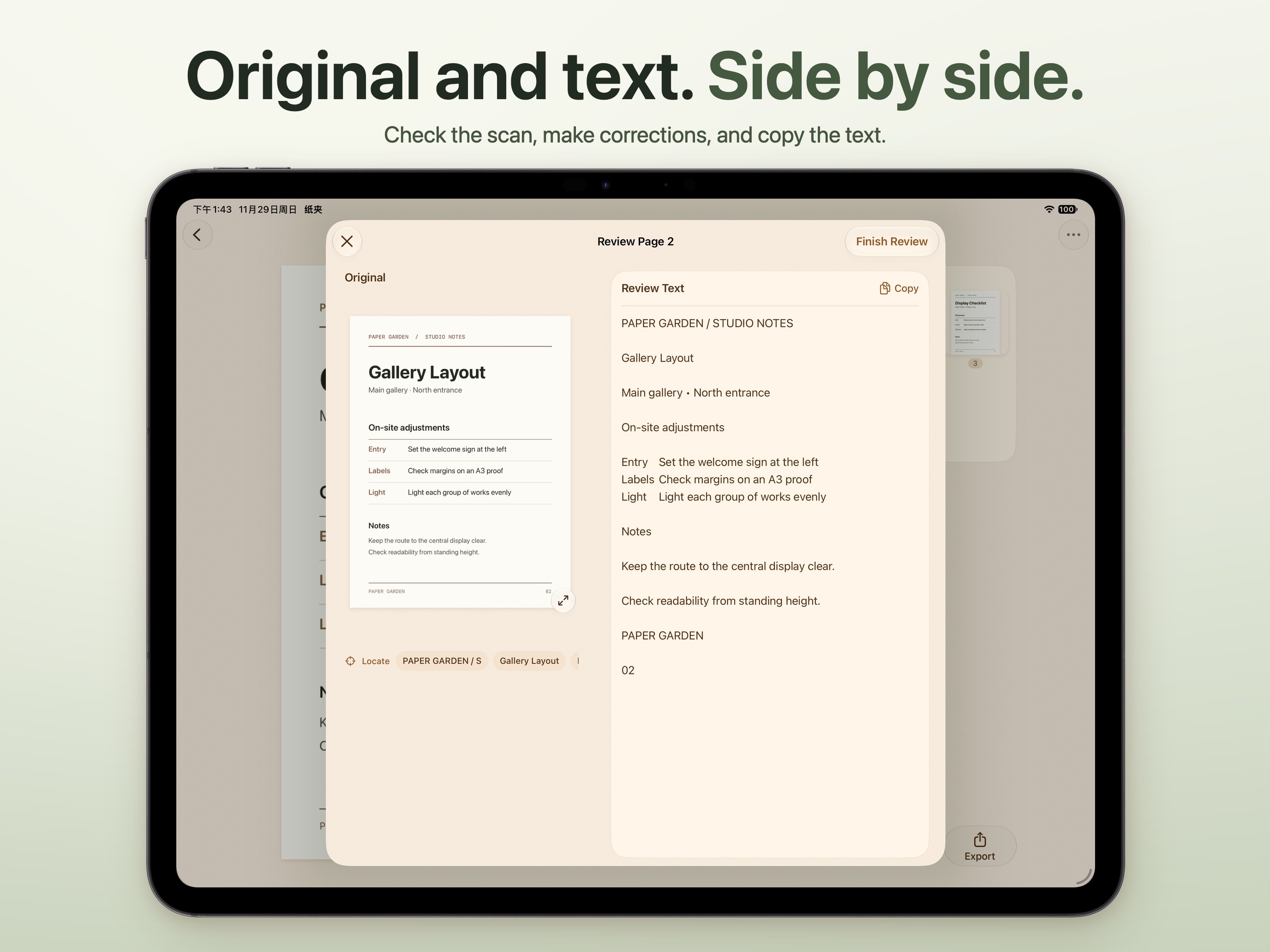
Recognize text on your device and check it against the original before making corrections.
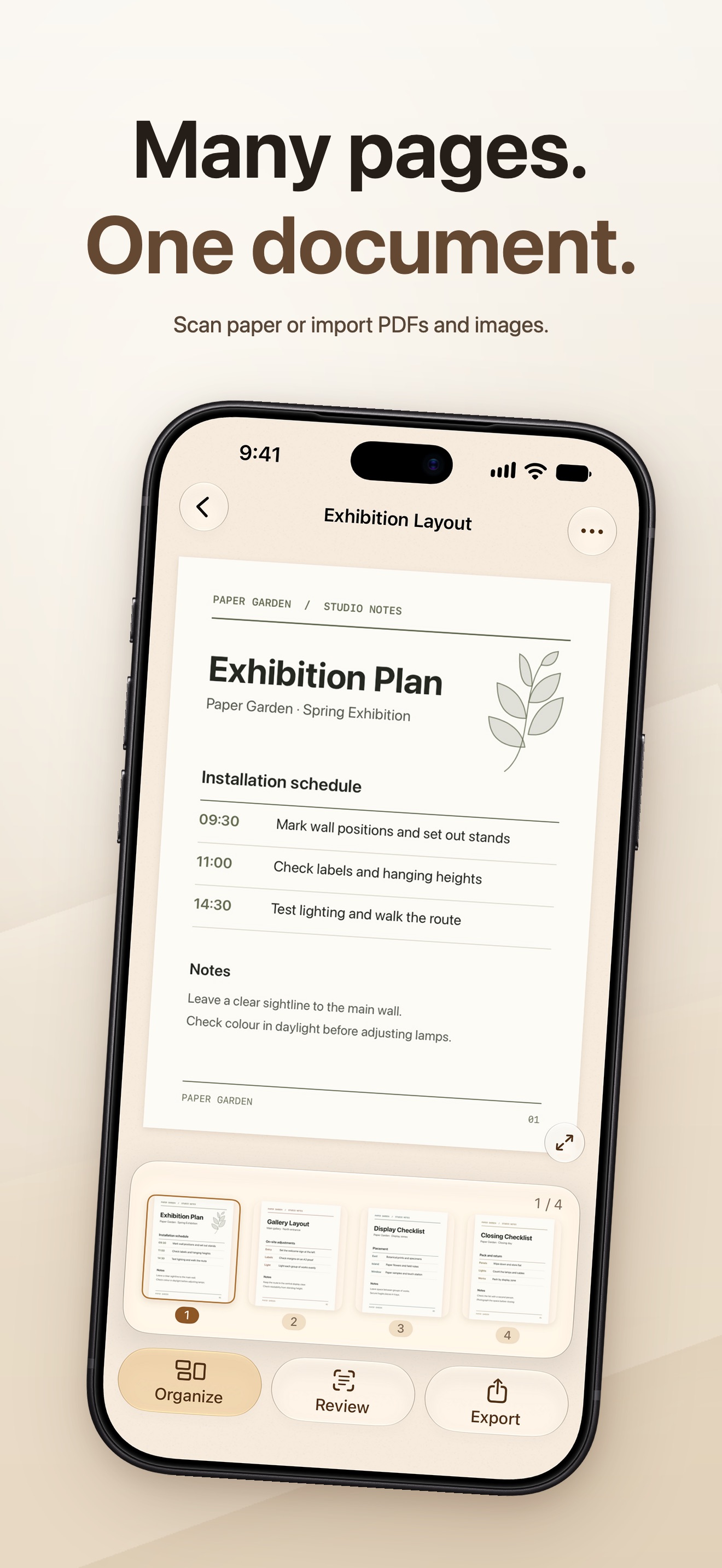
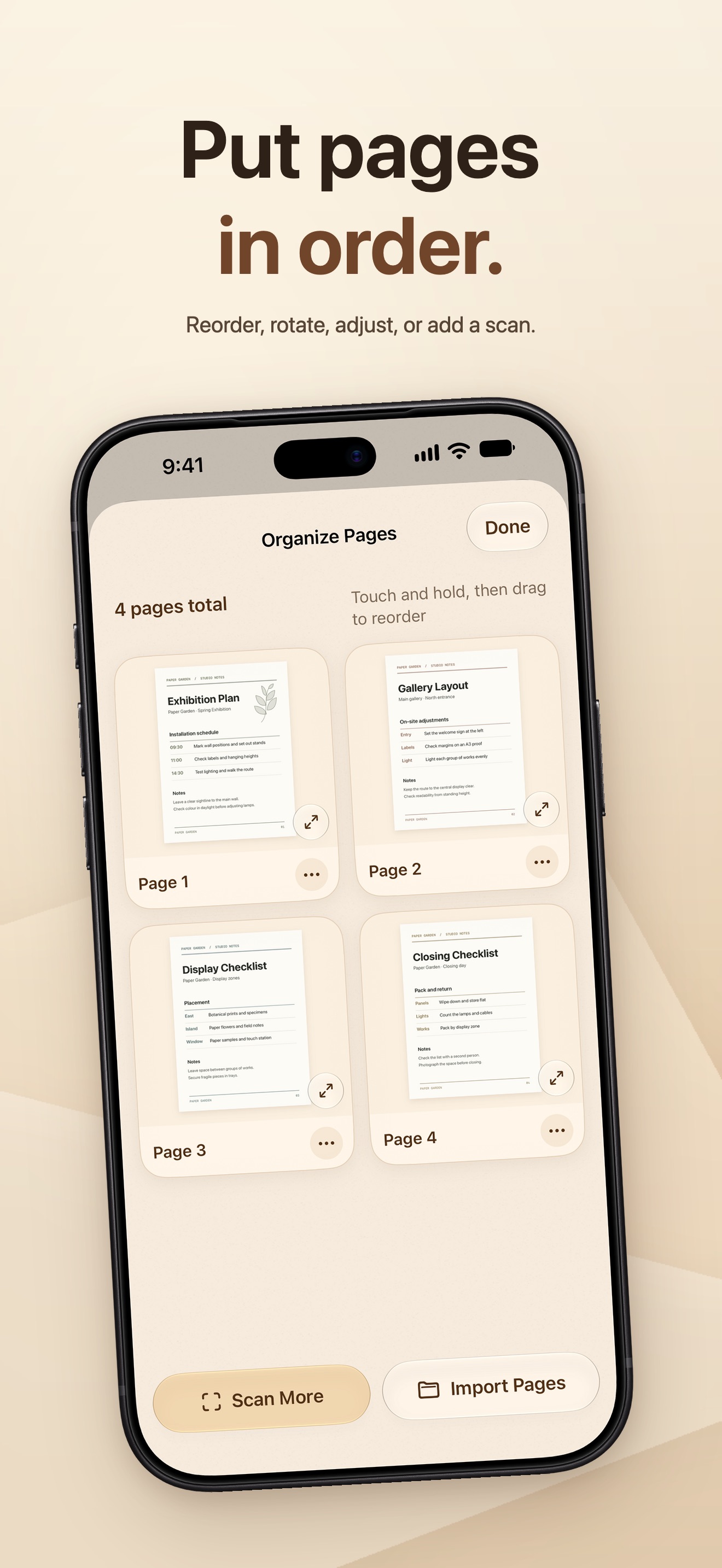
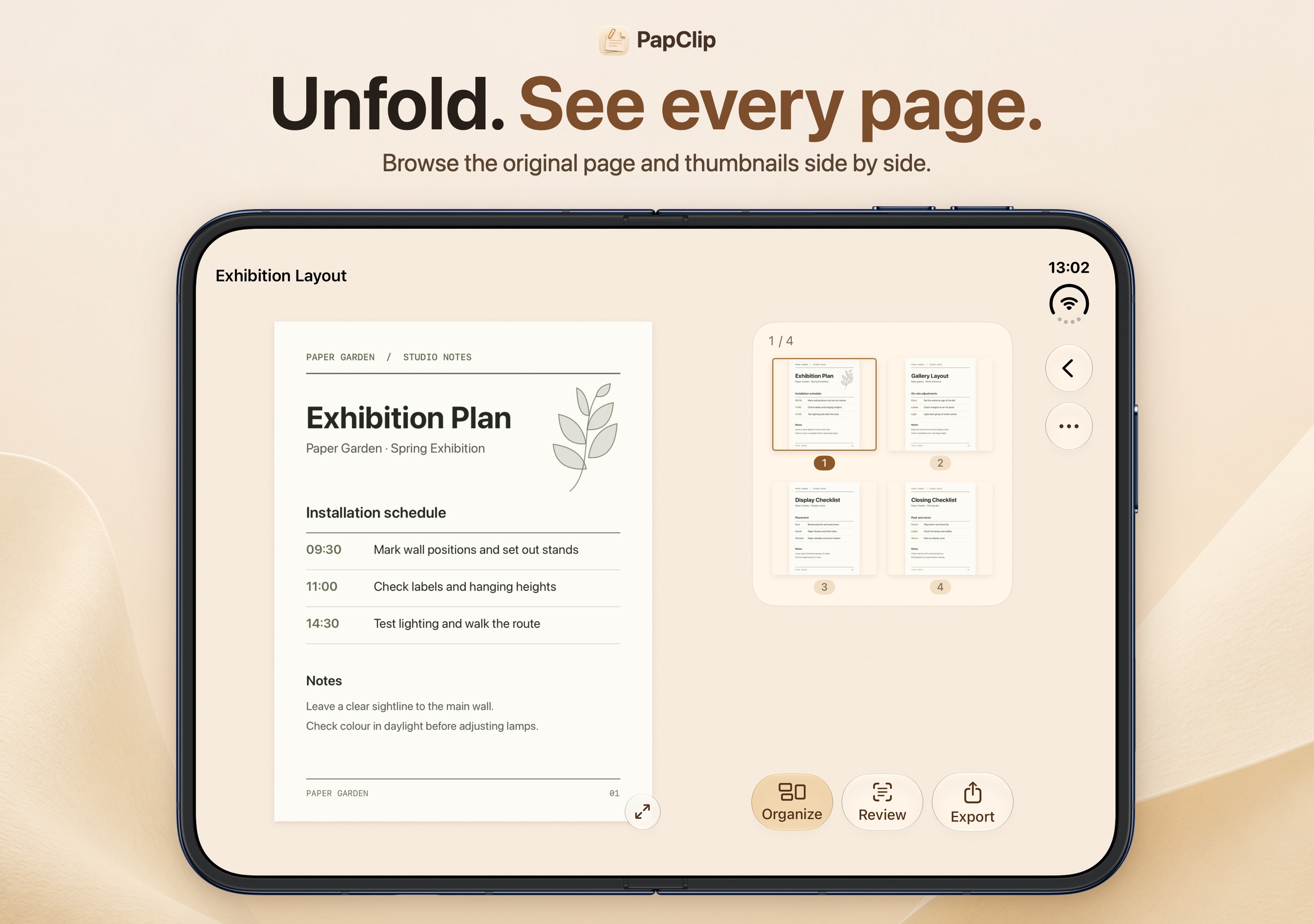
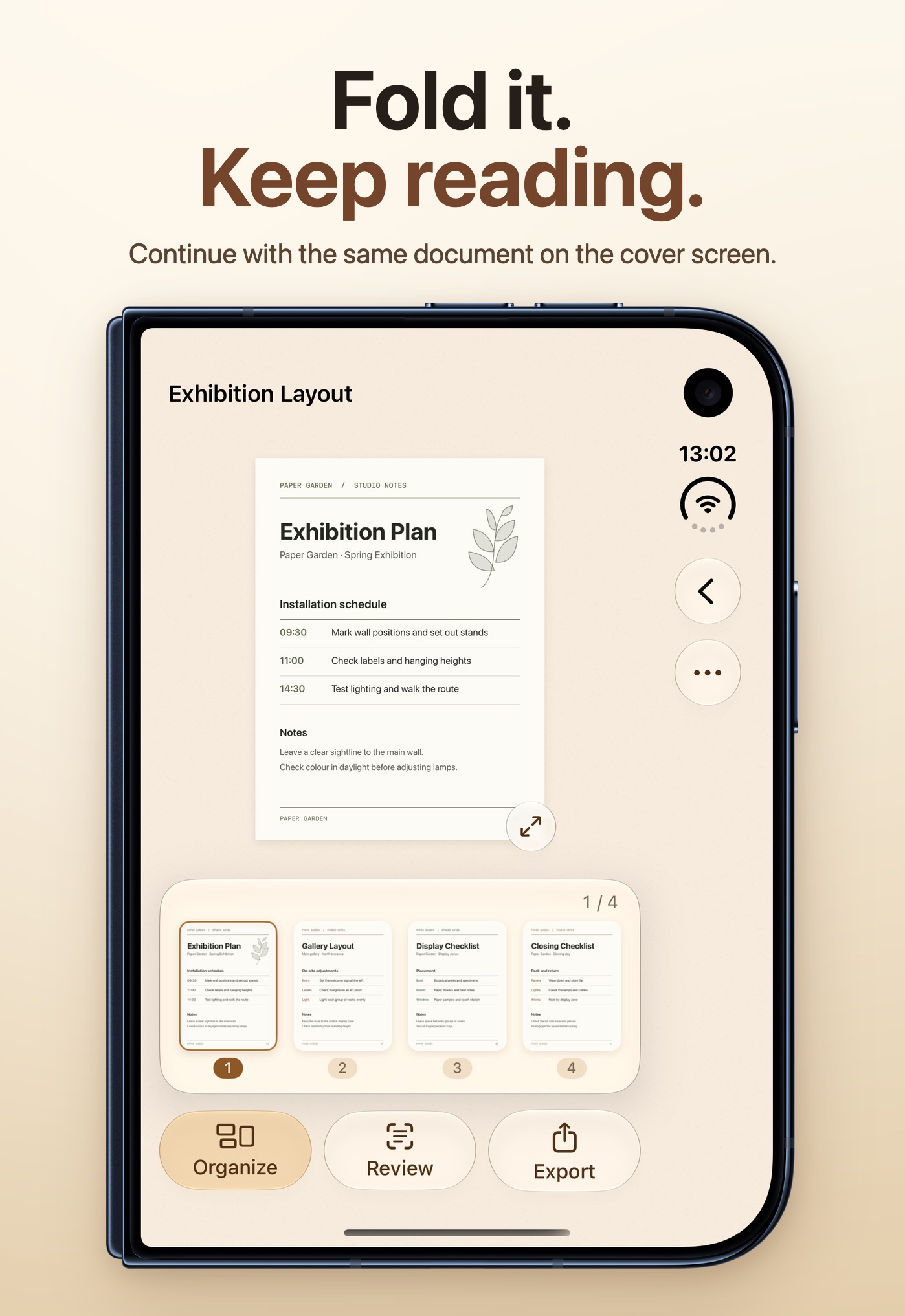
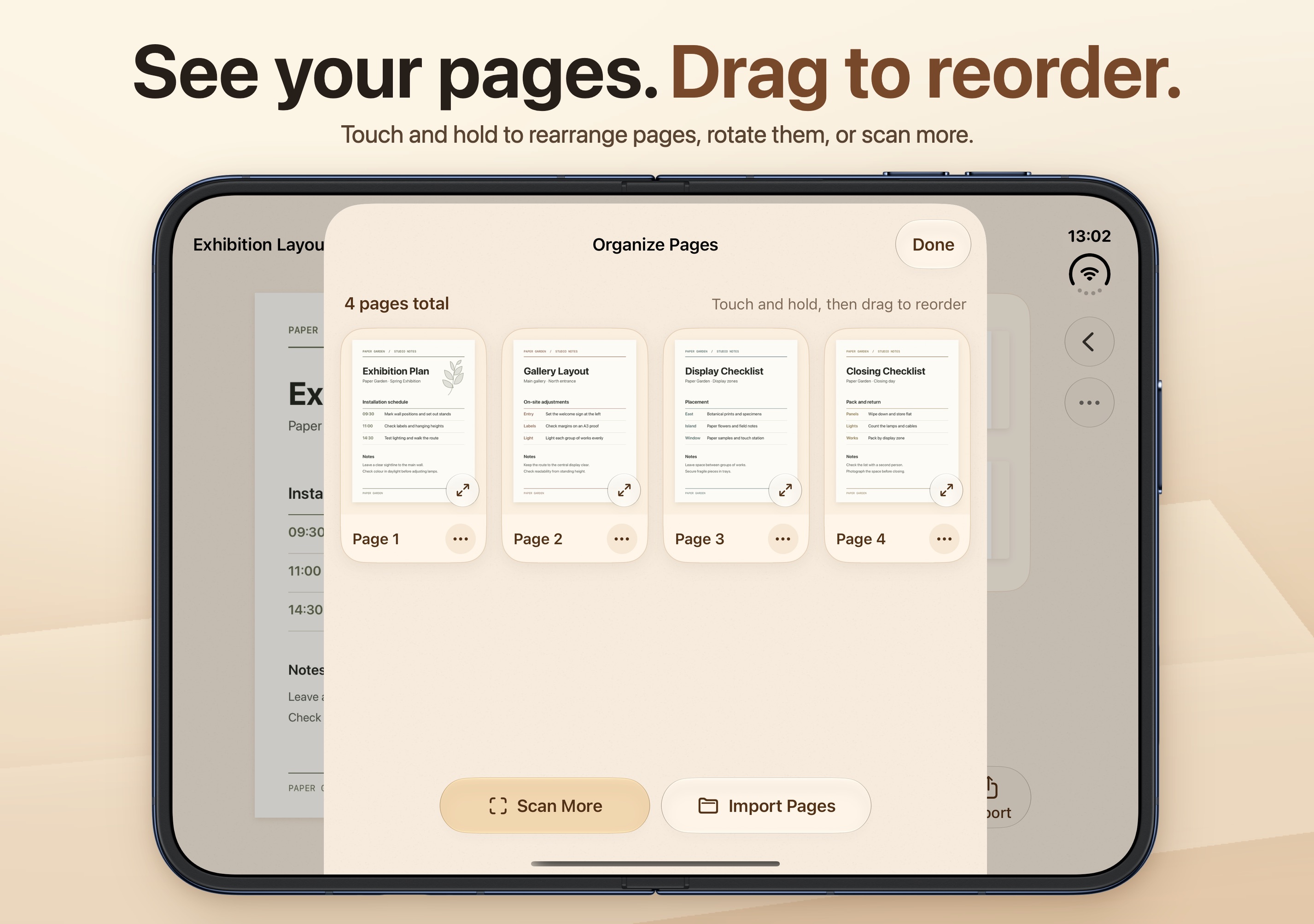
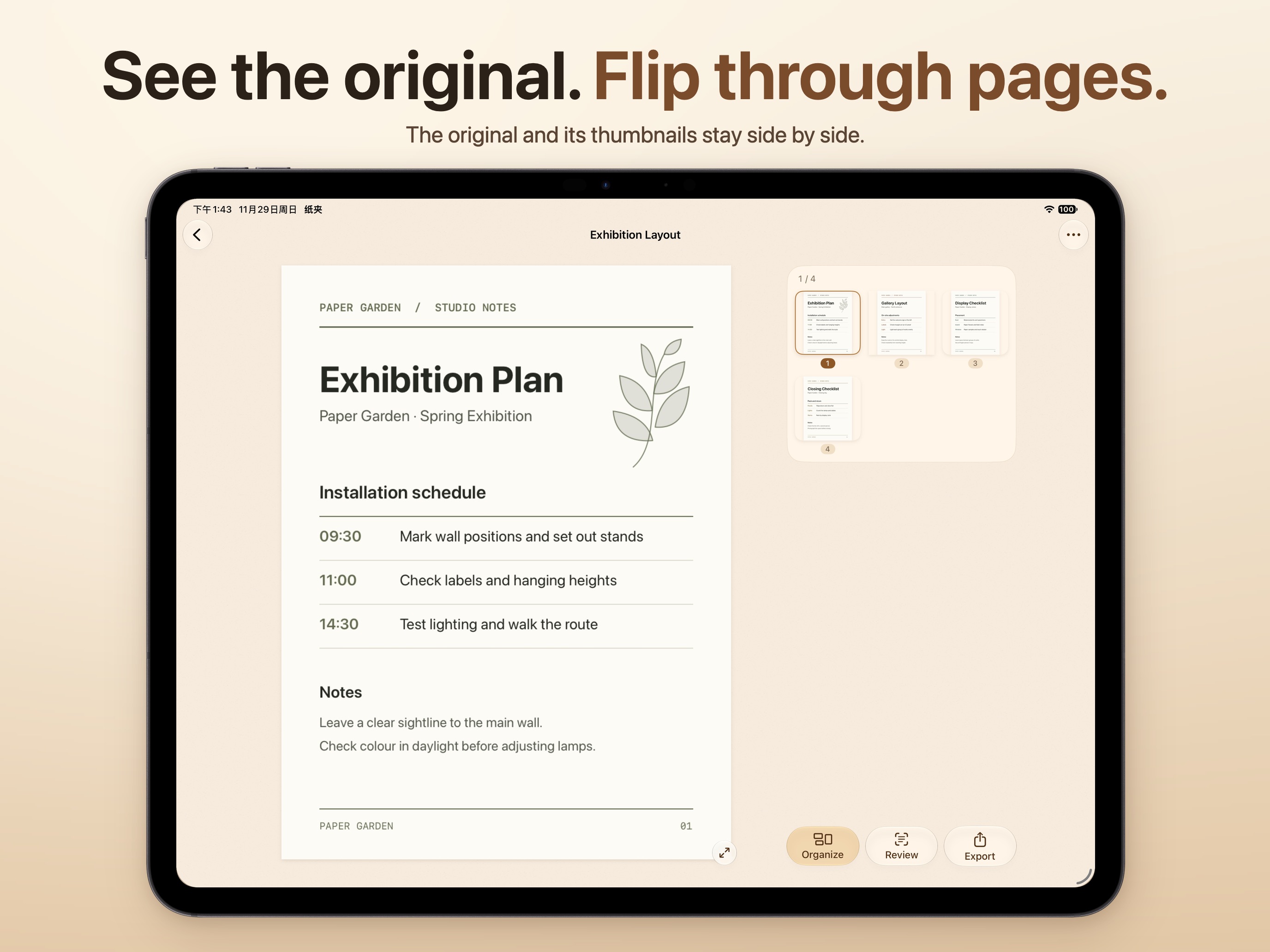
Reorder pages or remove extras to keep the document in the order you need.
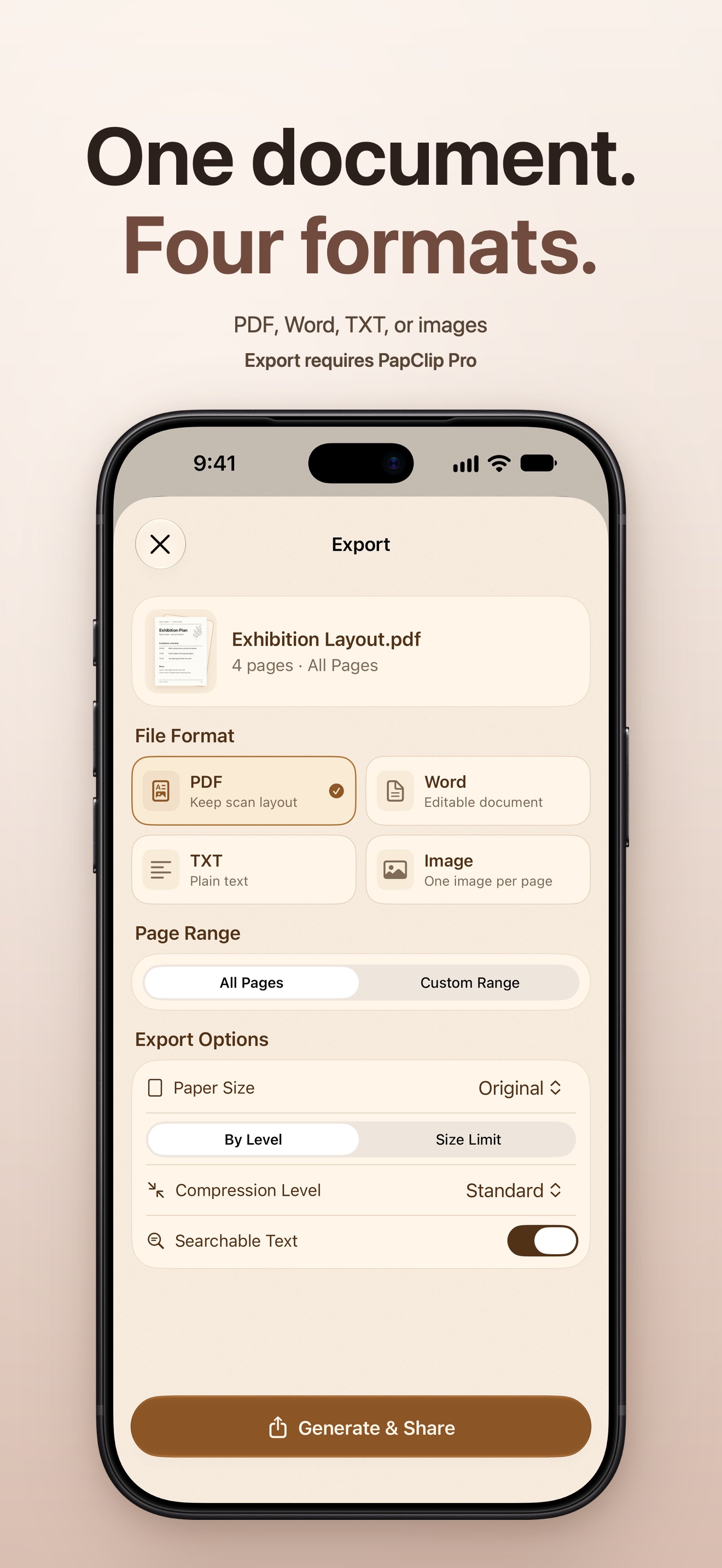
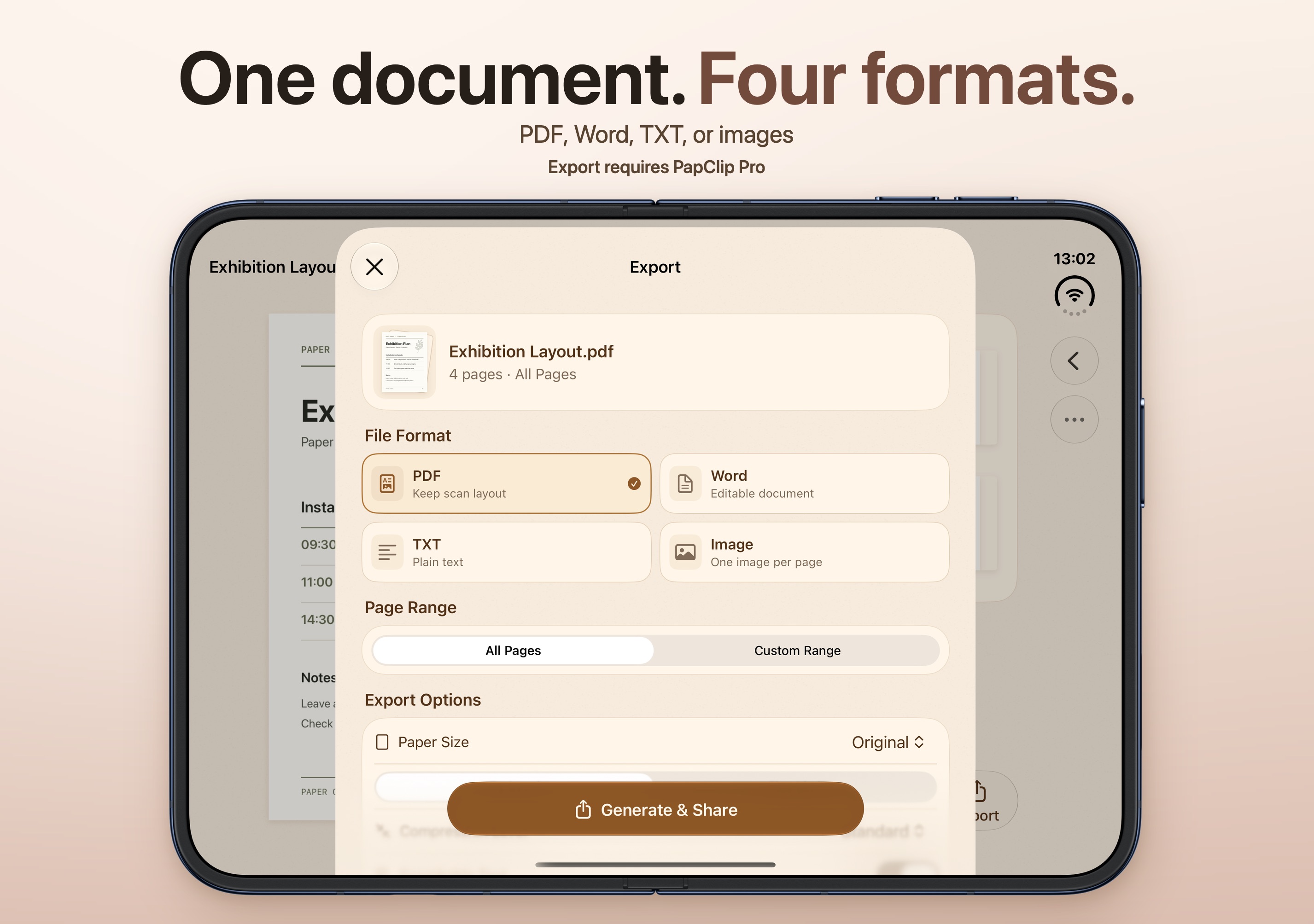
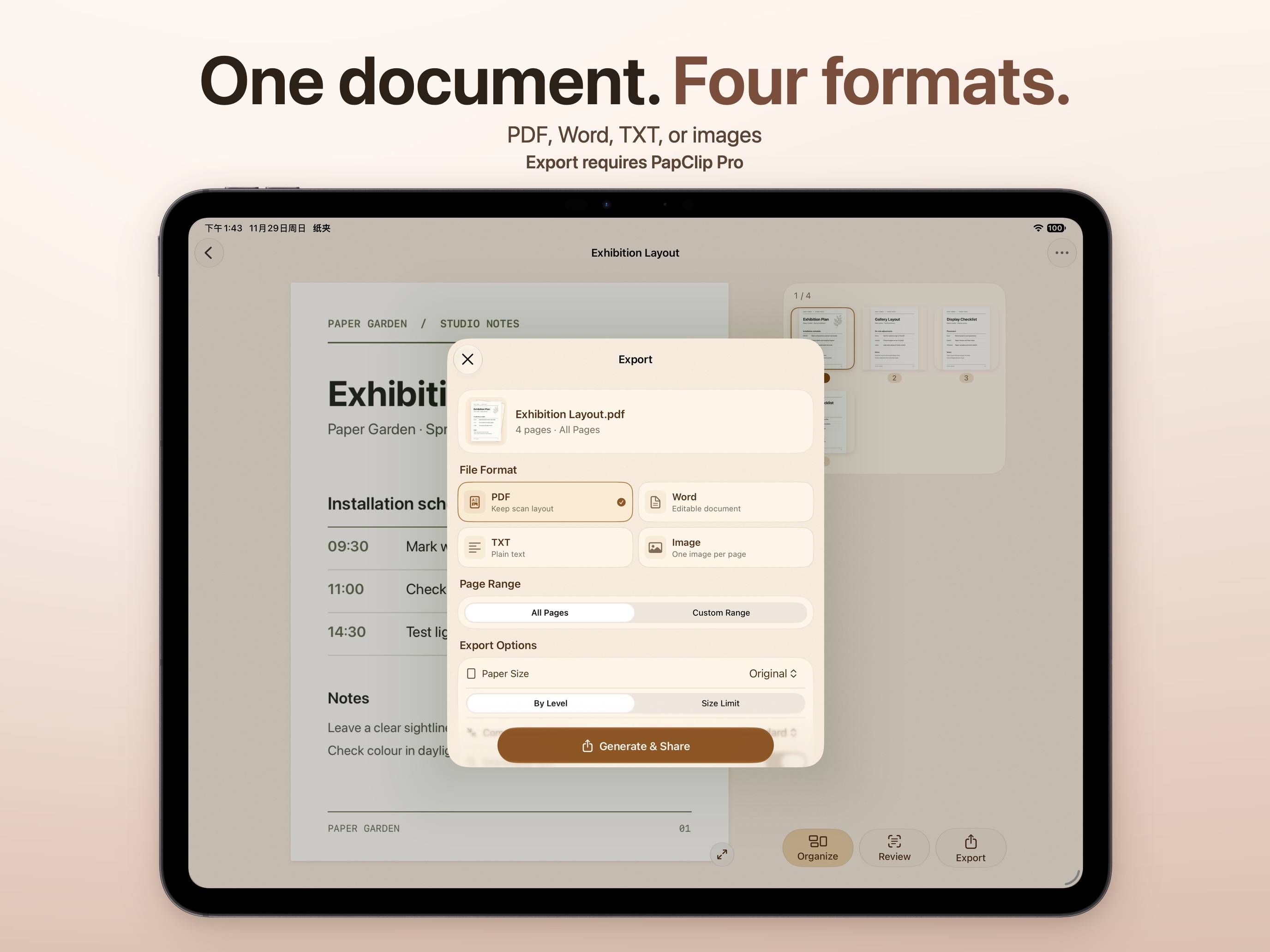
Export searchable PDFs, editable Word files (DOCX), plain text, or images with PapClip Pro.
Overview
At a glance
- Also known as
- 纸夹
- Developer
- iPocket
- Platforms
- iPhone, iPad
- Availability
- Coming soon
- Price
- Free · In-app purchases

Scan multi-page documents on iPhone and iPad
Tap Scan and capture all pages of a contract, a receipt, or a handout in the same session. Open Organize in the document to reorder pages or remove duplicates. You can also import from Photos or select images and PDFs in Files.
Recognize text offline and search inside scans
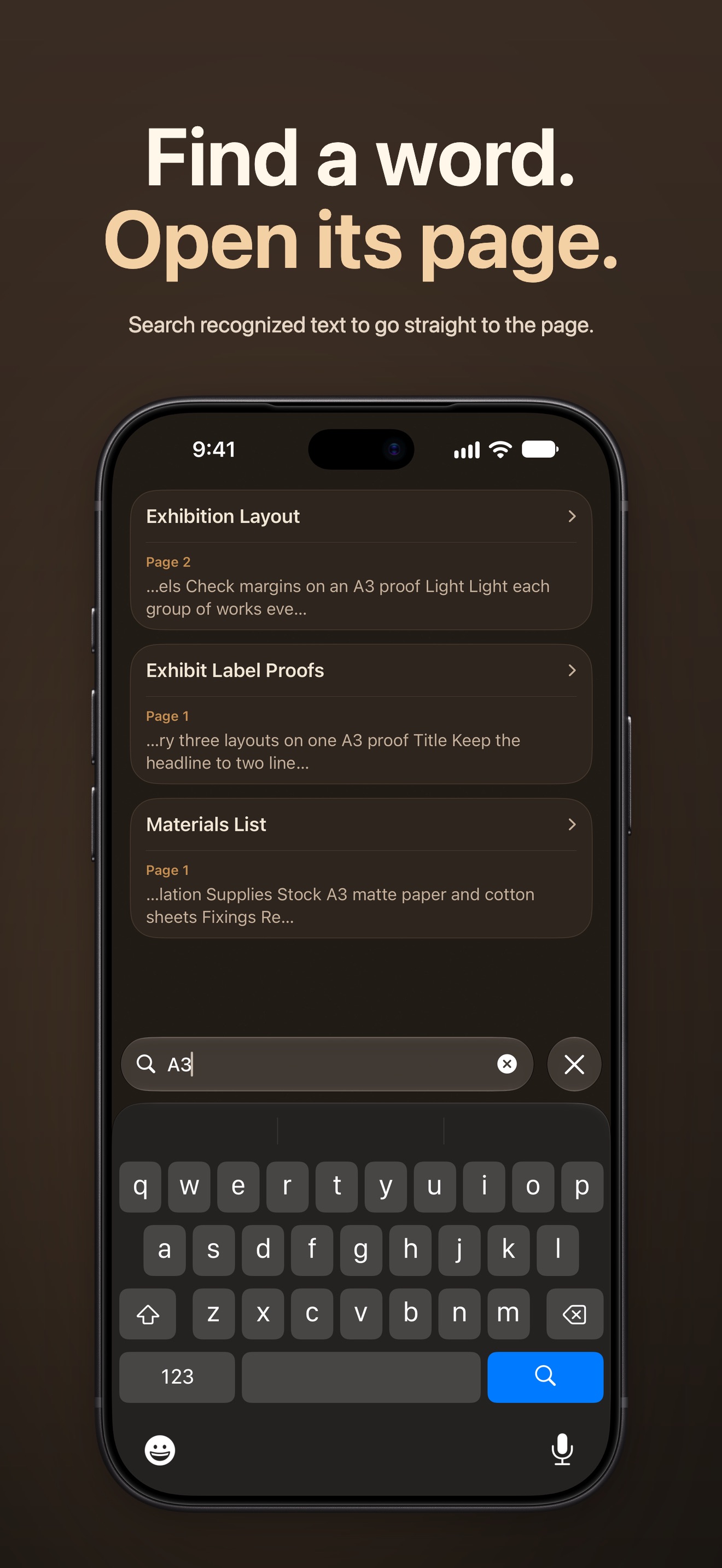
Optical character recognition (OCR) turns words in a photo or scan into text on your device. In Search, try a phrase from the original, such as “installation fee” in a quote. Matching results show the page number and a text snippet. Tap a match to open that page, then use Review to check a name or number against the scan.
Export a searchable PDF or editable Word document
With PapClip Pro, open Export, select PDF, and enable Searchable Text once the selected pages have a usable text layer. The PDF keeps the look of the scanned pages and lets you find words in a PDF reader. To edit the text in another app, export a Word (DOCX) or TXT file.
FAQ
Does text recognition require an internet connection?
Text recognition runs on your device. Your library is stored locally by default, and you can enable iCloud sync in Settings.
Which languages can PapClip recognize?
PapClip automatically detects the language. It supports up to 15 recognition languages, including English, Simplified and Traditional Chinese, Japanese, and Korean. Availability depends on your system version.
What does PapClip Pro unlock?
Scanning, importing, organizing pages, and correcting text are free. A one-time Pro purchase unlocks exporting, sharing files, and saving images to Photos.
Why is Searchable Text unavailable when I export a PDF?
Every selected page needs a usable text layer. If a page has no text layer yet, you can still export an image-only PDF. If you edited the recognized text, choose Word or TXT to export your corrections.
Which devices can run PapClip?
PapClip requires iOS 26 or later on iPhone, or iPadOS 26 or later on iPad.
MORE FROM IPOCKET
Related apps
-
 ClawRSS: OpenClaw RSS Feed ReaderiPhoneiPad
ClawRSS is a modern RSS feed reader for iPhone and iPad with a smarter Today feed, AI summaries, built-in translation, bookmarks, Apple Push alerts, and optional OpenClaw workflows.
View app -
 EarJotiPhoneiPad
Record a meeting, interview, or class, or import audio you already have. Transcribe it on your iPhone or iPad, follow speaker labels, and tap a passage to hear the recording.
View app -
 WayMemoiPhoneiPad
WayMemo is a travel journal for the places you visit, the photos you take, and the routes between them. Save each stop on the map, then replay the journey and revisit the moments you kept there.
View app